In today’s content-saturated world, merely producing more isn’t enough. Smart creators and marketers emphasise curation (selecting high-value material) and repurposing (turning one piece of content into many outputs) to stretch impact, sharpen relevance, and optimise budget. AI dramatically accelerates and refines these workflows.
Below are five standout tools that combine content-curation or repurposing capabilities with AI innovation. I’ve chosen tools that cross the divide between discovery, distribution, transformation, and reuse. Each is analysed as if you were selecting one for a mission-critical enterprise stack.
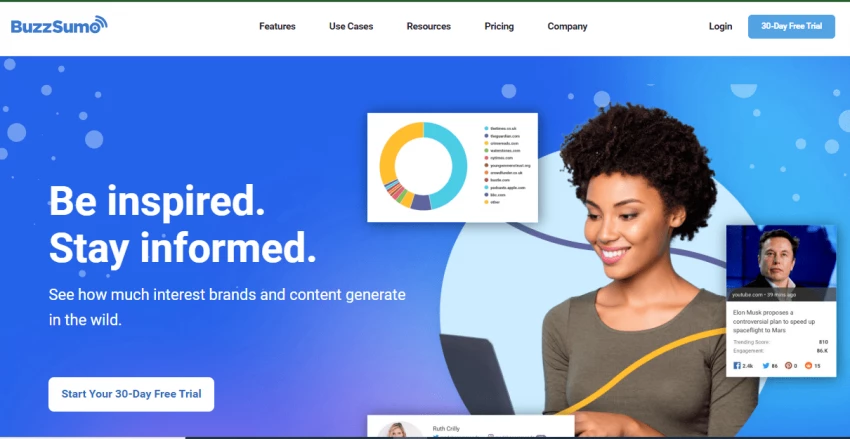
BuzzSumo is a cloud-based platform for content discovery, analytics and influencer research. It crawls and indexes billions of articles and social posts to help content teams identify trending topics, high-performing formats and content gaps.
According to Trustpilot, A user said “Scam. Please stay away from them.”
& One user said “Really good tool, just a bit expensive but super useful to use.” So we can conclude that it has both negative and positive reviews”
Capterra on Buzzsumo lists value-for-money rating at 4.1/5 from 146 reviews.
Ideal for mid-to-large marketing teams, agencies or content-led brands who need robust data on trending topics, formats, and influencers. If you are primarily discovering what to curate or repurpose (rather than just automating repurposing), this is strong.

Narrato is an AI-powered content workspace that handles ideation, creation, optimisation, repurposing, and collaboration all in one platform.
On G2: Users report it “provides a lot of useful tools for content creation,” but say “interface takes time to learn.”
Recommended for content teams or agencies doing both creation and repurposing, especially where the workflow includes multiple channels and team collaboration. If your priority is “turn one blog into many formats,” Narrato is a strong fit.
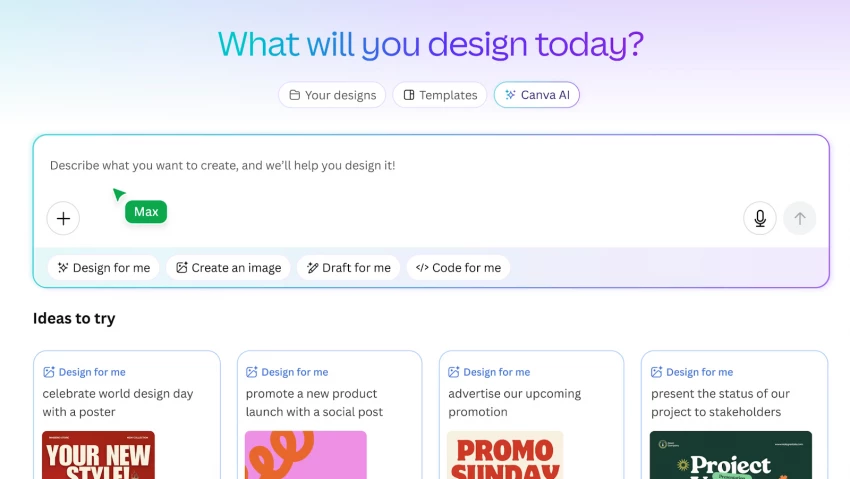
Canva is a well-known graphic and content design platform. In recent years it has added AI-powered features (like Magic Write, Magic Design) and strong repurposing capabilities—chiefly visual-content transformation across formats.
G2: Users rated it 5/5 in one review: “super helpful … easy to use” but note advanced features locked behind paywall.
Best for creators or small teams who already have content but need to repurpose it visually, such as social posts, thumbnails, and presentations. If your core work is “take blog/video → social assets, Canva is a strong, cost-effective option.
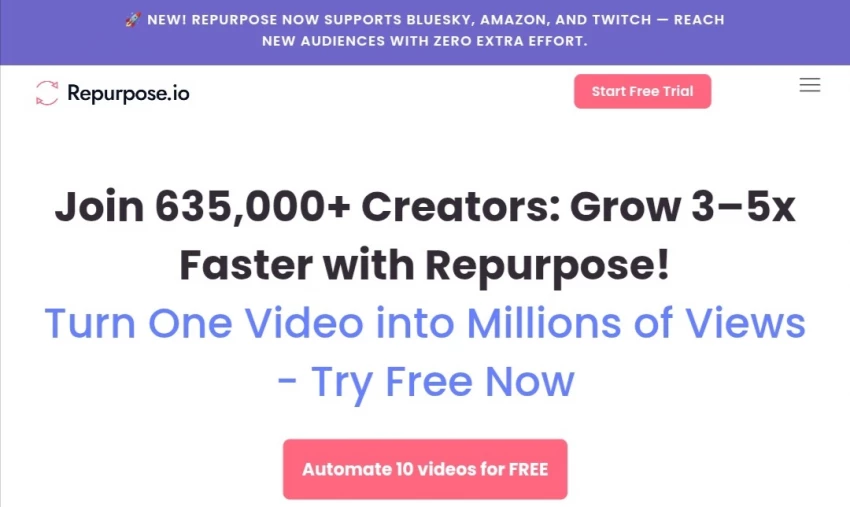
Repurpose.io is a tool that automates the repurposing and distribution of content, especially long-form audio/video into short-form clips, social posts, and multi-platform formats.
Trustpilot rating: 3.4/5. Users highlight positive repurposing benefits but express concerns about cancellation policies.
Ideal for video/podcast creators, social-first content teams, and agencies needing high-velocity repurposing. If your main challenge is “we have one long video → we need 10 short posts and an infographic,” Repurpose.io fits neatly.
Feedly is a content-aggregation and feed-curation tool, enhanced in recent years with AI (Feedly Leo) to prioritise and filter relevant content from multiple sources. Though not always labelled purely as a “repurposing” tool, it is highly relevant to the “curation” half of the workflow and supports repurposing by surfacing shareable content. According to one list of tools, Feedly has “AI-powered content prioritisation” starting at US$12/month.
According to the summarised list, starting at US $12/month for AI-powered content discovery.
While I did not locate a major aggregated rating in my search for detailed reviews, Feedly appears consistently in “best AI content-curation tools” lists.
Best for content teams, editors, or social-media managers who need to curate high-quality third-party or relevant content and feed it into newsletters, social calendars, or repurposing workflows. If your focus is “surface content we can repost or reframe” rather than create from scratch, Feedly is cost-efficient.
| Tool | Primary Strength | Key Use Case | Starting Price |
|---|---|---|---|
| BuzzSumo | Data-led discovery & insights | Finding high-impact topics & formats | US $199/month (1 user) |
| Narrato | Full content workflow & repurposing | Create + repurpose + publish content at scale | US $36–48/month approx |
| Canva | Visual repurposing across formats | Turn content into graphics/social assets | Free to US $14.99/month |
| Repurpose.io | Automating video/audio → social assets | High volume long-form content repurposing | US $35/month (5 channels) |
| Feedly | Curating third-party content | Gathering shareable content for reuse | US $12/month approx |
If you’re starting with topic research and want to know what to create, choose BuzzSumo.
If your challenge is turning one content piece into many outputs across formats, choose Narrato or Repurpose.io depending on your media type.
Each of these five tools brings something unique to the content-curation and repurposing ecosystem.
Next steps: Choose two of these tools (one for discovery/curation, one for repurposing), run a 30-60 day pilot, measure your repurpose-rate (pieces per original), and engagement lift. Then scale accordingly
Be the first to post comment!

Unlucid AI is one of those tools that looks simple on the surface but becomes mo...
Sakshi Dhingra13 hours ago

I’ve tried almost every AI design tool out there.Not casually, I used them for c...
Sakshi Dhingra1 week ago
I didn’t start using AI tools because they were trending.I started because editi...
Sakshi Dhingra1 week ago
At one point, Canva stopped being enough for me. Not because it’s bad, but becau...
Sakshi Dhingra1 week ago

Why People Start Looking Beyond Janitor AIJanitor AI built its popularity on fre...
Sakshi Dhingra1 week ago

The Moment That Made Me Try Both ToolsThere’s a point where creating videos stop...
Sakshi Dhingra1 week ago