I’ve tried almost every AI design tool out there.
Not casually, I used them for client work, ad creatives, brand kits, and daily content.
And here’s what I realized very quickly:
Some tools give you speed but no control.
Some give control, but kill your workflow.
And only a few actually help you design better.
So instead of listing “top tools,” I’ll show you what I personally use, and where each one breaks.
| Tool | What I Use It For | Where It Wins |
| Canva AI | Daily content | Speed + simplicity |
| Adobe Firefly | Client work | Precision + control |
| Midjourney | Ideas & visuals | Creative quality |
| DALL·E | Structured outputs | Clean generations |
| Looka | Quick branding | Fast brand kits |
| Kittl | Typography | Advanced text control |
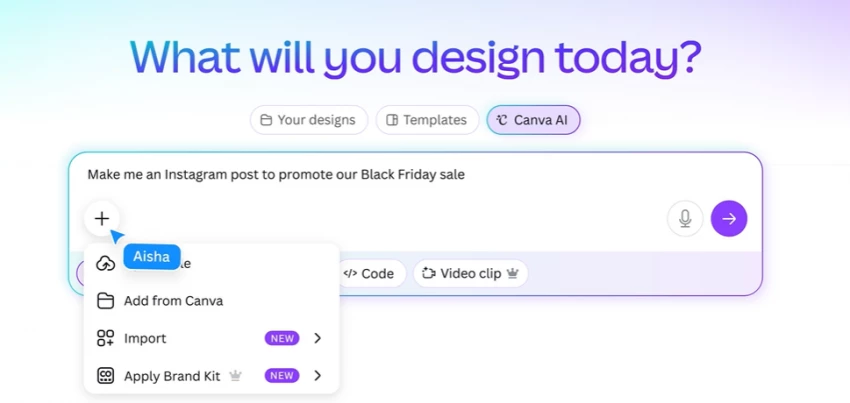
If I have to make something fast, this is where I go.
Reels, posts, ads, Canva just gets it done.
But here’s what I noticed when I pushed it harder:
What I use it for: speed
What I don’t trust it for: serious design work
Best for: content creators, marketers
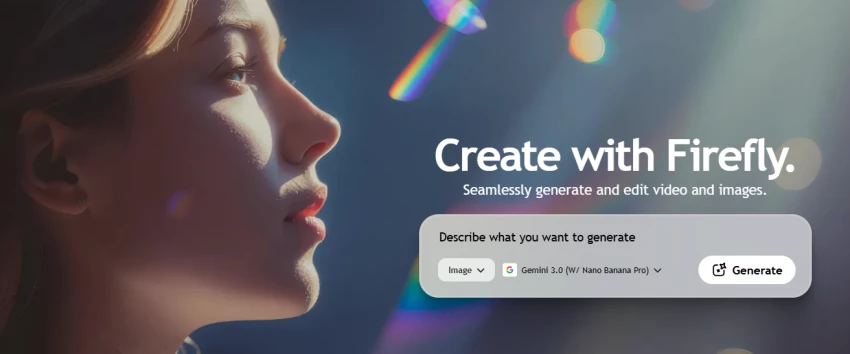
This is where things get interesting.
Firefly doesn’t feel like a “tool”, it feels like an extension of Photoshop.
What stood out to me:
But it’s not perfect:
Same prompt → different outputs
Text inside visuals still unreliable
Requires learning curve
This is the only AI tool I trust for client-level work
Best for: designers, agencies
First time I used Midjourney, I was blown away.
Then I tried to use it in a real project.
That’s where it broke.
I now use it only for:
Best for: ideation, not execution
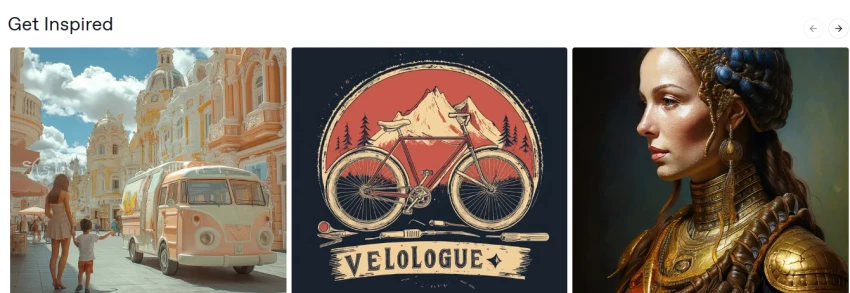
DALL·E feels more “controlled” than Midjourney.
Outputs are:
But:
Good tool, but not exciting
Best for: product visuals, concepts
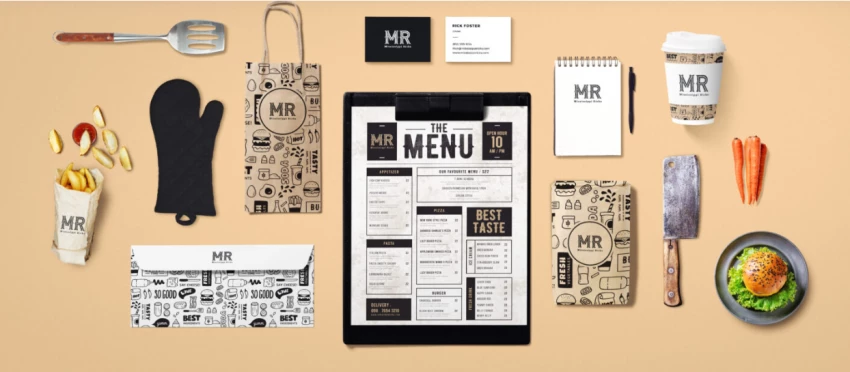
If someone asks me:
“Can I create a brand quickly?”
I recommend Looka.
But if they ask:
“Can I scale that brand?”
Then no.
Here’s why:
It solves the starting problem, not the growth problem
Best for: beginners
Kittl surprised me the most.
Typography control is insanely good.
But:
I use it only when I need premium text design
Best for: designers who care about typography
I made this mistake too.
I kept searching for: “The best AI design tool”
But that doesn’t exist.
What actually works:
| Step | Tool I Use |
| Idea | Midjourney |
| Refinement | Firefly |
| Final layout | Canva |
That’s the real system.
AI tools don’t replace design skills.
They amplify them.
If you don’t know what you’re doing →
AI makes it obvious.
If you do →
AI makes you faster than everyone else.
| Tool | Core Strength |
| Canva | Speed |
| Firefly | Control |
| Midjourney | Creativity |
| DALL·E | Structure |
| Looka | Quick Branding |
| Kittl | Typography |
Be the first to post comment!
I didn’t start using AI tools because they were trending.I started because editi...
Sakshi Dhingra3 hours ago
At one point, Canva stopped being enough for me. Not because it’s bad, but becau...
Sakshi Dhingra1 day ago
Why People Start Looking Beyond Janitor AIJanitor AI built its popularity on fre...
Sakshi Dhingra2 days ago
The Moment That Made Me Try Both ToolsThere’s a point where creating videos stop...
Sakshi Dhingra2 days ago
I had one of those moments where everything sounds simple until you actually sit...
Sakshi Dhingra2 days ago
There was a time when editing a video meant sitting in front of a timeline for h...
Sakshi Dhingra4 days ago