
When I test AI voice generators seriously, I don’t judge them by demo clips. I test pronunciation under pressure. I paste scripts with acronyms, brand names, emotional tone shifts, numbers, long-form narration segments, and dialogue-style delivery. That’s where weaknesses appear. Below is my detailed breakdown of each major tool after reviewing product documentation, third-party testing comparisons, and real user feedback.
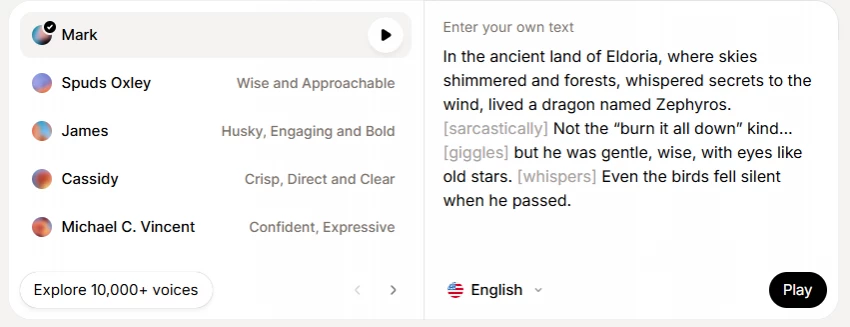
When I visit https://elevenlabs.io/, the positioning is immediately centered on lifelike AI speech. ElevenLabs isn’t trying to be a casual add-on tool. It is positioning itself as a speech synthesis platform. The difference becomes obvious when testing delivery across paragraph-length scripts.
What stands out in practice is how ElevenLabs handles micro-inflection. In long narration passages, it modulates pitch slightly at clause boundaries instead of flattening the sentence. Many TTS systems sound robotic not because pronunciation is wrong, but because cadence is predictable. ElevenLabs reduces that predictability.
In creator testing and audiobook discussions like this Reddit comparison/, users consistently mention that ElevenLabs sounds the closest to natural human delivery when comparing three different tools side by side.
Another important strength is multilingual capacity. ElevenLabs supports multiple languages and offers voice cloning features, which expands it beyond simple narration into brand-voice territory. For agencies or YouTube channels that want consistent identity voice, this matters significantly.
Pricing is structured around character limits and tiers, which are transparently displayed at https://elevenlabs.io/pricing. For heavy users, the scaling model matters. If I’m generating long-form narration weekly, subscription economics become part of the decision.
Where ElevenLabs can still feel imperfect is emotional storytelling across extended content like 8–10 hour audiobooks. The realism is high, but extremely nuanced emotional transitions still expose slight tonal uniformity.
If realism is my priority above all else, ElevenLabs is typically my starting benchmark.
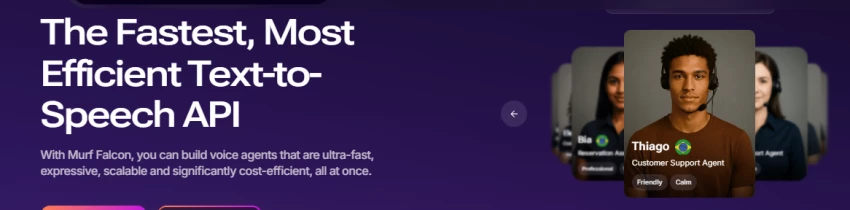
When I work inside https://murf.ai/, the experience feels more like an editing suite than a pure text-to-speech converter. Murf markets itself as context-aware and flexible, and that matches real-world usage.
Murf allows more deliberate control over pacing, pauses, and emphasis compared to many one-click voice generators. If I’m producing training modules, explainer videos, or corporate presentations, clarity matters more than cinematic realism. Murf handles structured instructional delivery very well.
Zapier’s comparison highlights Murf as a strong all-rounder for content creators and teams because of workflow flexibility. That aligns with my experience — Murf is less about “wow” realism and more about production consistency.
The API integration also matters for businesses embedding voice inside apps or automated systems. Murf emphasizes scalability, which makes it suitable for SaaS voice features.
Its pricing tiers are visible at https://murf.ai/pricing, and unlike some tools, business plans are clearly structured.
If I’m building voice content for structured professional environments rather than storytelling, Murf often feels more predictable and stable.
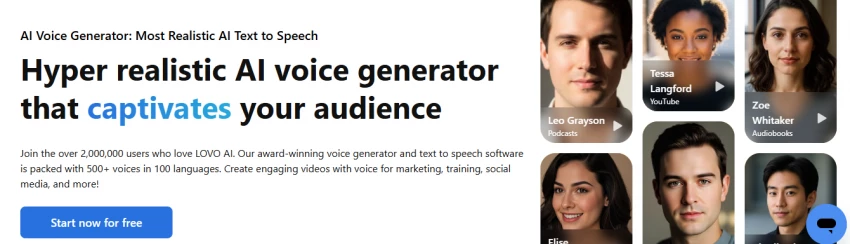
On https://lovo.ai/, LOVO emphasizes voice variety. It markets hundreds of voices across multiple languages. For marketers and agencies producing ad variations, product demos, or localized campaigns, this scale is valuable.
The strength of LOVO lies in catalog diversity. Instead of focusing on one ultra-realistic voice model, it provides many stylistic options. If I’m running A/B ad campaigns and need tone variations quickly, this flexibility becomes powerful.
LOVO positions itself as a full “AI voice studio” rather than just a TTS tool. That bundling approach appeals to creators who want script assistance, editing, and export features inside one interface.
Where LOVO may not match ElevenLabs is in the absolute ceiling of realism. But for commercial marketing use, variety often outweighs micro-nuance.
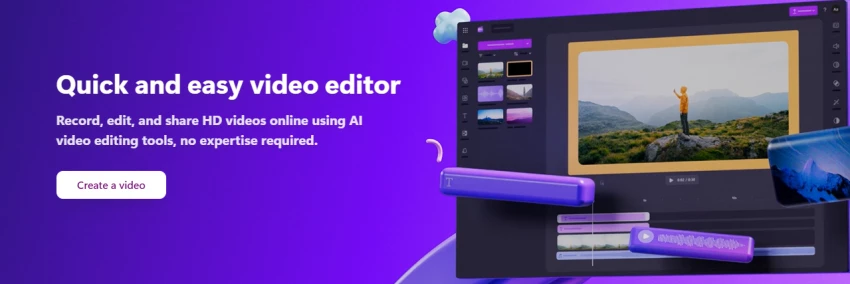
When I generate voiceovers inside https://clipchamp.com/en/features/ai-voice-over-generator/, the key advantage is not realism. It is convenience.
Clipchamp integrates voice generation directly into the video editing timeline. That removes friction. Instead of exporting audio from one tool and importing into another, I generate and sync immediately.
If I’m producing high-volume social media content, speed outweighs perfection. Clipchamp’s voices are clean, understandable, and adjustable in pace and tone. However, they are not built for high-end audiobook realism.
For workflow-driven creators, Clipchamp wins on efficiency.
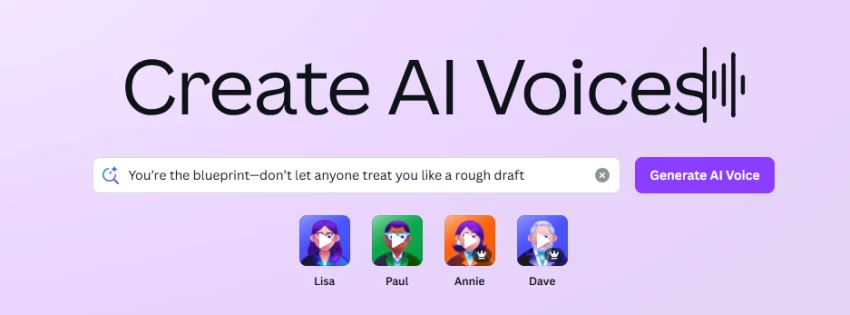
Inside https://www.canva.com/features/ai-voice-generator/, AI voice generation exists as a design feature rather than a core product.
Canva’s strength is ecosystem integration. If I’m building slides, Instagram reels, marketing videos, or presentations, adding narration inside Canva removes the need for separate tools.
Canva’s text-to-speech functionality integrates directly into design projects, which is documented across their feature pages. This approach is ideal for non-audio professionals who want quick narration without technical learning curves.
However, Canva is not competing on the highest realism tier. It competes on accessibility and creative integration.
If my workflow is design-first, Canva becomes highly practical.
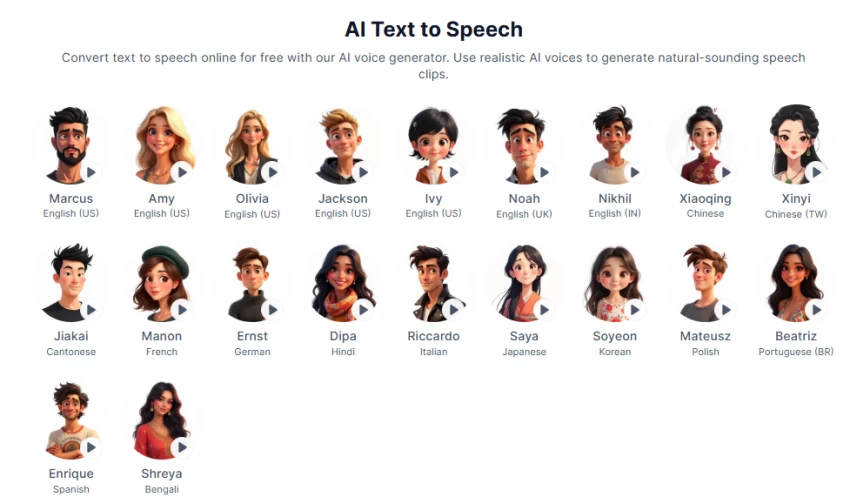
PopPop is a free-access, browser-first voice and audio utility platform.
PopPop is positioned as frictionless. I don’t create an account to test basic functionality. I paste text and generate audio quickly.
For experimentation, fast mockups, or temporary narration, this is useful. It also bundles additional audio utilities like vocal removal, which broadens its use case.
However, when I evaluate PopPop for consistent brand voice, enterprise use, or long-form content, it lacks the depth and tuning capability of premium tools.
It is ideal for quick drafts and occasional needs, not long-term scalable voice infrastructure.
If my project demands cinematic realism or audiobook-style narration, I prioritize ElevenLabs because of its natural cadence handling.
If I’m producing structured training content or embedding voice inside an application, Murf’s control and API capabilities are stronger.
If I need large voice variety for marketing localization, LOVO becomes attractive.
If I’m editing video content daily and need voice integrated into the timeline, Clipchamp saves time.
If I’m designing presentations or creative assets inside one ecosystem, Canva simplifies workflow.
If I just need fast, free output without commitment, PopPop works.
I avoid judging tools based on single-sentence demos. I paste:
Long paragraphs
Dialogue exchanges
Acronyms and product names
Numbers and currency
Emotional script shifts
This reveals weaknesses in pacing and inflection.
Most generic blogs stop at “realistic voices” and “multiple languages.” That tells me nothing. The real differentiation lies in how each tool handles real-world script complexity and integrates into actual.
After actually sitting down and testing these tools with real scripts, YouTube narration drafts, ad copies, explainer scripts, emotional storytelling passages, and even awkward brand-heavy sentences, I’ve realized that choosing an AI voice generator is less about hype and more about fit.
When I want the closest thing to a natural human narrator, especially for storytelling or long-form content, I gravitate toward ElevenLabs. The way it handles pacing and subtle tonal shifts makes a noticeable difference when the script isn’t just informational but emotional. It doesn’t feel like it’s “reading” text; it feels like it’s performing it, and that distinction matters in content where engagement depends on delivery.
When I’m in a structured workflow, corporate training videos, product demos, or educational content, I value control and consistency more than dramatic realism. In those situations, Murf gives me more comfort because it feels production-ready. It behaves predictably. That predictability becomes important when deadlines and client expectations are involved.
If I’m already editing video content and I just need narration integrated smoothly into my timeline, Clipchamp or Canva simply save time. I don’t need the “best voice in the world” every time. Sometimes I just need a clean, clear voice without leaving my editing environment. Workflow convenience can outweigh small realism gains.
And when I’m experimenting, testing ideas, or creating something lightweight where perfection isn’t critical, free or browser-first tools are more than enough. Not every project needs premium-level voice modeling.
What I’ve personally learned through all this testing is that AI voice generation in 2026 is no longer about whether it sounds robotic. Most modern tools have crossed that baseline. The real question is: does the tool support how I work?
Does it scale with my content output?
Does it fit my editing flow?
Does the pricing model make sense long term?
Does the voice remain consistent across multiple projects?
That’s what ultimately determines value.
For me, the “best” AI voice tool is the one that disappears into my workflow and lets me focus on storytelling, scripting, and production, not on fighting the software.
That’s the shift. It’s not about chasing the most realistic demo anymore. It’s about choosing the tool that quietly helps me ship better content consistently.
Be the first to post comment!

When I first discovered Gizmo AI, it immediately positioned itself as something...
Sakshi Dhingra14 hours ago
I went into this expecting one “best” AI animation tool. What I found instead is...
Sakshi Dhingra1 day ago
When I started digging into Lenso.ai, I didn’t want surface-level claims. I want...
Sakshi Dhingra1 day ago
Motion graphics is no longer “only After Effects.” Today I can generate motion s...
Sakshi Dhingra3 days ago
Blaze AI presents itself as an all-in-one AI marketing platform built specifical...
Sakshi Dhingra3 days ago
AI video generation is no longer experimental. It has become a production workfl...
Sakshi Dhingra4 days ago