Google Block Breaker is one of the most talked-about browser mini-games in 2025. It appears inside Google Search for some users, leading to widespread questions: What is it? Why does it appear? How does it work? Is it official?
This guide answers every major user query with clear, neutral, fact-based information.
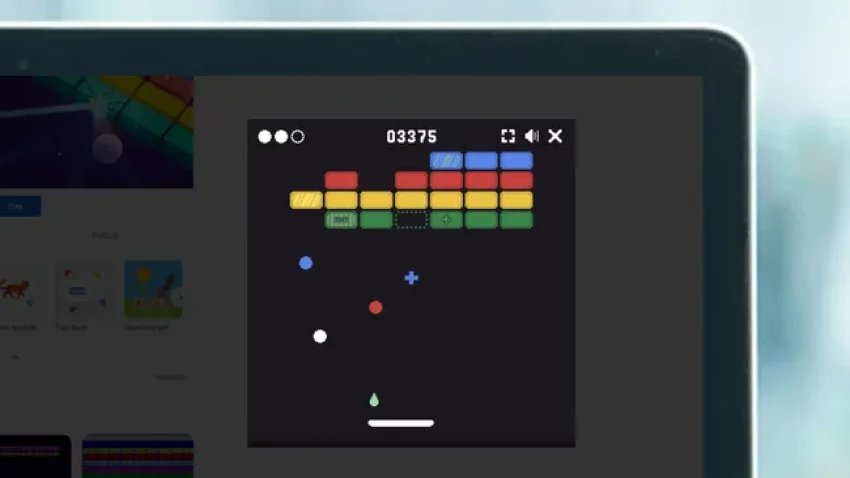
Google Block Breaker is an HTML5-based brick-breaker mini-game embedded directly inside Google Search. When users type keywords such as "Block Breaker," "Google Block Breaker," or variations, a playable game module sometimes appears at the top of search results.
It is not a full game launch, just an optional interactive feature.
Playing the game is straightforward:
Desktop:
Mobile:
Users often report not seeing the game in their search feed. Reasons include:
A/B Testing
Regional Availability
The game may appear in some countries but not others.
Browser Compatibility
Search Variations
Not all keyword variations trigger the game. For example:
If the card doesn’t appear:
Availability may change as Google updates the feature.
This is one of the most frequently searched questions.
The searchable version embedded inside Google is official.
It is served from Google’s servers and integrated into search results.
It is not promoted as a formal Google product.
There is no app version in the Play Store.
Google did not release a branding campaign around it.
The concept of Block Breaker is generic. Only the Google Search version is official. Hundreds of third-party versions online are completely unrelated.
The rules follow classic brick-breaker logic:
Break all bricks on the screen without letting the ball fall out of bounds.
If the ball falls below the paddle, the player loses a life or restarts.
Some bricks may require multiple hits (depending on game variant).
Ball speed can increase as levels progress.
Launch ball.
Ball bounces off walls, bricks, and paddle.
Destroy all bricks to advance to next level.
The simplicity is intentional and aligns with short session gameplay.
Many websites host their own Block Breaker variations. These may include:
These are not affiliated with Google.
If a user wants maximum safety, they should play only the Search-embedded version.
| Feature | Google Block Breaker | Breakout (1976) |
| Platform | Browser / Search | Arcade cabinet |
| Controls | Mouse/Keys/Touch | Physical paddle knob |
| Graphics | Modern minimal | Retro pixel |
| Availability | Search-based | Arcade-only |
| Complexity | Low | Higher difficulty curve |
| Purpose | Quick entertainment | Full arcade experience |
Google’s version is basically a simplified homage.
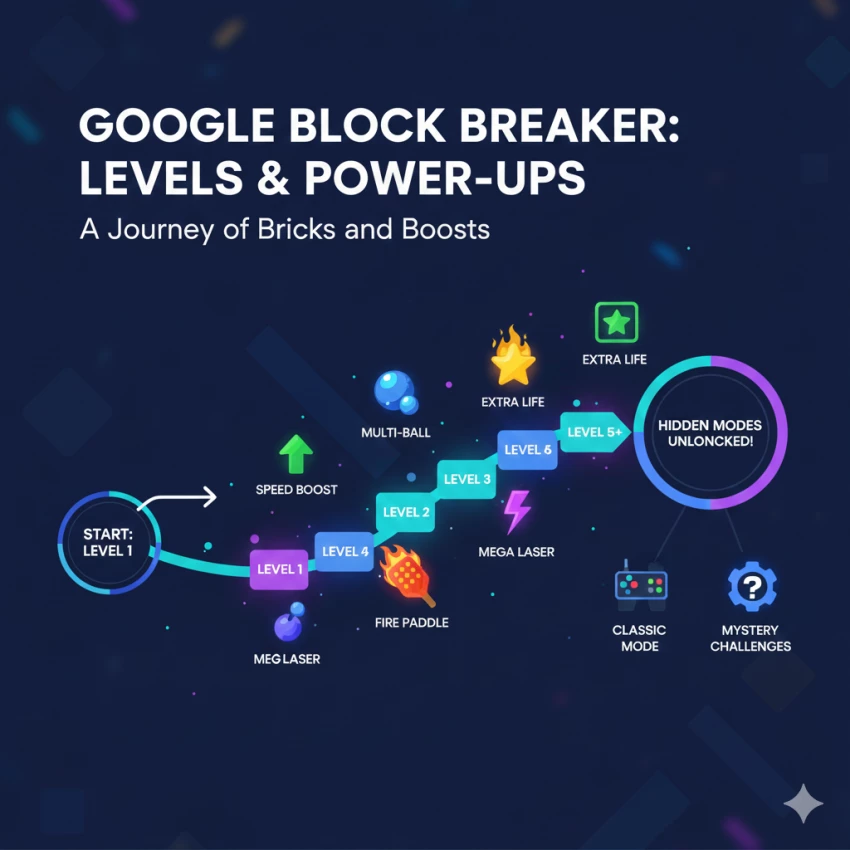
Some versions include:
However, these features vary depending on device and rollout stage.
There are no verified hidden modes, cheat codes, or Easter eggs beyond the visible gameplay.
No.
The game resets when:
This is consistent with Google’s other Search-based mini-games such as Snake and Pac-Man.
Although Google has not released documentation, analysis suggests:
It is built to function smoothly across a wide range of devices.
There is no evidence of game-specific tracking.
The game is anonymous and session-based.
Many external Block Breaker games exist, such as:
Differences include:
These offer variety but lack the simplicity and integration of the Google version.
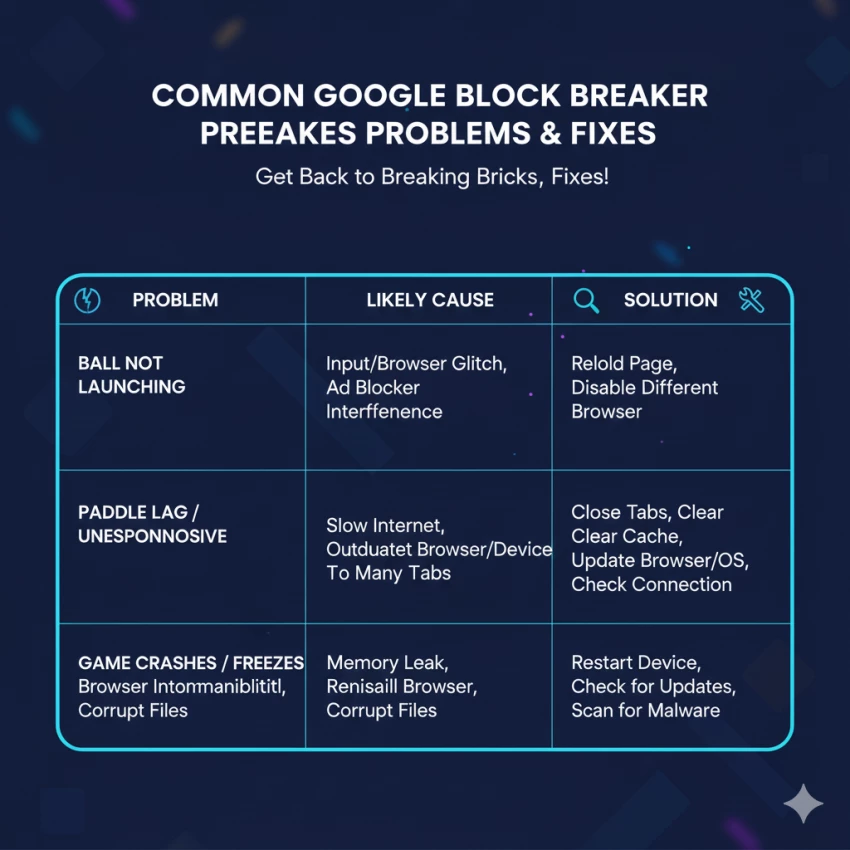
These are common across many browser mini-games.
Q: Is Google Block Breaker available worldwide?
No. Rollout varies by country and device.
Q: Can I play it offline?
Generally no, unless cached.
Q: Is there an app version?
No official app exists.
Q: Why does the ball move so fast?
Later levels increase speed automatically.
Q: Can I pause the game?
Most versions allow pausing by clicking outside the play area.
Google Block Breaker is a simple, search-integrated mini-game based on classic arcade mechanics. It is official only when played inside Google Search, not when played on third-party websites. The game is lightweight, easy to access, and designed for short play sessions, not long-term progression. User questions generally focus on availability, safety, differences from clones, and gameplay behavior — all addressed above.
Be the first to post comment!

Introduction: Why Sales Automation Is No Longer OptionalToday’s B2B sales enviro...
Michael Hicklen1 month ago

Image search has quietly become one of the most powerful discovery, research, an...
Michael Hicklen1 month ago
Why Workflow Automation Matters in 2026Automation tools help businesses:● S...
Michael Hicklen1 month ago

1) Foundations :What software review platforms are-Software review platforms are...
Michael Hicklen1 month ago

1. What AI Automation in Daily Work Actually Means?1.1 AI automation in daily wo...
Michael Hicklen1 month ago

1. What Is a CRM?Definition-A CRM (Customer Relationship Management) system...
Michael Hicklen1 month ago