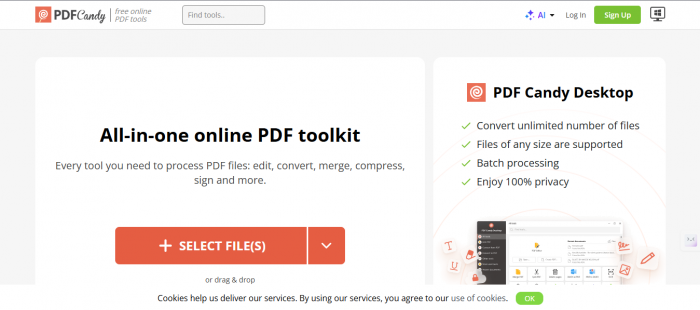
PDF files are everywhere, from business contracts and academic papers to invoices and receipts. But working with PDFs isn’t always straightforward unless you have the right tools. That’s where PDF Candy enters the picture: a web-based PDF utility that promises to handle almost every document task you might need. Let’s explore exactly what it is, how it works, its strengths and weaknesses, real user feedback, and how it compares to alternatives.
PDF Candy is an online PDF toolkit that provides users with a suite of tools to work with PDF files directly in a browser, with no heavy software installation required. These tools let you perform common operations such as converting files to and from PDF, merging or splitting documents, compressing file size, editing content, and more. It’s offered by the developers behind Icecream Apps, known for other lightweight productivity utilities.
There’s also a desktop version called PDF Candy Desktop that brings similar functionality to Windows PCs.
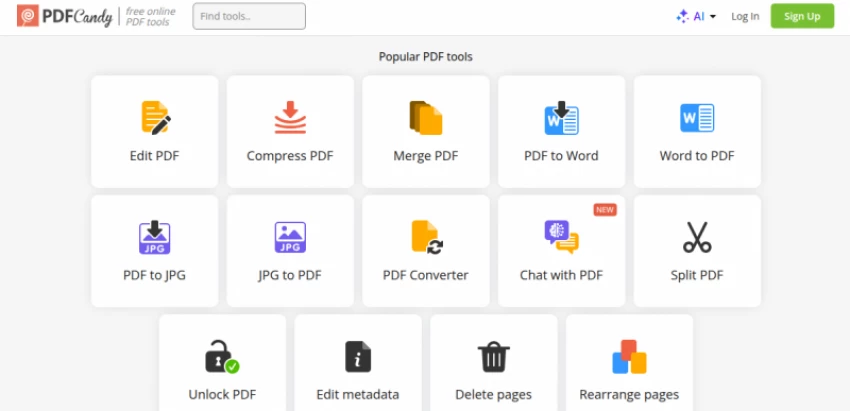
PDF Candy’s toolkit covers a wide range of PDF tasks. Here’s what it typically includes:
Convert PDFs to common formats like:
Want to combine several PDF files into one? Or separate a long PDF into individual pieces? PDF Candy makes these operations simple with drag-and-drop tools.
PDF Candy’s editor lets you:
Uploaded scanned PDFs or image-based documents can be converted into editable text using OCR. It supports multiple languages and can extract text efficiently without additional downloads.
You can compress large PDFs to reduce file size, which is especially useful for email attachments or cloud sharing. PDF Candy also offers password protection and unlocking features for PDFs.
Other helpful tools include:
These combine to make PDF Candy one of the most expansive online PDF toolsets without paying upfront.
PDF Candy’s reception is generally positive, but not uniformly so.
Let’s break down what real reviewers say:
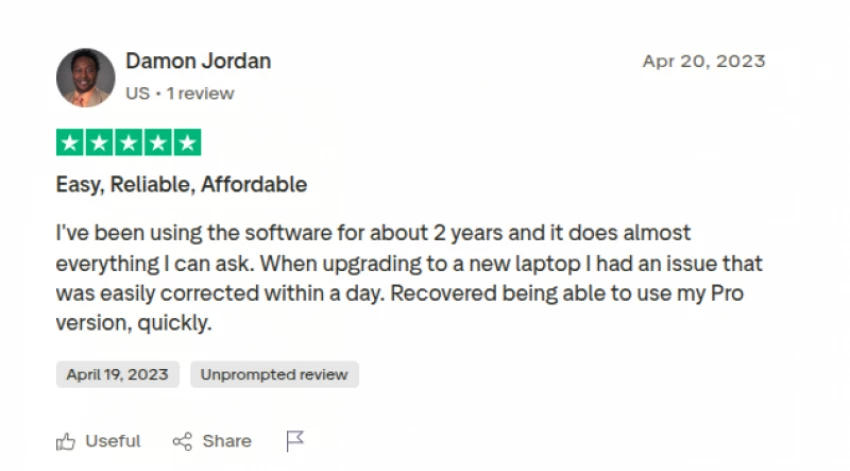
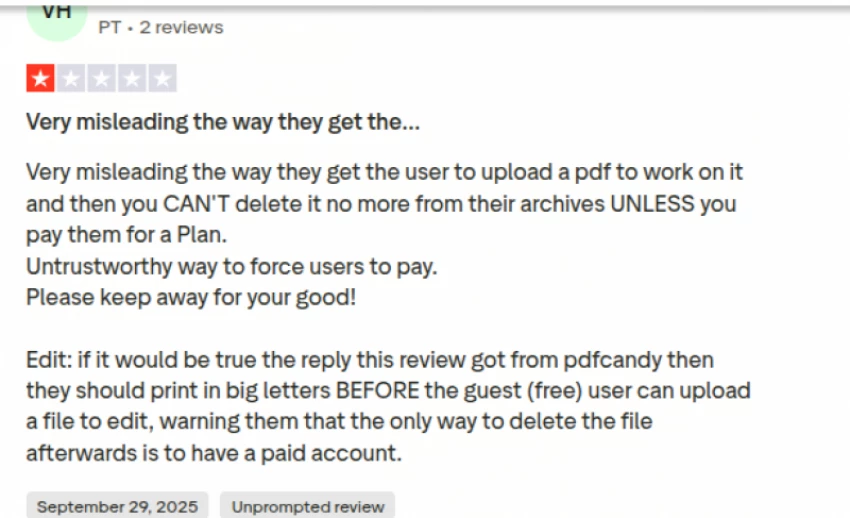
In sum, PDF Candy works best for occasional or mid-level PDF tasks, rather than heavy professional workflows. It strikes a balance between simplicity and capability, but it may not fully replace high-end PDF suites for business environments.
There are better-known PDF editors and converters out there, and PDF Candy differs from them in interesting ways:
| Tool Name | Primary Focus | Key Features | Pricing Model | Best For |
| PDF Candy | General PDF utilities | Conversion, merge, split, OCR, compression, basic editing | Free with limits Paid desktop version available | Casual users, students, quick tasks |
| PDFgear | PDF editing and conversion | Editing, annotation, conversion, offline use | Free | Users wanting offline editing without cost |
| iLovePDF | Online PDF processing | Conversion, merge, compress, organize pages | Free with limits Paid subscription | Frequent online PDF tasks |
| Adobe Acrobat | Professional PDF management | Advanced editing, forms, signatures, collaboration | Paid subscription | Enterprises and professionals |
| Foxit | Business focused PDF tools | Editing, security, collaboration, OCR | Paid with limited free version | Small to mid sized businesses |
Users often wonder if online PDF tools are safe. Based on available reviews and PDF Candy’s privacy information:
PDF Candy is a solid online PDF toolkit that delivers an array of free tools for everyday users. Its strengths lie in simplicity, broad functionality, and accessibility, but limitations in advanced editing and usage caps may be a concern for power users. Overall, it’s a useful option if you want a versatile PDF utility without committing to high-end software
Be the first to post comment!

Managing remote employees is very different from managing people in an office. W...
Sakshi Dhingra2 weeks ago

A school gradebook sounds like a simple thing until you watch what happens when...
Sakshi Dhingra2 weeks ago

The Growing Buzz Around EditPro in the AI Editing SpaceIn 2026, the name “EditPr...
Sakshi Dhingra2 weeks ago

When I first started deploying large language models, I assumed that choosing th...
Sakshi Dhingra3 weeks ago

Few software websites have survived as many internet eras as Softonic. Launched...
Suraj Malik1 month ago

The Xender APK has remained relevant for one simple reason: it solves a very rea...
Sakshi Dhingra1 month ago