AI art platforms are easy to praise in the first hour. You generate a few striking images, browse an impressive gallery, and assume you’ve found something powerful. The real test starts later, when you try to recreate a result, maintain consistency, or use the tool for anything beyond casual experimentation.
That’s where my experience with Tensor Art became more mixed.
This review isn’t about what Tensor Art can do in ideal conditions. It’s about what it actually delivers during regular use, how much effort it demands, and how closely that lines up with what other users consistently report across communities and tool directories.
Tensor Art is a Stable Diffusion–based image generation platform that exposes models, templates, and parameters directly to users. It emphasizes openness and community contribution rather than simplicity.
In practice, this means:
It is not designed to “just work” without context. That’s intentional, but it has consequences.
Initially, Tensor Art feels powerful:
At this stage, expectations are high.
Over time, the experience becomes more uneven:
This matches what many users mention: Tensor Art rewards technical patience, not casual creativity.
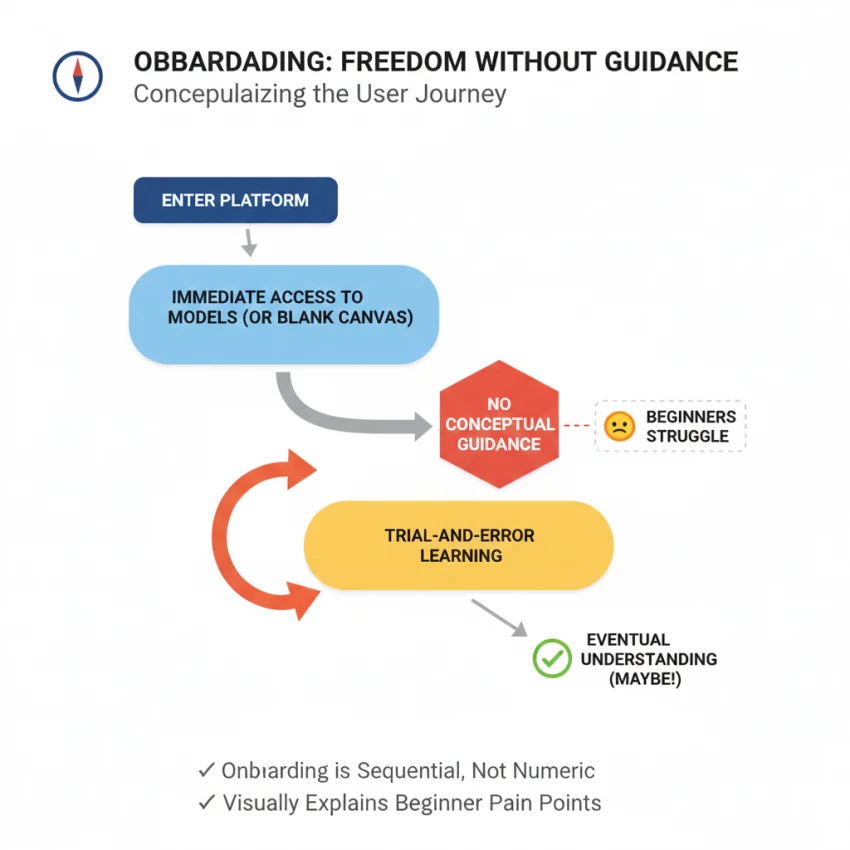
Tensor Art’s onboarding is minimal to the point of absence.
Several community discussions reflect this same friction: Tensor Art assumes knowledge it doesn’t help you build.
Onboarding reality score: 6.8 / 10
Tensor Art’s model ecosystem is one of its most visible strengths, and one of its most inconsistent aspects.
In practice, you spend a lot of time testing models that don’t deliver, which slows real work.
Model reliability score: 7.2 / 10
Templates help, but they don’t eliminate the learning curve.
They reduce guesswork, but don’t remove complexity.
Template usefulness score: 7.5 / 10
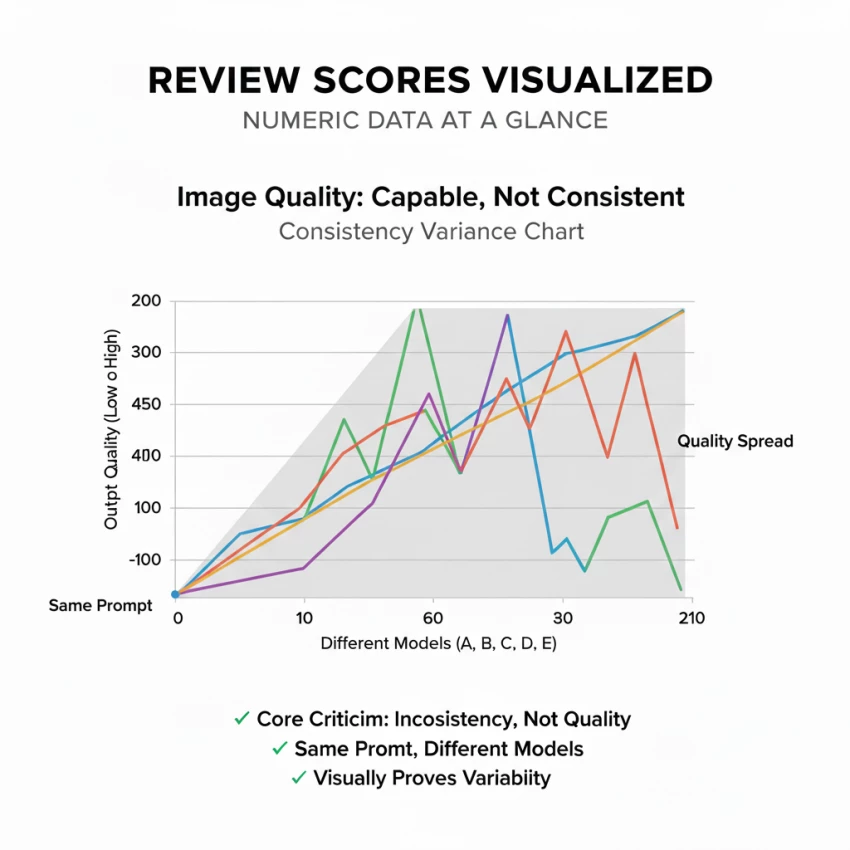
Tensor Art can produce high-quality images. That’s not the issue.
The issue is consistency.
Same prompt + different model = wildly different results
Small changes in CFG or steps can degrade output
Beginners often mistake parameter noise for creativity
This aligns with broader user sentiment: Tensor Art gives you control, but also gives you enough rope to hang your output quality.
Image quality consistency score: 7.4 / 10
On the technical side, Tensor Art is generally stable.
Performance isn’t a deal-breaker, but it’s not a standout advantage either.
Performance score: 7.6 / 10
The free tier is usable, but restrictive.
Some users interpret this as fair. Others feel the free tier hits limits before clarity is achieved.
Value perception score: 7.0 / 10
The Android app exists—but it’s clearly not where Tensor Art expects you to work.
For a platform that emphasizes parameters, this limitation is structural.
Mobile experience score: 6.5 / 10
Tensor Art appears legitimate:
However, it also relies heavily on user-generated content, which means quality control is inconsistent by nature.
Trust & transparency score: 8.0 / 10
Based on usage patterns and community sentiment, Tensor Art works best for:
It is not well-suited for:
Tensor Art is capable but demanding.
It offers freedom, but little guidance.
Power, but limited consistency.
Depth, but at the cost of accessibility.
If you enjoy learning systems through experimentation, Tensor Art can be rewarding. If you want dependable, repeatable results with minimal overhead, it may feel more frustrating than empowering.
That gap between what it enables and what it reliably delivers is why the rating stops where it does.
Be the first to post comment!

I’ll admit it, SpicyChat AI is one of those tools you don’t exactly open with “s...
Vivek Gupta3 days ago
For months, the global AI industry has lived in a state of suspended animation w...
Vivek Gupta1 week ago

In today’s fast-moving digital landscape, intelligent software that can act inde...
Mighva Verma3 weeks ago

In today’s business world, customer expectations have shifted dramatically. Peop...
Mighva Verma3 weeks ago

Top AI Transcription Tools Designed for TeamsRemote and hybrid teams are drownin...
Mighva Verma1 month ago
In today’s content-saturated world, merely producing more isn’t enough. Smart cr...
Mighva Verma1 month ago