
The AI revolution in knowledge management is not about creating more content. Most organisations already create more documents, slides, tickets and PDFs than anyone can reasonably read. The real problem is retrieval. Teams spend countless hours digging through Slack threads, buried email attachments and outdated wiki pages, only to ping the same two experts who carry everything in their heads.
Market projections estimate that the AI powered knowledge management space in the United States will reach several billion dollars in 2025, with growth continuing at a rapid pace through 2030. That level of investment exists for a reason. Knowledge workers are under pressure to deliver faster, yet they lose time repeatedly searching across tools that were never designed to talk to each other. At the same time, adoption of generative AI at work has exploded, with a majority of knowledge workers now using AI assistants in some form.
Traditional knowledge bases rely on keyword search, rigid hierarchies and manual tagging. Content goes stale, structures drift out of date, and the best information ends up living in private chats and personal notebooks. AI changes that dynamic. With modern tools, employees can ask questions in natural language and get answers grounded in company content. AI can auto tag documents, detect duplicates, flag outdated articles and even propose missing documentation based on repeated questions.
This guide walks through eight leading AI tools for knowledge management in 2025. Each section covers what the tool is, who it serves best, how its AI features actually work and what trade offs you should be aware of before adopting it.
| Tool | Starting Price | Best For | Free Plan | AI Included |
| Notion AI | Business from around 15 to 20 dollars per user per month | All in one workspace and flexible internal knowledge | Free tier without AI | Business and Enterprise |
| Confluence + Rovo | Standard from around 5 to 6 dollars per user per month | Technical and Atlassian centered teams | Free for small sites | All paid plans |
| Glean | Custom, typically high per user | Enterprise search across many apps | No | Core of the platform |
| Guru | From 10 dollars per user per month | Verified internal knowledge and support enablement | Free for very small teams | Included on paid tiers |
| Document360 | From 149 dollars per month for Startup tier | External docs, help centers and product documentation | Limited free or trial options | Included |
| Bloomfire | Custom enterprise pricing | Cross department knowledge sharing and insights | No public free plan | Included |
| Tettra | From 4 dollars per user per month | Small teams with Slack centric workflows | Free trial | Included |
| Slite | From 8 dollars per user per month | Modern AI first team knowledge base | Free tier with limits | Included |
Use this table as a mental map. From there, the details below will help you decide what fits your stack, your team size and your budget.
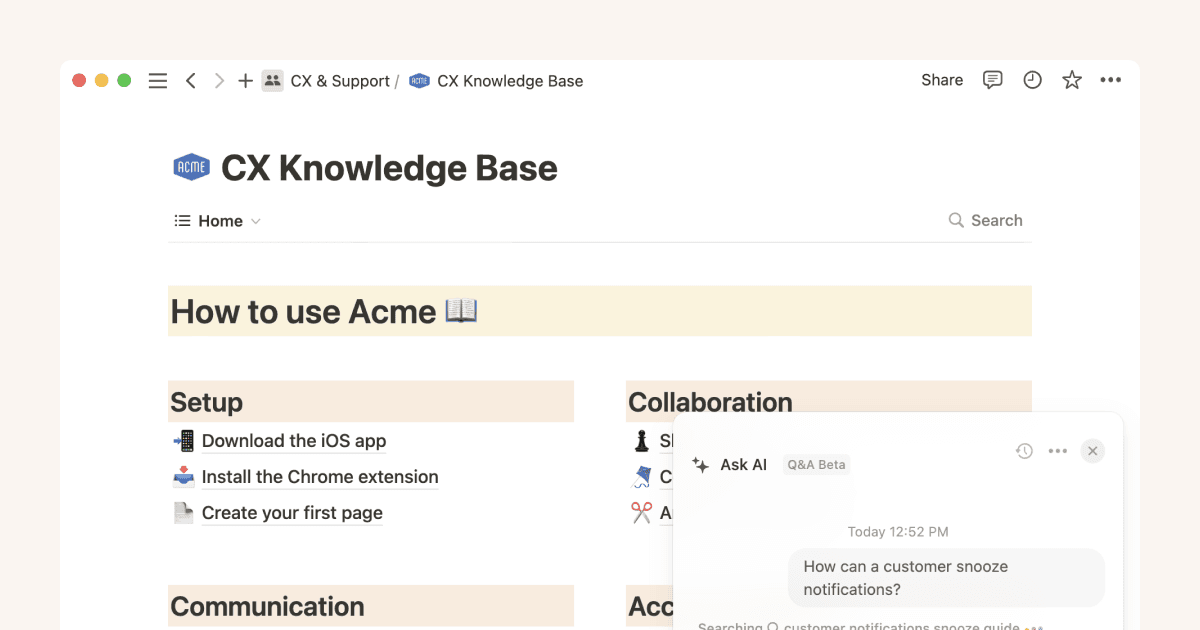
Best for: Teams that want a single workspace combining wikis, docs, databases, projects and AI
Starting price: Free plan without AI, Business from around 15 dollars per user per month with AI included
Typical rating range: High fours out of five on major review platforms
Notion has moved far beyond simple note taking. For many teams it has become a work operating system that blends documents, databases, tasks, internal wikis and now AI into one place. The block based architecture lets you design your own knowledge model rather than conform to a rigid structure. A marketing team can link campaigns to briefs and results. An engineering team can connect specs to sprints and incidents.
The real jump in 2025 comes from Notion 3.0 and its AI Agents. These agents can run autonomous workflows for several minutes. For example, an agent can search across hundreds of pages, summarise findings, update a database and notify a channel, without a human nudging it every step. Combined with enterprise search across Notion and connected tools, this turns Notion into a true assistant rather than just a smart editor.
Key AI capabilities
Pricing caveat
The AI layer now lives only on Business and Enterprise plans. That means new free or lower tier customers can use Notion as a workspace but not as an AI knowledge assistant unless they upgrade. For small teams, that jump from free to a business tier is a meaningful budget decision.
Pros
Cons
Best for
Teams that already live in Notion or are ready to move multiple tools into it. Notion is especially strong for organisations that want to combine project work, documentation and AI in a single, highly flexible environment.
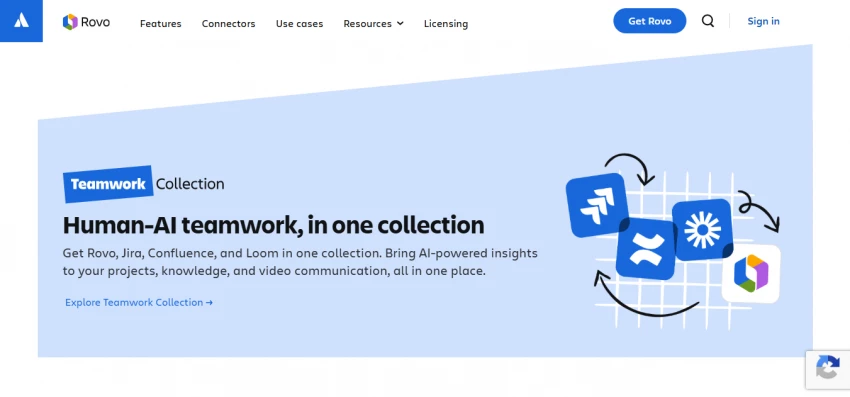
Best for: Engineering, product and technical teams already using Jira and other Atlassian tools
Starting price: Free for up to a small number of users, Standard around 5 to 6 dollars per user per month, Premium roughly double that
Confluence has been a default choice for internal documentation for years, particularly in technical organisations. Its major strength comes from living inside the Atlassian family. When your teams already use Jira for issues and projects, Confluence becomes the natural place to document architecture, specs, runbooks and retrospectives.
In recent releases, Atlassian introduced its AI layer, often referred to through the Rovo name, and bundled it into paid Confluence plans. This AI layer adds smart search, summarisation and assistants without needing a separate AI subscription. That pricing approach stands in contrast to many tools that treat AI as an add on.
Key AI capabilities
Pros
Cons
Best for
Medium to large companies with engineering heavy teams already invested in Atlassian. Confluence with its AI layer is a natural upgrade rather than a brand new system for these organisations.

Best for: Large enterprises with knowledge scattered across dozens of applications
Starting price: Custom, typically in a higher price band with minimum contract sizes
Glean takes a different approach from most tools in this list. It is not a wiki where you write documentation. Instead it plugs into the systems you already use, indexes them and becomes a single search and assistant layer across your entire stack.
A typical enterprise might have information scattered across email, cloud storage, ticketing systems, CRMs, wikis, chat tools, code repositories and more. Glean connects to these tools, respects their permissions and lets employees ask questions or search without needing to know which system contains the answer.
Key capabilities
Pros
Cons
Best for
Enterprises with hundreds or thousands of employees and complex tool stacks. Glean becomes the discovery layer on top of everything else rather than another place to write documents.
Best for: Customer support, sales enablement and operations teams that rely on fast, accurate answers
Starting price: Free for very small teams, paid plans from around 10 dollars per user per month
Guru treats knowledge differently. Instead of long pages buried deep in a wiki tree, it breaks information into focused knowledge cards. These cards live inside the tools people already use, such as Slack, Teams and the browser, and are verified regularly by subject matter experts.
This verification model is core to Guru. Cards carry status indicators, and experts are prompted to re confirm information at set intervals. That reduces the risk of agents copying old policies or outdated product details. In environments where a wrong answer directly affects customers, that trust model is powerful.
Key AI features
Pros
Cons
Best for
Support, sales and customer facing teams that need extremely reliable answers at speed. Guru works well where each question demands a confident, up to date response that has been reviewed by an expert.
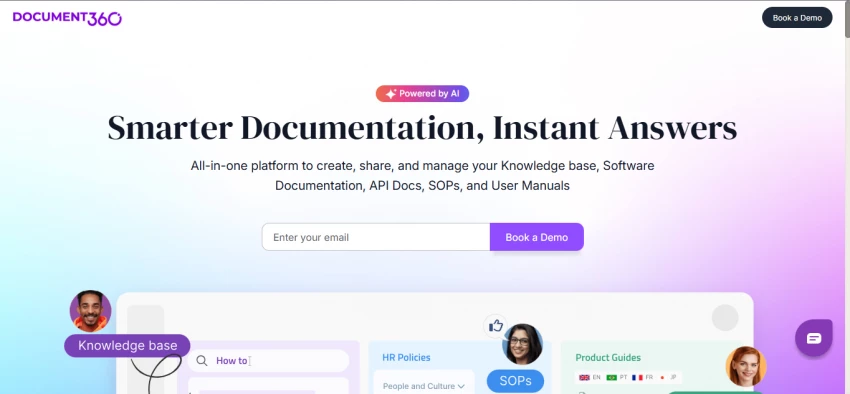
Best for: Product documentation, public help centers, internal SOPs and API docs
Starting price: Startup tier from around 149 dollars per month, higher tiers for bigger teams and multiple sites
Document360 is built from the ground up as a documentation platform rather than a general internal wiki. It shines when you need a polished, structured knowledge base that customers can browse, search and trust. The platform covers the full life cycle from writing through review to publishing.
While internal knowledge bases often grow organically, external documentation needs clear structure, consistent styling and analytics. Document360 provides these out of the box, along with AI features that help maintain content quality and findability.
Key AI capabilities
Pros
Cons
Best for
SaaS companies, product organisations and enterprises that treat documentation as a first class product. Document360 is excellent when your help center is a core part of the customer experience.

Best for: Organisations building a company wide knowledge community
Starting price: Custom enterprise pricing
Bloomfire approaches knowledge management as a social activity. Rather than focusing only on documents, it creates a space where employees ask questions, share content, react, and build a living knowledge community. Search is powered by AI, but the social layer is what keeps content fresh.
One of Bloomfire’s distinctive strengths is its ability to index not just text, but also audio, video and slide decks. Searches can return specific moments inside recordings, which matters a lot when training and knowledge sharing often happen through calls and webinars.
Key AI capabilities
Pros
Cons
Best for
Large, distributed organisations that want to share knowledge between departments and locations. Bloomfire works well where many people are producing insights and where leadership wants that knowledge to circulate beyond the original team.
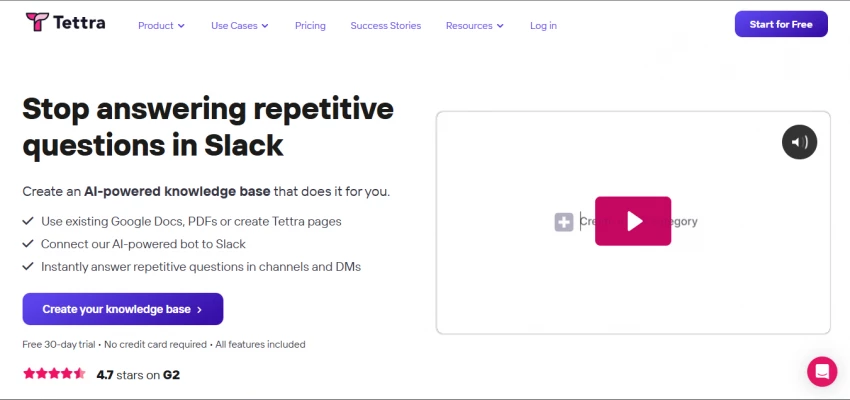
Best for: Small teams and startups using Slack heavily
Starting price: From about 4 dollars per user per month for core plans
Tettra targets small teams that need something more robust than random Google Docs but do not have the appetite for a full enterprise knowledge platform. The heart of Tettra is its integration with Slack. New hires can ask questions directly in Slack, and Tettra responds with answers pulled from the knowledge base.
This approach reduces friction, because team members do not have to remember another tool or workflow. Over time recurring questions reveal gaps, and Tettra nudges owners to create or update content.
Key AI features
Pros
Cons
Best for
Startups and small businesses that want to get out of the “ask the same person on Slack every week” loop without over engineering their setup. Tettra is a practical first step toward intentional knowledge management.
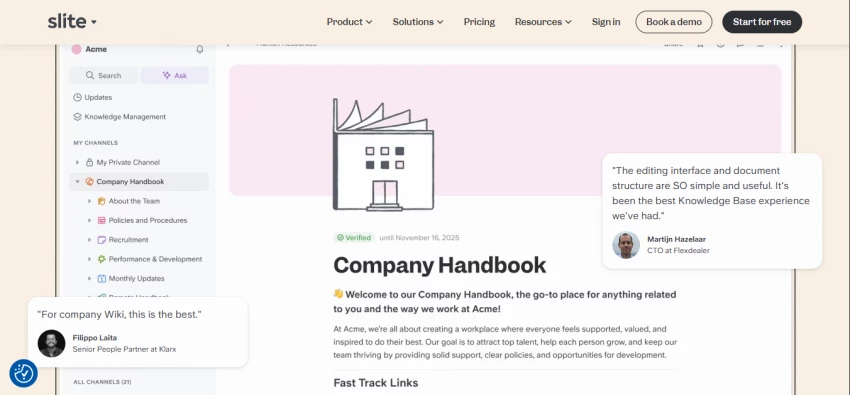
Best for: Teams that want a clean, focused knowledge base with an AI assistant at the core
Starting price: Free tier with limits, Standard from around 8 dollars per user per month
Slite sits in the middle ground between heavy enterprise wikis and all in one workspace tools. It is opinionated enough to keep things simple, but flexible enough for teams to model their internal knowledge. The standout feature is the AI assistant that sits on top of your documentation.
Instead of navigating through folders and page trees, employees can ask questions in natural language and receive answers grounded in Slite content. Those answers include references so people can open the underlying source document when they need more detail.
Key features
Pros
Cons
Best for
Remote first teams and modern organisations that want a dedicated knowledge base which feels more focused than a general workspace, while still gaining the benefits of AI powered answers.
With so many capable tools, the best choice depends more on your situation than on raw feature lists. Three questions sharpen the decision.
Content aimed at employees, such as policies, onboarding guides and internal processes, calls for tools like Notion, Confluence, Guru, Slite or Tettra. These platforms emphasise collaboration, internal access and flexible structures.
Customer facing content, such as help centers, API docs and product guides, benefits from dedicated documentation tools like Document360. Bloomfire can also play here for organisations that want community and insight sharing around customer knowledge.
Companies with years of content spread across drives, email, wikis and ticketing systems gain a lot from discovery tools like Glean or, to a lesser extent, Bloomfire. These solutions index existing systems and make them searchable right away.
Teams that are early in their documentation journey are often better served by tools that encourage intentional knowledge creation, such as Notion, Slite, Confluence, Tettra or Guru. In those tools, structure and content grow together.
Very small teams can start with Tettra, Slite or a free Notion workspace without AI, then upgrade once habits are in place.
Growing teams in the 10 to 50 range often gravitate toward Guru, Slite or Confluence, where pricing is still predictable per user.
Larger organisations with hundreds of people might combine Confluence or Notion with discovery tools like Glean or Bloomfire and add Document360 for customer facing docs.
Thinking about your team’s size, your current documentation culture and your budget tolerance will narrow the field very quickly.
Beyond logos and marketing pages, a good evaluation looks at five dimensions.
AI tools can automate repetitive parts of knowledge management, such as tagging, detecting duplicates, suggesting updates and handling simple questions. They do not replace the need for humans to decide what should be documented, to set governance rules, to resolve conflicting information and to drive cultural adoption. The healthiest setups combine AI assistance with clear human ownership.
Be the first to post comment!

Luma Dream Machine arrived with gorgeous, cinematic clips that you can generate...
Suraj Malik8 hours ago
So… Is Grubby AI Actually Worth It?Let's be blunt. If you landed on this page, t...
Suraj Malik3 days ago

We tested each tool hands-on. Here's what actually matters - feature...
Suraj Malik3 days ago

An honest, no-fluff comparison - with real pricing breakdowns, so you know exact...
Suraj Malik4 days ago

Runway and Pika sit under the same label in most roundups: “AI video generators....
Suraj Malik5 days ago

Copy.ai was once among the most exciting AI writing tools around. But after pivo...
Suraj Malik5 days ago