Google TV Update: Real-Time Sports & AI Deep Dives
by Sakshi Dhingra - 4 hours ago - 3 min read
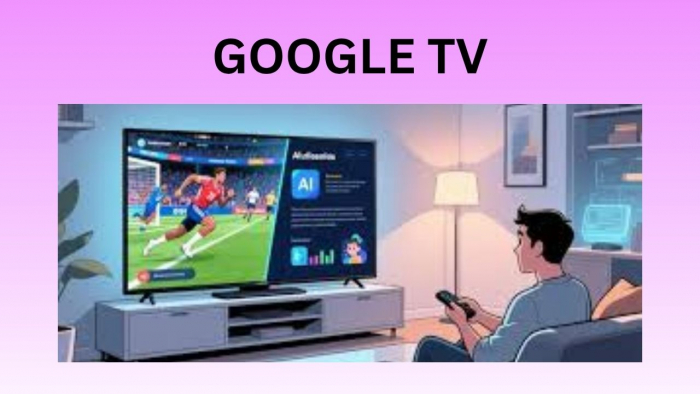
Google TV is undergoing a transformation that aims to turn your television from a simple screen into a proactive, conversational assistant. With the integration of Gemini, the platform is moving beyond simple voice searches to offer a "human-in-the-loop" experience where the AI can understand, summarize, and even teach you about the topics you care about most.
From Static Scores to Sports Briefs
The centerpiece for many will be the new Sports Briefs. Building on the "news briefs" launched last year, this feature is designed for fans who can’t catch every minute of live action but want more than just a text notification. Gemini now generates narrated, audio-visual summaries of games from major leagues like the NBA, NHL, and MLB.
When you ask for a recap, instead of a simple list of scores, the TV presents a structured highlight reel, condensing key plays, player stats, and final outcomes into a short, digestible package. It effectively turns your living room into a personalized sports desk, offering a hands-free way to stay current across multiple leagues without ever picking up your phone.
Interactive Learning with Deep Dives
Google is also introducing Deep Dives, a feature that shifts the TV from a passive entertainment device to an active educational tool. If you’re curious about a complex subject—say, the science of cold plunging or the intricacies of the Roman Empire, Gemini can generate a custom, narrated walkthrough.
These aren't just static search results; they are interactive sessions featuring diagrams, relevant video clips, and guided follow-up questions. You can initiate these by clicking a "Dive deeper" button on a search result or by visiting the new "Learn" section in the Gemini tab. It’s a collaborative experience designed for families to explore curiosities together on the big screen.
The New Visual Dashboard
The general user interface is also getting a "visual first" facelift. Gemini now adapts its responses based on the nature of your query. If you ask for a recipe, it doesn't just read out ingredients; it pulls up a video tutorial alongside a structured list. If you're checking a game score, it displays a live, updated scorecard with team logos and direct links to watch the game on supported streaming services.
Furthermore, Gemini is taking over technical control. You can now use natural language to adjust settings—saying "the screen is too dim" or "boost the dialogue" will prompt the AI to automatically tweak brightness or audio profiles. This level of ambient intelligence ensures that you spend less time digging through nested menus and more time actually enjoying your content.