The rise of remote and hybrid work has made meetings constant and often overwhelming. Research from Microsoft shows that employees spend a significant portion of their workweek in meetings, turning note-taking into a major productivity bottleneck. This is where the best AI meeting note taker tools are becoming essential.
AI note takers are software tools that automatically record conversations, generate transcripts, summarize key points, and extract action items—reducing manual effort and missed information. However, not all AI note taking apps perform equally. Accuracy, latency, integrations with Zoom or Teams, and data privacy policies can vary widely, directly impacting their usefulness.
To identify the best AI note taker options available today, we tested leading tools across real-world meetings, comparing their performance in transcription quality, summaries, and overall usability.
We shortlisted the best AI meeting note taker apps based on real-world testing across Zoom, Microsoft Teams, Google Meet, and in-person scenarios. Below are the top 5 performers before we break them down in detail.
| Tool | Best For | Platforms Supported | Recording Type | Key Strengths | Limitations | Free Plan | Starting Price |
| Krisp | Real-time clarity + meeting notes | Zoom, Teams, Google Meet, Slack huddles, Webex, in-person | Bot-free (system-level) | Noise cancellation + accent conversion improves transcription accuracy; works in noisy environments; supports in-person meetings | Daily transcription limits on free plan; desktop app required | Yes (7-day trial) | $8/month |
| Granola | Clean, minimal summaries | Desktop meetings (limited integrations) | Bot-free (local capture) | Simple, structured summaries; low friction UX | Limited integrations; fewer advanced AI features | Yes | $18/month (varies) |
| ClickUp | Notes + task management in one workspace | Cross-platform (Zoom, Teams, Meet via integrations) | Bot / integration-based | Combines AI notes with project management, docs, and workflows | Overly complex for simple note-taking; AI not meeting-specialized | Yes | $28/month |
| Fathom | Free AI meeting notes | Zoom, Google Meet, Teams | Bot-based (optional botless beta) | Unlimited free recordings; fast summaries; strong action item extraction | Bot visible in meetings; advanced features require upgrade | Yes | Free; paid $15/month |
| NoteGPT | Video + async content notes | YouTube, uploaded video/audio | File-based (no live meeting capture) | Extracts structured notes from videos; fast summarization | Not designed for live meetings; limited collaboration | Yes | $19/month |
These tools represent different approaches to AI note-taking—from real-time meeting intelligence to post-meeting summaries and video-based note extraction. Below, we break down how each tool performs in real-world usage.
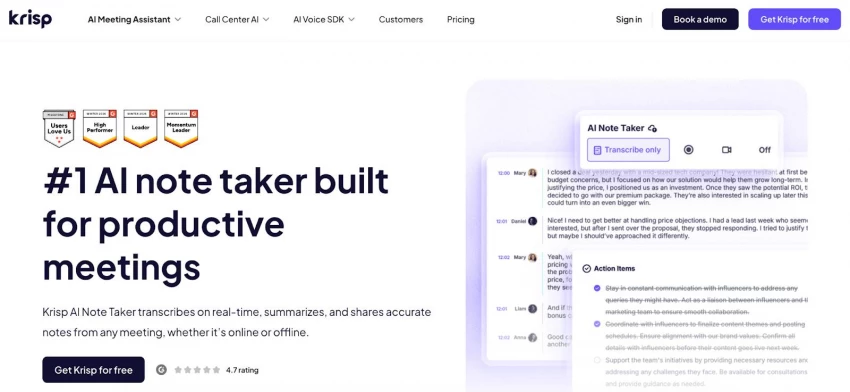
Krisp is a real-time AI meeting note taker that combines transcription, note-taking, and audio enhancement in a single system-level tool. It delivers high transcription accuracy by processing audio at the source—its noise cancellation removes background disturbances (such as echo and ambient noise), resulting in cleaner input, lower error rates, and more reliable summaries and action items. A core differentiator is its bi-directional accent conversion, which improves clarity both for speakers and listeners in real time. This enhances understanding during the meeting itself, reducing repetition and miscommunication—particularly valuable for global teams working across diverse accents and environments.
Because Krisp improves audio quality before transcription happens, it elevates the entire workflow: clearer conversations lead to more accurate transcripts, which then produce higher-quality notes and insights. Combined with its bot-free experience and cross-platform compatibility (Zoom, Microsoft Teams, Google Meet, Webex, Slack Huddles, and in-person meetings), Krisp stands out as a comprehensive solution.
It ranks among the top AI meeting note takers because, at the same price point as standard note-taking tools, users also gain advanced noise cancellation and accent conversion—delivering both better meetings and better documentation in one system.
● Real-time transcription and AI-generated summaries
● Automatic extraction of action items and key decisions
● Noise cancellation that removes background noise and echo
● Accent conversion for improved real-time understanding
● Works across all major meeting platforms and in-person recordings
● Bot-free recording for better privacy and a non-intrusive experience
● Seamless integrations with leading CRMs and productivity tools such as Zapier, Notion, Salesforce, Affinity, Pipedrive, Hubspot etc to keep notes and action items automatically in sync
● Desktop app is available on Windows and macOS, you can get mobile appa iOS and Android for recording, transcription, and summaries.
● Full feature access is limited to a 7-day free trial
● Free trial: 7 days with full features
● Paid plan: starts at $8/month (annual billing)
G2 rating: 4.6/5 based on 1,000+ reviews
● Remote and hybrid teams
● International teams dealing with accents and noise
● Professionals who need both clarity + structured notes in real time
Krisp AI Note Taker is one of the most complete note takers in 2026, especially if real-time clarity and cross-platform support are priorities.
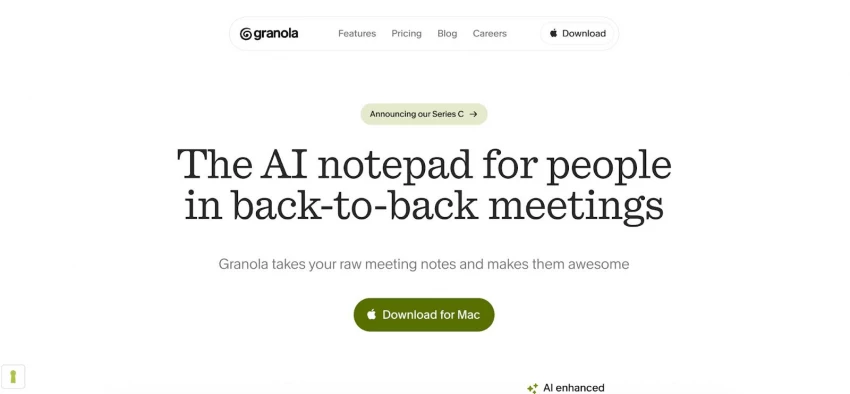
Granola is a lightweight AI note-taking tool focused on simplicity. It captures meeting discussions and converts them into clean, structured summaries without adding complex workflows or integrations, making it appealing for users who prioritize clarity over features.
● Automatic meeting summaries with clean formatting
● Minimal, distraction-free interface
● Bot-free capture approach
● Fast setup with low learning curve
● Limited integrations with external tools
● Lacks advanced features like recordings or analytics
● Free plan available
● Paid plans start from $14/month
G2 rating: 4.9/5 based on 20+ reviews
● Solo professionals and freelancers
● Founders who want quick summaries
● Users prioritizing simplicity over advanced features
Granola is a strong choice for simple, high-quality summaries, but it lacks the depth needed for more complex or team-based use cases.
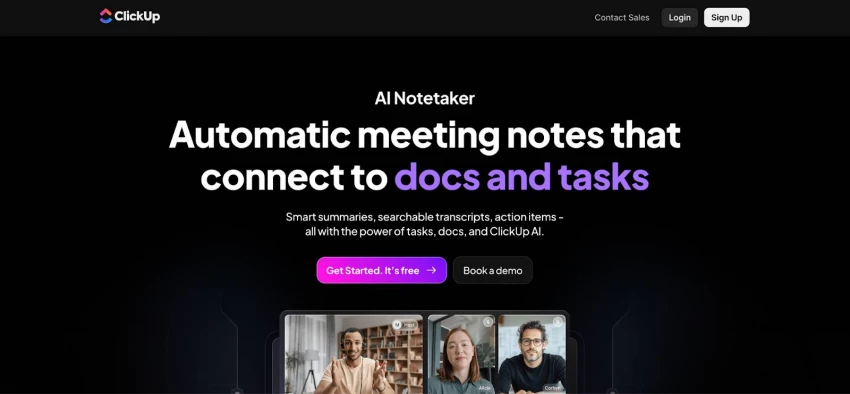
ClickUp integrates AI note-taking into a broader productivity and project management platform. Instead of focusing purely on meetings, it connects notes directly with tasks, documents, and workflows, making it a comprehensive solution for teams managing ongoing work.
● AI-generated meeting notes within the workspace
● Convert notes into tasks and track execution
● Built-in docs, collaboration, and automation tools
● Integrates with multiple platforms (Zoom, Teams, Google Meet)
● Centralized workspace for projects and communication
● Steep learning curve for new users
● Overly complex for simple note-taking needs
● AI features are not specialized for meetings
● Free plan available
● Paid plans start from $7/month
G2 rating: 4.7/5 based on 11,000+ reviews
● Teams managing projects and meetings together
● Agencies and startups
● Users needing notes integrated into workflows
ClickUp is powerful for teams that need an all-in-one workspace, but it may be excessive if your primary need is meeting notes.
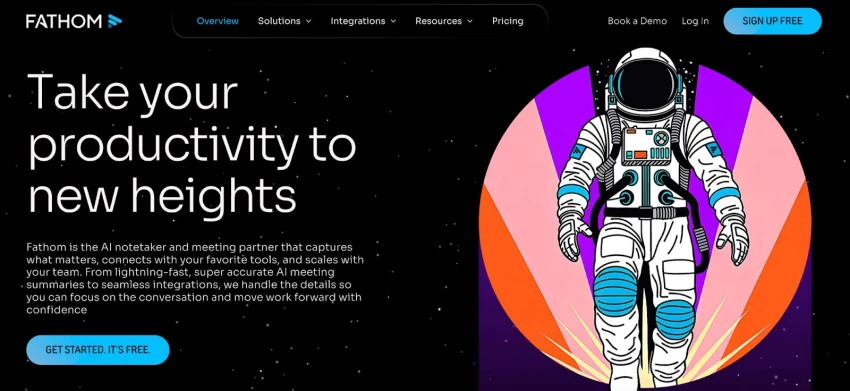
Fathom is a free AI meeting assistant that records, transcribes, and summarizes meetings automatically, with a primary focus on Zoom users. It is particularly known for offering generous free features, making it one of the most accessible tools for users who want AI-powered notes without a paid subscription.
● Unlimited meeting recordings and transcriptions
● Automatic summaries and key highlights
● Action item extraction
● Searchable meeting library
● Strong Zoom integration, with support for Google Meet and Microsoft Teams
● Bot-based recording is visible in meetings
● Advanced features require a paid upgrade
● Limited real-time audio enhancement compared to competitors
● Free plan: unlimited recordings
● Paid plans start around $15/month
G2 rating: 5/5 based on 6000+ reviews
● Budget-conscious users
● Individuals with frequent meetings
● Users prioritizing free transcription and summaries
Fathom is the best free AI meeting note taker, but it lacks the advanced real-time capabilities of more premium tools.
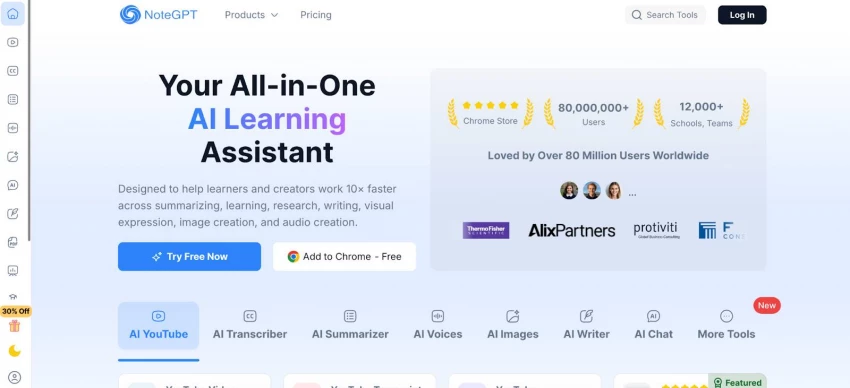
NoteGPT is an AI note-taking tool designed for extracting insights from video and audio content rather than live meetings. It converts long-form content into structured summaries, making it particularly useful for learning and research.
● Converts videos and recordings into structured notes
● Summarizes long-form content into key insights
● Supports multiple input formats (video/audio)
● Fast processing of recorded material
● Not designed for live meeting transcription
● Limited collaboration and team features
● Output quality depends on input quality
● Free plan available
● Paid plans start from 9$/month
G2 rating: 5/5 based on 4 reviews
● Students and educators
● Researchers and content consumers
● Users focused on video or lecture-based note-taking
NoteGPT is highly effective for video-based note-taking, but it is not a replacement for real-time meeting AI tools.
Choosing the best AI meeting note taker ultimately depends on how you work, what platforms you use, and how much automation you need. While all the tools we tested can handle transcription and summaries, their strengths vary significantly.
● Krisp → best overall for real-time clarity, cross-platform use, and audio enhancement
● Granola → best for simplicity and clean, distraction-free summaries
● ClickUp → best for teams that need notes integrated into workflows and task management
● Fathom → best free option, especially for Zoom users
● NoteGPT → best for video-based note taking and asynchronous learning
If your priority is real-time clarity and accurate meeting understanding, Krisp is the strongest choice. If you’re looking for a free solution, Fathom offers the most value. For teams that need notes connected to execution, ClickUp stands out, while Granola and NoteGPT serve more niche use cases.
What is the best AI note taker for meetings?
The best AI note taker for meetings depends on your needs, but tools like Krisp stand out for combining real-time transcription, summaries, and audio enhancement across platforms.
Which AI note taker works with Zoom, Teams, and Google Meet?
Several tools support all major platforms, but Krisp is one of the most versatile, working across Zoom, Microsoft Teams, Google Meet, and even in-person meetings.
Are AI note taking apps accurate?
Accuracy varies depending on audio quality, speaker clarity, and the tool’s AI model. Tools that enhance audio—such as noise cancellation or accent handling—tend to produce more reliable transcripts.
What is the best free AI meeting note taker?
Fathom is widely considered one of the best free AI meeting note takers, offering unlimited recordings and summaries without requiring a paid plan.
Can AI note takers work for in-person meetings?
Yes, some tools—like Krisp—can capture and process in-person conversations by using system-level audio input, while others are limited to virtual meetings only.
Be the first to post comment!
The first thing that stands out about Dippy AI is not the anime visuals or the N...
Suraj Malik16 hours ago
I still remember the first time I installed Remix OS. It didn’t feel like I was...
Sakshi Dhingra1 week ago

Managing remote employees is very different from managing people in an office. W...
Sakshi Dhingra3 weeks ago
A school gradebook sounds like a simple thing until you watch what happens when...
Sakshi Dhingra4 weeks ago
The Growing Buzz Around EditPro in the AI Editing SpaceIn 2026, the name “EditPr...
Sakshi Dhingra1 month ago
When I first started deploying large language models, I assumed that choosing th...
Sakshi Dhingra1 month ago