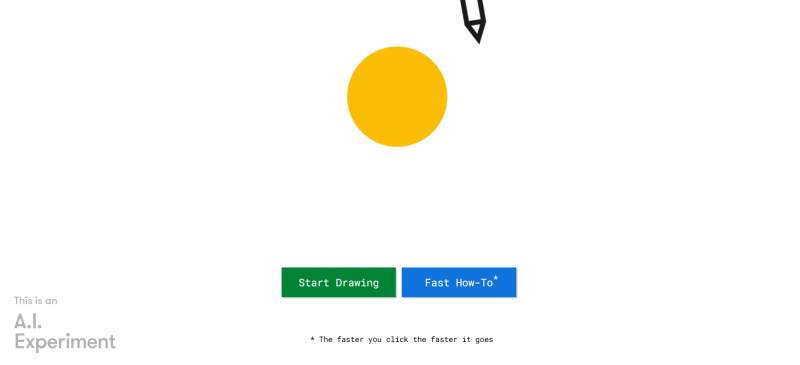
AutoDraw pairs machine learning with drawings from talented artists to help create anything visual, fast. Users sketch roughly, and the tool suggests matching professional illustrations for selection. It provides drawing tools including pointer, pencil, text, paint bucket, shapes, and zoom, plus undo and delete functions. New drawings start easily, with options to download or share creations. No download or payment required. Access works on smartphone, tablet, laptop, or desktop.
Fast sketch-to-finish conversion. Automatically refines rough sketches into polished drawings.
AI-powered drawing suggestions based on user input, making it easier for non-artists.
Free to use, with no sign-up required.
Intuitive interface, with a simple and clean design.
Wide range of categories, from food to objects to animals.
Export options available in multiple formats (PNG, SVG).
Accessible on both desktop and mobile via browser.
Drawing options may be too simplified for complex designs.
No real-time collaboration features like some design tools.
Limited ability to modify AI-generated suggestions.
Can't integrate with third-party design apps like Illustrator or Figma.
Pricing yet to be updated!