
Home > Company > Teachable Machine
Teachable Machine

Teachable Machine

A fast, easy way to create machine learning models – no coding required.

Teachable Machine Overview

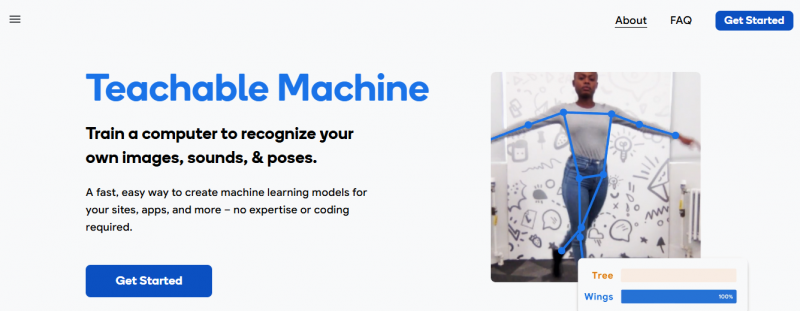
Teachable Machine enables creation of machine learning models in the browser to recognize images, sounds, or poses. Users gather examples by uploading files or capturing live with a webcam or microphone; examples stay on-device unless saved to Google Drive. Training occurs with one click directly in the browser. Users test the model on the site, tweak examples, and export to websites, apps, or physical machines. The tool focuses on pattern recognition in data without coding.

Teachable Machine Features

Gather examples of images, sounds, or poses via upload or live capture with mic or webcam Train model with a single button click in the browser Test and tweak model performance on the site Export model for use in websites, apps, and physical machines

How It Works:

  • Select project type: Choose between image, sound, or pose projects.
  • Gather examples: Upload images/sounds or capture them through your webcam or mic.
  • Train model: Automatically train a classification model based on input examples.
  • Test & refine: Try predictions in real time and adjust examples as needed.
  • Export: Save and export models for integration into sites, apps, or embedded systems.

Pros & Cons

Pros:

No coding required for training models

Everything processes in-browser and stays on-device

Quick training with one button

Supports export to multiple platforms

Cons:

Limited to image, sound, or pose recognition only

Models train on user-provided examples without advanced customization
Browser-based processing may limit handling of large datasets

Company

Teachable Machine

Contact

Email

Headquarter

Teachable Machine Demo & Screenshots

Teachable Machine Pricing

Pricing yet to be updated!

Teachable Machine Reviews

Teachable Machine Category

Teachable Machine Alternatives