
VEED edit videos online without installing software. It lets you cut, trim, merge, and change videos in simple steps. You can add text, music, filters, and subtitles to make videos look better. It has AI tools that help with automatic subtitles and background noise removal. You can also record your screen or webcam right on the site. It works on many devices and is good for making social media, business, or learning videos fast.
Core Strengths:
4K export available on paid tiers
AI auto‑subtitles support 75+ languages
Rapid social format exports (TikTok/Reels)
Built‑in stock media & templates library
Collaboration tools for team projects
Frequent lag/freezing with large projects
No offline editing support

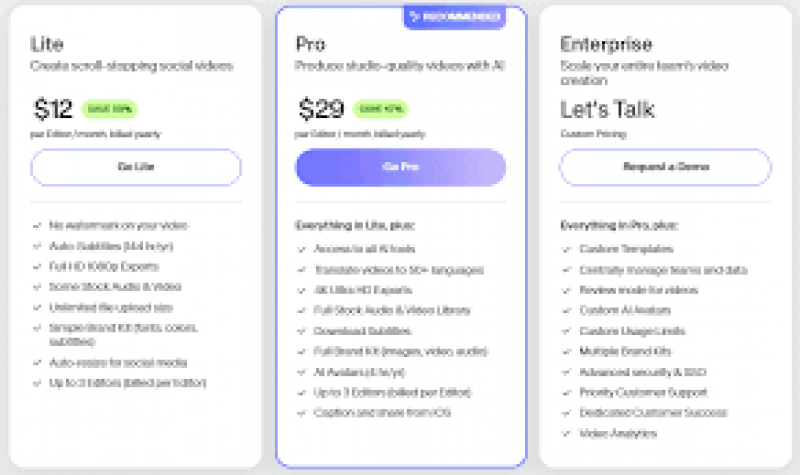
*Price last updated on Mar 20, 2026. Visit veed.io's pricing page for the latest pricing.