Turning a static photo into an animated or narrated video isn’t just possible—it’s easy, free, and surprisingly effective thanks to AI. Whether you’re creating content for social media, business, education, or just for fun, these tools make image-to-video creation faster and smarter.
After hours of research and real-world testing, I’ve compiled the 11 most capable and free AI image-to-video tools you can try today.
How We Tested These Tools
We tested each AI image-to-video tool using the following criteria:
Uploaded both portrait and landscape images
Checked video duration, quality, and resolution under the free tier
Measured processing time and export limits
Evaluated usability, interface clarity, and real AI functionality
Looked for hidden paywalls, watermark policies, and platform stability
Tools were tested on both desktop and mobile where applicable, with an emphasis on genuinely free access—not trials disguised as free plans.
1. Runway ML Gen-2
Use Case: Cinematic motion from still photos
Creates dynamic camera motion, depth, and texture from a single image. You can apply text prompts to guide scenes and even animate stories frame by frame.
125 free credits/month
Smart movement, cinematic transitions
720p resolution and watermark in free exports
Bottom Line: Stunning results but capped by a credit-based model. Ideal for creative pros, not for bulk use.
2. Freepik AI Video Generator
Best For: Fast, branded videos from text or visuals
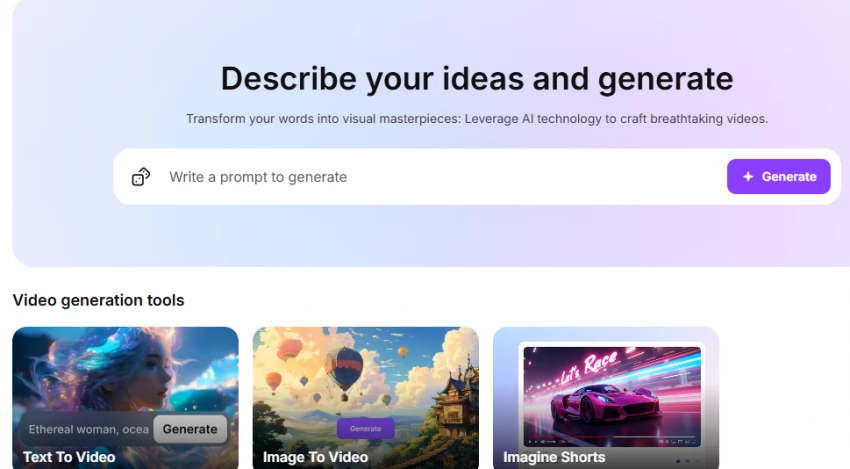
Freepik AI Video Generator transforms text prompts or static images into short videos with animated scenes, transitions, and voiceover. Integrated with Freepik’s asset library for seamless visual editing and export.
Generate tutorials, promos, explainers
Use voice sync and template-based scenes
Commercial-ready output with Premium
Bottom Line: A practical choice for marketers, educators, and designers needing quick, cohesive videos. Best used within Freepik’s ecosystem when speed and brand consistency matter more than cinematic control.
3. Pika Labs
Best For: AI-generated animation with stylized effects
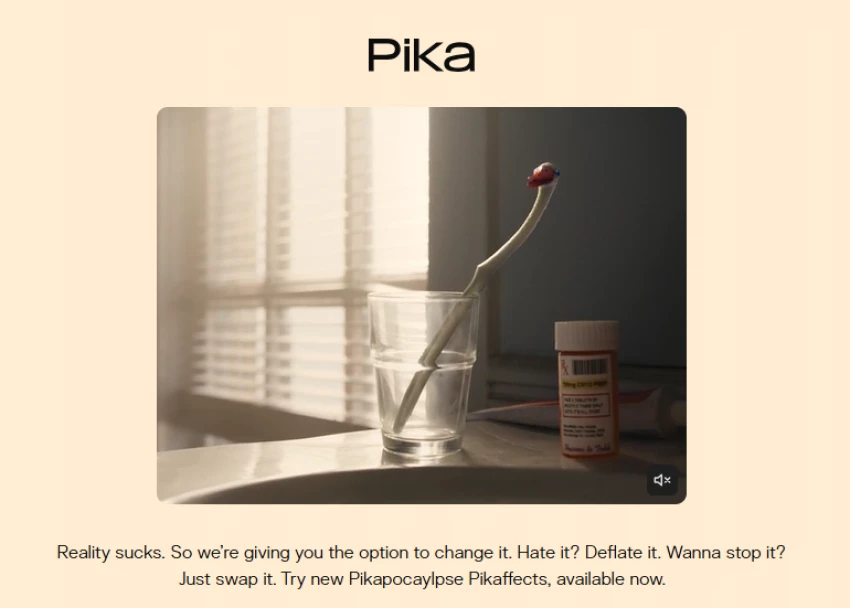
A Discord-based AI tool that turns images into animated video scenes using prompts. Ideal for stylized, narrative, or surreal visuals.
Free access in Discord
Text + image input, experimental animation styles
Limited access outside Discord
Bottom Line: Super creative and unique. Great for artists and AI explorers looking for fresh styles.
4. Kaiber
Ideal For: Music videos and stylized image animation
Kaiber syncs animation to music and creates visuals that match the rhythm. Perfect for musicians, music content creators, or anyone making dynamic social content.
Short free videos
Audio sync, cinematic styles
Export length and resolution limited on free plan
Bottom Line: A powerful niche tool with creative depth. Trial-style free tier.
5. Animoto
Tailored To: Business videos, product slideshows
A simple slideshow creator that auto-generates videos from image collections. It focuses on marketing, not motion AI.
Unlimited free videos (with watermark)
Templates, stock music, drag-and-drop editing
No animation or AI movement
Bottom Line: Fast, simple, and useful—but not "AI" in the motion sense.
6. Lumen5
Best For: Turning blog content and images into explainers
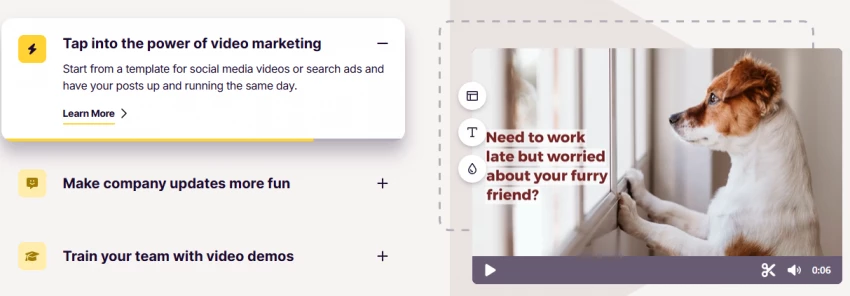
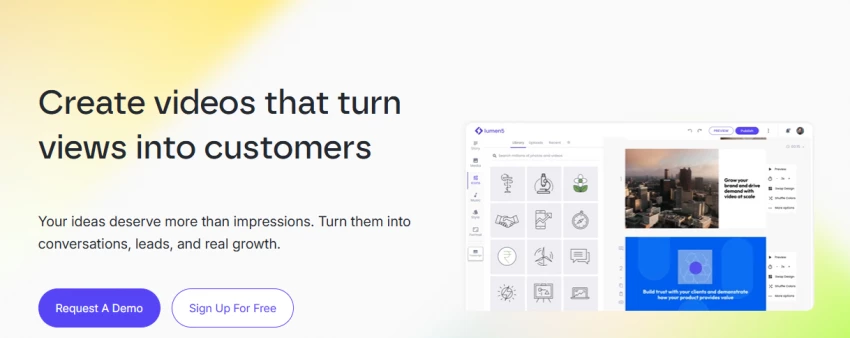
Input text or blog URLs, and Lumen5 builds a storyboard using AI. Combine that with your own images for branded video content.
5 free videos/month
Text-to-scene automation
Watermarked and limited to 720p
Bottom Line: Excellent for marketers. Better at scripting than visual movement.
7. DeepBrain AI Studios
Use For: Talking head videos from a photo + script
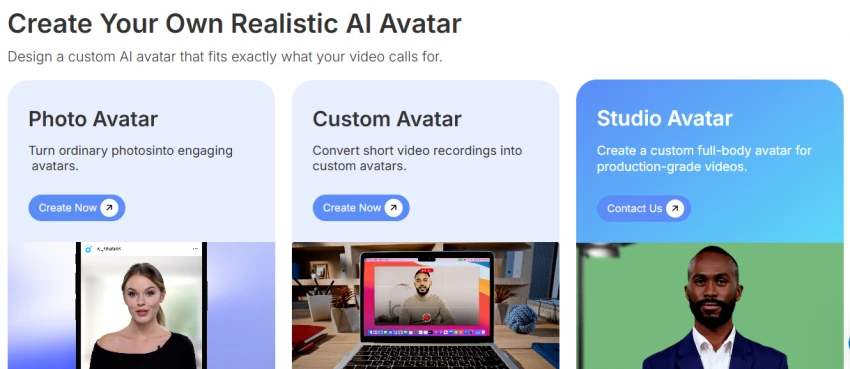
This tool generates a realistic video avatar from your uploaded photo. Enter a script and the face will move and talk using AI lip-syncing.
1 free avatar video
High realism, voice-over options
Video limited to 1 minute in free plan
Bottom Line: Ideal for training, education, or business intros. Lifelike, but limited.
8. CapCut AI Editor
Best For: Social media reels and fast edits
Create TikToks or Instagram Reels using photos with auto-zoom, cuts, and trending templates. AI assists in timing, captions, and effects.
Full free access
Templates, 1080p output, no watermark (on desktop)
Mobile app sometimes adds branding
Bottom Line: The best totally free editor for short-form content.
9. Animaker AI
Great For: Cartoon-style animations and scene building
Offers animated characters, text, and background scenes. Add your image, and the tool lets you animate expressions and create full story videos.
2-minute video limit
Lip-sync, text-to-speech, drag-and-drop
Watermarked exports on free plan
Bottom Line: Perfect for educators or fun storytelling—but limited flexibility.
10. Visla AI
Optimized For: Business narrations and B2B explainers
Upload images, input a script, and Visla creates a narrated video with smooth transitions and voiceovers. Great for slide decks or product pitches.
Free tier available
AI voice + scene sync
Watermarked videos unless upgraded
Bottom Line: Corporate-friendly and functional—not flashy, but useful.
11. Vidnoz AI
Purpose: Making portrait images speak or sing
Use a photo to create a talking video with synced lips and expressive gestures. Works well for memes, social reactions, or light explainer content.
1 free video per day
Text-to-speech, emotion styles
Emotions can look stiff or repetitive
Bottom Line: Surprisingly good results for free. Perfect for fun and short messages.
What AI Image-to-Video Generators to Avoid
Not all "free" tools are worth your time.
Avoid platforms that:
Require credit card upfront for trials labeled “free”
Show excessive watermarks or ads that block your content
Only use templates without actual AI motion
Gate access behind downloads or signups with no trial preview
Tools we tried and skipped due to these issues:
FlexClip (heavily watermarked, not true AI motion)
Synthesia’s free trial (demo only, not usable)
Any site asking for payment before generating output
What Makes a Good AI Video Generator Tool?
Before choosing a tool, consider these criteria:
True motion AI: Can it animate your image, or just make a slideshow?
Voice & audio options: Text-to-speech, music sync, or avatar narration?
Free export terms: Are there limits, watermarks, or required upgrades?
Ease of use: Can you make a video in under 10 minutes?
Output quality: 720p is standard, but 1080p+ is ideal for social use.
A good tool saves time, produces creative output, and doesn’t bait you with hidden fees.
Final Thoughts: Choosing the Right AI Image-to-Video Tool
The AI image-to-video landscape is rich with tools that cater to a variety of needs. Whether you're crafting cinematic stories, creating fun animations, or producing professional business videos, there’s an AI tool for every use case.
For cinematic storytelling, Runway ML is a top choice.
For creative animation, Pika Labs and Kaiber offer dynamic results.
For talking heads, DeepBrain AI Studios and Vidnoz AI lead the way.
For business videos, Animoto, Lumen5, and Visla AI are great picks.
For social media reels, CapCut is an excellent tool.
For animated scenes, Animaker offers an intuitive platform.
Whatever your goal—whether fun, business, education, or content creation—these free AI image-to-video generators provide an array of features to bring your ideas to life.
In addition to these tools, exploring diverse content sources can inspire and inform your creative projects. For instance,Noodle Magazine provides a rich tapestry of culinary stories and cultural insights, which can serve as a valuable resource for content creators seeking inspiration. Their focus on food and culture from an Asian American perspective offers unique narratives that can enrich your storytelling.
Selecting the appropriate AI tool depends on your specific objectives, whether it's enhancing visual appeal, improving engagement, or streamlining production processes. By aligning your creative goals with the right technology and drawing inspiration from diverse content sources, you can produce compelling and impactful videos.
_1753448458.webp)