Remote and hybrid teams are drowning in meetings, and manually keeping up with notes is almost impossible. AI transcription tools step in to capture every word, track actions, and keep everyone aligned across time zones.
This guide breaks down the top AI transcription tools designed for teams, focusing on real-time collaboration, meeting intelligence, integrations, and pricing. You’ll find concise one‑line summaries for what each tool is, what it does best, standout features, and how much it costs.
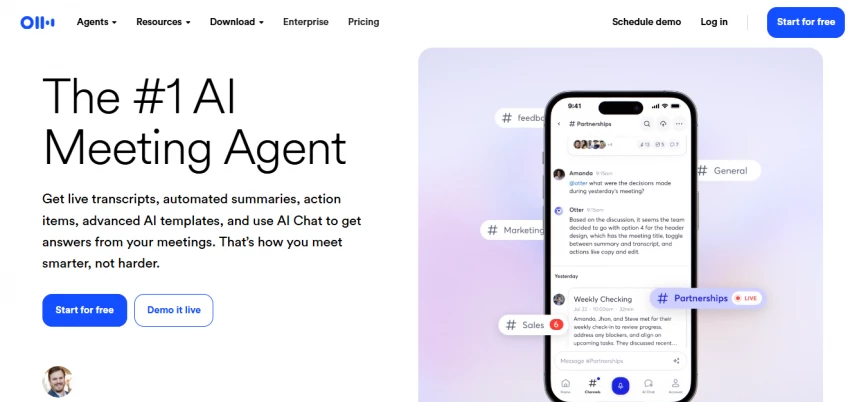
1. Otter.ai
description: AI meeting notetaker for teams that captures live conversations, separates speakers, and stores transcripts in a shared workspace for ongoing collaboration.
Features: Real‑time transcription, speaker labels, live collaboration, AI summaries, advanced search, file uploads, and native integrations with Zoom, Google Meet, and Microsoft Teams.
What it does: Automatically joins scheduled meetings or records from your device, transcribes them as they happen, lets teammates comment and highlight, and makes every conversation searchable afterward.
pricing: Free Basic plan, Pro at about $8.33/user/month annually (or $16.99 monthly), Business from about $20/user/month annually (or $30 monthly), plus custom‑priced Enterprise.
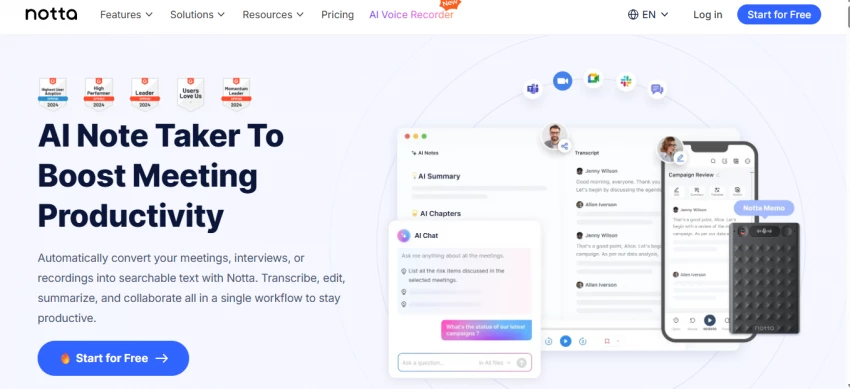
2. Notta
description: Multilingual transcription and recording workspace built for global teams that collaborate across accents, languages, and time zones.
Features: Real‑time transcription, “online meeting” and “audio file” modes, screen recording, speaker identification, editing tools, and translation across dozens of languages.
What it does: Records meetings or uploads audio/video, converts them into time‑stamped transcripts with language support, and lets teams share, search, and export notes for projects and clients.
pricing: Free plan at $0, Pro around $8.17/month (annual billing) with higher minutes, Business around $16.67/month with team features, and Enterprise with custom pricing based on seats and usage.
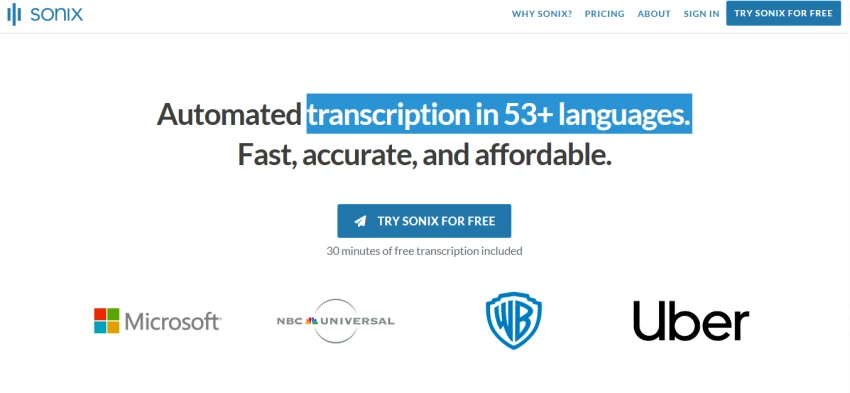
3. Sonix
description: Accuracy‑focused, file‑based transcription platform for teams handling interviews, legal work, research, and production where verbatim reliability is essential.
Features: Multi‑track audio support, custom vocabulary, word‑level confidence scores, browser editor, and translation between many languages and dialects.
What it does: Takes uploaded recordings, applies language‑specific models to produce highly accurate transcripts, and enables collaborative editing and export into multiple formats for downstream workflows.
pricing: Starts with a short free trial, then pay‑as‑you‑go and subscription plans priced per hour/minute of audio, positioned as a premium option versus lighter meeting bots.
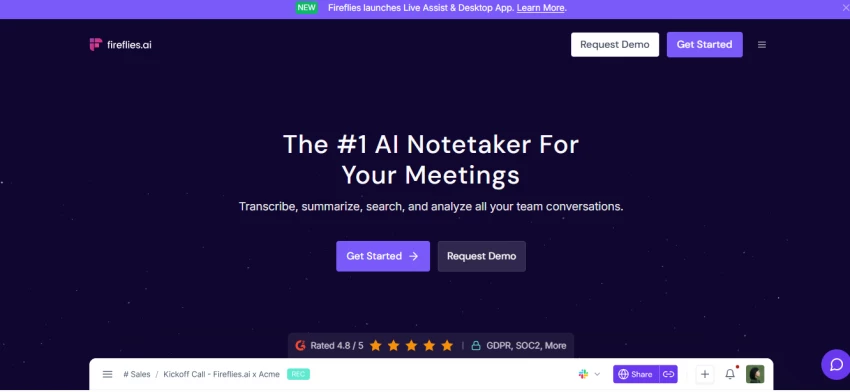
4. Fireflies.ai
description: AI meeting assistant and conversation‑intelligence tool that records calls, transcribes them, and surfaces insights for sales, customer success, and operations teams.
Features: A bot that auto‑joins calls, unlimited transcription on paid tiers, AI summaries, action items, talk‑time analytics, video recording, and integrations with CRMs and collaboration apps.
What it does: Joins Zoom/Teams/Meet and other conferencing tools as a participant, captures audio and video, generates searchable transcripts with highlights and tasks, and syncs them into your CRM and work apps.
pricing: Free plan at $0, Pro at about $10/user/month annually (or $18 monthly), Business at about $19/user/month annually (or $29 monthly), and Enterprise at about $39/user/month annually or custom.
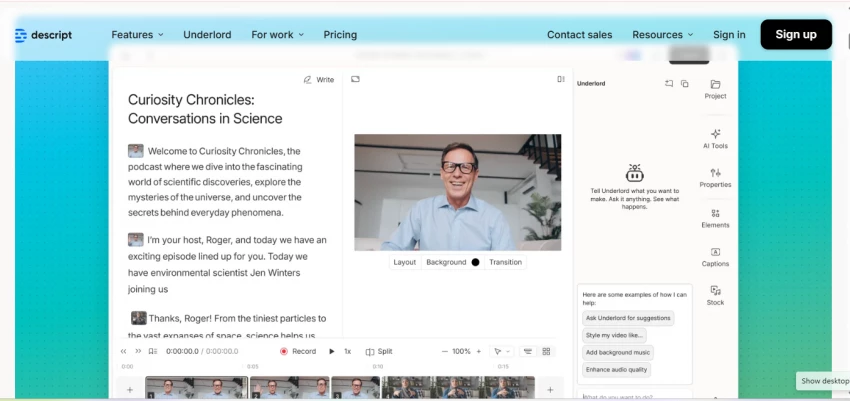
5. Descript
description: All‑in‑one audio and video editor with integrated transcription, built for teams producing podcasts, webinars, demos, and training content.
Features: Automatic transcription, text‑based editing, multitrack timelines, screen recording, overdub voice tools, and cloud collaboration for projects.
What it does: Turns meeting or content recordings into editable text so teams can cut, rearrange, and polish audio/video simply by editing the transcript, then export ready‑to‑publish assets.
pricing: Free plan with limited transcription and export, then Creator and Pro team plans in the low‑ to mid‑double‑digit USD per user/month range depending on features and quota.
6. Whisper / MacWhisper (OpenAI)
description: Open‑source AI speech‑to‑text model and Mac client favored by teams that want powerful transcription with local or API‑based control over their data.
Features: Strong multilingual support, robust accent handling, offline processing through tools like MacWhisper, and programmable access via the Whisper API.
What it does: Lets teams transcribe recordings locally on their own machines or via hosted API endpoints, keeping sensitive audio in‑house while still benefiting from modern AI accuracy.
pricing: Model is free to run locally; MacWhisper offers a free tier plus a one‑time paid license for advanced features, while OpenAI’s hosted Whisper API charges a low per‑minute rate.
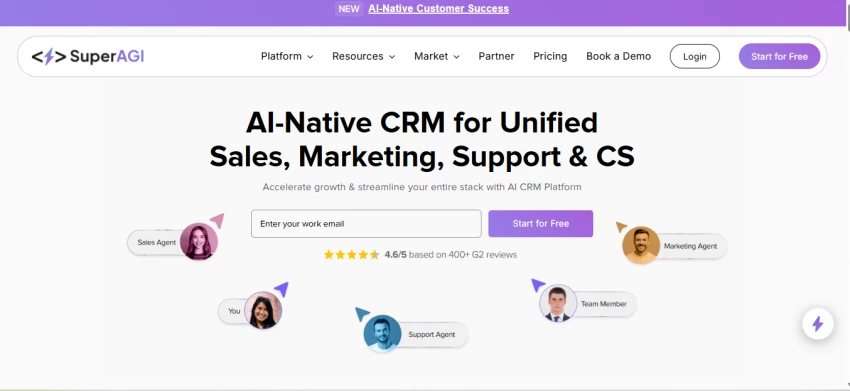
description: AI‑native CRM and GTM platform that includes meeting transcription and intelligence to tie conversations directly to sales, marketing, and support workflows.
Features: Embedded transcription inside CRM records, action‑item extraction, AI agents for sales/marketing/support, reporting, and unified pipeline and customer data.
What it does: Records and transcribes customer‑facing calls, converts them into structured notes and tasks, links them to deals and contacts, and triggers AI‑driven follow‑ups and campaigns.
pricing: Offered as part of SuperAGI’s AI GTM platform with tiered SaaS pricing (contact sales), positioned to replace multiple separate GTM tools rather than a standalone transcription app.
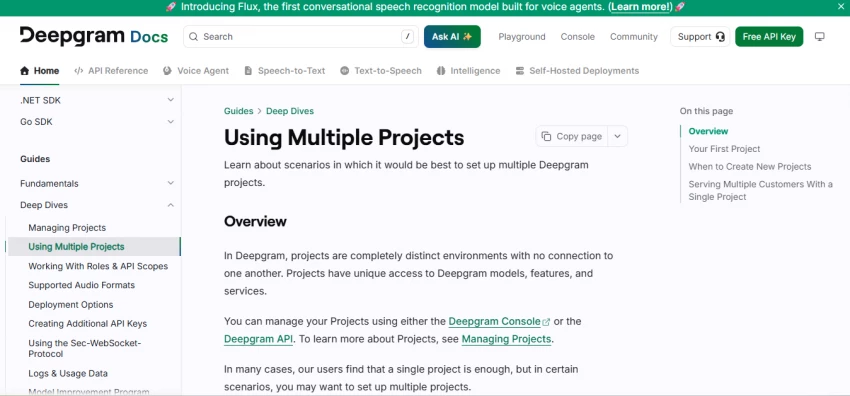
8. Deepgram (API-first option)
description: Developer‑centric speech‑to‑text platform that teams use to embed scalable transcription into their own products, dashboards, and internal tools.
Features: Real‑time and batch transcription APIs, language and model choices, tuning for cost vs. accuracy, and SDKs/integrations for meeting and contact‑center pipelines.
What it does: Receives audio streams or files from meetings and calls via API, returns detailed transcripts and metadata, and plugs directly into CRMs, analytics, or custom apps.
pricing: Usage‑based pricing billed per second or minute of audio, with free credits for testing and volume discounts for teams processing large quantities of speech.
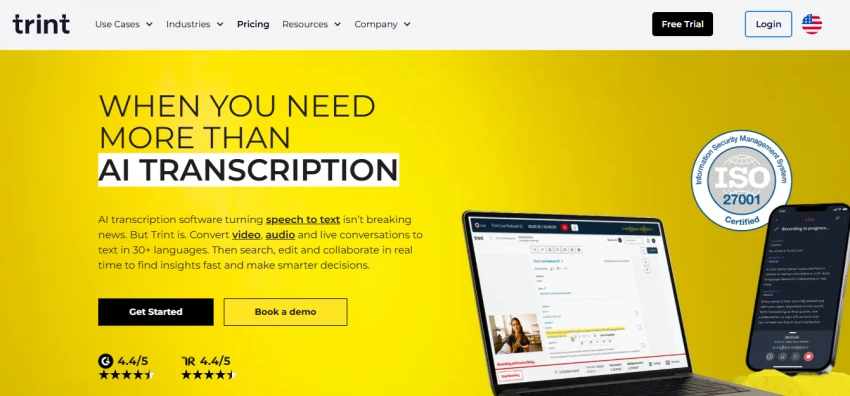
9. Trint
description: Collaboration‑oriented transcription and editing platform used by media, marketing, and research teams to turn recordings into ready‑to‑use content.
Features: Browser‑based editor, speaker labeling, timestamps, comments, team workspaces, and export to formats suited for publishing and content workflows.
What it does: Transcribes interviews, meetings, and field recordings, lets teams annotate and structure them collaboratively, and speeds up building articles, scripts, and reports.
pricing: Subscription plans for individuals and teams at typical SaaS monthly rates, with higher tiers adding more transcription hours and collaboration capabilities.
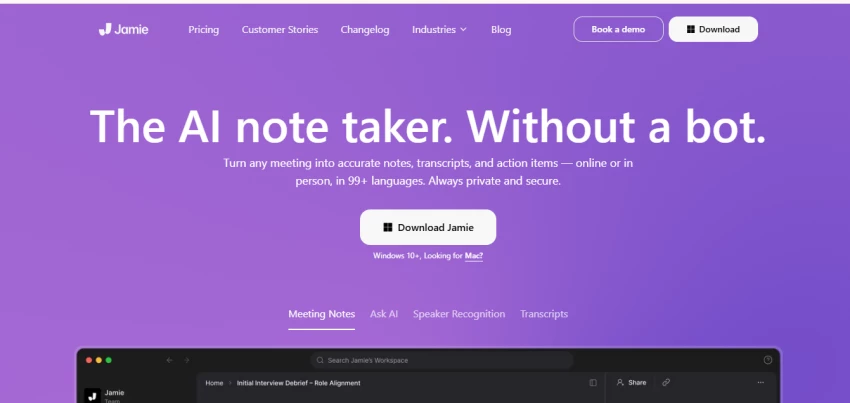
10. Jamie / Other AI Note-Taker Apps
description: Modern AI note‑taker category (including tools like Jamie) optimized for frictionless meeting capture, smart summaries, and minimal manual setup.
Features: Automatic meeting join or passive recording, live or near‑real‑time transcription, concise AI summaries, and next‑step extraction.
What it does: Listens to meetings in the background, produces short, structured notes and action items for quick review, and helps teams reduce post‑call admin work.
pricing: Freemium models with limited meetings on free tiers, then straightforward per‑user or per‑meeting paid plans that sit in a competitive SaaS price band.
Final Verdict: Which Tools Make Most Sense for Teams?
For most remote and hybrid teams, Otter.ai and Fireflies.ai are the best starting points because they combine easy setup, strong real‑time transcription, and collaboration features at approachable price points and with usable free tiers.
Teams that work across multiple languages or strict privacy environments should seriously consider Notta or Whisper/MacWhisper, as they offer better multilingual coverage and local/offline options without sacrificing accuracy.
If you’re in high‑stakes contexts, legal, research, media, or technical content where every word matters, Sonix, Trint, or an API‑first option like Deepgram will justify their higher, usage‑based pricing through superior accuracy and flexible exports.
For go‑to‑market organizations that want transcription tightly woven into the pipeline and customer data, SuperAGI stands out because it treats meeting notes as part of a unified AI‑native CRM rather than a separate app.
Practically, the smartest approach is to pilot two tools in parallel for a week, one meeting‑assistant style (Otter/Fireflies/Notta) and one “heavy” or integrated option (Sonix/Deepgram/SuperAGI), then compare accuracy, adoption by the team, and cost per active user before standardizing.