I’ve tried almost every AI design tool out there.
Not casually, I used them for client work, ad creatives, brand kits, and daily content.
And here’s what I realized very quickly:
Some tools give you speed but no control.
Some give control, but kill your workflow.
And only a few actually help you design better.
So instead of listing “top tools,” I’ll show you what I personally use, and where each one breaks.
| Tool | What I Use It For | Where It Wins |
| Canva AI | Daily content | Speed + simplicity |
| Adobe Firefly | Client work | Precision + control |
| Midjourney | Ideas & visuals | Creative quality |
| DALL·E | Structured outputs | Clean generations |
| Looka | Quick branding | Fast brand kits |
| Kittl | Typography | Advanced text control |
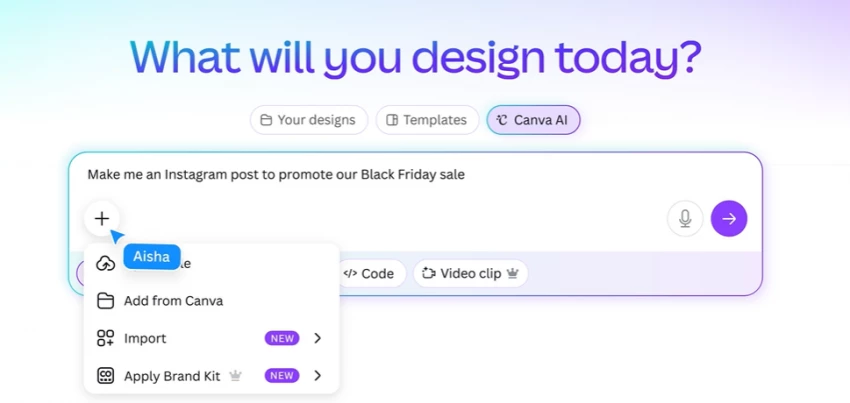
If I have to make something fast, this is where I go.
Reels, posts, ads, Canva just gets it done.
But here’s what I noticed when I pushed it harder:
What I use it for: speed
What I don’t trust it for: serious design work
Best for: content creators, marketers
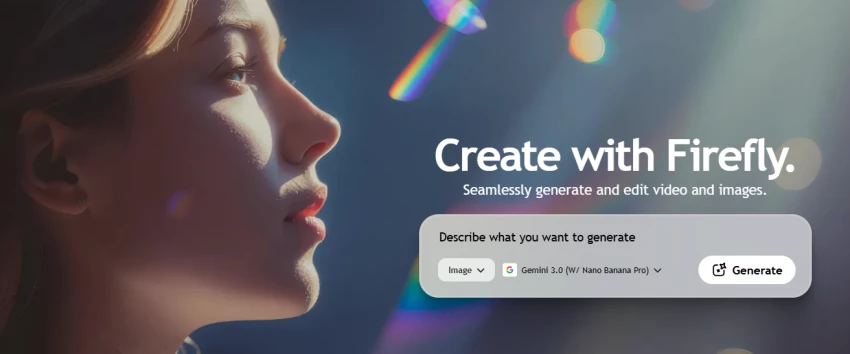
This is where things get interesting.
Firefly doesn’t feel like a “tool”, it feels like an extension of Photoshop.
What stood out to me:
But it’s not perfect:
Same prompt → different outputs
Text inside visuals still unreliable
Requires learning curve
This is the only AI tool I trust for client-level work
Best for: designers, agencies
First time I used Midjourney, I was blown away.
Then I tried to use it in a real project.
That’s where it broke.
I now use it only for:
Best for: ideation, not execution
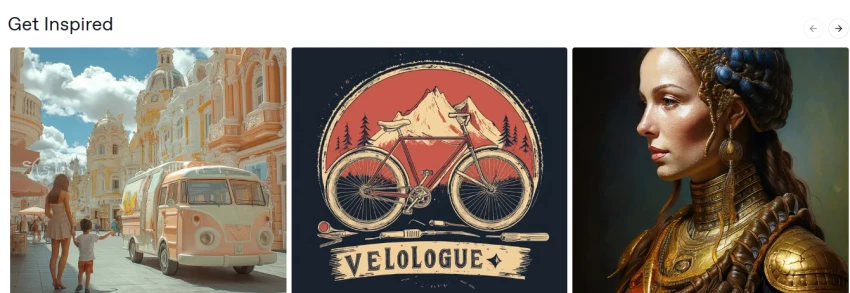
DALL·E feels more “controlled” than Midjourney.
Outputs are:
But:
Good tool, but not exciting
Best for: product visuals, concepts
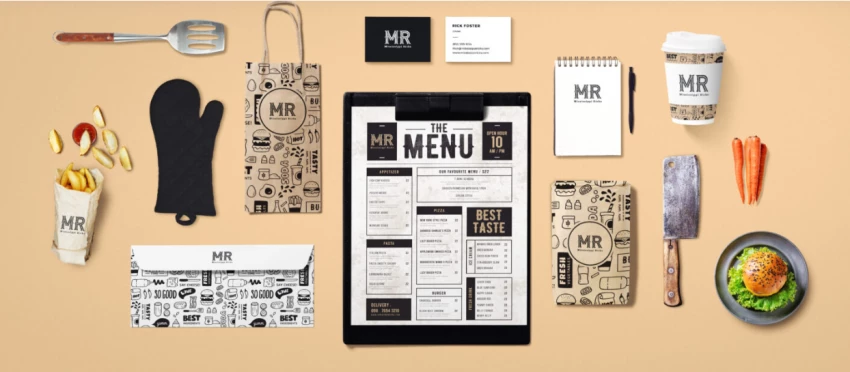
If someone asks me:
“Can I create a brand quickly?”
I recommend Looka.
But if they ask:
“Can I scale that brand?”
Then no.
Here’s why:
It solves the starting problem, not the growth problem
Best for: beginners
Kittl surprised me the most.
Typography control is insanely good.
But:
I use it only when I need premium text design
Best for: designers who care about typography
I made this mistake too.
I kept searching for: “The best AI design tool”
But that doesn’t exist.
What actually works:
| Step | Tool I Use |
| Idea | Midjourney |
| Refinement | Firefly |
| Final layout | Canva |
That’s the real system.
AI tools don’t replace design skills.
They amplify them.
If you don’t know what you’re doing →
AI makes it obvious.
If you do →
AI makes you faster than everyone else.
| Tool | Core Strength |
| Canva | Speed |
| Firefly | Control |
| Midjourney | Creativity |
| DALL·E | Structure |
| Looka | Quick Branding |
| Kittl | Typography |
Share your thoughts about this article.
Be the first to post a comment!

The same tool can be a 4.7 on one site and a 3.9 on another. Here is what is rea...
Nitin1 month ago

Here is the number worth pinning above your budget: in Gartner Digital Markets r...
Deepak Mehra1 month ago

What Artlist AI is in 2026Artlist began as a royalty-free music library. By 2026...
Deepak Mehra1 month ago

Most AI tool failures do not announce themselves. There is no crash, no angry em...
Nitin1 month ago

The best AI image generator in 2026 is Nano Banana 2 for speed, FLUX.2 for photo...
Parveen Verma1 month ago

“Useful” is a slippery word for a coding assistant. A tool can be brilliant at o...
Sakshi Dhingra1 month ago