I don’t judge an AI image generator by “one pretty output.” I judge it by what happens on the 10th prompt, when you’re trying to match a brand style, fix tiny prompt misunderstandings, generate text that’s actually readable, and keep your workflow moving without the tool fighting you.
Most people waste time because they pick a tool first and then force every use case into it. I do the opposite:
If I need the cleanest, most controllable “design asset” output (especially with readable text), I choose a text-friendly model first. If I need photorealism or cinematic style, I go where the “look” wins. If I need safe, brand-friendly outputs inside a design workflow, I prioritize tools that are built for production rather than experimentation.
That’s the lens I’m using below.
When I’m in “describe → adjust → refine” mode, ChatGPT’s image generation workflow is the smoothest because I’m not switching contexts. Instead of re-writing prompts from scratch, I just say what’s wrong, “make the lighting softer,” “remove the extra hand,” “turn it into a product hero image,” “keep the same character design but change the background”, and iterate.
Pricing is straightforward at the plan level. OpenAI lists the current ChatGPT plans on the pricing page , and the practical implication is: free users get limited/slower image generation, while paid tiers expand access and speed . If you want the “business safe” side, OpenAI also documents Enterprise/Edu tool access and limits separately .
One nuance I like from EXPERTE’s comparison is how they frame DALL·E usage through ChatGPT as the default “easy mode,” especially for non-technical users who don’t want to think in model settings . That matches my experience: it’s the least “settings heavy,” which is exactly why it’s so productive.
If I want images that look like a high-end campaign, especially stylized realism, Midjourney is the tool I open first. EXPERTE’s testing also calls out Midjourney’s image quality and photorealism advantage, while noting it can be less precise with prompt intent than DALL·E in some cases .
What people misunderstand is the pricing model. Midjourney isn’t “X images per month” in the clean way some tools are. It’s measured in compute time and modes. The official Midjourney documentation explains there are four subscription tiers (Basic, Standard, Pro, Mega) and compares plan features . If you want a quick pricing anchor, Zapier’s guide cites the Basic plan starting at $10/month with roughly ~200 images/month as a practical estimate , and EXPERTE’s table similarly frames Basic at $10/month (annual payment) with “about 200 images/month” .
The “hidden” workflow point: Midjourney is amazing when you want art direction through iteration, but it’s not always the most literal interpreter of long, constraint-heavy prompts . So I use it when style matters more than perfect adherence.
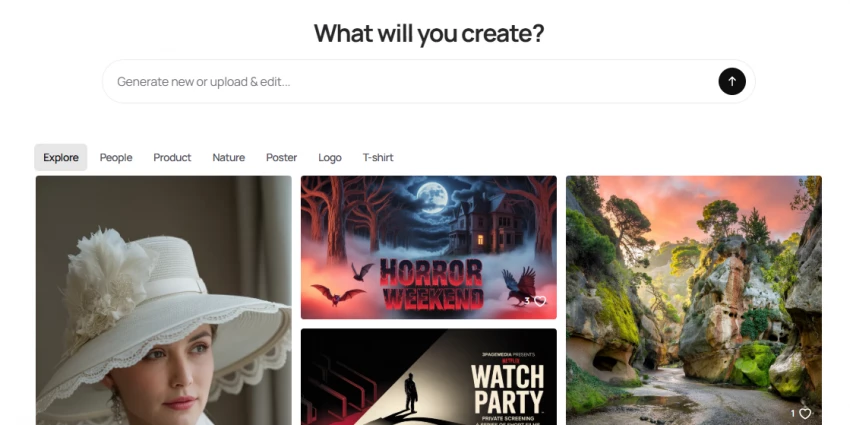
When the output must include text, headlines, poster typography, product label mockups, Ideogram is where I start. EXPERTE explicitly highlights Ideogram as one of the few tools that can generate “almost error-free text” relative to competitors, making it strong for business assets . That’s exactly why it’s so useful for creators: you can get something “thumbnail-ready” faster.
The free plan details in EXPERTE’s breakdown are concrete: it allows 25 prompts per day, but images are public and speed is limited . For pricing, Ideogram’s official pricing page exists , and their own docs list current plan names/prices and note that some plans have become legacy over time .
My honest take: Ideogram is less about “perfect photoreal humans” and more about “design utility.” If you’re building brand graphics, it earns its spot.
Firefly is not the tool I use when I want the wildest artistic surprise. It’s the tool I use when I want consistency, “stock-photo clean” outputs, and a workflow that comfortably connects to editing tools. EXPERTE describes Firefly’s outputs as consistent and high quality, but sometimes “boring” in the way stock images are boring, and that’s actually a feature when you’re generating assets for business pages, blogs, or product design comps.
On pricing, Adobe clearly states you can use Firefly’s AI image generator for free with an Adobe account, and that free users receive a limited number of monthly generative credits . Adobe also maintains a dedicated Firefly plans page that compares tiers including generative credits , and a generative credits FAQ that explains how credits work across Firefly and Creative Cloud apps (and even includes time-bounded promos like temporary “unlimited generations” windows) .
If you’re a marketer, the most underrated benefit is trust and workflow integration: Firefly is designed to ship assets, not just impress you in a demo .
Canva is what I recommend when the image isn’t the final product, the post, flyer, carousel, ad creative is. In other words, you’re generating visuals to drop straight into layouts.
Canva documents Magic Media as a feature that generates images/graphics/videos from text and style/size settings, and it’s positioned as a premium AI capability inside Canva’s broader design workflow . For pricing, Canva publishes its plan structure on the official pricing page , and its AI tools are presented as part of the overall “Magic Studio” ecosystem .
My experience-based summary: Canva wins when your real work is “make the asset and publish,” not “make the perfect image in isolation.”
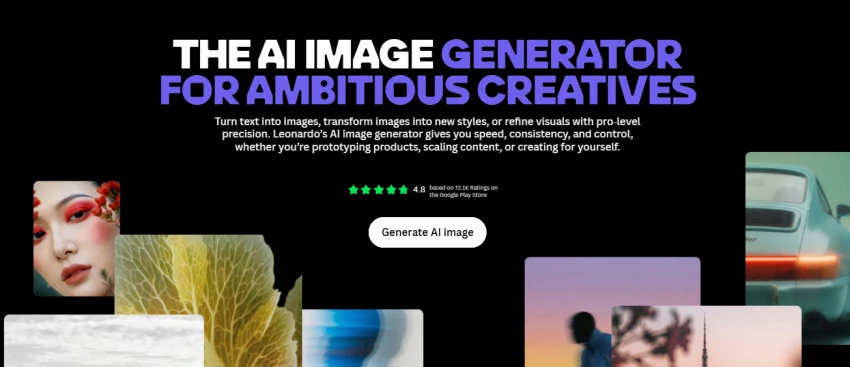
Leonardo is the tool I open when I want lots of creative control without the heavy friction of a purely technical Stable Diffusion setup. EXPERTE’s test notes Leonardo can produce rich, detailed results and can do strong photorealism, but it may ignore some prompt details, which is a pattern you’ll notice across many “creative first” generators.
What’s important is how Leonardo prices usage: it’s token-based, and the official pricing page explains tokens vary by GPU intensity and don’t map 1:1 to image size or a single action . That sounds abstract until you use it, but the practical takeaway is simple: higher quality settings and heavier features cost more tokens.
If you’re the kind of creator who wants to explore styles, build a consistent visual language, and generate lots of variants, Leonardo is extremely strong.
DeepAI doesn’t try to be a luxury creative suite. It’s a utilitarian generator that can be cost-effective when you’re producing a lot of straightforward images.
DeepAI states on the tool page that Pro includes monthly allowances such as 500 standard images, 60 “Genius Mode” images, and 10 “Super Genius 2K” images, after which overages are charged in clear blocks (for example, $5 per 500 standard images) . Their official pricing page lists Pro at $9.99/month (and a discounted yearly option) .
I treat DeepAI as a “volume utility” option: good when the requirement is “generate lots of usable visuals,” not “generate the most cinematic image you’ve ever seen.”
Pixlr is underrated because people mentally categorize it as “photo editor,” but it’s increasingly “editor + AI generator.” If your workflow is: generate an image, remove a background, tweak something, export, Pixlr feels fast.
Pixlr’s official pricing page highlights a Premium tier that includes 1,000 monthly AI credits and private mode for AI generations . That matters because privacy is often the real blocker when teams consider using browser-based AI tools for client work.
Pixlr wins for creators who want an all-in-one browser toolbox and don’t want to bounce between five tabs.
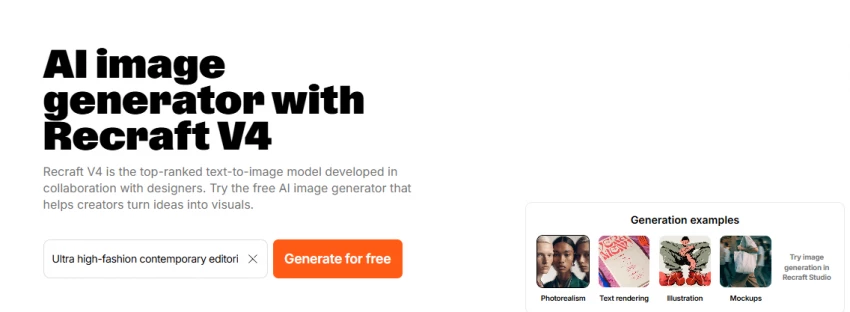
Recraft is one of the most practical tools when you’re creating logos, icons, brand illustrations, or design elements where “clean edges” matter. It’s also one of the few tools that openly talks in the language of credits and structured plans like a design platform.
Recraft has a public pricing page for creators and teams , and its own documentation spells out paid plan starting points (for example, Pro starting at $12/month billed monthly for 1,000 credits, or $10/month billed annually for the same credit allowance) . If you care about API usage, Recraft even publishes API pricing references .
If your output is for branding and UI, Recraft often feels “more correct” than purely artistic models.
Stable Diffusion is the “build your own workflow” ecosystem. If you’re technical or you want control over cost per output, it’s powerful, but it’s not the simplest.
Stability’s platform pricing is credit-based, and they define the unit clearly: 1 credit equals $0.01 . That’s one of the clearest cost models in this space because you can estimate spend based on how many generations you run. The tradeoff is you’ll often need to think more about settings and model choices.
I use this route when I need flexibility, cost control, or when a project might later move into an automated pipeline.
Here’s the simplest “real life” mapping I use:
If you want the easiest day-to-day iteration loop, I default to ChatGPT image generation because the prompt refinement is conversational and fast .
If you want the most cinematic, stylized, “wow” visuals, Midjourney is still hard to beat .
If you need text inside images that doesn’t look broken, Ideogram is my first stop .
If you want brand-safe outputs that fit professional creative workflows, Adobe Firefly is the practical choice .
If the goal is “make content fast,” not “make art,” Canva’s generator inside the design workflow is extremely efficient .
If you want browser editing plus AI generation with privacy options, Pixlr is worth considering .
If you want structured design-asset generation (and even vectors), Recraft is very strong .
If you’re optimizing for cost math and pipeline control, Stability’s credit model is refreshingly explicit
Be the first to post comment!
AI music generation has matured quickly over the last few years, but the reality...
Sakshi Dhingra1 day ago

AI study tools are everywhere right now. Some feel overhyped. Some feel confusin...
Sakshi Dhingra1 day ago

When I test AI voice generators seriously, I don’t judge them by demo clips. I t...
Sakshi Dhingra2 days ago
When I first discovered Gizmo AI, it immediately positioned itself as something...
Sakshi Dhingra2 days ago
I went into this expecting one “best” AI animation tool. What I found instead is...
Sakshi Dhingra3 days ago
When I started digging into Lenso.ai, I didn’t want surface-level claims. I want...
Sakshi Dhingra3 days ago