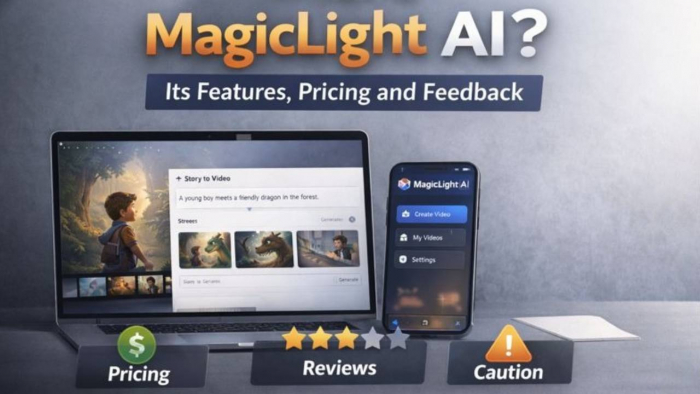
MagicLight AI is an AI-driven text-to-video and animation creation platform that aims to transform written scripts, descriptions, and narrative prompts into finished video content with characters, scenes, voiceovers, and visual styles. Users input text, choose styles, and the platform generates video — in theory, up to long-form videos (30–50 minutes), not just short clips. It is accessible via web and has a corresponding Android app listing. (magiclight.ai)
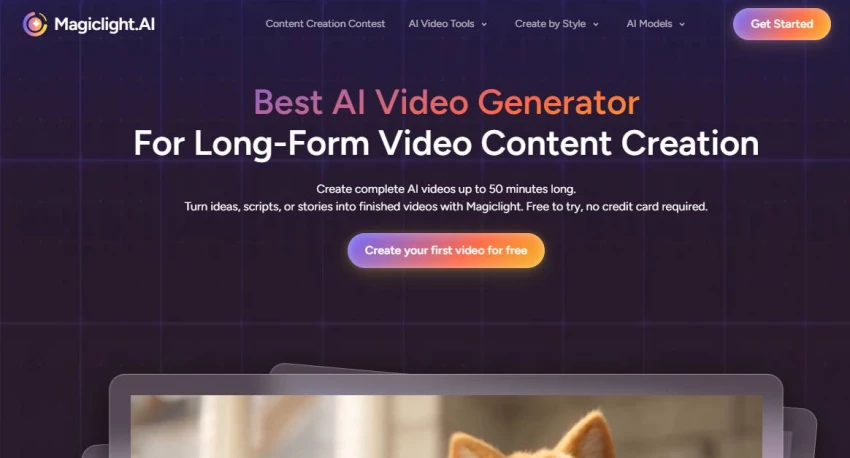
The core value proposition is simplifying video creation — no traditional editing skills required. The official site highlights cinematic storytelling, long-form support, and character consistency across scenes.
Here’s a clear comparison based on official messaging vs reported user experience:
| Claim | Actual Reported Behavior |
| Turns text into cinematic videos up to 50 minutes long. | Users do get long videos but often encounter inconsistent quality and credits exhaustion before finishing large projects. |
| Characters stay consistent across scenes. | Many users report continuity issues, e.g., characters changing appearance. |
| Voiceovers & lip sync are professional. | Voice quality and lip sync are often criticized as limited or low-quality. |
| Free trial to test features. | True, but free credits are limited and depleted quickly. |
| Commercial rights included | Mixed user satisfaction — some feel output isn’t usable for professional work. |
| Broad style library (Disney, Pixar, anime). | Officially available, but quality of outputs varies widely. User reviews note major inconsistencies. |
MagicLight AI’s workflow is cloud-based and roughly follows these steps:
There’s no public technical whitepaper detailing the underlying models . So “how magic happens under the hood” in AI terms is not documented publicly.
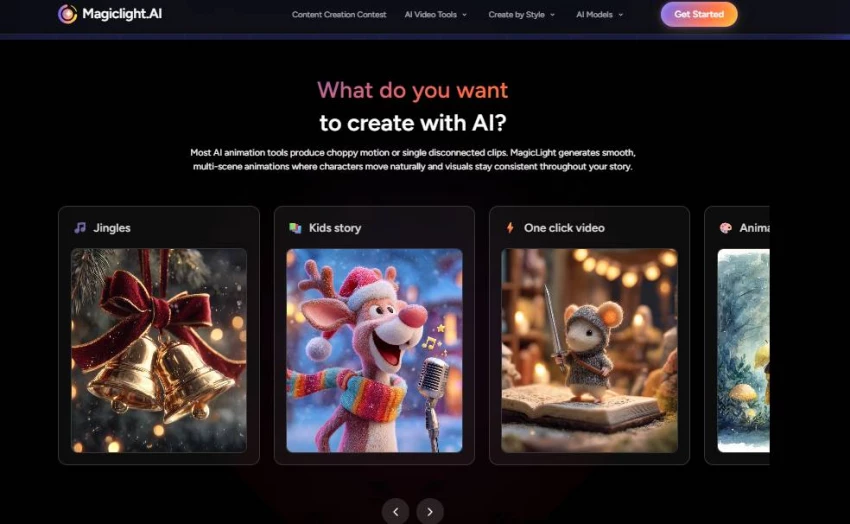
Users type a script and receive a visual narrative with scenes, motion, and voiceovers. Useful for beginner creators and teachers wanting quick videos without editing software.
Officially touted as a distinguishing feature for long-form content creation — enabling extended narrative videos like children’s stories or explainer courses.
MagicLight attempts to maintain a character’s look and traits across different scenes — crucial for storytelling. However, user reports show this doesn’t always work reliably.
Automatic voice generation with subtitle support across languages is built in, but quality varies and may require manual fixes or regeneration.
Over 20 visual styles such as “Pixar-like,” anime, realistic, or 3D cartoons are claimed as options.
MagicLight AI operates on a credit-based subscription model:
| Tier | Approx. Price | Details |
| Free Plan | $0 | Limited credits (~300 free credits), basic videos, try before you buy. |
| Standard | ~$8–$12/mo | Monthly credits (e.g., 6,000), mid-level use |
| Plus | ~$16–$26/mo | More credits, faster generation. |
| Pro | ~$24–$35/mo | Higher credits, priority access. |
| Higher tiers | ~$90–$120/mo (unofficial) | Targeted at agencies or heavy creators |
Key limitations reported by users:
Trustpilot ratings are very low (~1.5/5), with 79% 1-star reviews detailing recurring problems such as product not delivering promises, subscription confusion, and unresponsive support.
Common complaints include:
| Sentiment | Proportion |
| Positive | ~10–15% (some users enjoy workflow) |
| Mixed | ~10–15% (works for small tasks) |
| Negative | ~70–80% (frustration with quality, credits, support) |
This sentiment is based on the volume and tone of Trustpilot and Reddit discussions.
Very poor Trustpilot rating (~1.5/5), dominated by complaints about billing, access, and support.
Public data from official sources about privacy or data usage is limited. The FAQ and website mention basic use and commercial rights but do not publish a detailed data policy publicly in easily discoverable sections.
– It’s unclear how user scripts, video content, or voice data are stored or shared.
– No publicly published data retention policy or model training data sources were found on the site.
No reliable public data found on how MagicLight AI handles:
This is a material unknown and remains a risk for sensitive creators.
| Tool | Use Focus | Strength | Weakness |
| MagicLight AI | Text → long video | Long-form story generation | Inconsistent output, poor support |
| Synthesia | AI avatars & videos | Professional quality | Higher cost, shorter videos |
| Pika Labs | Short AI video | Easy quick clips | Not built for long storytelling |
| HeyGen | AI video & avatars | Strong lip sync | Limited scene animation |
| Kaiber | Image → video motion | Artistic motion from stills | Not story-centric |
MagicLight focuses on storytelling videos with character consistency — a niche not fully addressed by many competitors — but it struggles with quality and reliability compared to established providers (e.g., Synthesia for polished avatar videos).
MagicLight AI is a functional text-to-video platform with unique ambitions — supporting long-form storytelling and multi-scene video creation. It does work at a basic level, and some users enjoy what it can produce for hobbies or informal content.
However, real user evidence shows major shortcomings in quality, support, billing transparency, and credit usage — leading to overwhelming negative sentiment among paying customers.
Be the first to post comment!
Why I looked into Leeco AI in the first placeOver the past few years, I have not...
Sakshi Dhingra1 day ago
When I first came across Skipit, I approached it with a bit of skepticism. The A...
Sakshi Dhingra3 days ago
I didn’t start exploring Dzine AI because I was chasing the latest AI trend. I d...
Sakshi Dhingra4 days ago

The positioning of Promptchan within the AI ecosystem is often misunderstood. Wh...
Sakshi Dhingra1 week ago

A Personal Moment That Made Me Care About Online Coupons AgainA few months ago,...
Parveen Verma1 week ago

Choosing the right software used to be straightforward. You compared features, c...
Suraj Malik2 weeks ago