I didn’t open PixNova AI with the intention of writing a quick review. I spent time with it the way real users do: testing, retrying, wasting credits, fixing mistakes, and slowly learning where the tool behaves predictably, and where it doesn’t. This review reflects that journey.
Why I Chose PixNova AI for Deep Testing
PixNova AI stood out to me not because of marketing, but because it sits in a sensitive category: face manipulation. Tools in this space often fall into two extremes, either impressively realistic but risky, or safe but low quality.
PixNova claims to balance accessibility, speed, and realism. That claim is easy to make and hard to prove. I wanted to see whether PixNova could survive repeated real use, not just a single demo run.
My Initial Experience: Simple by Design, Limited by Choice
The first thing I noticed was how intentionally minimal the interface is. There’s no clutter, no timelines, no editing panels. You choose a function, upload files, and generate output.
At first, this felt efficient. But after a few sessions, the trade-off became clear: you are locked into PixNova’s decisions. I couldn’t adjust blend strength, control facial landmarks, or fine-tune motion behavior. That simplicity lowers the learning curve but also caps control.
This design clearly favors casual users over power users.
Photo Face Swap: Where PixNova Earned My Trust
This is where PixNova genuinely impressed me.
When I used:
High-resolution face photos
Neutral expressions
Similar lighting between source and target
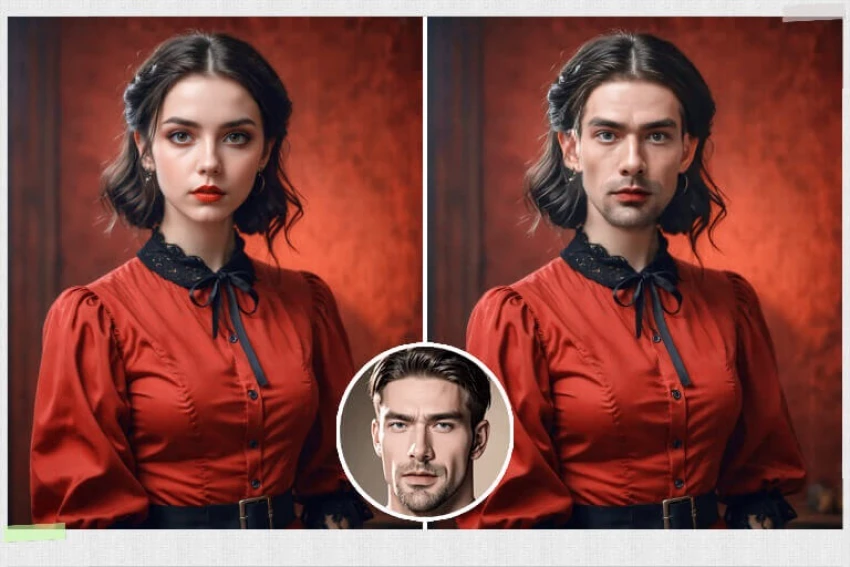
The results were surprisingly clean. The face didn’t look “pasted on” in most cases. Skin tone adaptation worked better than I expected, and edge blending around cheeks and forehead held up on close inspection.
However, the system is unforgiving. Poor inputs are punished immediately. PixNova doesn’t “fix” bad photos, it exposes them.
My takeaway: PixNova’s photo face swap is reliable if you respect its boundaries.
My Rating: 8/10
Reliable if you respect its boundaries.
Group Face Swap: Powerful Concept, Fragile Execution
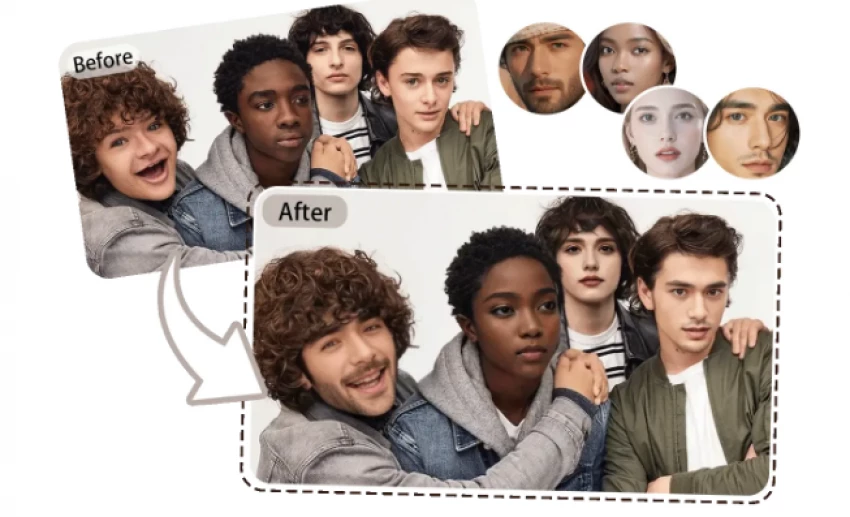
Group face swap felt exciting at first. In practice, it’s the feature I trusted the least.
I noticed a pattern:
One face would look perfect
Another would look slightly distorted
Sometimes identities subtly blended
This happens because PixNova applies similar logic to all faces without contextual awareness. Lighting differences across faces confuse the model.
I only achieved acceptable results when:
Faces were evenly spaced
Similar in size
Shot under similar lighting
Even then, consistency was hit-or-miss.
My Rating: 6/10
Works, but not consistently.
Video Face Swap: Where Reality Sets In
Video face swap is the feature most people misunderstand, and after testing it extensively, I understand why.
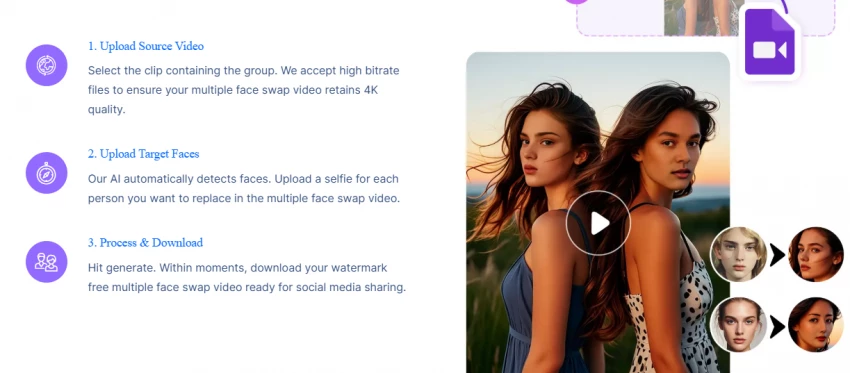
PixNova can track faces, but motion is its enemy. Fast head turns, expressive speech, or hands crossing the face caused drifting, warping, or brief identity breaks.
Short clips with minimal movement worked decently. Anything dynamic did not.
This isn’t a PixNova-only problem—it’s a limitation of current AI—but PixNova doesn’t warn users strongly enough about it.
My Rating: 5.5/10
Usable for short, controlled clips only.
Templates: The Hidden Strength I Kept Coming Back To
Templates quietly became my favorite feature.
Because everything is controlled, lighting, framing, motion, the outputs were more stable and believable. Even when I used the same face image that failed in a custom video, it often worked inside a template.
This told me something important:
PixNova performs best when it controls the environment.
For anyone frustrated with inconsistent results, templates are the safest route.
My Rating: 8/10
Safest path to stable output.
Image-to-Video: Where Subtlety Matters More Than Ambition
Image-to-video felt like a novelty at first, but after testing it carefully, I found its sweet spot.
It excels at:
Small facial movements
Blinking
Gentle expressions
It fails when you ask for drama.
The more ambitious my prompt, the more unnatural the output became. Once I switched to minimal prompts, the quality improved noticeably.
PixNova rewards restraint here.
My Rating: 6.5/10
Good for light animation, not cinematic motion.
Consistency Over Time: The Unpredictable Element
After extended use, I noticed inconsistency:
Same image, different day → different realism
Similar inputs, different results
No visibility into why
This unpredictability makes PixNova risky for workflows that demand repeatable output. It’s fine for creative play, but unreliable for strict pipelines.
Where PixNova Fits Naturally in Real Life
After all this testing, I see PixNova fitting naturally into:
Creative experimentation
Personalized messages
Social media trends
Meme culture
It does not belong in:
Journalism
Legal or identity verification
Political messaging
Trust-sensitive brand communication
Understanding this boundary defines satisfaction.
Is PixNova AI Safe and Legit?
From a technical standpoint:
No forced downloads
HTTPS secured
Standard browser functionality
However:
Face swap tools always carry ethical responsibility
Content misuse risks depend entirely on user behavior
PixNova itself is a neutral tool.
The outcome depends on how it’s used.
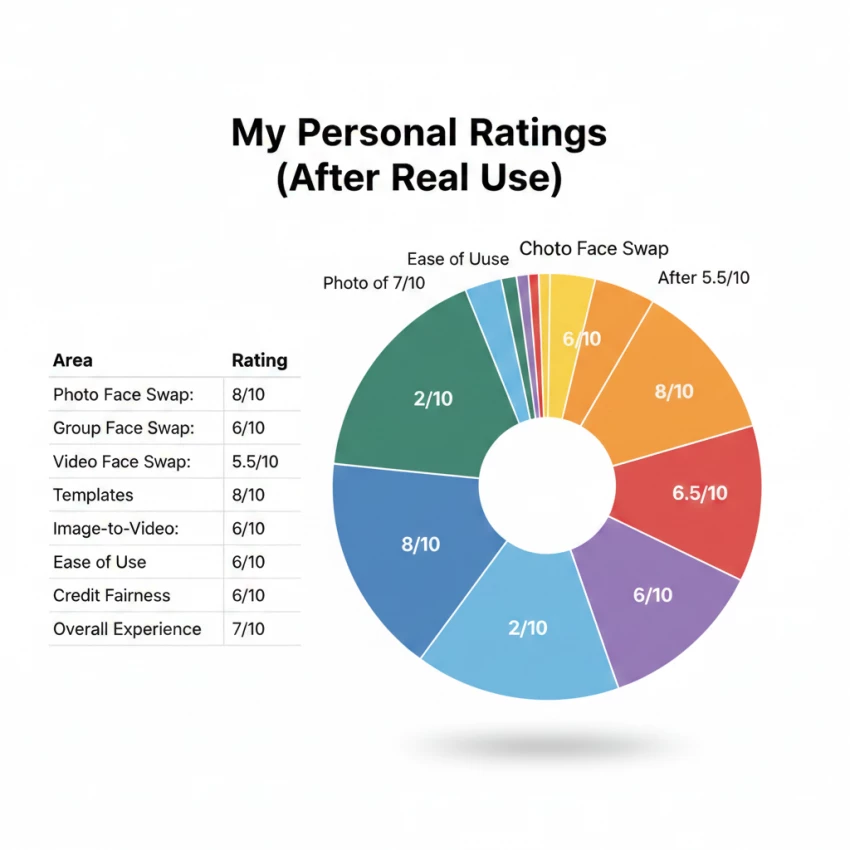
My Personal Ratings
Area
Rating
Photo Face Swap
8/10
Group Face Swap
6/10
Video Face Swap
5.5/10
Templates
8/10
Image-to-Video
6.5/10
Ease of Use
8/10
Credit Fairness
6/10
Output Consistency
6/10
Overall Experience
7/10
Final, Honest Verdict
PixNova AI is neither overhyped nor revolutionary. It’s a capable, limited, responsibility-heavy tool that performs well when used thoughtfully.
It rewards:
Careful input selection
Modest expectations
Ethical awareness
It punishes:
Impatience
Overconfidence
Blind regeneration
Used correctly, PixNova can be genuinely useful. Used carelessly, it becomes frustrating or misleading.
The tool is neutral. The outcome depends entirely on the user.