
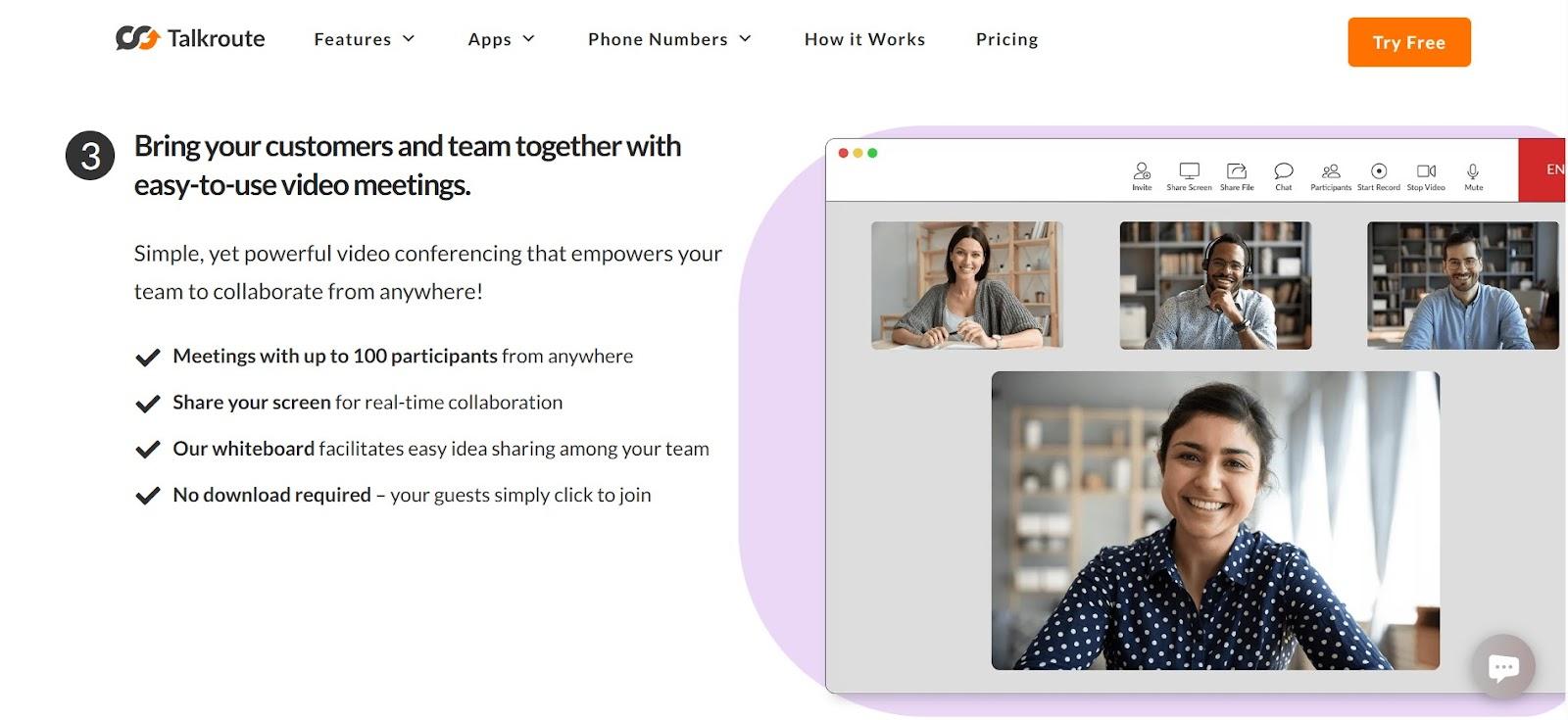
Running a business today means being everywhere on your phone, at your desk, on Zoom, maybe even in your car. But your customers just want a reliable way to reach you. Talkroute is a virtual phone system built for modern businesses, solo entrepreneurs, growing teams, franchises, and even remote teams. Whether you're just starting or scaling up, it helps you manage calls, messages, and meetings professionally without expensive hardware or complicated setups. You don’t need a new phone. This application works right on your existing devices: your smartphone, desktop, laptop, or tablet. It offers desktop, mobile, and web apps for macOS, Windows, Linux, iOS, and Android, so your business is always reachable, no matter where you are. From toll-free and vanity numbers to smart routing, voicemail, texting, video conferencing, call stacking, and even custom greetings. Unlike many “free” platforms, it offers transparent pricing that includes all the core features you need to test it out. Also, gives you control, reliability, and the power of a full-featured business phone system without the traditional complexity or cost.
Here’s a summary of Talkroute’s overall ratings from key review sites.
Users across platforms generally like Talkroute for its ease of setup, intuitive interface, and responsive support. On Capterra, users consistently praise how it simplified call handling, calling it “a game‑changer” that made teams sound professional. Trustpilot gives it around 4–4.5 stars, with most reviewers highlighting smooth onboarding and quick, helpful customer service, but a few report frustrating billing issues and difficulties canceling during the free trial. In the Google Play store, the mobile app scores well for reliable call quality and call‑transfer features, though some users note missing MMS support and limited menu management from the app.GetApp users also rate it highly (roughly 4.2–4.4/5), lauding its usability, cost efficiency, call recording, and straightforward upgrades, even as a few point out occasional suspension issues, limited international features, and SMS bugs. Taking all this into account, it scores around 4.3 out of 5, earning strong marks for ease of use, clear pricing, and customer service, with room for improvement in international calling, MMS support, and billing clarity.
Pros
Cons
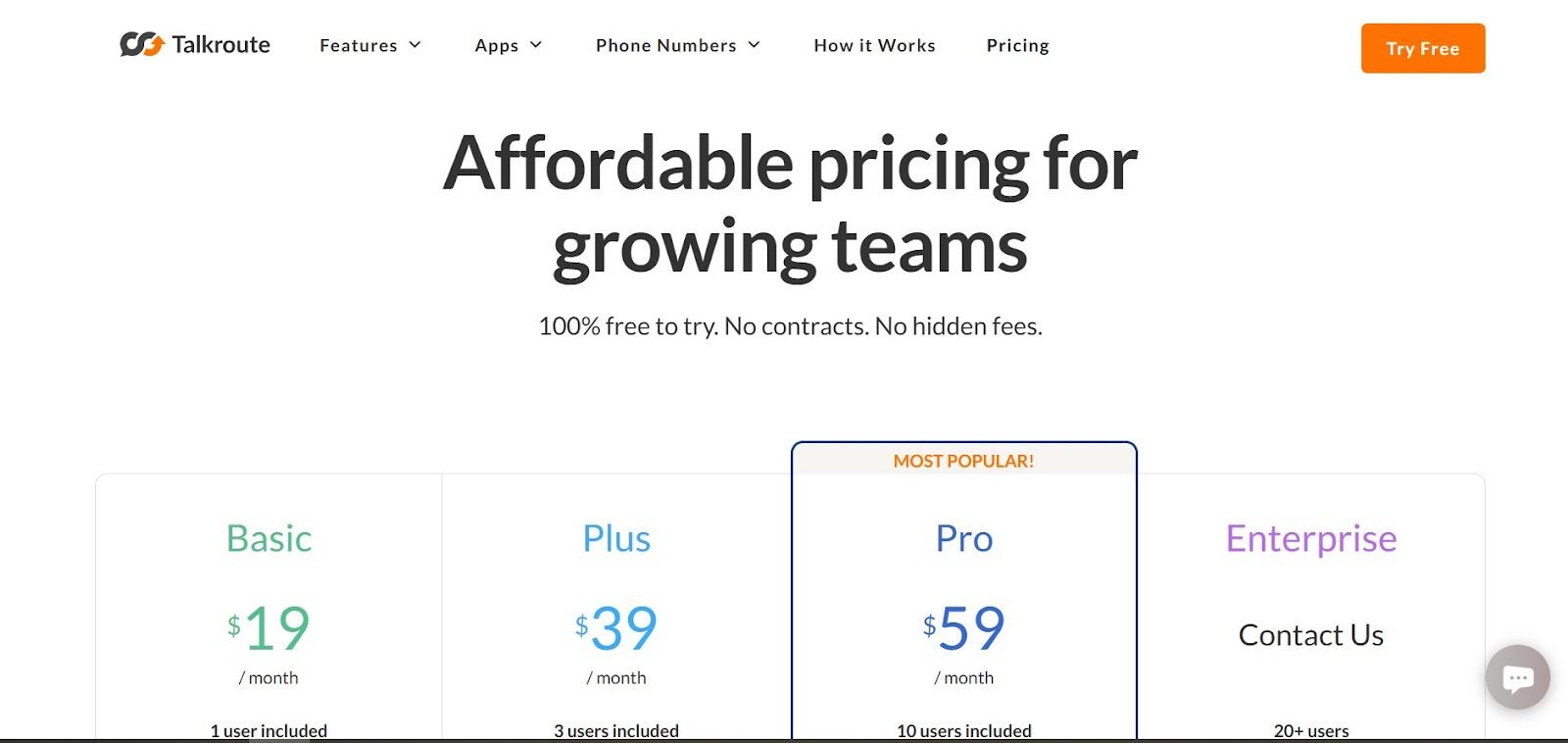
Here’s the breakdown of pricing as listed on their site:
All plans include a 7-day free trial with no credit card needed.
| Plan | Monthly Price | Ideal For |
| Basic | $19 | Solo professionals, freelancers |
| Plus | $39 | Small teams with moderate call volume |
| Pro | $59 | Growing businesses need advanced routing |
| Enterprise | Custom | Larger orgs, franchise networks |
Pricing summary
Starts at just $19/month is the lowest for virtual phone systems. It scales with your business, from freelancers to enterprise networks. Also, it includes unlimited calling, routing, voicemail, and messaging, and if you’re running a larger operation or franchise, custom Enterprise plans are available with a dedicated account manager and compliance options like HIPAA and SLA support. No contracts, no surprises, just a predictable, flat monthly fee. So you can try before committing. It’s transparent, scalable, and built for teams that want control without complexity.
If you’re looking for a cost-effective, flexible, and professional phone system, this app gets the job done without the tech headaches. From remote teams to multi-location businesses, it offers real tools, menus, meetings, voicemail, routing, and texting that make it feel like you're running a top-tier telecom system… without actually buying one.
Share your thoughts about this article.
Be the first to post a comment!
Here is the exact moment most people end up asking this question. You have final...
Nitin2 days ago

Two Android phones can have the same amount of RAM, similar storage capacity, an...
Deepak Mehra1 week ago

A stolen password does not always look suspicious to a login system. If the user...
Deepak Mehra1 week ago

The short versionA Claude API key is created in the Claude Console at platform.c...
Harpreet Singh2 weeks ago
ChatGPT is owned by OpenAI, a San Francisco-based artificial intelligence compan...
Harpreet Singh3 weeks ago
Most teams already have the video. What they do not have is a way to search it....
Mighva Verma1 month ago