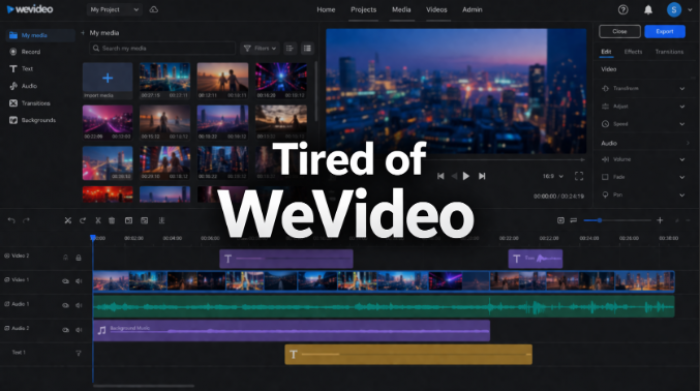
We tested each tool hands-on. Here's what actually matters - features, pricing, where they fall short, and who each tool is really for.
Let's be honest - WeVideo is fine. It's browser-based, beginner-friendly, and has built a loyal user base of over 30 million people, mostly in education. But if you've used it for more than a month, you've probably bumped into its ceiling: slow rendering, export quality that feels like 2018, and a pricing model that starts cheap but quietly adds up.
💡 Who is this for? Whether you're a solo content creator, a marketing team, a teacher, or a small business owner - this comparison has a recommendation for you. We'll tell you exactly which tool fits your situation. |
WeVideo isn't bad software. But certain limitations keep coming up in user reviews across platforms:
• Export quality caps: The free tier is locked to 480p. Even paid plans can feel slow at rendering larger files.
• Collaboration is surface-level: You can share a project, but real-time multi-user editing and frame-accurate feedback tools are missing.
• Per-seat pricing adds up fast: A 20-person team could be paying $200+/month before hitting storage limits.
• Performance issues: Browser-based editing has real limits - users frequently report sluggish timeline scrubbing on larger projects.
• Hidden feature walls: Many useful features are locked behind higher-tier plans with little transparency upfront.
📣 What Users Are Saying (Capterra) "First of all, it was not made clear how much publishing time was available for a free account until after I had spent hours editing a video." - Verified Capterra Reviewer, 2024 "Sometimes I feel like I would need something a bit more professional. It is good, but not for professional work." - Verified Capterra Reviewer |
Here's how all seven alternatives stack up against each other before we dive deep:
| Tool | Starting Price | Platform | Strength | Max Quality | G2/Capterra | Ease of Use |
| WeVideo | $9.99/mo | Browser | Basic | 4K (paid) | 3.8/5 | ⭐⭐⭐⭐ |
| Filmora | $49.99/yr | Desktop+Mobile | AI Tools | 4K | 4.5/5 | ⭐⭐⭐⭐⭐ |
| DaVinci Resolve | Free / $295 one-time | Desktop | Pro-grade | 4K+ | 4.7/5 | ⭐⭐⭐⭐⭐ |
| Canva Video | Free / $15/mo Pro | Browser | Templates | 1080p/4K | 4.6/5 | ⭐⭐⭐⭐⭐ |
| Adobe Premiere | $22.99/mo | Desktop | Advanced | 8K | 4.7/5 | ⭐⭐⭐⭐⭐ |
| Clipchamp | Free (Win11) | Browser | Basic AI | 1080p | 4.4/5 | ⭐⭐⭐⭐ |
| CapCut | Free | Mobile+Web | AI Heavy | 4K | 4.6/5 | ⭐⭐⭐⭐⭐ |
G2 Rating: 4.5/5 | Capterra: 4.8/5 | Pricing: $49.99/yr or $79.99 one-time
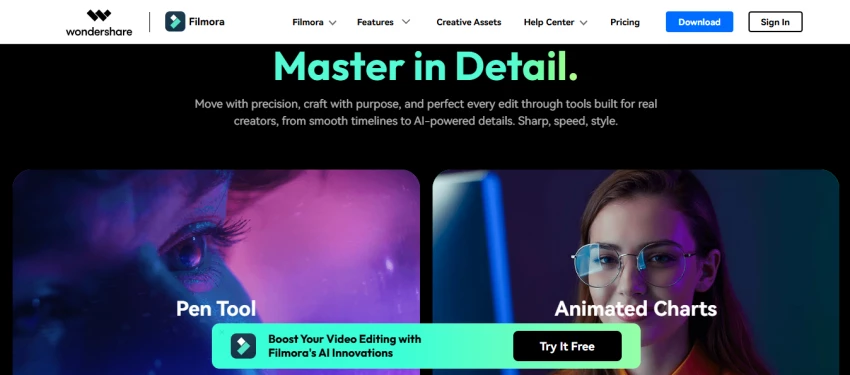
Filmora sits in a sweet spot that's hard to find - it's genuinely beginner-friendly but doesn't water down its feature set to achieve that. Think of it as the editor that grows with you. You can start with basic trimming and transitions, then gradually explore AI-powered tools like auto reframe, speech-to-text, smart cutout, and motion tracking without ever feeling like you need to move to a different app.
With over 100 million users worldwide, it's one of the most popular mid-tier editors on the market. The effects library alone - thousands of transitions, filters, and overlays - is enough to make your videos look polished without hours of tinkering. And the one-time purchase option is a refreshing contrast to subscription-heavy competitors.
✅ Pros ✔ Beginner-friendly interface with drag-and-drop ✔ One-time purchase option available ($79.99) ✔ AI tools: auto reframe, speech-to-text, portrait cutout ✔ Works on Windows, Mac, iOS, and Android ✔ Large stock effects and transitions library | ❌ Cons ✘ Watermark on free version exports ✘ Annual subscription required for AI feature updates ✘ Not ideal for professional broadcast work ✘ Some AI features feel gimmicky rather than useful |
💬 Real User Feedback (G2) "It was wonderful. I edited about 4-5 videos and really loved it. If you are a beginner, this software will really help you. There is no need to watch tutorials - it is so user-friendly. Plus, the price is affordable." - G2 Reviewer |
YouTubers, social media creators, and small business owners who want to produce quality content regularly without spending months learning complex software. The one-time purchase option is particularly attractive for budget-conscious creators.
G2 Rating: 4.7/5 | Pricing: Free / $295 Studio (one-time)
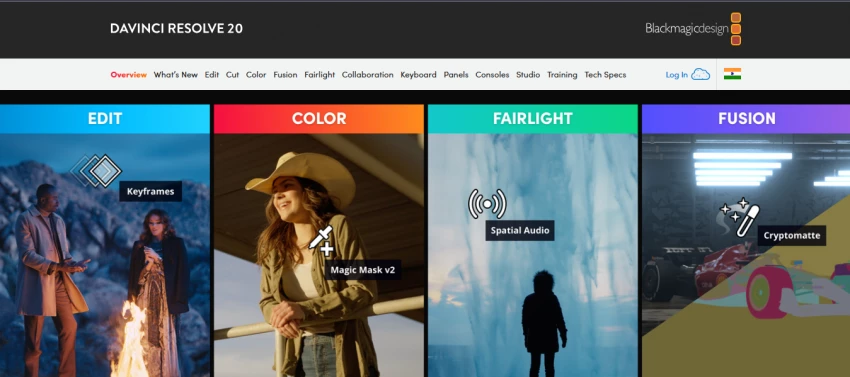
DaVinci Resolve is the most compelling argument against paying for any video editor in 2026. Used to color grade Hollywood films like Dune and Oppenheimer, it packs professional editing, color correction, visual effects (Fusion compositing), and audio post-production (Fairlight) into a single application - entirely free. No watermarks, no export limits, no time restrictions.
Version 20, released in August 2025, added over 100 new features including AI IntelliScript for building timelines from text scripts and AI Multicam SmartSwitch for automatic camera angle selection. The free version handles most 8-bit video formats with full 4K export capability.
✅ Pros ✔ Completely free with no watermarks ✔ Hollywood-grade color grading tools ✔ Fusion VFX and Fairlight audio built-in ✔ One-time Studio license at $295 (no subscription) ✔ Active community and extensive tutorials | ❌ Cons ✘ Steep learning curve for beginners ✘ Desktop-only (no browser editing) ✘ Heavy on system resources ✘ Collaboration features are in Studio tier only |
💬 Real User Feedback "First things first, the free version of Resolve is pretty impressive. They don't try to pull any sneaky moves, like limiting how often you can use the free version or adding a watermark to all your videos when you export them." - Verified User Review |
Anyone serious about video quality who is willing to invest time in learning. Also ideal for those who want professional-grade output without ongoing subscription costs. Not recommended if you need quick browser-based access or simple drag-and-drop workflows.
Capterra Rating: 4.6/5 | Pricing: Free / Canva Pro at ~$15/mo
Also read - Canva AI Alternative
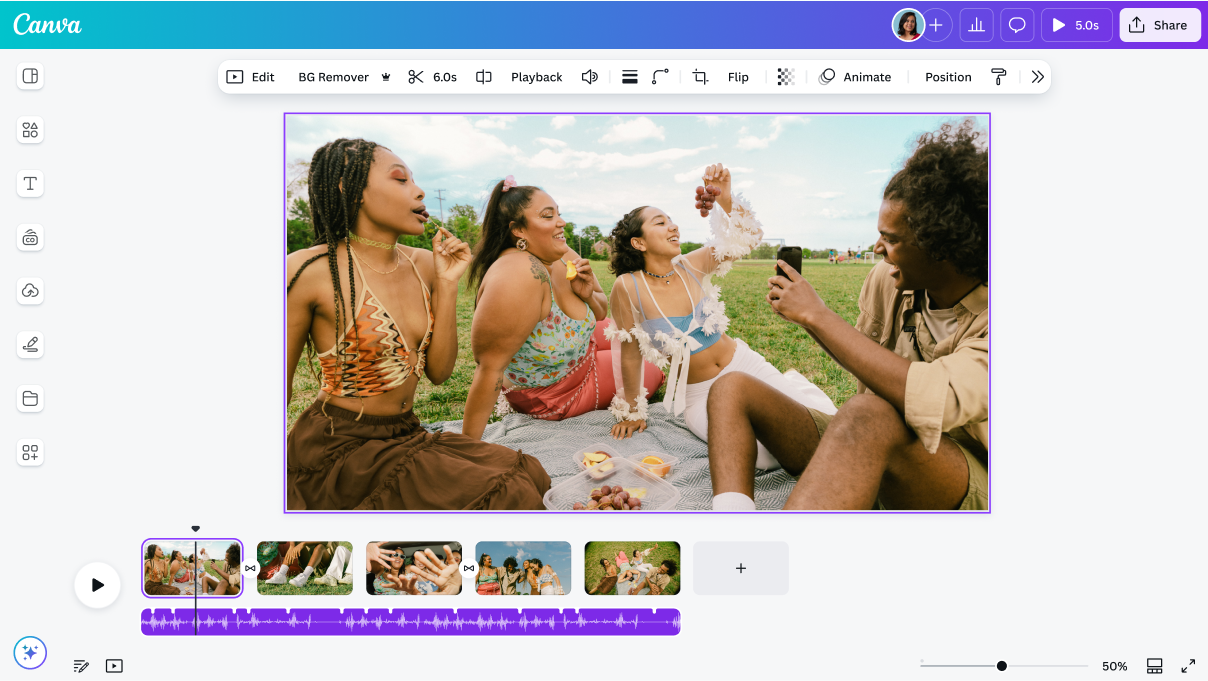
If your team already uses Canva for design work, adding video to your workflow is almost frictionless. With over 135 million monthly active users, Canva is far beyond just a design tool at this point. Its video editor extends the same drag-and-drop interface most people already know, with thousands of templates built for social media formats, marketing content, and branded videos.
The AI additions have been significant: Canva's AI Video Generator, powered by Google's Veo-3, can generate video clips from text prompts with auto-synced audio. The Brand Kit feature pulls your existing colors, fonts, and logos automatically into any video project. For teams producing marketing content at volume, this is a serious time saver.
✅ Pros ✔ Familiar interface - no learning curve if you use Canva ✔ Thousands of ready-made video templates ✔ AI Video Generator (text-to-video via Google Veo-3) ✔ Brand Kit integration for consistent branding ✔ Free tier is genuinely useful | ❌ Cons ✘ Not suited for long-form or complex editing ✘ 4K export requires Pro or Business plan ✘ Less control over advanced audio or color work ✘ Templates can start to feel repetitive at scale |
💬 Real User Feedback (Capterra) "Canva Video is the fastest path from idea to finished video for non-editors. The templates and brand tools make it ideal for businesses producing marketing content at scale." - Software Review, 2026 |
Marketing managers, social media teams, and small business owners who need to produce branded content quickly without video editing experience. If you're already paying for Canva Pro, the video editor is essentially free for you.
Capterra Rating: 4.7/5 | Pricing: $22.99/mo (annual) or $33.99 for Teams
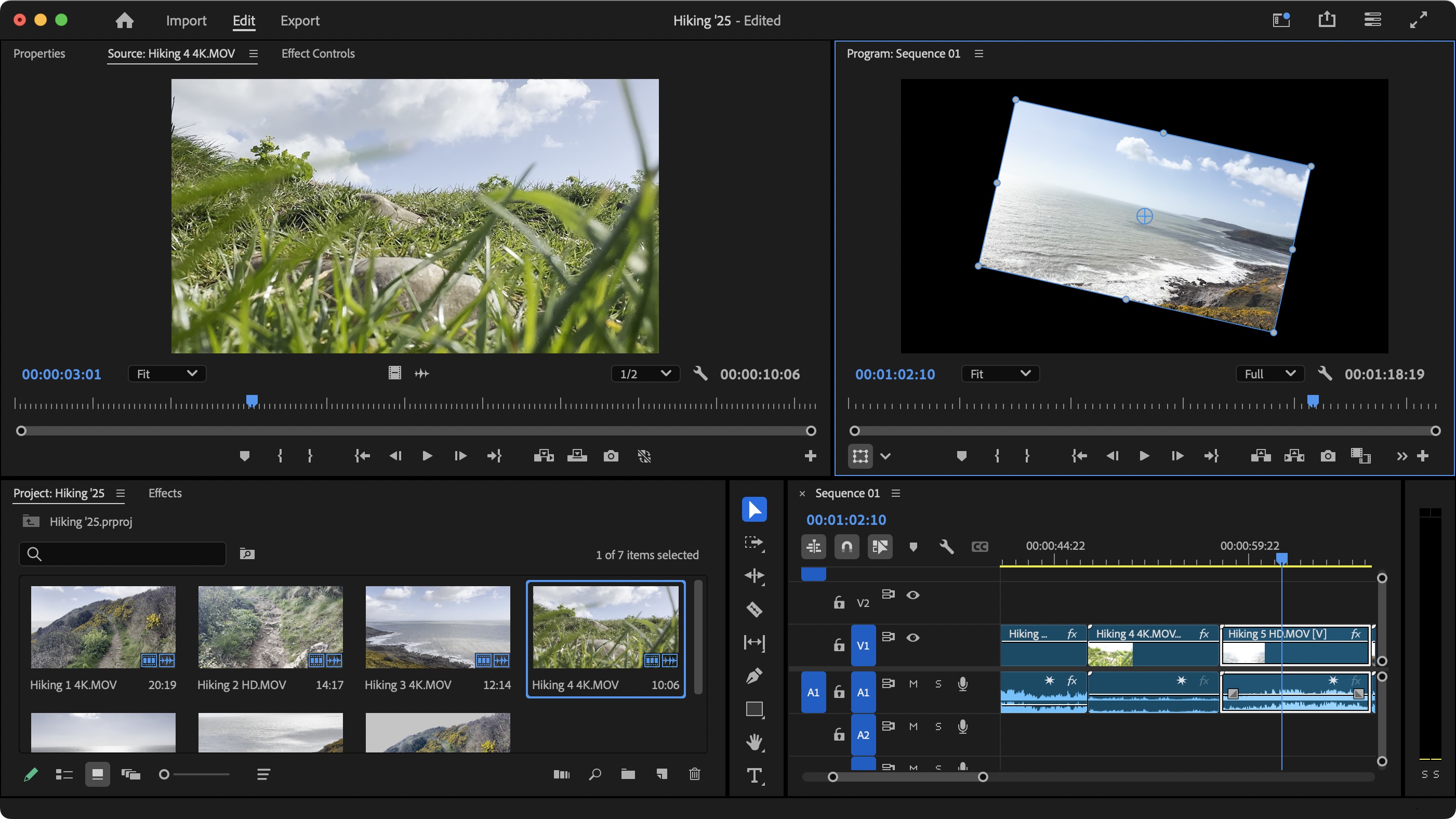
Adobe Premiere Pro doesn't need an introduction. It's used by professional filmmakers, TV studios, and YouTube's biggest creators for a reason - it's simply the most capable non-linear editor money can buy. The Creative Cloud ecosystem means seamless integration with After Effects for motion graphics, Audition for audio, and Photoshop for frame-by-frame corrections.
Version 25.2 (early 2026) continues delivering cutting-edge AI features including auto-reframe, speech-to-text captioning, and AI-powered scene detection. If your work demands 8K editing, advanced multicam workflows, or broadcast delivery specs, nothing else quite touches it.
✅ Pros ✔ Industry-standard tool - universally recognized ✔ Deep Adobe Creative Cloud integration ✔ Advanced multicam, HDR, and 8K support ✔ Constant feature updates and AI improvements ✔ Massive community and professional resources | ❌ Cons ✘ Most expensive option at $22.99/mo (subscription only) ✘ Steep learning curve for new users ✘ Heavy on hardware requirements ✘ Overkill for most casual or small business needs |
💬 Real User Feedback (G2) "Adobe Premiere Pro is the go-to for pros, integrated deeply within the Adobe Creative Cloud ecosystem. It offers advanced editing, effects, multi-cam tools, and seamless workflows with After Effects and Audition." - G2 Verified Review, 2026 |
Professional video editors, agencies, and studios where output quality and workflow integration are non-negotiable. If you're a casual creator or small business, the cost is hard to justify compared to Filmora or DaVinci Resolve.
Capterra Rating: 4.4/5 | Pricing: Free (built into Windows 11)
Also Read - Clipchamp
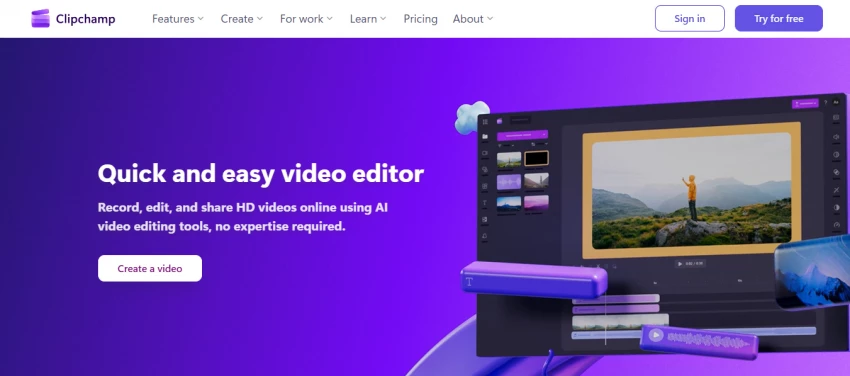
Clipchamp might be the most underrated video editor on this list. Microsoft acquired it and bundled it directly into Windows 11 - which means hundreds of millions of people already have access to it without knowing it. It's browser-based (so no installation), and it's completely free with no watermarks on standard exports.
For quick edits, YouTube intros, social media clips, internal training videos, and basic branded content, Clipchamp delivers cleanly. The stock library has over 15 million royalty-free assets, and AI tools include text-to-speech, auto captions, and Copilot-assisted video draft creation.
✅ Pros ✔ Completely free - built into Windows 11 ✔ No installation needed (browser-based) ✔ 15M+ royalty-free stock assets ✔ AI captions and text-to-speech built in ✔ Microsoft 365 integration | ❌ Cons ✘ Export limited to 1080p on free tier ✘ Power users will outgrow it quickly ✘ Less capable than most alternatives for complex edits ✘ Limited advanced color or audio tools |
Windows users who need quick, simple edits without installing anything. Great for teachers, HR teams, and anyone making internal videos or basic social content. Not the right pick if you're producing content professionally.
G2 Rating: 4.6/5 | Pricing: Free (with premium add-ons)
Also Read - Capcut Alternative
CapCut is what happens when you build a video editor specifically for TikTok and Instagram. The AI feature set is extensive for a free tool: auto captions, background removal, one-click effects, trend-aware filters, AI-generated B-roll suggestions, and direct export optimized for every major platform. On mobile, it's genuinely hard to beat.
The caveat worth noting: CapCut is developed by ByteDance, which has faced significant scrutiny in the U.S. market. If data privacy is a concern for your organization or clients, that's worth factoring into the decision. For purely personal or creator use, though, no free tool comes close on sheer social media feature density.
✅ Pros ✔ Completely free with no watermark (standard exports) ✔ Exceptional AI tools for social content creation ✔ Mobile and web access, seamlessly synced ✔ Auto captions, trend effects, and direct social export ✔ 4K export capability even on free tier | ❌ Cons ✘ Developed by ByteDance - data privacy concerns for businesses ✘ Less suited for long-form professional content ✘ Can feel template-driven at the cost of originality ✘ Desktop experience lags behind the mobile app |
Independent content creators, influencers, and social media managers who want maximum output speed for TikTok, Reels, and Shorts. Businesses with strict data privacy requirements should evaluate alternatives.
G2 Rating: 4.5/5 | Pricing: Free / Pro at ~$24/mo per user
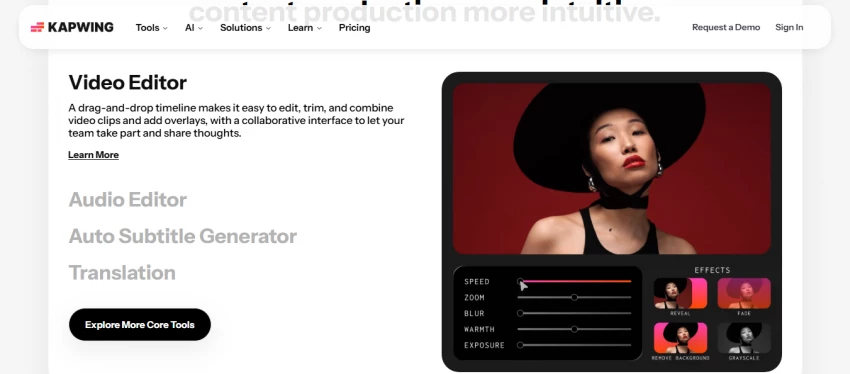
Kapwing is what WeVideo wishes its collaboration story looked like. Built from the ground up for distributed teams, it offers real-time multi-user editing, shared asset libraries, comment and review workflows, and brand kit management - all inside the browser. It's especially popular with content teams producing social video at scale.
The AI toolkit includes subtitle generation, background removal, smart resize for different platforms, and an AI video summarizer that can turn long-form content into short clips automatically. The free tier is functional but does include a watermark; the Pro plan removes restrictions and unlocks team features.
✅ Pros ✔ Real collaboration features - not just file sharing ✔ AI subtitle generation and smart resize ✔ Shared brand kits and asset libraries ✔ Works entirely in the browser, no install ✔ Clean interface with low learning curve | ❌ Cons ✘ Free tier adds a watermark ✘ Pro plan ($24/mo per user) adds up for large teams ✘ Not ideal for complex, long-form editing ✘ Export speeds can lag on larger files |
Content teams and marketing agencies where multiple people need to collaborate on video projects simultaneously. It's the strongest WeVideo alternative specifically on collaboration capabilities.
Pricing in this space is full of traps: annual billing disguised as monthly rates, features locked behind tiers that aren't clearly advertised, and storage limits that only bite you later. Here's the honest breakdown:
| Tool | Free Tier | Entry Paid | Full/Pro | Notes |
| WeVideo | Free (480p, watermark) | $9.99/mo | $29.99/mo (Business) | Annual billing |
| Filmora | Free (watermark) | $49.99/yr | $79.99 one-time | Most transparent pricing |
| DaVinci Resolve | Free (no watermark) | N/A | $295 one-time (Studio) | Best free value |
| Canva Video | Free (1080p) | $15/mo (Pro) | Custom (Enterprise) | Included in Canva Pro |
| Adobe Premiere | Free trial only | $22.99/mo | $33.99/mo (Teams) | Annual commitment required |
| Clipchamp | Free (1080p) | N/A | Bundled with M365 | Already free on Windows 11 |
| CapCut | Free (4K) | Premium add-ons | Business plans vary | Best free-tier value |
After reading hundreds of reviews across G2, Capterra, and GetApp, three consistent complaints emerge about WeVideo:
WeVideo's free tier limits export by 'publish time' - a metric most users don't understand until after they've spent hours editing. Several Capterra reviewers specifically called this out as misleading. Even paid plans reset publish time monthly with no rollover (except specific Flex plans).
Browser-based editing has inherent limitations. As project size grows, timeline scrubbing becomes sluggish, and rendering times extend significantly. Users regularly flag this as a pain point compared to native desktop applications like DaVinci Resolve or Premiere Pro.
WeVideo markets collaboration features, but in practice you can share a project link - you can't see who's actively editing, leave frame-accurate comments, or run client approval workflows. Kapwing and Frame.io (part of Adobe) handle this far more sophisticatedly.
| Your Situation | Best Pick | Why |
| I'm a beginner on a budget | Filmora or CapCut | Both are easy to start with. Filmora if you want desktop power; CapCut if your content is social-first. |
| I want pro tools for free | DaVinci Resolve | Nothing else offers Hollywood-grade tools at zero cost. Worth the learning curve. |
| I work in marketing / branding | Canva Video | Templates, Brand Kit, and AI tools make it the fastest path to polished branded content. |
| I'm a professional editor | Adobe Premiere Pro | Industry standard. Full stop. The cost is justified if editing is your job. |
| I'm a Windows user needing quick edits | Clipchamp | Free, no install, already on your PC. Perfect for simple projects. |
| My team needs to collaborate | Kapwing | Real multi-user workflows, not just file sharing. The clear winner on collaboration. |
| I create short-form social content | CapCut | AI-powered, free, optimized for TikTok and Reels. Nothing beats it for speed. |
WeVideo is a solid starting point and it still serves its core audience - educators, beginners, and Chromebook users - well. But in 2026, the competition has genuinely outpaced it on almost every dimension that matters to anyone beyond that niche.
DaVinci Resolve offers more power for free. Filmora offers more polish for less money. Canva offers better design integration. Clipchamp is right there on your Windows PC. And CapCut is eating WeVideo's lunch on social content creation.
The good news: none of the alternatives on this list require you to be a professional editor. Most have free tiers that let you test before committing. Pick one, spend 20 minutes in it, and you'll know pretty quickly whether it fits your workflow.
Be the first to post comment!
So… Is Grubby AI Actually Worth It?Let's be blunt. If you landed on this page, t...
Suraj Malik6 hours ago
An honest, no-fluff comparison - with real pricing breakdowns, so you know exact...
Suraj Malik1 day ago
Runway and Pika sit under the same label in most roundups: “AI video generators....
Suraj Malik2 days ago
Copy.ai was once among the most exciting AI writing tools around. But after pivo...
Suraj Malik2 days ago

The real decision hiding behind “Which is better?”Most people ask “Which is bett...
Suraj Malik4 days ago
CivitAI made it incredibly easy to grab Stable Diffusion checkpoints and LoRAs,...
Suraj Malik6 days ago