
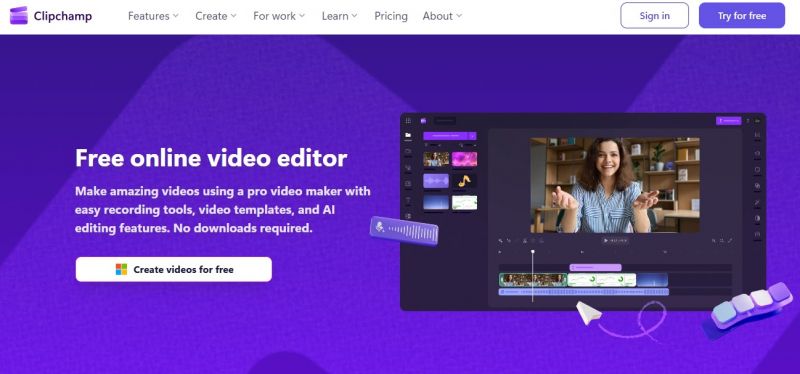
Clipchamp is a browser based video editor from Microsoft that lets marketers, educators, and creators edit, record, and publish videos without complex software or high end hardware. It combines timeline editing, AI tools, and templates so users can create shorts, tutorials, ads, and social clips quickly while keeping brand assets consistent. Designed for beginners yet useful for teams, it runs online and on Windows devices with direct ties to Microsoft 365.
Key Features
Drag‑and‑drop timeline feels familiar to non‑editors.
Templates simplify YouTube, Reel, and ad creation.
Auto‑captions and text tools praised for clarity.
Integrates tightly with Windows 11 and OneDrive.
Longer projects freeze or crash mid‑edit.
Timeline desync when deleting/extending clips irritates users.
Limited templates and stock on free plan.
Pricing yet to be updated!

Posted: Aug 26, 2026
It is easy to use and works well for basic video editing, although detailed editing can feel less smooth, and occasional glitches affect the experience. I would also like to see more realistic text-to-speech voices, similar to Adam, along with more free options in the content library.
Posted: Aug 24, 2026
My experience with clipchamp has been positive. It is flexible, easy to use, and includes useful templates and effects that make video editing much simpler.
Posted: Aug 20, 2026
I don’t trust Clipchamp’s screen-recording feature. I used my company’s Microsoft account to access the web version, but the recording repeatedly failed. The video would stop midway while the audio continued, leaving me with an incomplete and unusable recording.
Posted: Aug 6, 2026
Very easy to use and highly effective for reducing background noise in audio. It does lack a few basic effects, such as reverb and echo, but overall it works perfectly for my needs.
Posted: Aug 5, 2026
This video editor is excellent! It allowed me to trim and edit a 1.1 GB video completely free, which many other editors do not support. I am really impressed and may have found my new favourite video editing tool.