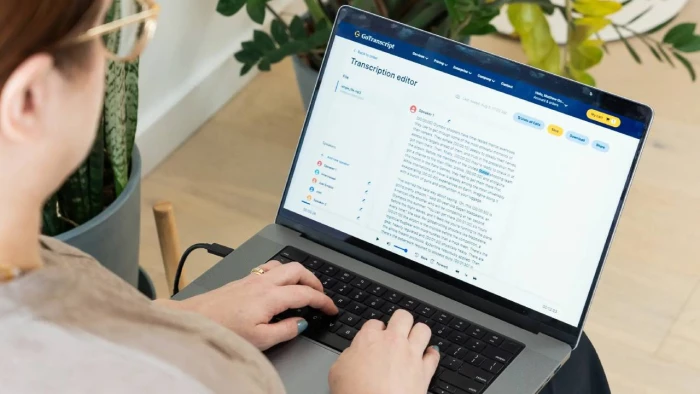
Most knowledge workers are already buried in audio. Recorded meetings, client calls, interviews, webinars all of it sitting in a folder somewhere, unread and unsearchable.
The right transcription service fixes that. It converts spoken audio into accurate, readable text automatically, fast, and without you doing any of the work. The best ones also summarize, extract action items, and plug into the tools your team already uses.
But the market is crowded, and the differences matter. Some tools are built for uploading files after the fact. Others work live inside your meetings. Some rely on human transcriptionists for maximum accuracy. Most now use AI and are accurate enough for anything short of a legal deposition.
Here are the three best options for 2026, depending on what you actually need.
Accuracy — AI transcription in 2026 has converged at roughly 94–97% accuracy on clean audio across most services. The real differentiator is how well a tool handles multiple speakers, accents, technical jargon, and background noise. Always check against your actual use case, not a clean demo file.
Live vs. file-based — Some services transcribe in real time as a meeting happens. Others take an uploaded audio or video file and process it after the fact. A few do both. Know which workflow you need before choosing.
AI summaries and action items — Pure transcription is a transcript. Better tools layer AI summaries, key decisions, and action items on top — so you get something actionable, not just a wall of text.
Privacy and data handling — Does the service train AI models on your content? Who owns the transcripts? For anything involving client calls, medical conversations, or legal proceedings, this is non-negotiable to check.
Language support — If your team spans multiple regions, the number of supported languages matters a lot. Most services handle major European languages. Far fewer cover 100+ languages with the same quality.
Pricing model — Some charge per minute of audio. Others use monthly subscriptions. Pay-as-you-go is cheaper if your volume is unpredictable. Subscriptions make more sense at consistent, high volume.
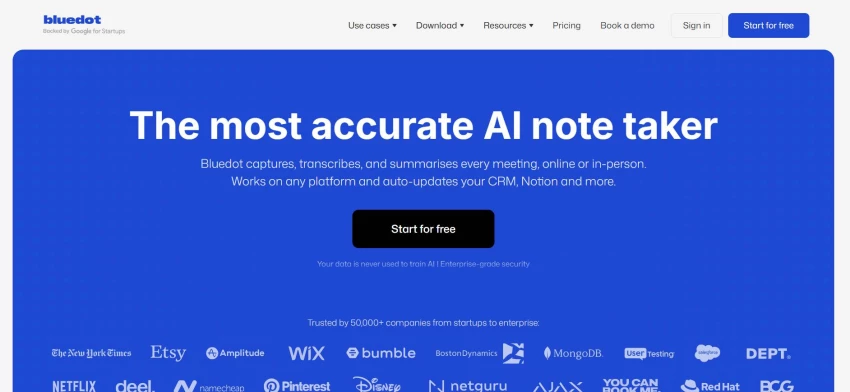
Bluedot is an AI Note Taker that records, transcribes, and summarizes calls on Google Meet, Zoom, and Microsoft Teams without a bot joining the call. No "XYZ Bot has entered the meeting" announcement. It runs quietly in the background via a Chrome extension or desktop app, and your participants never know it's there.
That distinction matters more than it sounds. Most transcription tools that work inside meetings do so by sending a visible bot as a participant. Bluedot doesn't. It captures everything on your end, keeps transcripts private by default, and never auto-shares notes to people who were on the call.
The transcription itself is genuinely accurate — 100+ languages supported, clean speaker identification, and AI-generated summaries that are actually structured and readable rather than a raw dump of everything said. You can customize the note format based on meeting type, and an AI chatbot lets you query your meeting library conversationally after the fact.
For teams who live in back-to-back calls, it's the closest thing to having an assistant in every meeting without the awkwardness of one.
Remote teams, global sales reps, customer success managers, recruiters, and anyone who needs accurate, private, multilingual transcripts from their meetings without disrupting the call dynamic.
● Free: $0 — 5 lifetime meetings, 1-hour max per recording
● Basic: $14–18/user/month — unlimited audio-only meetings
● Pro: $20–25/user/month — unlimited video meetings with no duration cap
● Business: $32–39/user/month — CRM integrations (Salesforce, HubSpot) and unlimited imports
| ✅ Pros | ❌ Cons |
| Bot-free recording — never appears as a meeting participant | Free plan is limited to 5 lifetime meetings |
| 100+ languages for transcription and summaries | Requires Chrome extension or desktop app |
| Transcripts private by default — no automatic sharing | |
| AI summaries with customizable templates | |
| AI chatbot for querying past meetings | |
| Syncs with Salesforce and HubSpot on Business plan |
Rev has been around since 2010 and is one of the most established transcription services on the market. It works differently from Bluedot: rather than joining your meetings live, you upload audio or video files after the fact and receive a transcript back — either AI-generated within minutes, or human-reviewed within 12 hours.
The core strength is accuracy. Rev's AI transcription lands in the 94–97% range for clear audio. Their human transcription service, reviewed by professional transcriptionists, reaches 99%+ — which matters for legal depositions, medical records, or anything where errors carry real consequences. Rev also claims it never uses your uploaded content to train third-party AI models, which is an important privacy guarantee for sensitive industries.
The editing experience is well-built: "low-confidence" words get flagged in the transcript so you know exactly where to check, speaker labels are clean, and the interface handles long recordings without getting sluggish.
The main trade-off is cost and workflow. Rev is not a live meeting tool — it's file-based. And for high-volume use, the per-minute pricing adds up. AI transcription runs $0.25/minute ($15/hour), while human transcription costs $1.99/minute — which is around $120 per hour of audio. For occasional, high-stakes transcription that needs to be right, that's worth it. For daily meeting notes at scale, it's not the right tool.
Journalists, legal professionals, researchers, content creators, and anyone who regularly uploads recorded audio or video and needs accurate, editable transcripts — especially when human-level accuracy is required.
● Free: 45 minutes of AI transcription per month
● AI transcription: $0.25/minute (pay-as-you-go)
● Human transcription: $1.99/minute — 99%+ accuracy, 12-hour turnaround
● Subscription plans: Starting at $8.33/month (Essentials) for regular users who want pooled AI minutes and discounts on human transcription
| ✅ Pros | ❌ Cons |
| Human transcription option at 99%+ accuracy | Not a live meeting tool — file upload only |
| AI transcription delivered in under 5 minutes | Human transcription is expensive at scale ($1.99/min) |
| Flags low-confidence words for easy editing | Language support is narrower than meeting-focused tools |
| Doesn't train third-party AI models on your content | No AI meeting summaries or action item extraction |
| Supports captions, subtitles, and translations | Per-minute costs add up quickly for heavy users |
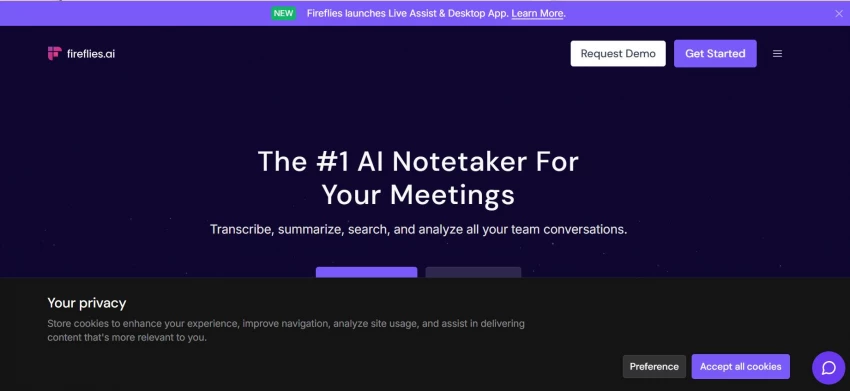
Fireflies AI sits somewhere between a pure transcription service and a full meeting assistant. It joins your calls via a bot, records and transcribes in real time, and then goes further than most transcription tools by adding sentiment analysis, speaker talk-time tracking, and a conversational AI assistant (AskFred) that lets you query your transcripts naturally — pull action items, draft a follow-up email, or find the exact moment a pricing question came up.
The integration depth is the real differentiator. Fireflies connects natively with Salesforce, HubSpot, Notion, Slack, Asana, and 200+ other tools. For revenue teams that need meeting insights to flow automatically into deal records and CRM notes, that workflow is genuinely valuable and hard to replicate otherwise.
Transcription accuracy is solid across most conditions, and Fireflies covers 30+ languages. It publicly states that it never uses your meeting content to train AI models, which addresses the most common concern teams have about AI note-takers.
The trade-offs are real though. The bot is visible — it joins your meeting as a participant, which some clients find off-putting or consent-sensitive. The advanced AI features run on a credit system that burns through faster than expected for active teams. And the default auto-sharing settings push transcripts out aggressively before you've had a chance to review them — a setting worth turning off immediately.
Sales reps, customer success teams, and revenue organizations that need deep conversation analytics and want meeting data to flow automatically into their CRM — and are comfortable with a visible bot in their calls.
● Free: $0 — limited credits, 800 minutes of storage
● Pro: $10–18/user/month — unlimited transcription, AI summaries
● Business: $19–29/user/month — video recording, conversation intelligence
● Enterprise: $39/user/month — advanced admin controls and security
| ✅ Pros | ❌ Cons |
| Deep integrations: Salesforce, HubSpot, Notion, Slack, 200+ tools | Bot-based — visible in the meeting attendee list |
| Sentiment analysis and talk-time tracking | Credit-based AI features deplete faster than expected |
| AskFred: conversational queries across your transcript library | Auto-sharing settings are aggressive by default |
| 30+ languages | Transcription struggles with heavy accents and crosstalk |
| Doesn't train AI models on your meeting content |
If your work is mostly meetings: Use Bluedot. It's the cleanest, most discreet option for live transcription — no bot, 100+ languages, private by default, and AI summaries that are actually structured. For teams on calls all day, it's the one that fits the workflow without creating friction.
If you upload audio files and need maximum accuracy: Use Rev. It's the most established file-based transcription service in the market, with human transcription as a genuine option when getting it exactly right is worth the cost.
If you're in sales and live in your CRM: Fireflies makes sense if your team needs meeting data flowing automatically into Salesforce or HubSpot and you're willing to trade some privacy and discretion for that integration depth.
The right choice depends on where your audio comes from live meetings, uploaded files, or both and how much you need beyond a raw transcript.
Share your thoughts about this article.
Be the first to post a comment!

For most of working history, speed was evidence of mastery. A skilled technician...
Parveen Verma1 day ago
A machine stops, a vehicle changes direction, or a network account is breached....
Parveen Verma1 day ago
Service search is no longer a simple list of links. It is now shaped by AI summa...
Parveen Verma2 weeks ago
The modern website is no longer a digital brochure. It is becoming the first pla...
Parveen Verma1 month ago

A digital service does not fail only when the final outcome is poor. It often fa...
Parveen Verma1 month ago

In its landmark crash-causation survey, the National Highway Traffic Safety Admi...
Parveen Verma1 month ago