In 2024, we focused on speed. In 2025, we turned towards AI hype. In 2026, it is all about systems.
Today’s designers don't just create logos, social posts, or designs anymore. They also produce brand systems, resize assets across 12 different formats, join five stakeholder video calls, record all their decisions in writing, export their artwork for print, prepare projects for development hand-off, and revise the same files twice. The number of deliverables continues to skyrocket while turnaround times continue to shrink.
According to a recent report from McKinsey, organizations that put a strong emphasis on design see 32% higher growth in their business compared to average industry benchmarks. Therefore, design is no longer simply an aesthetic; it is being developed into a revenue-generating system.
The usage of artificial intelligence has exploded over the last several years. According to a 2023 McKinsey study, 55% of companies are using some form of AI to help run their operations. This clearly shows that creative teams are part of it; however, just having tools available does not solve chaos.
The only difference in productivity and being busy between the two design professionals in 2026 will have nothing to do with talent—it will be in their systems. They will need a repeatable toolbox. Have consistent workflows that they create every Monday when they show up for work.
This post will be a look at the best graphic design tools for a better workflow, as well as where AI can truly save time instead of adding to the workload.
Here’s a quick overview of what we’ll cover in the 30 tools.
● Branding/Identity: Accurate vector graphics, quality layout, compatible typeface pairings, and constructive feedback are essential.
● Social/Marketing: You should have access to templates, auto-sizing templates for multiple platforms, export to multiple platforms, and at least one good background remover.
● UI/UX: Real-time collaboration, prototyping, and easy handoff to development teams.
● Print-Heavy Work: Proofing, color measurement, bleed, and multipage document layouts are all factors to consider.
● Speed-First Workflow: This is the first time you can mix AI into the workflow for brainstorming ideas, batch processing, automating repetitive tasks, and resizing images without losing control.
If you build your tool set around these five truths, you’re already ahead of the game.
These best graphic design tools show up in real client workflows and not just tool roundups.
1. Adobe Photoshop: The go-to for photo editing and compositing images.
2. Adobe Illustrator: Provides detailed vector-based artwork and allows the branding system to scale as needed.
3. Adobe InDesign: One of the best AI tools for graphic design in terms of controlling the layout of multiple pages in print formats.
4. Figma: An excellent choice for user interface design, as it allows you to collaborate in real-time and prepare assets for your developers.
5. Canva: This platform has lots of pre-made marketing graphics, which make quick and easy visual materials for different purposes.
6. Affinity Designer: a cost-friendly alternative to vector graphics.
7. Procreate: allows you to create illustrated designs and sketches on your iPad.
8. Removal.AI: one of the best graphic design tools that removes backgrounds fast, accurately, and reliably.
9. Notion: allows you to document your briefs and workflows.
10. Google Drive: offers storage for your files as well as backup and delivery of those files.
This list represents some of the most widely used graphic design tools because they provide an actual production environment for creating, designing, and marketing graphics.
In selecting the best AI tools for graphic design, here are some essential considerations:
● Real-world support for brand, social, user interface, print, and client revisions.
● Collaboration and approval flows.
● Export types and compatibility.
● Time to use vs. learning curve.
● Tiers/product alternates.
● Ecosystem strength, containing templates, plug-ins, and community support.
When people search for the best tools for graphic design, they usually get generic lists. Instead, think of this section as a modular toolkit. You won’t use all 30 daily, but together, they cover nearly every design scenario you can leverage throughout your creative journey.
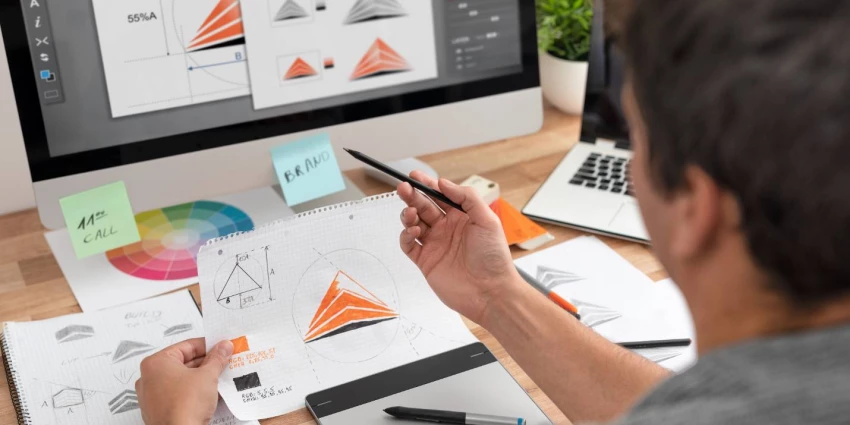
1. Milanote (Moodboarding/Creative Planning): A platform that allows users to create mood boards and visually organize their ideas during the early stages of a project. It provides an excellent opportunity to map out the brand's tone, collect reference images, and develop a content direction before starting to design.
2. Dribbble (Inspiration library/Trend discovery): Offers quick access to up-and-coming visual styles as well as inspiration for trends in layout, typography, and user interface (UI) design. Additionally, designers can use Dribbble to establish benchmarks for their aesthetic direction.
3. Behance (Inspiration Library/Portfolio trends): One of the best tools for graphic design, where creatives can showcase long-form case studies that demonstrate their process, not just final outputs. Each designer's portfolio gives you insight into how other designers have solved design problems.
4. Coolors (Color palette generator): A website that allows designers to create color palettes and see how they will look when contrasted with other colors.
5. Google Fonts (Font discovery/Typography pairing): An open-source font library that offers suggestions for pairing fonts together as well as supports the incorporation of Google Fonts into websites. It's perfect for designers creating brand systems or developing digital-first projects.
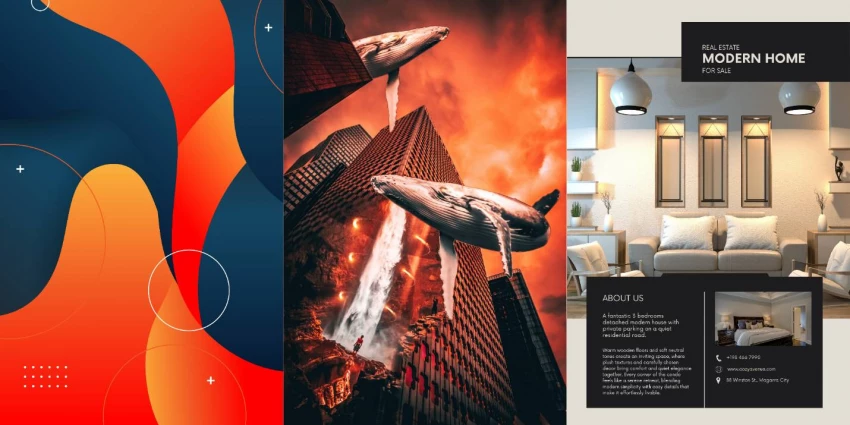
Vector & Illustration Tools
6. Adobe Illustrator (Vector Design/Illustration): Has long been the standard for scalable design files used in the production of brand identity materials, packaging, and iconography.
7. Affinity Designer (Vector design—Adobe alternative): A powerful alternative to Adobe Illustrator that provides excellent performance and compatibility without recurring subscription costs.
8. Penpot (UI/UX design/prototyping): An open-source collaborative vector and interface design platform that allows teams to work together on an open infrastructure.
9. Krita (Digital painting/illustration): An industry-leading brush engine is geared towards illustrators and concept artists.
10. Adobe Photoshop (Photo Editing/Compositing): This application is currently the most widely used for advanced photo editing and retouching.
11. Affinity Photo (Photo Editing—Adobe Alternative): An excellent alternative to Adobe Photoshop, this program offers strong controls for editing RAW images and layering, and it is also much less expensive.
12. GIMP (Photo editing/Raster editing): A free raster editing program (as an open-source application) used for basic photo compositing and editing.
13. Adobe InDesign (Layout/Multi-page Publishing): This software program has become the industry-standard application used for magazine layout, report layouts, and brochure layouts; therefore, print workflows heavily rely on its use.
14. Adobe Express (Quick Design/Marketing Assets): A fast tool to create marketing pieces for social media and light marketing pieces.
15. Piktochart (Infographics/Reports): This web-based application is best suited for creating infographic and report pages, presents a unique design layout for each page, and is geared toward non-designers to be able to work with data.
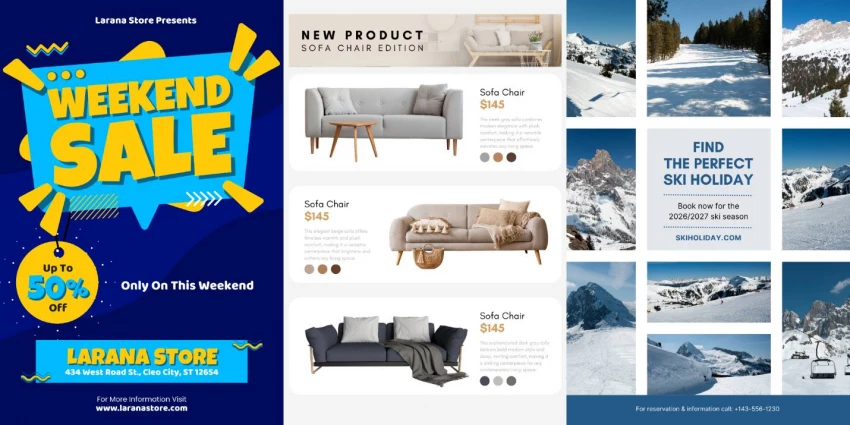
16. Canva (Templates/Marketing Design): A customizable template design program allowing large-scale marketing design tasks to be completed by multiple users while maintaining overall brand integrity.
17. Visme (Presentations/Infographics): A versatile presentation and data story tool with built-in image library features and functionality.
18. Kittl (Template design/Typography graphics): Another popular design program used to create graphics that are used in merchandising and typography, where certain types of letters are designed to have unique stylized effects.
19. AutoDraw (AI-assisted sketching/icon doodles): An artificial intelligence program that turns people's rough sketches into clean drawings almost instantaneously.
20. Designs.ai (AI creative suite/Brand assets): All-in-one artificial intelligence-based graphic design creative suite; this application automates the creation of brand kits and generates graphics for marketing.
All of these tools are most often used by production teams who produce high-volume marketing campaigns at high speed.
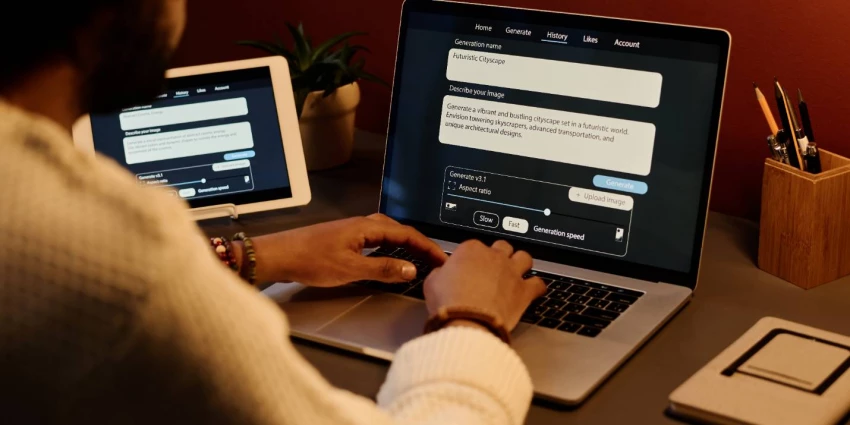
When discussing the top 10 AI tools, context really matters. Remember: AI isn’t replacing designers; it’s compressing tedious steps. This is where the best AI for graphic design and the best AI tools for graphic design actually add value.
21. Removal.AI (background remover/image cleanup): Use this as one of the best background remover tools for one-click cutouts of product photos and portraits. This primarily allows you to create visual representations of your products in an e-commerce environment much quicker than before.
22. OpenAI (AI image ideation/concept generation): This tool uses prompts to create images and concept ideas for use on mood boards and exploration.
23. Looka (AI logo maker/brand kit generator): This platform lets you quickly draft your branding ideas before finalizing them with a vector-based tool.
24. Pixelcut (AI product photo editing/marketing visuals): With this tool, you will get optimized product photo images for your e-commerce store with adjustments made to lighting and backgrounds.
25. Adobe Express (AI-assisted quick design/background removal): Another tool that includes a built-in background remover and generative expand features.
26. Procreate (Sketching/Digital Illustration): The fluid workstation allows for faster generation of concept art and brainstorming.
27. Frame.io (Review/Approvals: motion + video workflows): Provides users with a central area to give feedback on the motion/video workflow.
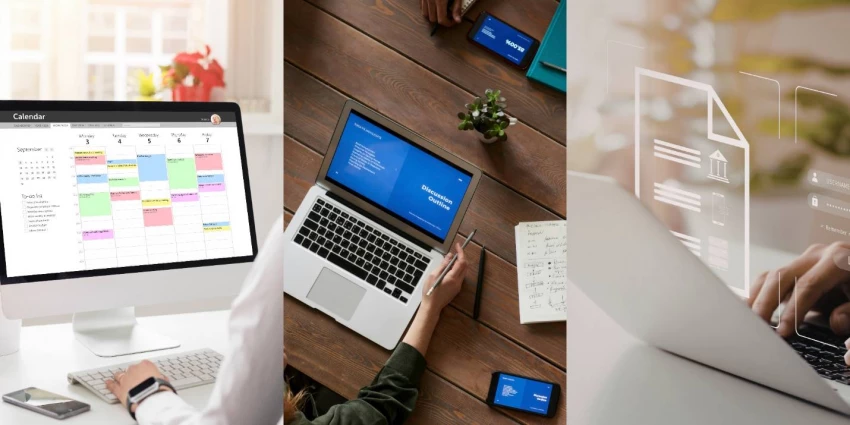
28. Notion (Briefs/Workflow documentation): This modern app efficiently stores brand guidelines, client notes, and feedback in one central location.
29. Slack (Team collaboration/Feedback loops): A go-to platform if you want to become more organized and access channels easily for team members to communicate internally.
30. Google Drive (File delivery/storage & backup): Proven to have a secure means of storing files with version history and backup.
Overall, while an effective graphic designer needs design software, an even more intentional creative needs operational tools to complement their process. Thus, the best graphic design tools are systematic in nature, not just applications for applications' sake.
Instead of focusing on making significant changes to your current processes or signing up for new platforms, it may be beneficial to take a step back from everything and assess what direction you want your toolkit to take in line.
Listed below are the most common questions being asked by designers at this time:
1. What are the best graphic design tools in 2026?
The best graphic design tools in 2026 are the ones that work seamlessly with your workflow, from idea to delivery.
Here's a default stack that works well together:
● Illustrator (vector-based and scalable branding)
● Photoshop (editing photos and creating composites)
● InDesign (multi-page layouts and controlling printed output)
● Figma (UI design, collaboration, and transferring to developers)
● Canva (high-volume marketing production)
These tools are consistently top-rated because they allow designers the freedom to create while also producing a physical output in the world.
2. What’s the best AI for graphic design right now?
There are so many different types of AI in graphic design; the answer really depends on what you want to speed up.
● To ideate, try AI image generators to explore ideas.
● For editing, look for tools that take advantage of intelligent masking capabilities and provide easy ways to remove backgrounds.
● If you're working on a production scale, look for AI-based tools for resizing, creating layouts, and preparing brand kits.
When looking for your ideal graphic design AI tools, consider where you spend the most time. The best AI tools for graphic design are those that streamline what you do repetitively without losing your creative control over the work.
3. Free vs. paid—what should I invest in first?
If you're on a tight budget, here's what to focus on first in order of importance:
● The daily driver you use every day (vector editor or photo editor)
● A collaboration platform
● Cloud storage and delivery
Free tools are great for learning, while paid tools are better suited for speed, integration, and final output approved by a client. Hence, when it comes to buying something, you should invest in the area that causes you the most delay.
Design isn't just growing in 2026, but it is also innovating rapidly. Some key design trends include shrinking campaign timetables, rising asset counts, and AI continuing to advance. These shifts are putting pressure on designers to create not only frequently and collaboratively but also to do so at an accelerated pace.
That’s why building an integrated system is now more important than simply chasing after the best graphic design tools. The vital advance in design is not that you have to take out another subscription, but rather that you need to establish a clear framework for your design work.
When you have a clear framework for your design work, you are able to do things quicker, without hesitation, no longer scrambling during the revision process, never misplacing a file before delivery, and never wasting your creative energy on duplicated tasks that could be done by AI in a matter of seconds.
It will not be the designers who try everything available to them in 2026 that will become successful, but the designers who can distill their stack down to the few graphic design tools that work best in their niche and build out a process for doing repeated work around those tools.
Take an honest look at your existing setup, look for areas of friction, wherever possible automate, and make sure that the tools you are using help you to think more clearly. In the future of design, it will no longer be about working harder. It will be about designing with clarity, control, and forward-thinking.
Share your thoughts about this article.
Be the first to post a comment!
Three months ago, I closed Cursor mid-sentence, downloaded a 180MB installer, an...
Sakshi Dhingra3 days ago
You've probably already read five articles trying to figure this out. I have too...
Sakshi Dhingra5 days ago

Locker manufacturing has come a long way from simple metal compartments used in...
Parveen Verma2 weeks ago
In today’s competitive digital landscape, having an online presence is no longer...
Parveen Verma2 weeks ago
Why this comparison is differentMost comparisons between Semrush and Ahrefs thro...
Suraj Malik1 month ago

The first thing that stands out about Dippy AI is not the anime visuals or the N...
Suraj Malik1 month ago