Cloud storage has become essential for both personal and professional life. Yet not everyone feels that mainstream tools, like Google Drive or Google Cloud Storage, fit their needs perfectly. Some users want better privacy, others want lower long-term costs, while many want more control over their data.
As highlighted in an industry overview by Hindustan Times on running out of Google Photos storage, the demand for alternative cloud storage solutions continues to rise because users today expect transparency, flexibility, and value—not just convenience.
This guide breaks down the most reliable cloud storage alternatives, what makes each of them unique, and which type of user they’re best suited for.
Top Cloud Storage Alternatives
1. Dropbox (dropbox.com) – Simple and Reliable for Collaboration
Dropbox has long been a go-to for file sharing and syncing. Its clean interface and reliable performance make it ideal for small teams and individuals.
Key features: Smart sync, file recovery, and real-time collaboration with Dropbox Paper.
Best for: Creative teams or freelancers who need straightforward sharing and version tracking.
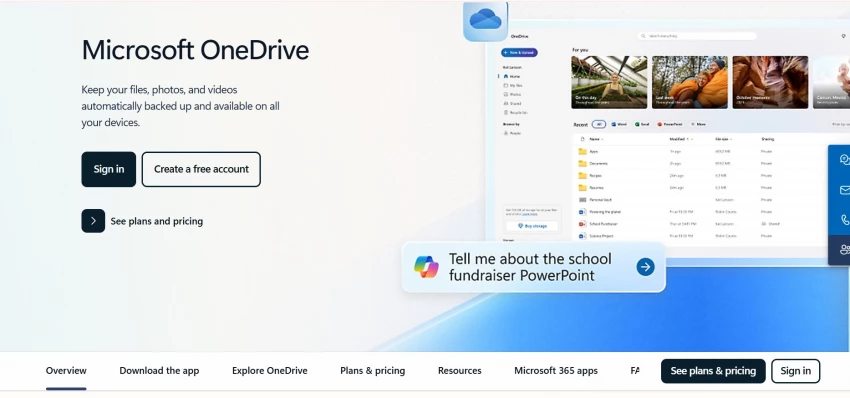
2. Microsoft OneDrive (onedrive.com) – Perfect for Office Users
If your workflow relies heavily on Microsoft 365, OneDrive feels almost invisible—it’s deeply integrated into Word, Excel, Teams, and Outlook.
Key features: Seamless Office editing, built-in ransomware detection, and personal vault encryption.
Best for: Businesses already invested in Microsoft’s ecosystem.
3. Box (box.com) – Enterprise-Grade Security
Box caters primarily to businesses that need strict security and compliance. It supports HIPAA, GDPR, and other regulatory standards.
Key features: Advanced admin controls, workflow automation, and over 1,500 third-party integrations.
Best for: Enterprises managing sensitive data.
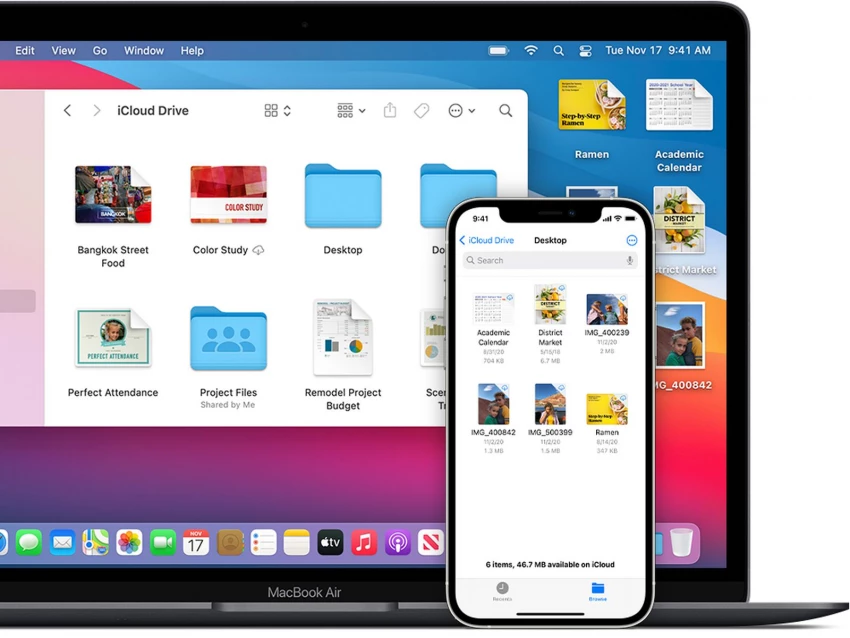
4. iCloud Drive (icloud.com) – Smooth for Apple Users
For iPhone, iPad, and Mac owners, iCloud Drive offers effortless syncing across devices. It’s tightly tied into the Apple ecosystem, making it hard to beat in terms of convenience.
Key features: Automatic device backup, strong privacy policies, and family sharing.
Best for: Apple users looking for an integrated solution.
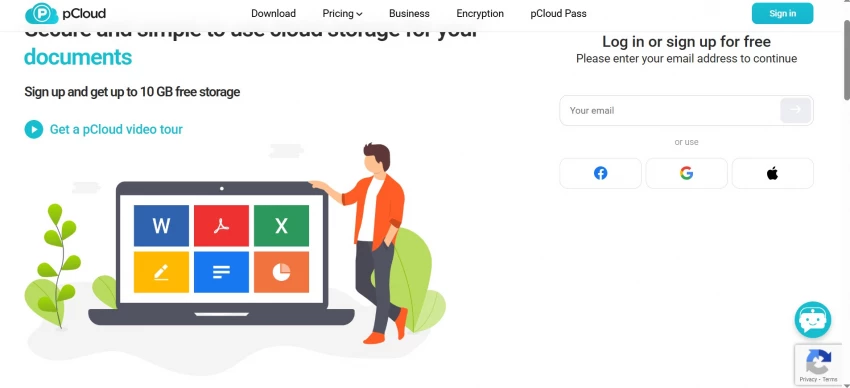
5. pCloud (pcloud.com) – Lifetime Storage Plans
pCloud stands out with its one-time payment option for lifetime storage—a rarity in this subscription-heavy space. It also emphasizes strong encryption through its optional pCloud Crypto feature.
Key features: File versioning up to 30 days, built-in media streaming, and customizable lifetime plans.
Best for: Users wanting long-term, cost-effective storage.
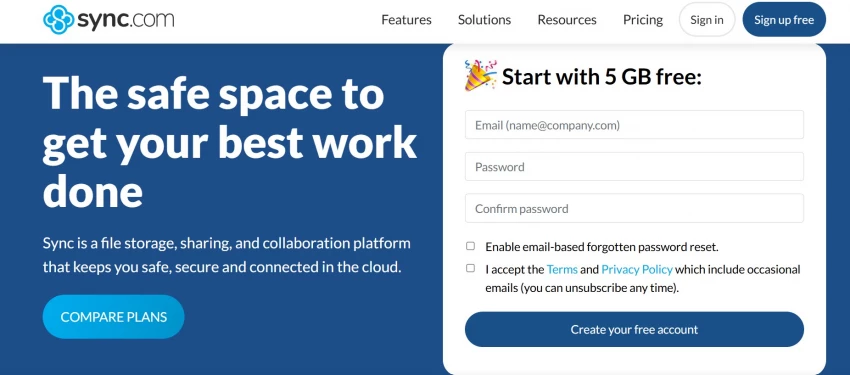
6. Sync.com (sync.com) – Privacy First
Unlike many providers that scan files for indexing, Sync.com is built around zero-knowledge encryption. This means only you can access your files, not even the service provider.
Key features: End-to-end encryption, unlimited file sizes, and compliance with privacy-focused regulations.
Best for: Users who prioritize security and confidentiality above all else.
7. Mega (mega.io) – Generous Free Plan
Mega offers one of the largest free storage plans on the market, making it appealing for personal use. Like Sync.com, it also emphasizes strong encryption.
Key features: 20 GB free storage, encrypted chats, and large file transfers.
Best for: Students or individuals needing plenty of free space.
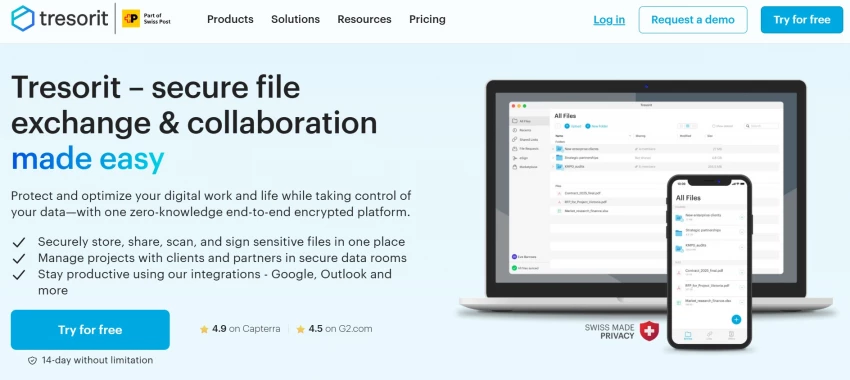
8. Tresorit (tresorit.com) – Maximum Security for Professionals
Tresorit is built for professionals who need airtight file protection, especially in industries like law, healthcare, or finance.
Key features: End-to-end encryption, Swiss-based privacy laws, and secure link sharing with expiration dates.
Best for: Professionals handling confidential or regulated data.
9. Zoolz Cloud (zoolz.com) – Cold Storage for Backups
Zoolz specializes in long-term backup solutions, offering both “hot” storage for regular use and “cold” storage for archives.
Best for: Businesses that need to store large amounts of rarely accessed data securely.
10. Internxt (internxt.com) – Open-Source and Privacy-Focused
Internxt is an up-and-coming provider that combines transparency with security. It’s fully open-source and emphasizes decentralized storage.
Key features: Zero-knowledge encryption, cross-platform apps, and affordable subscription tiers.
Best for: Users who want open-source, privacy-first storage.
11. Icedrive (icedrive.net) – Modern and Affordable
Icedrive is relatively new but has gained popularity for its affordable pricing and intuitive design. It also offers lifetime storage deals similar to pCloud.
Key features: Clean interface, two-factor authentication, and file versioning.
Best for: Cost-conscious users who still want a modern cloud experience.
Unlike mainstream cloud providers, Nextcloud is open-source and allows you to host your own private cloud server. This gives you full control over your data and setup.
Key features: Self-hosting, customizable collaboration tools, and GDPR compliance.
Best for: Tech-savvy users or organizations wanting total control over their infrastructure.
Choosing the Right Alternative
Here’s a quick guide to matching services with your needs:
For everyday collaboration: Dropbox or OneDrive.
For enterprise compliance: Box or Tresorit.
For Apple integration: iCloud Drive.
For long-term cost savings: pCloud or Icedrive.
For maximum privacy: Sync.com, Internxt, or Mega.
For custom control: Nextcloud.
For backups and archives: Zoolz.
Are Cloud Storage Alternatives Better Than Big-Tech Providers?
Many users explore alternatives because they want more control, not necessarily “cheaper storage.” As noted in evaluations of digital tools like the Viggle AI review on GeniusFirms, consumers increasingly look for transparency, reliability, and long-term safety—values that apply equally when choosing cloud storage.
Alternatives often offer:
Stronger encryption
More flexible pricing
Lifetime storage options
Self-hosting capabilities
GDPR-level privacy compliance
In several cases, the alternatives outperform mainstream cloud services for niche needs.
Final Thoughts
Cloud storage alternatives today are powerful, secure, and designed to meet the needs that Google Drive or Google Cloud Storage don’t always address. Whether you're seeking better privacy, lifetime affordability, enterprise-level compliance, or complete control over your data, there is a solution tailored to your requirements.
Before choosing one, evaluate your top priority:
Collaboration?
Privacy?
Price?
Long-term storage?
Self-hosting?
Selecting the right provider now ensures your digital life—and business data—remain safe, accessible, and future-ready.