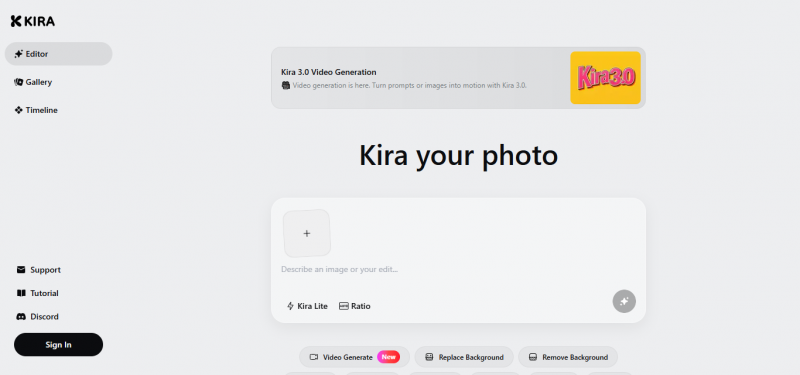
Kira enables users to generate and edit images through natural language descriptions. It focuses on conversational workflows where ideas described in everyday terms produce professional-quality visuals. Users refine artwork via ongoing dialogue, bypassing traditional prompts, toolbars, or layers. Updates like Inpaint deliver seamless repairs with natural blending and texture continuity. Expand extends images with coherent scene continuation and lighting. Image editing maintains facial consistency across edits, supporting diverse face types and multi-step workflows. The tool positions as an AI-native alternative for visual design, emphasizing fast editing and variation for unique visuals.
Text-to-image with conversational workflow
Background removal & inpainting tools
Mobile & browser editing with cloud save
AI hairstyle & hair-color preview
Vector + raster workspace for flexible design
Sticker & emoji generator with prompt controls
Some image edits, like moving or cutting out parts, can look blurry if the original image is low quality.
Edits take longer with multiple changes
No image version rollback
Pricing yet to be updated!

Posted: Jul 9, 2026
My first experience with Kira was fun, but after using it for a while, the credit system started to bother me. When you are testing different looks or trying to get one perfect image, credits can run out faster than expected. Some generations came out great, but others needed multiple attempts, and that made the value feel less predictable.
Posted: Jul 9, 2026
I used Kira to make a few playful images for social posts, and the experience was much smoother than I expected. The templates and creative options gave me ideas I would not have thought of myself. I especially liked that the tool focuses on quick transformation instead of making me write long prompts every time. The results were not perfect every single time, but most were good enough to save and share.