
Luma Dream Machine arrived with gorgeous, cinematic clips that you can generate from a single prompt. For quick experiments, it still feels magical. For serious projects, the cracks show up fast. Credits vanish quickly, the free plan keeps watermarks on your work, there is still no native audio, and longer videos require extra tools just to finish a basic edit.
Plenty of creators now treat Luma as a sketchbook rather than a full pipeline. If you are building content consistently, the tools below tend to fit real workflows better.
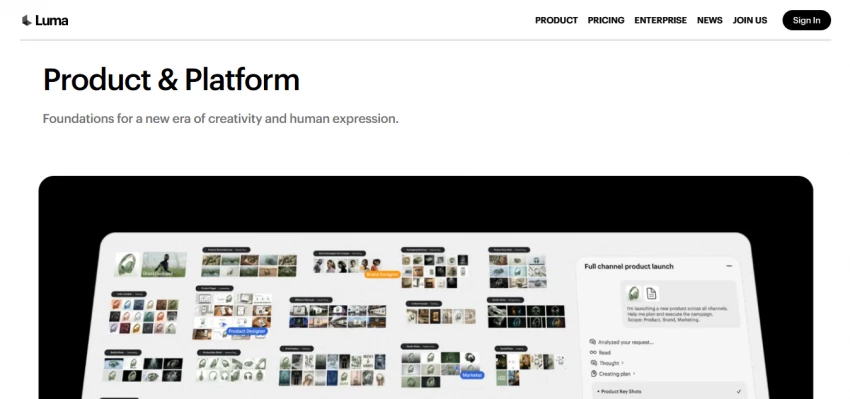
Luma’s strongest moment is your first use. You type a description, wait a little, and suddenly you are looking at a polished, cinematic shot that did not exist five minutes ago. The interface is clean, the prompts are fairly forgiving, and the free tier makes it easy to experiment.
The trouble starts when you try to move beyond experiments:
At that point, most creators start looking for tools that either go longer, include sound, or give them proper editing control.
| Tool | Main Strength | Typical User Type |
| Luma Dream Machine | Fast cinematic idea clips | Creators testing concepts and visuals |
| Runway Gen 4.5 | Generation plus editing in one place | Filmmakers, pro editors, studios |
| Kling | Longer clips with human focus | Social creators, short‑form storytellers |
| Pika | Fast, fun social content | TikTok and Reels creators, meme pages |
| Google Veo 3.1 | High‑end audio and video together | Brands, agencies, premium campaigns |
| Synthesia | Script‑to‑presenter training videos | L&D teams, educators, corporate comms |
| HeyGen | Translation and personalised videos | Sales, customer success, global marketing |
| Sora 2 | Cinematic hero shots | Agencies, creators already in ChatGPT |
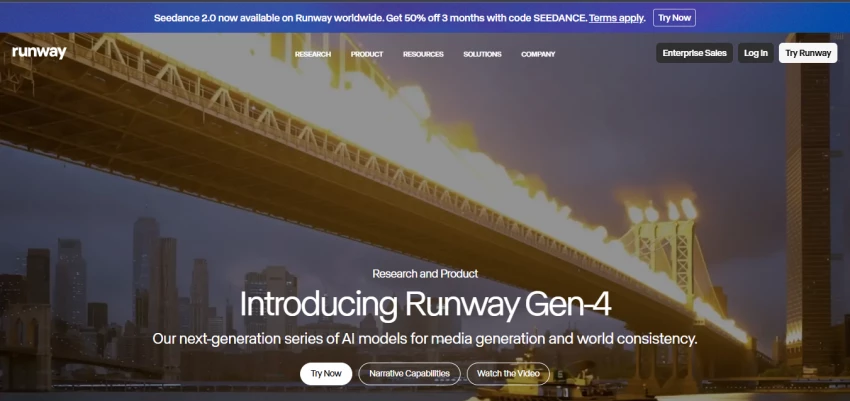
Runway Gen 4.5 feels like a compact post‑production studio instead of a simple “prompt in, clip out” tool. You can generate, refine, and finish an entire sequence inside the same environment, which matches how professional workflows actually run.
You are not forced to throw away a clip because of one small mistake. Motion controls and inpainting tools let you tweak specific regions of a frame instead of regenerating everything. Character consistency is noticeably better than many older models, especially if a person needs to appear across several shots. Paid plans start in the low double‑digit monthly range, with higher tiers unlocking more credits, higher resolutions, and watermark‑free exports.
Runway makes sense if you are already comfortable editing and want AI to speed up ideas and iterations without giving up that hands‑on control.
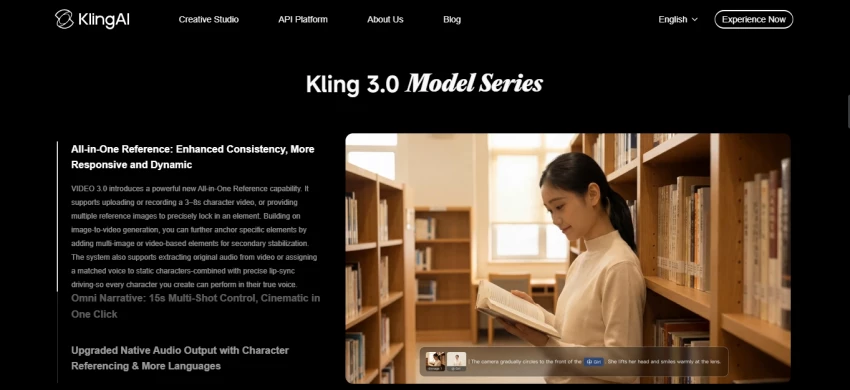
Kling aims squarely at creators who want people in their videos. Faces, bodies, and natural movement are the focus, which makes it a solid fit for vertical content that feels like it belongs on TikTok, YouTube Shorts, and Reels.
One of the biggest advantages is length. With video extension tools, you can push a scene well beyond the brief bursts that many Luma users are used to. That extra runtime matters for storytelling, product showcases, or skits that need time to land. The platform also offers free credits for casual experiments and low‑cost monthly plans once you are ready to publish regularly.
If most of your content is personality driven and built around people rather than landscapes or abstract visuals, Kling tends to feel more natural.
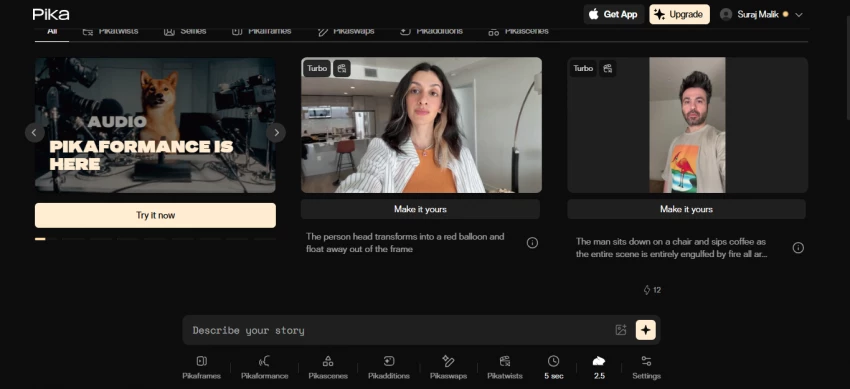
Pika was built for speed and play. It leans into short‑form content and visual effects that work well in a feed, instead of chasing ultra‑photorealistic shots that take ages to render.
Generation times are short, which is crucial when you need to queue up several pieces before a posting window. Pika’s effect tools let you bend, melt, or remix scenes into something that feels aligned with current trends. A free tier with daily credit refresh makes it easy to slot into a routine, and the first paid tier is affordable enough for solo creators who post often.
It is not the right choice when you need a serious, cinematic brand film. It is excellent when you want to move fast, have fun, and keep a social channel alive without overthinking every frame.
Google Veo 3.1 is built around the idea that visuals and audio should emerge together, not as separate projects. You describe a scene, the motion, and the sound, and the model produces both at once.
That combined generation pays off in a few ways. Dialogue lands in sync with mouth movement, ambient noise matches the environment, and sound effects feel like they belong to the action rather than being glued on later. The visual quality sits comfortably in the top tier of consumer and prosumer tools. Access usually comes through Google’s AI subscriptions or usage‑based pricing, which suits teams that already rely on other Google services.
If you hate building a great clip in one app and then wrestling with sound in another, Veo is much closer to the experience you probably wanted from Luma in the first place.
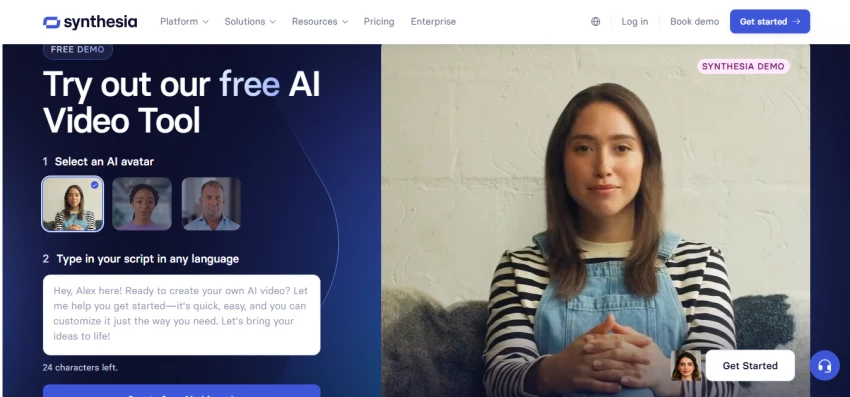
Synthesia solves a different problem from Luma. Instead of general cinematic scenes, it focuses on presenter‑style videos where someone stands on screen, speaks your script, and explains something clearly.
You choose an avatar, paste a script, select a language, and get a training or explainer video without cameras, lights, or booking a presenter. This is the kind of content that companies need constantly, especially for onboarding, internal communication, and customer education. Multi‑language support means you can reuse the same structure across markets without re‑shooting.
If you spend more time writing step‑by‑step instructions than storyboarding action scenes, Synthesia probably saves you more time than a general video generator ever will.
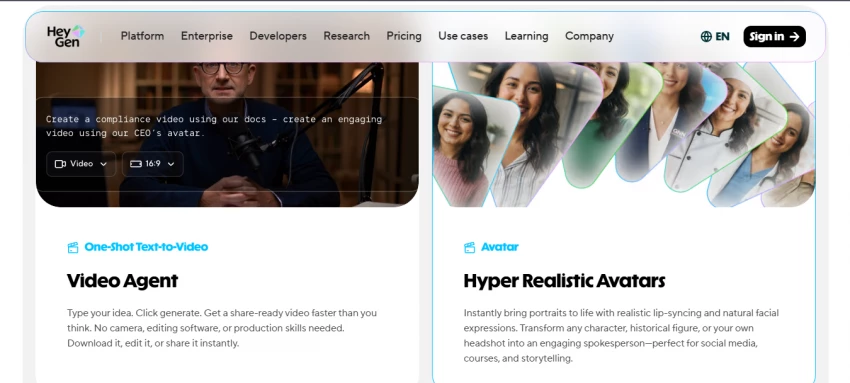
HeyGen is ideal when you already have footage and want it to work harder. Rather than focusing only on new generations, it offers strong tools for translation and personalisation.
One of its signature tricks is language conversion. You can take a video in one language, switch it to another, and keep the same person on screen with lips synced to the new audio. For brands with libraries of evergreen content, that is a shortcut to global reach without reshoots. HeyGen also caters to personalised sales and onboarding flows, where each viewer sees a version of the video tailored to them.
The pricing is aimed at businesses, but teams that rely heavily on video for communication often find that the time they get back justifies the cost.
Sora 2 is the tool you reach for when you need a handful of shots that really stand out and you are already using ChatGPT for other work. It is designed around quality per clip rather than sheer volume.
The model handles physics and complex scenes with a level of coherence that older tools often lack. Objects move in believable ways, interactions between elements feel grounded, and prompts with fine detail are usually respected more closely. Access typically comes bundled with ChatGPT subscriptions, which gives you a fixed number of high‑quality clips each month.
That structure makes Sora perfect for “hero shots” that you can build a longer edit around, rather than for mass‑produced daily content.
Most serious creators now use a stack rather than one tool. Luma is often the sketchpad. Runway or Veo might handle the final shots. Pika, Kling, and Sora fill in social posts and hero visuals. Synthesia and HeyGen carry the training and communication work.
Instead of asking which tool is “best”, it is often more useful to ask which part of your workflow is the slowest or most annoying right now. That answer usually points straight to the tool you should test next.
Be the first to post comment!
Why Look Beyond Vidnoz?Vidnoz made AI video creation approachable - ...
Suraj Malik1 day ago

Gizmo AI burst onto the scene promising to turn your messy lecture notes, PDFs,...
Suraj Malik1 day ago

Goth AI has its fans. It's quick, it covers multiple subjects, and snapping a ph...
Suraj Malik2 days ago

Dezgo is one of those tools that sneaks up on you. It's quick, it's browser-base...
Suraj Malik3 days ago

ChatFAI launched as one of the cleaner entries into the AI character chat space....
Suraj Malik3 days ago

The AI revolution in knowledge management is not about creating more content. Mo...
Suraj Malik4 days ago