Vidnoz made AI video creation approachable - but in 2026, a wave of more powerful tools has emerged. Whether you need more realistic avatars, better automation, or simply a better price-to-value ratio, here's an honest look at the platforms worth switching to.
| Pain Point | What It Means |
| Avatar realism | Newer platforms produce noticeably more natural facial expressions and movement |
| Manual workflow | Each video requires manual setup with no set-and-forget automation |
| Limited editing | Template-based output with less post-production control |
| Enterprise gaps | Limited team collaboration, no LMS integration |
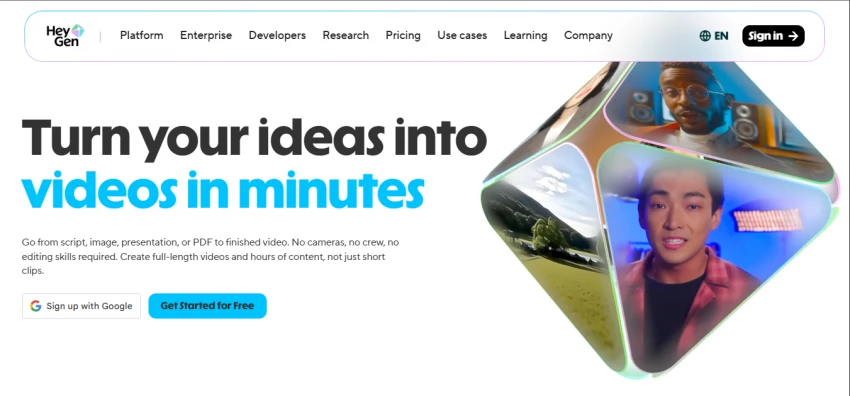
HeyGen's Avatar IV technology produces near-4K, near-human-quality video. It leads on multilingual lip-sync across 175+ languages, offers custom digital twin avatars as a $99 add-on, and has real-time video translation. The most balanced option for solo creators, marketers, and small teams.
Also Read - Is Heygen worth it ?
Starting price: $24/month (annual billing) | Free plan available (3 videos/month)
| Pros | Cons |
| Unlimited video exports on Creator plan and above | Premium credit system can feel confusing for new users |
| 175+ language lip-sync, best in class | Business plan ($149/mo) required for team collaboration |
| Custom digital twin avatar for just $99 add-on | Avatar IV burns through credits quickly |
| Near-4K realism with Avatar IV technology | Only ~10 min of premium video per month on Creator plan |
| Real-time video translation across languages | Free plan limited to just 3 videos per month |
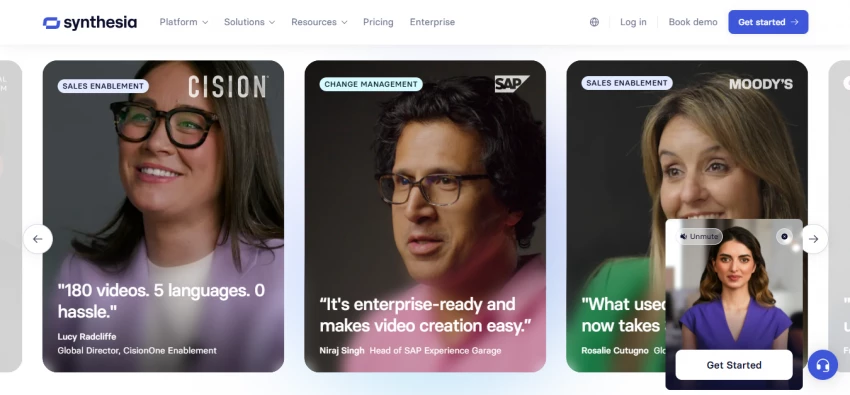
Synthesia offers 240+ avatars, expressive AI that adapts tone and body gestures to your script, SCORM export, and LMS integrations. It is the go-to platform for teams that create structured training and corporate communication videos regularly.
Also read - should you choose Synthesia ?
Starting price: $18/month (annual billing) | No free plan - demo only
| Pros | Cons |
| 240+ diverse, expressive avatars | Custom avatars locked to enterprise pricing only |
| Slide-based editor familiar to PowerPoint users | No free plan - only a limited demo is available |
| SCORM export and LMS integration built in | Translation features limited to higher-priced tiers |
| Real-time team collaboration and async feedback | Can feel expensive and complex for solo creators |
| Avatars adapt tone and gestures to your script | Less avatar realism compared to HeyGen at same price |
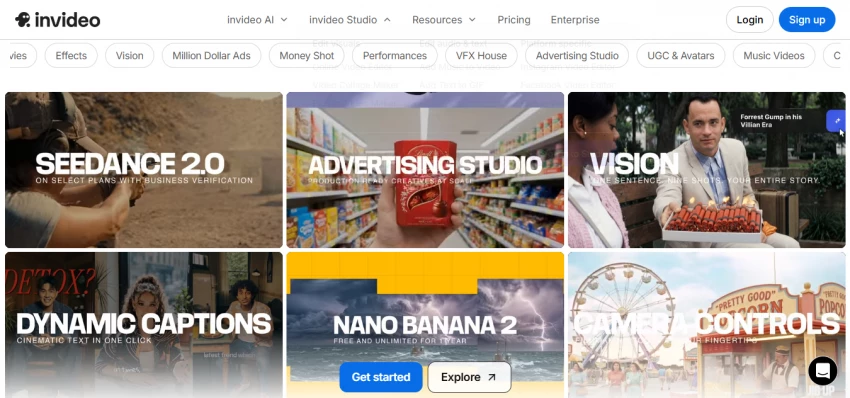
InVideo AI is the closest thing to a type-and-publish video tool in 2026. It bundles Sora 2 and VEO 3.1 access, script generation, voiceover, B-roll selection, subtitles, music, and export - all from a single text prompt. The best option for marketers producing high volumes of content.
Starting price: $28/month (Plus plan) | Free tier available
| Pros | Cons |
| Sora 2 and VEO 3.1 bundled in one subscription | AI-generated scripts can feel formulaic and generic |
| Full production pipeline from script to export in one prompt | Credits reset monthly with no rollover to next month |
| 7M+ active creators use the platform worldwide | Not suited for frame-precise or brand-strict editing |
| Commercial rights included on all paid plans | About 1 in 4 editing commands needs a retry |
| Cheapest way to access Sora 2 and VEO 3.1 | Plus plan at $28/mo only worth it for 5+ videos monthly |
VEED is a full online video editor that also includes AI avatar generation. One-click subtitles, background removal, noise reduction, screen recording, and a rich stock media library make it the ideal tool for creators who spend more time editing footage than generating new avatar videos.
Also Read - Is Veed.io worth it ?
Starting price: $18/month (annual billing) | Free plan available
| Pros | Cons |
| Excellent post-production tools - subtitles, noise reduction, background removal | AI avatar features less mature than dedicated avatar platforms |
| Cloud-based - no downloads or storage issues | Not designed for long-form presenter-led video |
| Team collaboration and shared projects built in | Subtitle customization has a noticeable learning curve |
| Great for repurposing and editing existing video content | Free plan adds watermark to all exported videos |
| Strong stock media library included | Avatar library is significantly smaller than rivals |
D-ID specializes in generating talking-head videos from photos and text with minimal setup. Widely used for announcements, product explainers, and personalized outreach. The cheapest entry point in this entire list and the fastest from idea to finished video.

Starting price: $5.9/month (Lite plan) | Free plan available
| Pros | Cons |
| Fastest setup - works from any photo instantly | Motion consistency weakens noticeably in longer videos |
| Most affordable entry pricing of any tool here | Fewer creative customization options than rivals |
| Good for personalized outreach videos at scale | Facial expressions can look robotic in extended clips |
| Simple and beginner-friendly interface | Limited advanced features compared to HeyGen or Synthesia |
| No need for templates or extensive pre-setup | Not suited for polished brand or marketing content |
Colossyan focuses entirely on learning and development. It offers interactive video elements, branching scenarios, SCORM compliance, and educational presenters - purpose-built for corporate training, HR onboarding, and eLearning programs.

Starting price: $27/month (annual billing) | No free plan
| Pros | Cons |
| Interactive branching scenarios for eLearning content | Too niche - not useful for general content creators |
| SCORM-ready output compatible with major LMS platforms | No free plan available at all |
| Purpose-built UI designed around training workflows | Limited social-media-ready output formats |
| Strong collaboration tools for L&D teams | Smaller avatar library compared to HeyGen or Synthesia |
| Ideal for HR onboarding and compliance training | Higher price point for what is a niche use case |
Pictory excels at turning written content - articles, scripts, long-form videos - into polished short clips with automated subtitles and stock footage. The ideal pick for content marketers repurposing blog posts or webinars into social-ready videos without recording anything new.
Also Read - Pictory AI alternatives you should try ?
Starting price: $19/month (annual billing) | Free trial available
| Pros | Cons |
| Turns articles and blog posts into videos in minutes | No real-time avatar or presenter generation |
| Auto-highlights key moments from long-form videos | Less suited for talking-head or presenter-led content |
| Large stock media library included in all plans | Limited customization depth compared to avatar tools |
| No recording or camera equipment needed at all | Output can look similar across different videos |
| Fast repurposing workflow - paste URL and walk away | Not a full video editor - limited post-production tools |
KreadoAI shines for businesses creating localized marketing content at scale. It supports PPT/PDF-to-avatar video, talking photo avatars, AI voice cloning, video face swap, and a library of 40,000+ AI voices - all at the most competitive price in this list.
Starting price: $6/month (AI Avatar plan, annual billing) | Free plan available
| Pros | Cons |
| 40,000+ AI voices - largest library in this entire list | UI is noticeably less polished than top-tier competitors |
| PPT and PDF to avatar video supported natively | Analytics and reporting tools are still maturing |
| Talking photo avatar and AI voice cloning built in | Less brand recognition - smaller community and support |
| Unbeatable price-to-value ratio starting at $6/month | Some advanced features require higher-tier plans |
| 700+ avatars across a wide range of styles | Documentation and tutorials less comprehensive than rivals |
| Tool | Price/Month (Annual) | Free Plan | Video Minutes | Avatars | Languages |
| D-ID | $5.9 | Yes | Limited | Photo-based | 100+ |
| KreadoAI | $6 | Yes | 180 min/year | 700+ | Multi (40k voices) |
| Synthesia | $18 | No | 10 min/mo | 240+ | 160+ |
| VEED.io | $18 | Yes | Unlimited* | Limited | 120+ |
| Pictory AI | $19 | Trial | 30 videos/mo | None | Auto-captions |
| HeyGen | $24 | Yes | Unlimited* | 100+ | 175+ |
| Colossyan | $27 | No | Varies | 60+ | 70+ |
| InVideo AI | $28 | Yes | Varies | AI Twins | 50+ |
Unlimited exports with watermark on free; watermark-free on paid plans.
| Tool | Custom Avatar | Voice Clone | Team Collab | SCORM/LMS | API Access | Free Plan |
| HeyGen | ✓ $99 add-on | ✓ | ✓ | ~ Business only | ✓ | ✓ |
| Synthesia | ~ Enterprise only | ✓ | ✓ | ✓ | ✓ | ✗ |
| InVideo AI | ~ AI Twin | ✓ | ✓ | ✗ | ✓ | ✓ |
| VEED.io | ✗ | ✗ | ✓ | ✗ | ~ | ✓ |
| D-ID | ✓ Any photo | ✗ | ✗ | ✗ | ✓ | ✓ |
| Colossyan | ~ Higher plans | ~ | ✓ | ✓ | ~ | ✗ |
| Pictory AI | ✗ | ✗ | ~ | ✗ | ~ | Trial |
| KreadoAI | ✓ Voice clone | ✓ | ~ | ✗ | ~ | ✓ |
✓ = Included ~ = Partial or conditional ✗ = Not available
| Your Situation | Best Tool | Why It Works |
| Solo content creator / YouTuber | HeyGen | Unlimited exports, realistic avatars, affordable at $24/mo |
| Business training team | Synthesia | SCORM, LMS integrations, expressive avatars, team editing |
| High-volume marketing content | InVideo AI | Full pipeline, Sora 2 + VEO 3.1, script to export in one prompt |
| Video editor who also wants AI | VEED.io | Best editing suite plus AI features and cloud collaboration |
| Tight budget, quick clips | D-ID | Cheapest entry ($5.9/mo), works from any photo, minimal setup |
| Corporate L&D and eLearning | Colossyan | Interactive branching, SCORM output, training-first design |
| Repurposing blogs and webinars | Pictory AI | Article-to-video automation, auto-highlights, stock media |
| Global multilingual campaigns | KreadoAI or HeyGen | 40k+ voices and 175+ language lip-sync for global reach |
Vidnoz remains a solid free-tier tool for beginners. But once your needs grow - in realism, automation, or value - these eight tools each beat Vidnoz in their own lane.
For most people moving away from Vidnoz, HeyGen is the safe first stop. Start on the free plan, test the avatar quality, and upgrade only when your volume demands it.
Share your thoughts about this article.
Be the first to post a comment!

Meta’s artificial intelligence business may be accelerating, but the company is...
Suraj Malik5 months ago
QUICK ANSWER - Why AI Chatbots Break After 10 MessagesMost AI chatbots brea...
Suraj Malik5 months ago

Abhyas AI vs. Gauth AI: which is better?Abhyas AI is better for Indian students...
Suraj Malik5 months ago
Civitai vs. Midjourney: which is better?Midjourney is better for beginners and f...
Suraj Malik5 months ago
If you have spent even an hour searching for an online study tool in 2026, you h...
Suraj Malik5 months ago
Cohere’s decision to merge with Germany-based Aleph Alpha is not just another AI...
Suraj Malik5 months ago