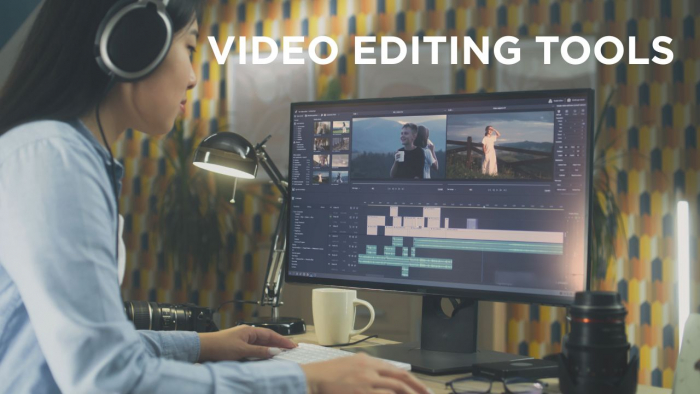
There was a time when editing a video meant sitting in front of a timeline for hours, trimming clips frame by frame and adjusting every transition manually.
That process is quietly disappearing.
Today, you can describe a video, and the system starts building it for you. Not perfectly, not always consistently, but fast enough to completely change how content is created.
This shift is not about replacing editors. It is about removing friction. And once you start exploring AI video tools, it becomes clear that not all of them are solving the same problem.
Some are built for speed. Some for creativity. Some for scalability.
Understanding that difference is what actually helps you choose the right tool.
Before breaking down each platform, this table helps set expectations clearly:
| Tool | Primary Strength | Best Fit | Control Level | Speed |
| Runway ML | Creative generation | Cinematic videos | High | Medium |
| Pika Labs | Quick visuals | Short clips | Low | Very High |
| InVideo AI | Script automation | Marketing videos | Medium | High |
| Synthesia | AI presenters | Business videos | Low | High |
| Descript | Text-based editing | Talking videos | High | Medium |
| Veed.io | Simplicity | Beginners | Medium | High |
This already reveals something important. These tools are not competing directly; they are solving different stages of the same workflow.

Runway is one of the few tools that feels less like an editor and more like a creative system.
Instead of starting with footage, you can start with an idea. You can generate scenes, extend visuals, and manipulate motion in ways that were previously limited to advanced VFX software.
What stands out is not just the output quality, but the flexibility. You can move between text prompts, images, and videos without breaking the workflow.
But that flexibility comes with a trade-off.
Runway requires patience. It is not the tool you open when you need a quick Instagram reel. It is the tool you use when you want to build something visually different.
The more time you invest, the more it rewards you.
And for most creators, that trade-off is acceptable.
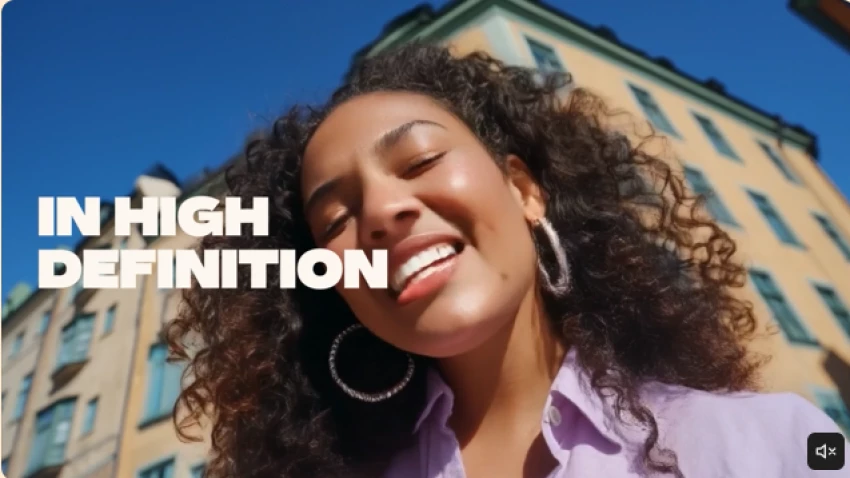
Pika exists in a very specific space.
It is not designed to edit full videos. It is designed to generate moments.
Short clips, visual sequences, experimental content — that is where it performs best.
The speed is what makes it stand out. You can generate multiple variations in minutes, which makes it ideal for testing ideas or creating visually engaging snippets.
But if you try to stretch it beyond that, the limitations become clear.
It is not built for structure. It is built for impact.
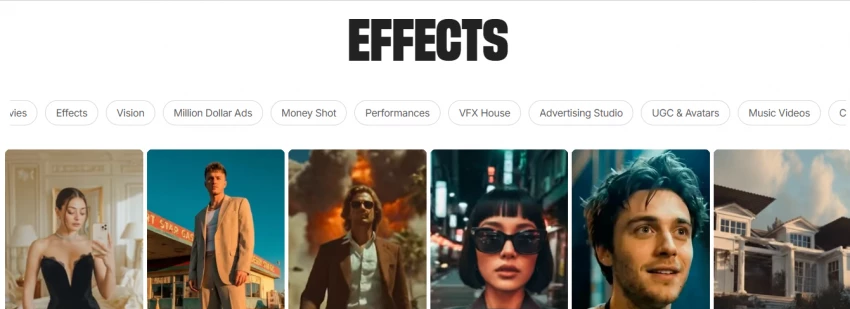
InVideo solves a very practical problem.
You have an idea, or a script, but no footage.
Instead of building everything manually, you provide the input and the system assembles scenes, visuals, and voiceovers into a complete video.
What makes it useful is not creativity, but reliability.
You can consistently generate usable content without spending hours editing. That is why it is widely used in marketing workflows.
The limitation is subtle but important.
You are working within a structure. You can adjust it, but you are not building from scratch like you would in a tool like Runway.
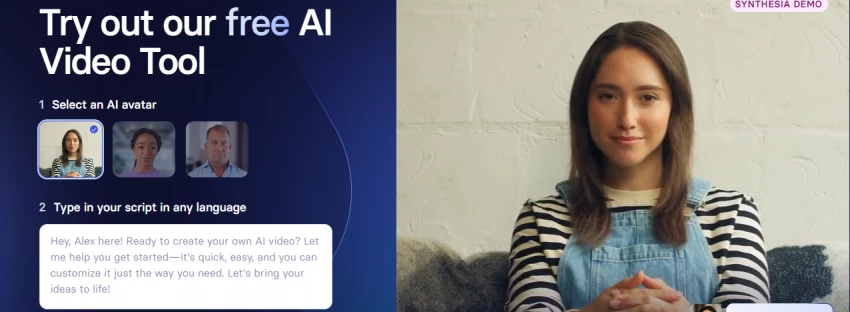
Synthesia takes a completely different approach.
Instead of editing clips, it focuses on delivering information.
You create a script, select an AI avatar, and the system generates a presenter delivering your message. The ability to produce videos in multiple languages without recording anything manually makes it extremely scalable.
This is why it is heavily used in training, onboarding, and corporate communication.
But it is not designed for storytelling or creative editing.
It is designed for clarity.
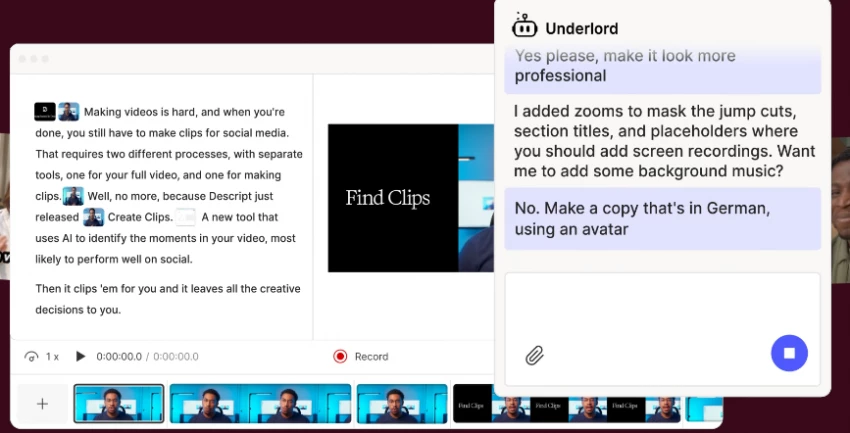
Descript changes the editing process entirely.
Instead of working with clips, you work with text.
When you remove a sentence, it removes that part from the video. This makes editing feel less technical and more intuitive.
It is particularly effective for podcasts, interviews, and talking-head videos.
What makes it powerful is precision.
What limits it is scope.
It is not a generation tool. It is an editing system.
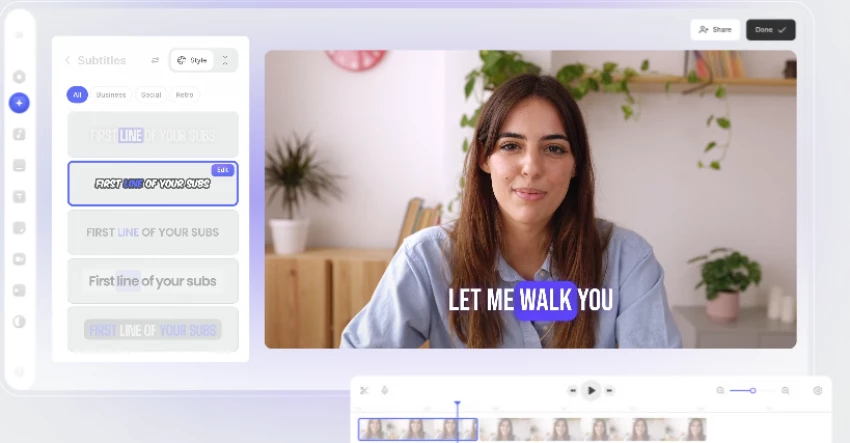
Veed sits between beginner tools and professional editors.
It gives you enough control to create polished content, but not so much that it becomes complex.
You can add subtitles, edit clips, and use templates without needing prior experience.
It does not try to compete with advanced tools.
It focuses on usability.
And that is exactly why it works.
Instead of focusing on features, it helps to understand what each tool does best in practice.
| Use Case | Most Suitable Tool |
| Quick social content | CapCut |
| Cinematic or creative videos | Runway |
| Short visual clips | Pika |
| Script-based videos | InVideo |
| Business communication | Synthesia |
| Editing spoken content | Descript |
| Simple editing | Veed |
This table simplifies what could otherwise feel overwhelming.
Each of these tools solves a specific problem, and each introduces a different kind of limitation.
| Tool | Core Strength | Real Limitation |
| Runway ML | High creative control | Requires time & learning |
| CapCut AI | Extremely fast workflow | Limited deep customization |
| Pika Labs | Quick visual generation | Lacks depth & structure |
| InVideo AI | Structured video creation | Reduced creative flexibility |
| Synthesia | Scalable video production | Limited creative storytelling |
| Descript | Precise text-based editing | No video generation |
| Veed.io | Simple and easy to use | Limited advanced features |
None of these are flaws. They are trade-offs.
If your workflow is fast and content-driven, CapCut becomes the most practical choice.
If you want to experiment and push visual boundaries, Runway stands out.
If your focus is structured content like marketing videos, InVideo fits better.
If your goal is communication at scale, Synthesia becomes essential.
And if your focus is editing rather than generating, Descript and Veed offer the simplest path.
AI video tools are not replacing editors.
They are redefining what editing means.
The real shift is not in technology — it is in how quickly ideas can turn into content.
And the best tool is not the most advanced one.
It is the one that removes the most friction from your workflow.
Be the first to post comment!

In today’s fast-paced digital life, conversations have become shorter, faster, a...
Sakshi Dhingra4 hours ago
Why most comparisons get this wrongIf you just look at features, Promptchan AI a...
Sakshi Dhingra4 hours ago

There’s a phase every writer eventually reaches where effort stops being the pro...
Sakshi Dhingra1 day ago

The first time my younger brother mentioned these apps, I didn’t think much of i...
Sakshi Dhingra1 day ago

There was a phase last year when my younger brother was genuinely struggling. No...
Sakshi Dhingra1 day ago

A client message comes in.“Can you share a presentation in 10 minutes?”There’s n...
Sakshi Dhingra2 days ago