
A client message comes in.
“Can you share a presentation in 10 minutes?”
There’s no time to open PowerPoint and start from slide one. No time to think about structure, flow, or design.
This used to be stressful.
Now it’s different.
You open an AI tool, type a rough idea, and within seconds, you have something that already looks like a presentation. Not perfect, but usable. Something you can refine instead of building from scratch.
That shift, from creating to refining, is exactly why AI presentation tools matter right now.
| Tool | Best For | Speed | Design | Ease | Rating (/10) |
| Gamma | Instant decks | Very fast | Modern | Very easy | 9.2 |
| Canva AI | Visual slides | Fast | Strong | Easy | 9.0 |
| Tome | Story flow | Fast | Clean | Easy | 8.7 |
| Pitch | Team decks | Medium | Professional | Medium | 8.5 |
| Plus AI | PPT users | Medium | Consistent | Easy | 8.6 |
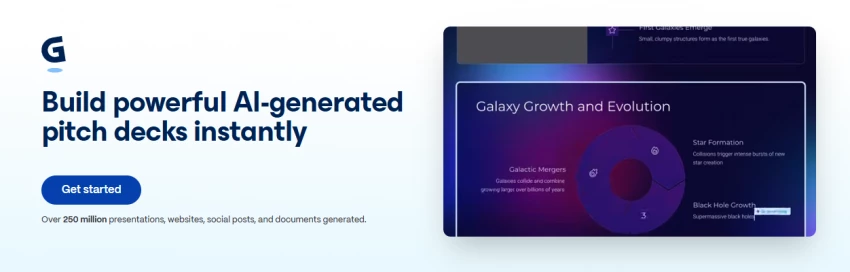
This is the fastest tool I’ve used.
You don’t really “build” slides here. You describe what you want, and it gives you a full structure instantly. Headings, flow, even spacing feels thought through.
It feels closer to writing a doc than designing slides.
What works well is how quickly it removes the blank screen problem. You always have a starting point.
Where it starts slipping is when you go deeper. Some slides look polished at first but feel repetitive when you read them closely. The wording often needs rewriting if you’re sending it to a serious client. Also, exported slides sometimes don’t look exactly the same as inside the tool.
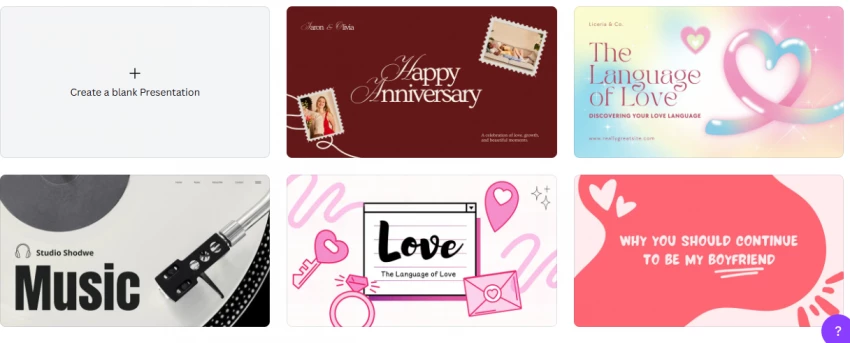
Canva is more about how things look.
The AI helps you generate slides, but the real strength is still the design system. Fonts, layouts, colors, everything feels visually balanced without much effort.
It’s the easiest tool if you care about presentation aesthetics.
But the content side feels light. The AI gives you a structure, but not depth. You often end up rewriting most slides to make them meaningful. Also, many outputs start to feel similar if you use it repeatedly.
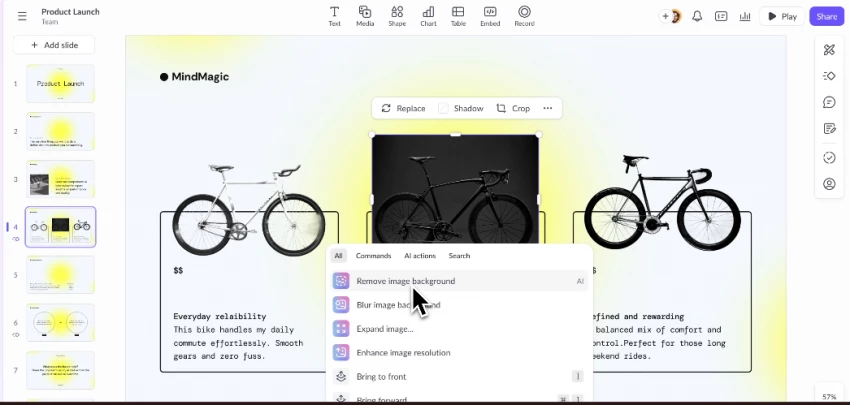
Pitch is not trying to be the fastest tool. It’s built for teams.
The experience feels structured. You can collaborate, edit together, and keep everything aligned.
It’s useful when presentations are part of a workflow, not a one-time task.
But for quick generation, it feels slower. You don’t get that instant “ready draft” feeling like Gamma. It also takes a bit of time to get used to how everything is organized.
This is for when you already have content, but don’t want to turn it into slides manually.
You paste your text, and it converts it into a structured presentation inside Google Slides.
It doesn’t try to be fancy. It focuses on speed and structure.
That’s what makes it useful.
You don’t have to think about slide breaks, headings, or flow. It does that automatically and gives you a clean draft you can quickly edit.
It works best when you already know what you want to say, but don’t want to spend time formatting it into slides.
Where it starts slipping is design. The output is simple and sometimes feels basic. You still need to adjust visuals if you want something more polished. Also, if your input text isn’t clear, the slides can feel uneven or poorly split.

This one is for people who don’t want to switch tools.
It works inside PowerPoint and Google Slides. That alone makes it practical.
You can generate slides, improve existing ones, and keep your original templates.
The limitation is that it doesn’t push design forward. It stays safe. Outputs are clean but not impressive. Also, most features are behind a paywall, so you don’t really get much before committing.
That 10-minute situation doesn’t feel the same anymore.
You’re not starting from zero. You’re starting from something.
And that changes how fast you can think, edit, and deliver.
If I had to simplify it:
None of them is perfect.
But together, they remove the hardest part of presentations, getting started.
And once that friction is gone, everything else becomes easier.
Be the first to post comment!
I run a workflow where creating ideas isn’t the problem.I can sit down and write...
Sakshi Dhingra8 hours ago

The rise of AI-driven platforms has made it easier than ever to engage in rolepl...
Sakshi Dhingra2 days ago

Imagine running a small business, juggling customer queries, product information...
Sakshi Dhingra2 days ago
Creating presentations used to be a tedious and time-consuming task for me. Whet...
Sakshi Dhingra2 days ago

Over the past few years, I have experimented with many study platforms, flashcar...
Sakshi Dhingra3 days ago
Just a few years ago, creating a professional video meant cameras, lighting, mic...
Sakshi Dhingra3 days ago