
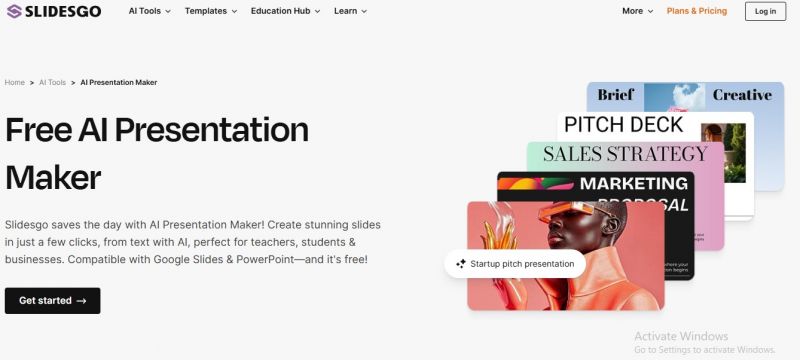
Slidesgo is a presentation design platform that provides customizable templates for Google Slides and Microsoft PowerPoint. The platform offers a large collection of presentation themes covering business, education, marketing, technology, project proposals, pitch decks, lessons, workshops, and more. In addition to downloadable templates, Slidesgo provides AI-powered tools that help users create presentations, generate content, and streamline slide creation workflows.
Users can browse presentation templates by category, preview designs, and download them for Google Slides or PowerPoint. Templates include editable slides, graphics, icons, charts, maps, and other presentation resources. Users can customize colors, fonts, images, layouts, and data visualizations according to their requirements. Slidesgo also provides AI tools that assist with presentation generation and educational content creation.
Large collection of professionally designed templates.
Saves significant time compared to creating presentations from scratch.
Easy customization in Google Slides and PowerPoint.
Attractive visual designs with modern layouts and graphics.
Includes editable infographics, icons, and charts.
Suitable for students, teachers, professionals, and teams.
User-friendly interface with easy template discovery.
Some slide content may need manual editing for quality.
Extra downloads and many templates require a paid subscription.
Free download limits can be restrictive.
Some users report AI-generated output can be off-topic or inaccurate.
Brand consistency can be difficult across different templates.
Fonts and color systems may not always match brand guidelines.
Some templates/layouts may need adjustment after editing.
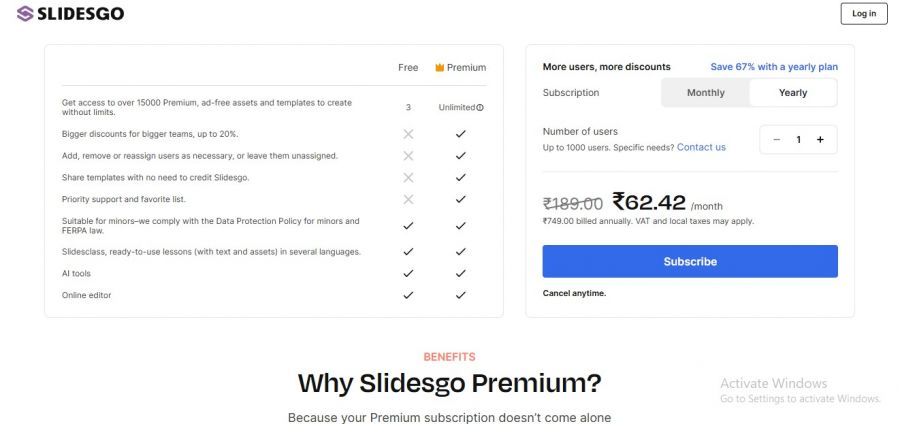
*Price last updated on Jun 9, 2026. Visit slidesgo.com's pricing page for the latest pricing.

Posted: Aug 25, 2026
This is my biggest issue with slidesgo. Some templates run perfectly and others are weirdly heavy. Had one Google Slides deck become so laggy that moving a text box felt like a full-time job lol.
Posted: Aug 21, 2026
I’m just terrible at presentations, but starting with a nice template makes such a difference. Instead of spending 40 minutes deciding where a title should go, I can just get on with the work.
Posted: Aug 14, 2026
Creating lesson slides every week gets old fast. Slidesgo takes away the annoying design part for me. Pick a theme, add my material, tweak a few colors and done.
Posted: Aug 13, 2026
Had a presentation due the next morning and absolutely zero motivation to design slides from scratch ? Found a template on Slidesgo that actually matched my topic, changed the text and pictures, and called it a night. Looked like I spent way more time on it than I actually did lol.
Posted: Jun 29, 2026
I began using Slidesgo when a coworker recommended it, and it really has saved me hours on multiple projects. The templates are clean, modern, and easy to customize without stress. I particularly like the categorization, finding something that matches my topic is usually pretty quick. However, a few templates required extra tweaking after download, especially when moving from Google to PowerPoint.
Posted: Jun 29, 2026
I use Slidesgo mainly for professional presentations and I honestly can’t imagine going back to starting from scratch. The templates are well‑organized by theme, topic, and style, which makes finding exactly what I need really fast. Whether it’s a business pitch or a class project, there’s almost always a slide style that fits the mood.