Most teams do not leave Asana because it is a bad tool. They usually leave it when their work becomes heavier than simple task tracking. That is exactly where I started noticing the gap. Once campaigns, content planning, reporting, client work, approvals, and team accountability start running together, Asana can feel too linear and limited.
I looked at the most practical Asana alternatives from a real workflow point of view, not just feature lists. The goal was simple: which tools actually handle growing teams, complex workflows, dashboards, documentation, billing, and project visibility without creating more confusion? This comparison breaks down tools like ClickUp, Monday.com, Notion, Trello, Wrike, Teamwork, Smartsheet, Airtable, and Zoho Projects based on real usage, pricing, learning curve, scalability, and where each one starts to fail.

ClickUp is the most common switch from Asana when teams want more control.
What it actually does
It combines tasks, docs, goals, time tracking, and dashboards in one system. Unlike Asana, it allows deep customization at every level.
Real use case
I used ClickUp to manage a content and marketing pipeline across three teams. Tasks were linked to documents, deadlines, and reporting dashboards in one place. It reduced tool switching from three platforms to one.
Pricing
Free plan available
Unlimited: $7/user/month
Business: $12/user/month
Ratings
G2: 4.7/5
Capterra: 4.7/5
Best for- Teams that want everything in one system
What did not work well
Initial setup is time-consuming
Too many features can slow down onboarding
Learning curve- Medium to high
Replacement level- Fully replaces Asana and adds more flexibility
Insight- ClickUp is better than Asana for complex workflows, but requires discipline to avoid overcomplication.
Monday.com focuses on visual clarity and structured workflows.
What it actually does
It organizes tasks into boards with clear status tracking, automations, and integrations.
Real use case
Used for managing campaign execution. Each campaign had a board with stages like planning, execution, and reporting. This made it easier to track progress visually compared to Asana.
Pricing
Free plan available
Basic: $9/user/month
Standard: $12/user/month
Ratings
G2: 4.7/5
Best for- teams that prioritize visual tracking
What did not work well
Automations are limited on lower plans
Costs increase quickly with team size
Learning curve- Low to medium
Replacement level- Replaces Asana for structured workflows
Insight- Monday.com is easier to adopt than ClickUp, but less flexible in complex setups.
Notion is not a direct replacement, but many teams still switch.
What it actually does
Combines documents, databases, and task tracking in one interface.
Real use case
Used to manage content planning. Editorial calendar, drafts, and tracking were all handled inside one workspace. Reduced reliance on separate tools.
Pricing
Free plan available
Plus: $10/user/month
Ratings
G2: 4.7/5
Best for- Content teams and documentation-heavy workflows
What did not work well
Task management is weaker than dedicated tools
Performance slows with large databases
Learning curve- Medium
Replacement level- Partial replacement
Insight- Notion works best alongside other tools rather than replacing Asana completely.
Trello is the simplest alternative.
What it actually does
Uses Kanban boards for task tracking.
Real use case
Used for managing small projects with a 4-person team. Tasks moved across stages like To Do, In Progress, and Done.
Pricing
Free plan available
Standard: $5/user/month
Ratings
G2: 4.4/5
Best for- Small teams or simple workflows
What did not work well
Lacks advanced features
Not scalable for larger teams
Learning curve- Low
Replacement level- Partial replacement
Insight- Trello works only when workflows are simple. It breaks down as complexity increases.
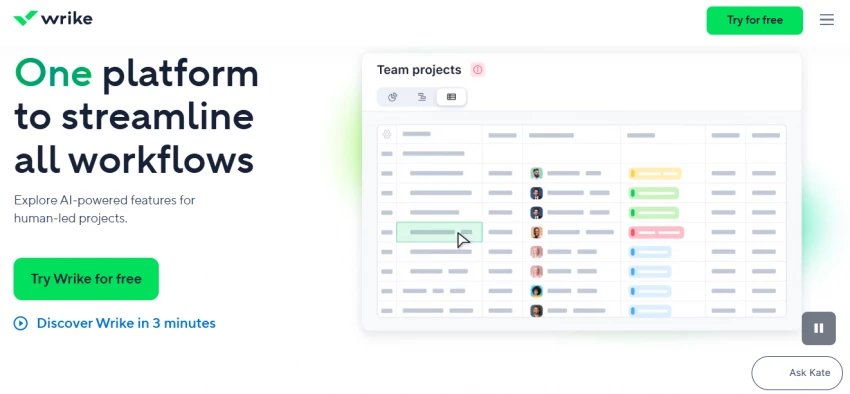
Wrike is built for larger teams and structured workflows.
What it actually does
Offers advanced project tracking, reporting, and team collaboration features.
Real use case
Used for managing cross-department projects. Reporting dashboards helped track performance across teams.
Pricing
Free plan available
Team plan: $9.80/user/month
Ratings
G2: 4.2/5
Best for- Mid-size to enterprise teams
What did not work well
Interface feels outdated
Setup takes time
Learning curve- High
Replacement level- Full replacement
Insight- Wrike scales better than Asana but is harder to adopt.
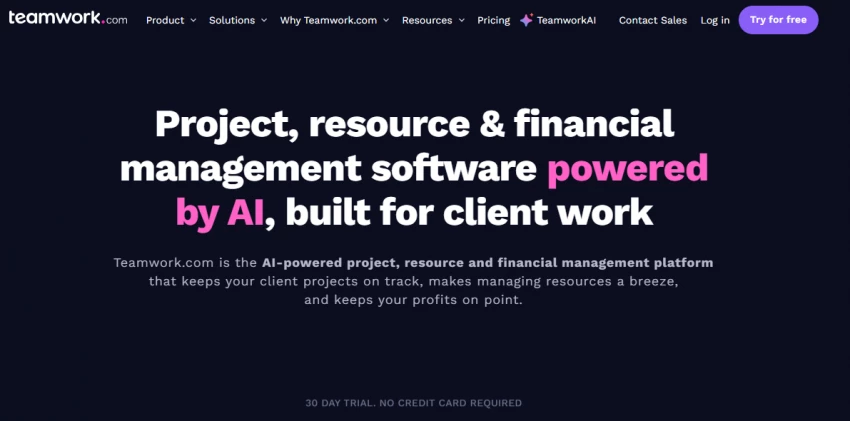
Teamwork is designed for client-facing workflows.
What it actually does
Focuses on project tracking, time tracking, and billing.
Real use case
Used in an agency setting. Managed multiple client projects with time tracking and invoicing integrated.
Pricing
Free plan available
Deliver: $5.99/user/month
Ratings
G2: 4.5/5
Best for- Agencies and service-based teams
What did not work well
UI is less modern
Limited customization
Learning curve- Medium
Replacement level- Full replacement for agency workflows
Insight- Teamwork solves client management better than Asana.
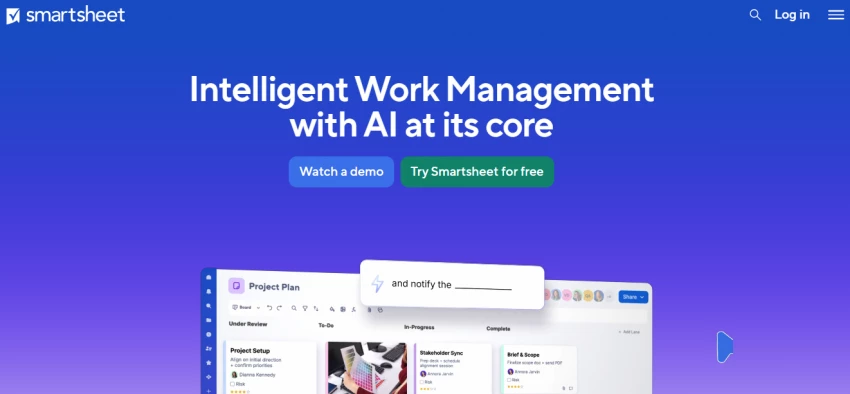
Smartsheet feels like Excel combined with project management.
What it actually does
Provides spreadsheet-style task management with automation and reporting.
Real use case
Used for tracking large operational workflows. Worked well for teams comfortable with spreadsheets.
Pricing
Pro: $9/user/month
Ratings
G2: 4.4/5
Best for- Operations teams
What did not work well
Not intuitive for non-technical users
Collaboration feels limited
Learning curve- High
Replacement level- Partial replacement
Insight- Smartsheet is powerful but not beginner-friendly.
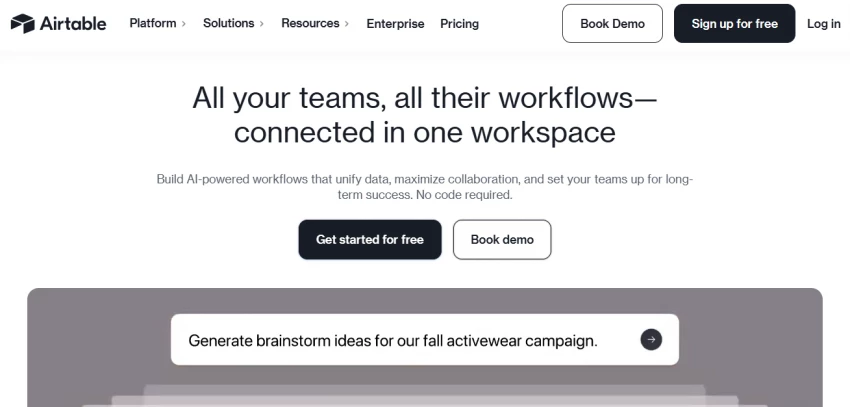
Airtable is closer to a database than a task manager.
What it actually does
Combines spreadsheet flexibility with relational databases.
Real use case
Used for managing content and CRM together. Allowed linking between campaigns, tasks, and performance data.
Pricing
Free plan available
Plus: $20/user/month
Ratings
G2: 4.6/5
Best for- Data-heavy workflows
What did not work well
Expensive
Requires setup effort
Learning curve- High
Replacement level- Partial to full, depending on setup
Insight- Airtable is more flexible than Asana, but harder to maintain.
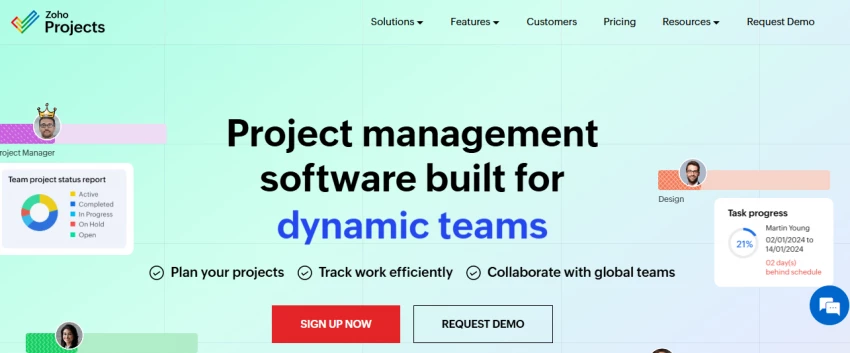
Zoho Projects is a budget-friendly alternative.
What it actually does
Offers task tracking, timelines, and collaboration tools at a lower cost.
Real use case
Used for a small team managing internal projects. Covered basic needs without high cost.
Pricing
Free plan available
Premium: $5/user/month
Ratings
G2: 4.4/5
Best for- Small teams with a limited budget
What did not work well
UI feels outdated
Limited advanced features
Learning curve- Low to medium
Replacement level- Partial replacement
Insight- Zoho Projects is cost-efficient but not feature-rich.
| Tool | Monthly Cost (10 Users) | Where It Fits in Real Workflow | Where It Starts Breaking | Scale Suitability |
| ClickUp | $70 | Replaces 2–3 tools. Tasks, docs, dashboards in one place | Becomes messy if over-customized | High. Works well beyond 50 users |
| Monday.com | $90 | Clear campaign tracking and status visibility | Automation limits on lower plans | Medium to high. Costs rise fast |
| Notion | $100 | Content planning, docs, internal knowledge base | Task tracking becomes weak at scale | Medium. Better as a support tool |
| Trello | $50 | Small team task boards and quick workflows | No structure for complex pipelines | Low. Breaks after 8–10 users |
| Wrike | $98 | Cross-team coordination and reporting | Heavy setup slows adoption | High. Built for larger teams |
| Teamwork | $59.9 | Client work, billing, time tracking | UI slows down with multiple projects | Medium to high for agencies |
| Smartsheet | $90 | Ops tracking and structured workflows | Non-technical teams struggle | High for operations teams |
| Airtable | $200 | Data-driven workflows, CRM + projects | Expensive and requires maintenance | High but needs structured setup |
| Zoho Projects | $50 | Basic team workflows at low cost | Limited flexibility for scaling | Medium. Good up to ~15 users |
Tools that are actually better than Asana
ClickUp for customization and all-in-one workflows
Airtable for data-heavy systems
Tools that become messy in real usage
ClickUp when over-customized
Airtable, when not structured properly
Tools that are overkill for small teams
Wrike
Smartsheet
Tools that scale better beyond 10 or 50 users
ClickUp
Monday.com
Wrike
Best alternative overall- ClickUp. It replaces Asana completely and adds flexibility.
Best for beginners- Trello. Simple setup and minimal learning curve.
Best for agencies or client work- Teamwork. Built for managing multiple clients and billing.
Best for complex workflows- Airtable or ClickUp depending on technical comfort.
Most overrated tool- Notion. It is useful, but does not replace a full project management system for most teams.
Share your thoughts about this article.
Be the first to post a comment!

The same tool can be a 4.7 on one site and a 3.9 on another. Here is what is rea...
Nitin1 month ago

Here is the number worth pinning above your budget: in Gartner Digital Markets r...
Deepak Mehra1 month ago

What Artlist AI is in 2026Artlist began as a royalty-free music library. By 2026...
Deepak Mehra1 month ago

Most AI tool failures do not announce themselves. There is no crash, no angry em...
Nitin1 month ago

The best AI image generator in 2026 is Nano Banana 2 for speed, FLUX.2 for photo...
Parveen Verma1 month ago

“Useful” is a slippery word for a coding assistant. A tool can be brilliant at o...
Sakshi Dhingra1 month ago