IMGCreator AI provides a simple way to generate illustrations, anime artwork, concept images, and edited visuals from text prompts. However, it may not suit every user, particularly those who need stronger image quality, greater creative control, advanced editing tools, or better integration with professional design software.
This guide compares five established IMGCreator AI alternatives: DALL·E 3, Midjourney, Leonardo AI, Playground AI, and Adobe Firefly.
The comparison is based on each platform’s documented features, available controls, pricing structure, intended use cases, and current product capabilities. It is designed to help users identify which alternative is most suitable for their workflow rather than presenting every tool as an identical replacement.
Quick Comparison of IMGCreator AI Alternatives
Tool
Best suited for
Main advantage
Main limitation
Free access
DALL·E 3
Prompt-based image creation
Strong natural-language understanding
Limited advanced controls
Depends on ChatGPT access
Midjourney
Artistic and cinematic images
Strong visual quality and composition
Requires a paid subscription
Leonardo AI
Controlled and repeatable asset creation
Multiple models and advanced controls
More complex for beginners
Yes
Playground AI
Quick designs and creative experimentation
Accessible design-focused workflow
Less control than specialist platforms
Yes, with limits
Adobe Firefly
Professional editing and design workflows
Adobe application integration
Best suited to Adobe users
Yes, with limited credits
How These Tools Were Compared
The alternatives were assessed using publicly available product information, official documentation, current pricing pages, and the features most relevant to IMGCreator AI users.
The comparison focuses on six areas:
Comparison area
Why it matters
Prompt understanding
Determines how closely the image follows the written request
Visual quality
Affects realism, composition, lighting, and overall usability
Editing tools
Helps users modify an image without generating it again
Creative control
Covers model selection, references, styles, and generation settings
Ease of use
Determines how quickly new users can create useful outputs
Pricing and access
Shows whether the platform is suitable for casual or frequent use
This approach provides a practical overview of the tools without presenting the article as an original hands-on test.
Tool-by-Tool Breakdown
DALL·E 3
What it does best
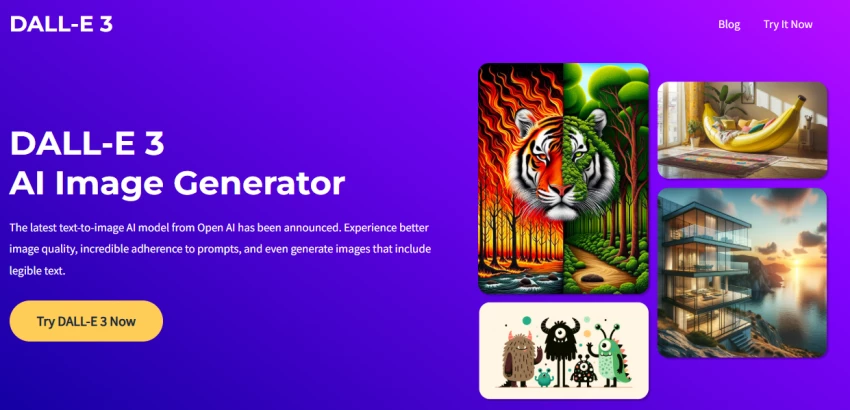
DALL·E 3 is designed for accuracy and prompt understanding. It translates natural language into visuals with a high degree of precision, which makes it particularly effective for users who want predictable outputs.
It performs well in structured use cases such as marketing creatives, UI mockups, and realistic compositions. The integration with chat-based interfaces also improves iteration speed, allowing users to refine outputs conversationally instead of rewriting prompts repeatedly.
Where it struggles
DALL·E 3 is less flexible when it comes to stylistic extremes. It prioritizes correctness over creativity, which can limit artistic experimentation.
Users also have less fine-grained control compared to tools like Midjourney or Leonardo AI, especially when trying to maintain consistent styles across multiple generations.
Key details
Strong prompt interpretation and accuracy
Integrated editing and iteration workflow
Reliable for realistic and structured outputs
Limited stylistic experimentation
Why choose DALL·E 3 instead of IMGCreator AI?
Choose DALL·E 3 when ease of prompting and conversational refinement matter more than detailed model controls.
Best for: Accurate, prompt-driven image generation Limitations: Less artistic control, limited style tuning
Midjourney produces some of the most visually appealing and artistic outputs among AI image tools. It is optimized for aesthetics, making it the preferred choice for concept art, cinematic visuals, and stylized imagery.
Its model consistently delivers high-quality textures, lighting, and composition, which makes outputs feel closer to finished artwork rather than drafts.
Where it struggles
Midjourney requires users to learn prompt structures and parameter tuning. It operates primarily through Discord, which adds friction for users expecting a traditional interface.
It is also less predictable than DALL·E 3, especially when precise control is required.
Key details
High-quality artistic rendering
Strong community and prompt ecosystem
Advanced style control through parameters
Discord-based workflow
Why choose Midjourney instead of IMGCreator AI?
Choose Midjourney when artistic quality, atmosphere, and visual impact are more important than strict prompt accuracy.
Pricing: $10/month, $30/month, $60/month plans Best for: Creative and artistic visuals Limitations: Learning curve, less precision
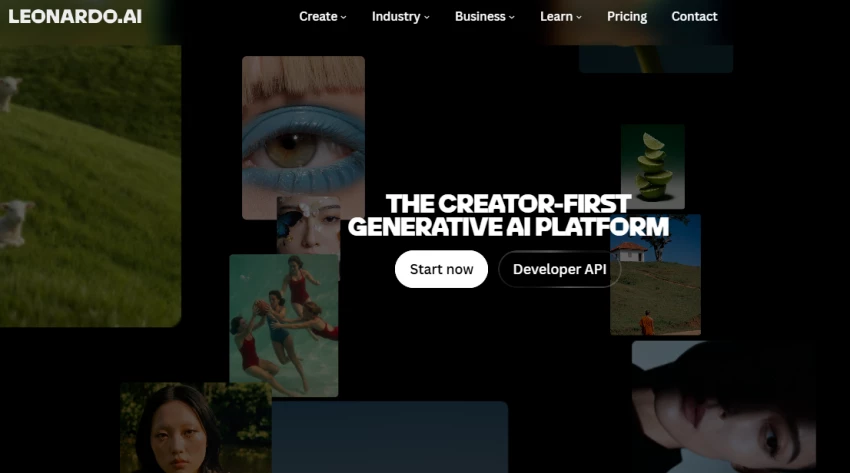
Leonardo AI focuses on control and customization. It allows users to train models, adjust styles, and generate assets tailored for specific use cases such as gaming, UI assets, and branding.
This makes it particularly useful for teams that need consistent outputs across multiple assets rather than one-off images.
Where it struggles
Leonardo AI can feel complex for beginners. The number of options, models, and settings increases control but also adds friction.
Output quality can vary depending on the model selected, which requires experimentation to achieve consistent results.
Key details
Custom model training and fine control
Asset-focused generation (games, UI, branding)
Style consistency tools
Requires experimentation
Why choose Leonardo AI instead of IMGCreator AI?
Choose Leonardo AI when you need more control over models, styles, references, and repeatable creative assets.
Pricing: Free tier, paid plans from ~$10/month Best for: Controlled and repeatable asset generation Limitations: Complexity, variable output consistency
Playground AI provides accessible image generation with a strong free tier. It allows users to experiment with different models and generate images without immediate cost constraints.
This makes it a practical entry point for users who want to explore AI image generation without committing to paid tools.
Where it struggles
Playground AI does not consistently match the output quality of Midjourney or DALL·E 3. It is better suited for experimentation rather than high-end production work.
Its interface and performance can also feel less refined compared to more established platforms.
Key details
Generous free usage
Multiple model options
Simple interface for beginners
Lower consistency in output quality
Why choose Playground AI instead of IMGCreator AI?
Choose Playground AI when the goal is to produce quick promotional graphics or template-based designs rather than highly customized AI artwork.
Pricing: Free tier, Pro plan ~$15/month Best for: Budget users and experimentation Limitations: Lower quality consistency
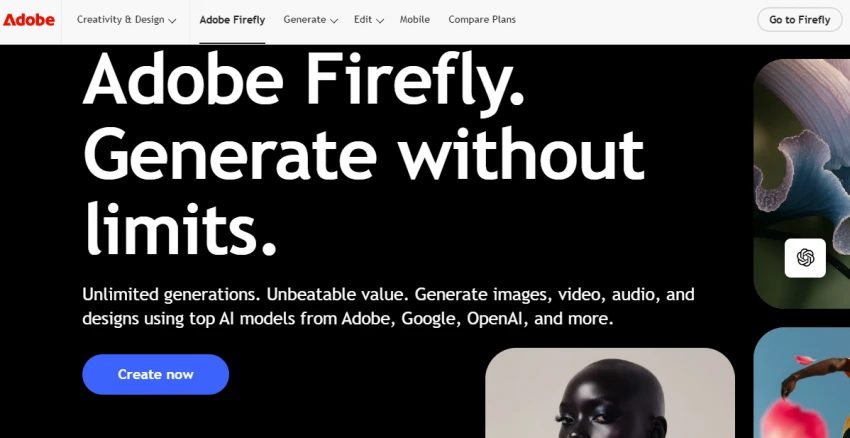
Adobe Firefly is built for commercial design workflows. It integrates directly with tools like Photoshop and Illustrator, making it useful for professionals who need AI-generated visuals inside existing design pipelines.
It is also trained on licensed data, which makes it safer for commercial usage compared to many other tools.
Where it struggles
Firefly is less competitive in pure image generation quality compared to Midjourney. It is designed more for design augmentation than standalone creation.
Its full value is also tied to Adobe’s ecosystem, which increases cost for users not already using Adobe products.
Key details
Commercial-safe image generation
Integration with Adobe tools
Strong for editing and design workflows
Less focused on artistic output
Why choose Adobe Firefly instead of IMGCreator AI?
Choose Adobe Firefly when editing, object replacement, background expansion, and integration with professional design applications are priorities.
Pricing: Free credits, paid via Adobe Creative Cloud plans Best for: Professional and commercial design work Limitations: Requires Adobe ecosystem, less artistic depth
Features Comparison
Feature
DALL·E 3
Midjourney
Leonardo AI
Playground AI
Adobe Firefly
Text-to-image generation
Yes
Yes
Yes
Yes
Yes
Natural-language revisions
Strong
Moderate
Moderate
Moderate
Moderate
Advanced generation controls
Limited
Strong
Strong
Moderate
Strong
Image editing
Yes
Yes
Yes
Yes
Yes
Multiple model options
Limited
No
Yes
Yes
Yes
Template-based designs
Limited
No
Limited
Strong
Strong
Adobe application integration
No
No
No
No
Yes
Beginner-friendly
Strong
Moderate
Moderate
Strong
Strong
Free access
Limited
No standard free plan
Yes
Yes
Yes
Best use
General creation
Artistic visuals
Controlled assets
Quick designs
Professional editing
Which IMGCreator AI Alternative Should You Choose?
The best option depends on the type of image you want to create.
Your main requirement
Recommended tool
Easy prompting and revisions
DALL·E 3
Artistic and cinematic images
Midjourney
Greater model and style control
Leonardo AI
Fast social and promotional graphics
Playground AI
Professional editing and design integration
Adobe Firefly
DALL·E 3 is the most balanced option for users who want a simple image-generation workflow. Midjourney is more suitable for artistic and visually impressive images, while Leonardo AI provides greater control over models, references, and repeated asset creation.
Playground AI works well for beginners and users producing quick marketing designs. Adobe Firefly is the strongest option for users who need advanced image editing and integration with professional design software.
Final Verdict
There is no single IMGCreator AI alternative that is best for every user.
DALL·E 3 is the most practical choice for straightforward prompting and revisions. Midjourney is better suited to users who prioritize visual quality and artistic style. Leonardo AI is the strongest option for controlled, repeatable asset creation.
Playground AI is useful for quick and accessible design work, while Adobe Firefly is more appropriate for professional image editing and Adobe-based creative workflows.
Users should therefore choose an alternative based on the part of IMGCreator AI that they want to improve, whether that is image quality, editing capability, creative control, ease of use, or integration with other design tools.