Before any tool comparison is useful, the work itself needs to be defined. Most UI/UX design activity falls into one of three stages, and each stage has different requirements for what AI actually contributes.
The first is idea generation and wireframing. This is where product concepts get their first visual form. The goal is speed and iteration, not precision. AI is most valuable here for converting text prompts or rough sketches into editable screen layouts without requiring manual design expertise.
The second is UI design and prototyping. This is where layouts become detailed, interactive, and aligned with a design system. The goal shifts from generating options to refining one. AI assists here through component suggestions, auto-layout, layer naming, and code handoff rather than full-screen generation.
The third is user testing and iteration. This is where designs are evaluated against real user behavior. AI contributes through attention heatmaps, feedback synthesis, and predictive interaction modeling. Most of the tools covered in this article do not operate primarily at this stage, which is an important boundary to understand before committing to any of them.
Not every tool belongs at every stage. The table below maps each tool to where it actually operates, how strong its AI contribution is, what it costs, and how steep the learning curve is. Any tool that does not match your current stage should be removed from consideration before reading further.
| Tool | Primary Stage | AI Strength | Pricing | Complexity |
| Figma | UI design + prototyping | Moderate (layer/component AI, code assist) | Free; Professional $15/user/mo; Organization $55/user/mo (annual) | High |
| Uizard | Idea generation + wireframing | High (text-to-UI, sketch scanning, Autodesigner) | Free (3 AI gen/mo); Pro $12/user/mo (annual) | Low |
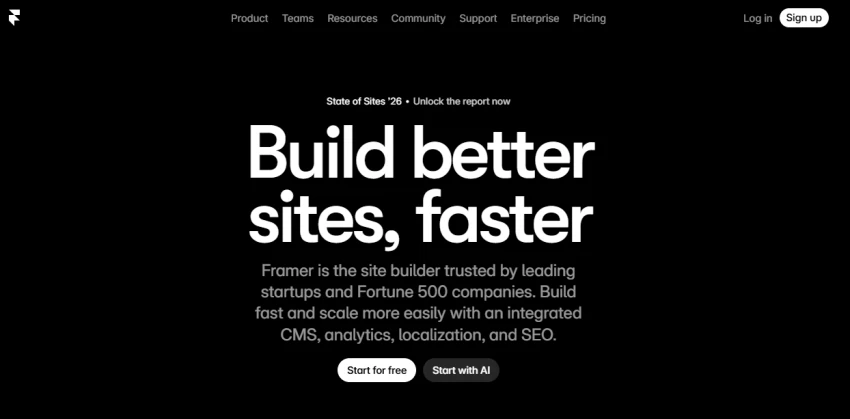
| Framer | UI design + publishing | Moderate (layout generation, code output) | Free; Basic $10/mo; Pro $30/mo (annual) | Moderate |
| Adobe XD | UI design + prototyping | Low (maintenance mode, no active AI development) | Included in Creative Cloud All Apps at $54.99/mo | Moderate |
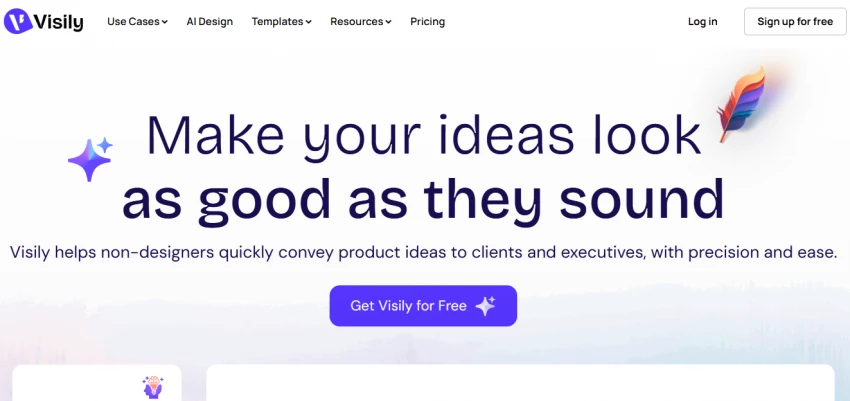
| Visily | Idea generation + wireframing | High (text-to-wireframe, screenshot-to-UI, fast flow generation) | Free; Pro $11/user/mo (annual) | Low |
Adobe XD is in maintenance mode as of 2024. No new features are being developed, and it has been removed from standalone availability. It is included here because many teams still use it, but it should be the first elimination for any designer making a forward-looking tool decision.
The first question is not which tool has the best features. It is where you are in the design process right now.
If the work begins with a product concept, a stakeholder brief, or a vague idea that needs to become something visual, the relevant tools are Uizard and Visily. Both are built specifically for this stage. Neither requires design experience to produce usable output. Both convert prompts, screenshots, or sketched layouts into editable wireframes and multi-screen flows in under a minute.
If the work involves an existing design system, component library, or prototype that needs to be developed further, the relevant tools are Figma and Framer. Both operate at a level of precision that makes early-stage AI generation feel mismatched. They assume a level of design knowledge and produce value through refinement, not generation.
Best for product managers, startup founders, and non-designers who need a visual concept to communicate to a team or developer
Autodesigner 2.0 generates multi-screen flows from a short prompt; users can also scan hand-drawn sketches and upload screenshots for conversion
Capterra rating: 4.6/5 across 193 reviews
Falls short when designs need to move into a real design system or when fine-grained interaction control is required
Does not integrate with Figma, which creates friction for teams already working within that ecosystem
Free plan limits users to 3 AI generations per month, which is functionally unusable for any real project; the Pro plan at $12/month annually is the realistic entry point

Best for teams where multiple non-designers, including product managers and developers, need to collaborate on wireframes without design expertise
In benchmark testing conducted in 2025, Visily's text-to-design feature generated five connected screens in under a minute with usable UX layouts
Capterra rating: 4.8/5; Pro plan at $11/user/month annually with 3,000 AI credits per editor per month
Falls short in high-fidelity output; designs from Visily are meant to be starting points, not finished UI artifacts
Exports to Figma for further development, which makes it more compatible with professional design workflows than Uizard
Assuming the idea generation stage is complete, the next question determines which design tool to commit to. AI tools in this category trade control for speed. That tradeoff is real and it matters.
Framer accelerates the path from design to live product. Its AI generates responsive page layouts from text prompts, produces production-ready code automatically, and allows direct publication without a separate development step. The differentiator is that what you prototype is what you ship. There is no designer-to-developer handoff because the output is already code. However, this comes with a constraint: once a project is built on Framer, there is no clean export path. Teams that outgrow the platform report feeling locked in, and the content management system is shallow enough that complex multi-page applications push users toward the $30/month Pro tier almost immediately.
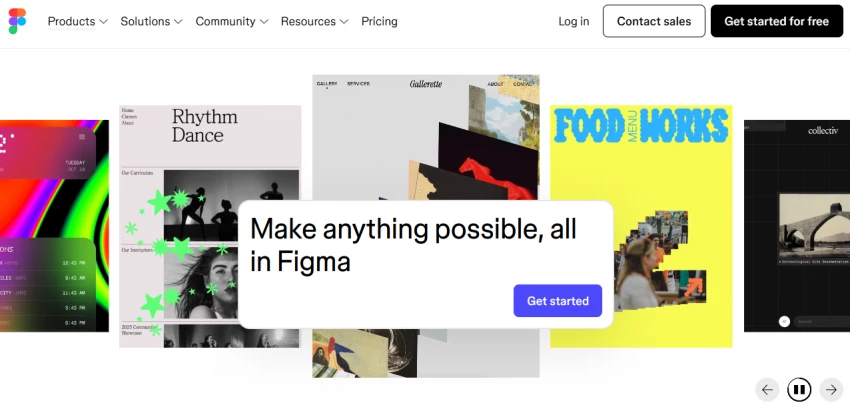
Figma gives designers full control over every element. Auto-layout, component libraries, variables, conditional logic in prototypes, and deep integration with developer handoff through Dev Mode make it the standard tool for professional UI/UX workflows. The AI features that have been added, including layer renaming, image editing, background removal, and code-aligned component suggestions, are useful productivity additions rather than transformative workflow changes. As of March 2026, Figma enforces AI credit limits: the free plan includes 500 credits per month with a 150-per-day cap, and heavy AI users may need credit packs starting at $120/month in addition to their base subscription.
Best for: designers and founders who want to go from concept to published website without a development team
Limitation: platform lock-in, shallow CMS, not suitable for complex applications or teams needing Figma interoperability
Best for: professional designers working within established design systems, teams with developers who need detailed handoff, and organizations that collaborate across roles
Limitation: AI features are credit-gated and add cost for heavy users; the Organization plan at $55/user/month annually is required for advanced admin features
Collaboration fundamentally changes what a tool needs to do. A solo designer optimizes for personal workflow speed. A team optimizes for shared context, consistent components, and structured handoff.
Figma is the dominant tool for team-based design work because it was built around real-time collaboration from the beginning. Multiple editors can work in the same file simultaneously, shared component libraries keep design systems consistent across a team, and the Dev Mode seat type lets developers inspect designs and extract code without purchasing a full editor seat. The Professional plan at $15/user/month annually supports unlimited files and team libraries. For organizations managing design at scale, the Organization plan at $55/user/month adds SSO, centralized admin controls, and cross-team shared libraries. The tradeoff is that these costs add up quickly at any meaningful team size, and AI credits are now a separate consumption-based line item.
Adobe XD was once a viable team option within the Adobe Creative Cloud ecosystem, particularly for teams already invested in Adobe products. That path is now closed. Adobe XD is in maintenance mode, no longer available as a standalone product, and accessible only through the all-apps Creative Cloud subscription at $54.99/month. For any team making a new tool decision, Adobe XD is not a defensible choice.
Best for teams: Figma. No other tool in this category matches its real-time collaboration, component system, or developer handoff capabilities at the professional tier.
Best for individuals: Framer for design-to-publish workflows; Uizard or Visily if still in early-stage ideation. For individual professional designers who need full design control, Figma's free Starter plan is functional for up to 3 design files and 2 editors.
| If your situation is | Best tool | Why |
| Beginner or non-designer creating UI quickly | Visily | Lowest barrier, strongest AI generation at the free/entry tier, exports to Figma |
| Founder validating an MVP concept | Uizard | Fast multi-screen generation from prompts; no design skills required |
| Designer building a production website without a developer | Framer | AI layout generation plus direct publishing; no handoff needed |
| Professional designing complex apps or design systems | Figma | Industry-standard collaboration, component depth, and developer handoff |
| Solo freelancer doing client UI work | Figma (Starter or Professional) | Handles the full design-to-handoff workflow; free tier is usable for small projects |
| Small team with mixed design and PM roles | Visily for wireframing, Figma for final design | Separates the generation phase from the refinement phase; Visily exports to Figma |
| Team currently on Adobe XD | Figma | Adobe XD is in maintenance mode; migration is necessary, not optional |
| Design team needing AI-assisted code generation | Framer | Generates real production code automatically; no third-party dev tools required |
What each tool actually costs at the point where it becomes useful:
Visily: Free plan is functional; Pro at $11/user/month annually unlocks 3,000 AI credits per editor per month and unlimited boards
Uizard: Free plan gives 3 AI generations per month, which is insufficient for real projects; Pro at $12/user/month annually unlocks 500 generations
Framer: Free tier includes a Framer subdomain and basic features; most projects require Basic at $10/month or Pro at $30/month for adequate pages and bandwidth
Figma: Starter is free and genuinely usable for individuals; Professional at $15/user/month annually is the minimum for small teams; Organization at $55/user/month annually is required for centralized admin controls
Adobe XD: No longer available standalone; accessible only through Creative Cloud All Apps at $54.99/month
Selecting a tool based on which platform has the most social media coverage rather than which stage of UI/UX work it actually supports. Hype is not a workflow fit
Using AI to generate final design decisions rather than treating AI output as a starting draft. No current AI wireframing or prototyping tool produces output that is ready to ship without a designer's judgment applied to it
Skipping user research and then expecting AI-generated UI patterns to compensate. AI tools reflect design patterns that already exist in their training data. They do not replace research into the specific users and contexts a product needs to serve
Staying on Adobe XD because it is familiar. The tool has been removed from standalone availability and is no longer receiving feature development. Familiarity with a stalled product is a liability, not an asset
Underestimating how quickly Figma costs scale at the team level. The headline price of $15/user/month does not reflect AI credit add-ons, Dev seats, or the jump to the $55/user/month Organization tier
Best tool for beginners: Visily. At $11/user/month, it offers the clearest path from no design experience to a usable, multi-screen prototype. Its text-to-design AI consistently outperforms Uizard in documented benchmark testing, and its Figma export ensures that work done in Visily is not wasted when a project moves to the refinement stage.
Best tool for professionals: Figma. There is no serious competitor at the professional tier for complex application design and team collaboration. The AI features are useful but secondary; the reason to use Figma is its design system depth, component governance, and developer handoff through Dev Mode. Designers and teams building anything beyond a simple marketing site need Figma's level of control.
When AI tools are not enough: AI tools in this category generate layouts. They do not conduct user research, validate assumptions, or identify usability failures. A product designed entirely within AI-assisted wireframing tools without qualitative user research or usability testing will look designed but not function well. The tools covered here are accelerants for the visual design process. They do not replace the judgment, research, and iteration that actually determines whether a product works for its users.
Share your thoughts about this article.
Be the first to post a comment!

The same tool can be a 4.7 on one site and a 3.9 on another. Here is what is rea...
Nitin4 weeks ago

Here is the number worth pinning above your budget: in Gartner Digital Markets r...
Deepak Mehra4 weeks ago

What Artlist AI is in 2026Artlist began as a royalty-free music library. By 2026...
Deepak Mehra1 month ago

Most AI tool failures do not announce themselves. There is no crash, no angry em...
Nitin1 month ago

The best AI image generator in 2026 is Nano Banana 2 for speed, FLUX.2 for photo...
Parveen Verma1 month ago

“Useful” is a slippery word for a coding assistant. A tool can be brilliant at o...
Sakshi Dhingra1 month ago