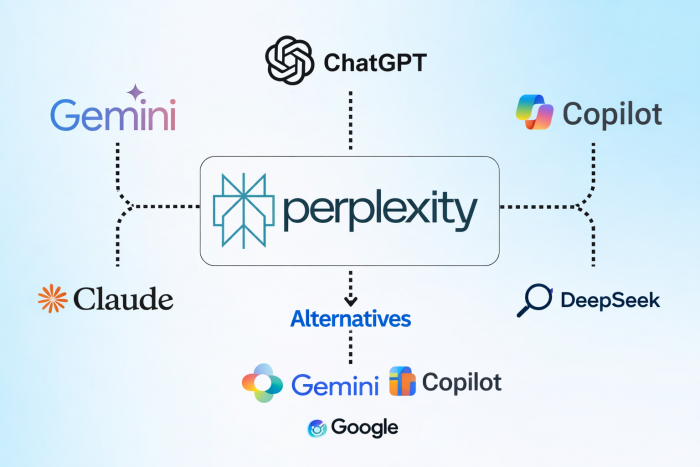
Perplexity AI has built its reputation on speed and clarity. It pulls real-time web results, summarizes them quickly, and backs answers with citations. For students, researchers, and professionals who need fast information without digging through multiple tabs, it works well.
The problem starts when the task goes beyond quick answers.
Perplexity struggles with deeper reasoning. It can summarize what exists, but it does not always connect ideas, challenge assumptions, or build layered arguments. Long-form writing is another weak area. Responses often feel compressed rather than developed. The paid plan improves access and speed, but it does not fundamentally change these limitations.
In practice, Perplexity works best as a research assistant, not as a thinking partner.
That distinction is why many users start looking for alternatives.
ChatGPT and Claude approach AI differently from Perplexity. Instead of focusing on search, they focus on reasoning.
ChatGPT handles multi-step queries more effectively. It can break down complex problems, generate structured outputs, and assist with research workflows that involve analysis rather than just retrieval. It is especially useful when tasks involve comparison, decision-making, or synthesis.
Claude stands out for its writing quality and large context window. It can process longer documents and produce more coherent long-form responses. This makes it useful for research summaries, reports, and detailed explanations.
The trade-off is real-time accuracy. These tools are not built primarily for live web search, so they may require manual input or browsing features to stay current.
Google Gemini and Microsoft Copilot sit closer to Perplexity but extend into productivity ecosystems.
Gemini integrates with Google services such as Docs, Drive, and Search. This makes it useful for users already working within Google’s ecosystem. It can combine search results with document-level context, which improves research workflows.
Copilot connects with Microsoft tools like Word, Excel, and Teams. It is particularly useful in professional environments where research needs to translate into documents, presentations, or reports. (
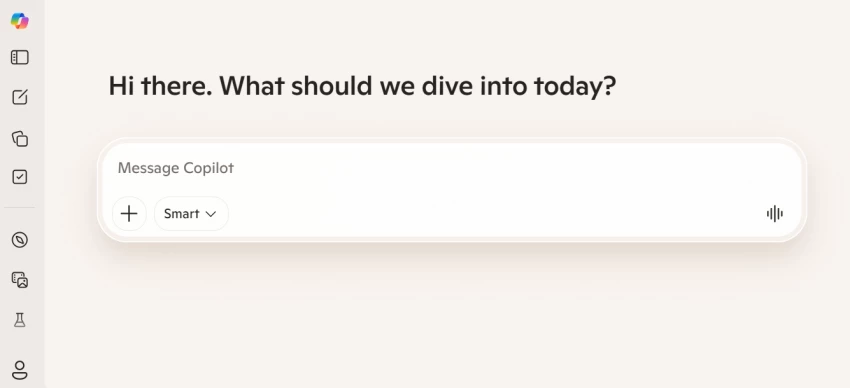
Both tools offer a more balanced experience between search and reasoning, but they are heavily tied to their respective ecosystems. That dependency can limit flexibility.
Cabina AI and GlobalGPT are built for users who do not want to rely on a single AI system.
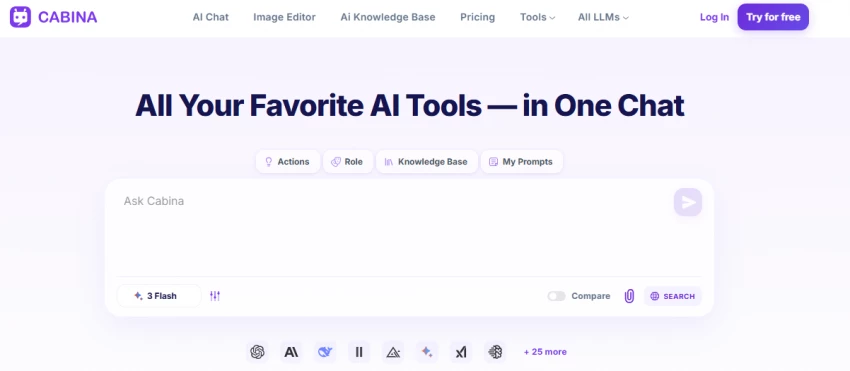
Cabina AI is designed for users who want structured access to multiple AI models without constantly switching platforms. It brings different models into a single workspace, allowing users to compare outputs, test prompts, and choose the most suitable response for a task. This is particularly useful for research workflows where accuracy and perspective matter. However, it requires some familiarity with how different models behave, and costs can increase depending on how frequently multiple models are used.
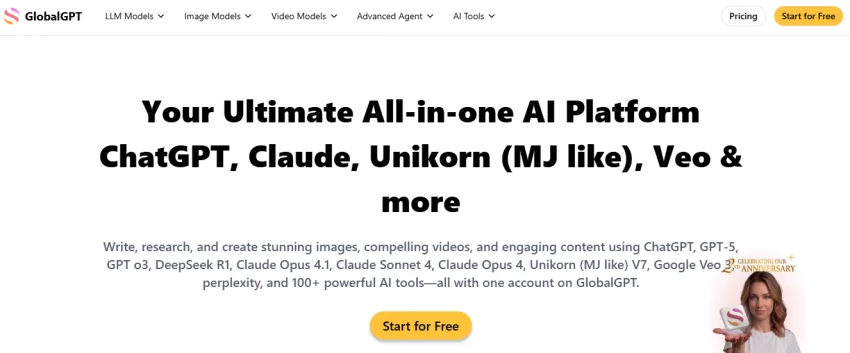
GlobalGPT takes a broader approach by acting as an all-in-one hub for accessing a wide range of AI models and tools. It is built for flexibility, allowing users to move between models for writing, coding, research, and analysis within the same interface. This makes it appealing for professionals who handle varied tasks and want one platform instead of multiple subscriptions. The trade-off is that the experience can feel less streamlined, and managing usage across models can become complex, especially for new users.
Elicit and Consensus are designed specifically for academic research.
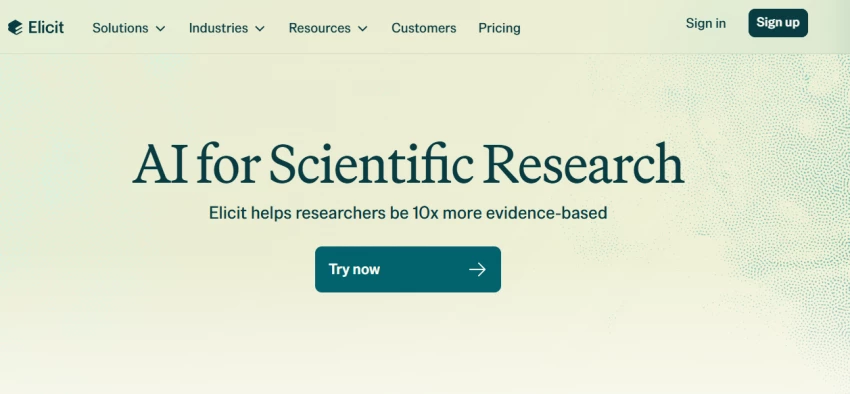
Elicit focuses on extracting insights from research papers. It helps users summarize findings, compare studies, and identify relevant sources quickly. It also allows users to break down complex questions into structured research queries, which makes it useful for literature reviews and early-stage research. Instead of just listing papers, it highlights key takeaways, methodologies, and gaps, which saves time when scanning multiple sources.
Consensus goes further into evidence-based answers. It pulls from scientific literature and presents conclusions backed by research rather than general web content. It is particularly useful for validating claims, as it shows whether studies agree, disagree, or remain inconclusive on a topic. This makes it valuable for decision-making where accuracy matters more than speed, especially in fields like health, psychology, and social sciences.
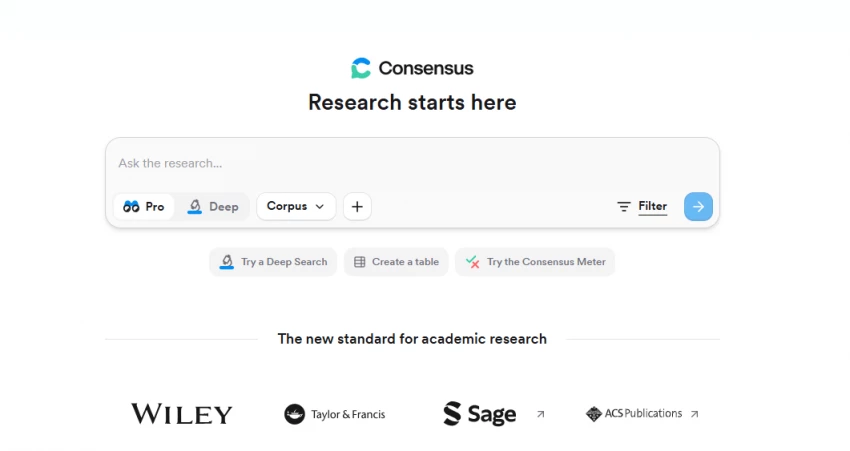
These tools are more reliable for academic work than Perplexity, but they are limited outside that context. They are not designed for general queries or everyday use.
If You Want Privacy or Open Alternatives
You.com, Brave Search AI, and DeepSeek offer different approaches.
You.com combines search with AI responses while giving users more control over sources. It allows users to customize how results are displayed and which sources are prioritized, which can improve transparency during research. This makes it useful for users who want a mix of AI answers and direct links rather than relying entirely on summarized outputs.
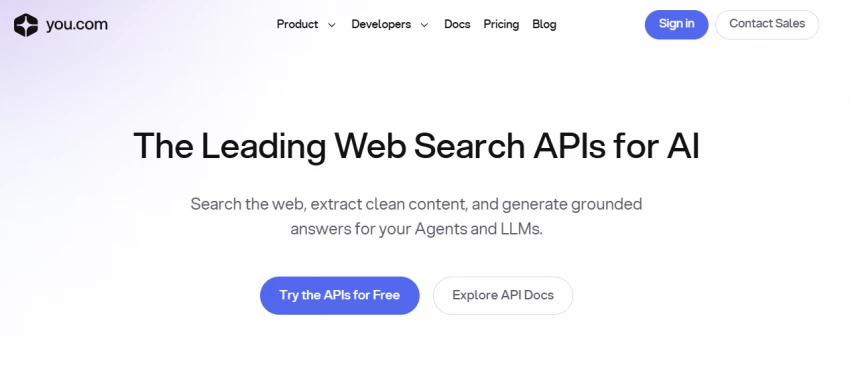
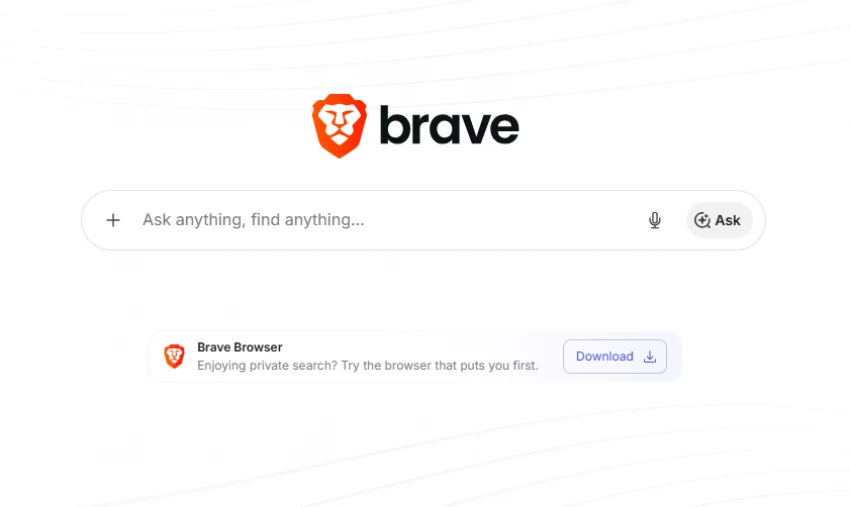
Brave Search AI focuses on privacy. It avoids heavy tracking and provides AI summaries without relying on the same data pipelines as larger platforms. Because it is built on its own search index, it reduces dependence on external providers. This is valuable for users who prioritize data privacy, though results may sometimes feel less comprehensive compared to larger search ecosystems.
DeepSeek represents the open model approach. It provides strong reasoning capabilities with more transparency, and it is often used for technical queries, coding, and analytical tasks. It performs well when handling structured problems, but output quality can vary depending on how it is deployed and configured.
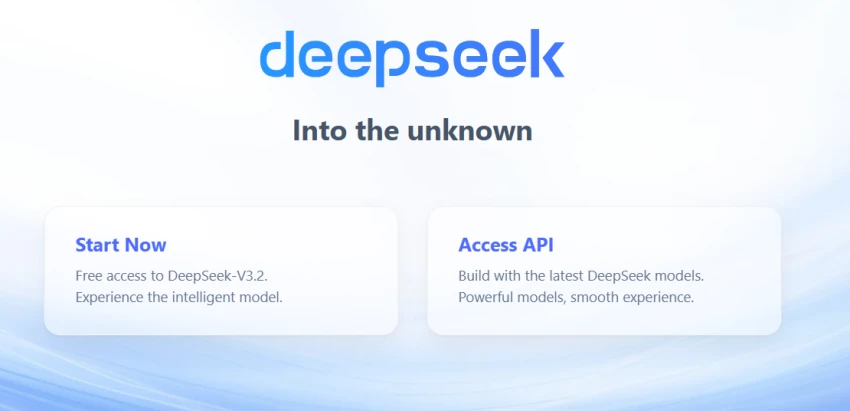
The trade-off here is reliability. These tools can be useful, but they may not match the polish or accuracy of more established platforms.
| Tool | Best For | Pricing | Rating | Key Limitation |
| ChatGPT | Deep reasoning and workflows | Free to 20+ dollars per month | 4.6+ | Limited real-time search |
| Claude | Long-form writing and analysis | Free to 20+ dollars per month | 4.6+ | Less live web integration |
| Gemini | Google ecosystem research | Free to 20+ dollars per month | 4.4+ | Ecosystem dependency |
| Copilot | Office productivity workflows | Free to 30+ dollars per month | 4.3+ | Best within Microsoft tools |
| Cabina AI | Multi-model access | Varies | 4.3+ | Complex usage |
| Elicit | Academic research | Free to paid tiers | 4.5+ | Limited general use |
| Consensus | Evidence-based answers | Free to paid tiers | 4.5+ | Focused on research papers |
| You.com | Flexible AI search | Free to paid tiers | 4.2+ | Inconsistent results |
| Brave AI | Privacy-first search | Free | 4.2+ | Less refined answers |
| DeepSeek | Open model reasoning | Free to low cost | 4.3+ | Output consistency varies |
Free tools
These work well for light usage but have limitations in depth or consistency.
Mid-tier tools
These offer a balance between cost and capability.
Premium or advanced setups
These provide flexibility and integration but increase cost and complexity.
For academic research, Elicit and Consensus provide the most reliable results because they focus on structured evidence rather than general web content.
Everyday users will find Gemini or ChatGPT more practical, depending on whether they prioritize search integration or reasoning.
When deep analysis is the priority, ChatGPT and Claude are better choices because they handle complex thinking and long-form outputs more effectively.
Not all tools are worth switching to. Privacy-focused or open alternatives can be useful, but they often lack consistency for professional workflows.
The key takeaway is simple. Perplexity is not a complete solution. It is one part of a broader workflow. The best approach is choosing tools based on what you need to solve, not replacing one tool with another blindly.
Share your thoughts about this article.
Be the first to post a comment!

The same tool can be a 4.7 on one site and a 3.9 on another. Here is what is rea...
Nitin1 month ago

Here is the number worth pinning above your budget: in Gartner Digital Markets r...
Deepak Mehra1 month ago

What Artlist AI is in 2026Artlist began as a royalty-free music library. By 2026...
Deepak Mehra1 month ago

Most AI tool failures do not announce themselves. There is no crash, no angry em...
Nitin1 month ago

The best AI image generator in 2026 is Nano Banana 2 for speed, FLUX.2 for photo...
Parveen Verma1 month ago

“Useful” is a slippery word for a coding assistant. A tool can be brilliant at o...
Sakshi Dhingra1 month ago