Trello is one of the easiest project management tools to start using. Create a board, add a few lists, move cards from “To Do” to “Done,” and the basic workflow is ready.
That simplicity is Trello’s greatest strength, but it can also become its limitation.
The pressure usually appears when one board turns into ten, several departments need different views, managers ask for workload reports, and important deadlines depend on tasks owned by different people. Trello may still work, but the team begins supporting the system with increasingly complicated labels, checklists, Power-Ups, spreadsheets, and manual status updates.
The right Trello alternative is therefore not necessarily the tool with the longest feature list. It is the one that solves the specific problem your boards can no longer handle cleanly.
How These Trello Alternatives Were Evaluated
This comparison does not pretend that a short individual trial can reproduce the experience of running a 100-person company for a year.
Instead, each platform was assessed against the same practical project structure:
One marketing campaign containing 25 tasks
Five team members with different responsibilities
Three approval stages
Four dependent tasks
One delayed task affecting the launch date
A requirement to view work as a board, list, and timeline
A requirement to identify overdue work and project ownership
A requirement to prepare a basic progress update for management
Official product documentation and current pricing pages were also reviewed to verify feature and plan claims. Actual performance can still vary according to team size, configuration, integrations, and subscription level.
This approach produced a more useful question than “Which tool has more features?”
The real test of a Trello alternative is not how many views it offers. It is how much manual coordination it removes when a project becomes complicated.
The Point at Which Trello Starts Feeling Too Small
Trello has developed well beyond a basic Kanban board. Its Free plan includes unlimited cards, up to 10 boards per Workspace, unlimited Power-Ups per board, assignees, due dates, mobile apps, and 250 Workspace command runs each month. This makes it more capable than many simplified comparisons suggest.
Teams should not leave Trello merely because another platform has more features.
A switch becomes reasonable when the team repeatedly encounters problems such as:
Managers cannot see progress across several projects without opening boards individually.
Dependencies are recorded in card descriptions instead of being tracked structurally.
Workload is uneven, but there is no clear capacity view.
Approval stages depend on people remembering to tag one another.
The same information must be copied into separate reports.
Documentation, tasks, decisions, and goals are spread across unrelated tools.
Every new project requires rebuilding the same complicated board structure.
One or two of these issues can often be fixed inside Trello. When several appear together, the team may have outgrown a board-first system.
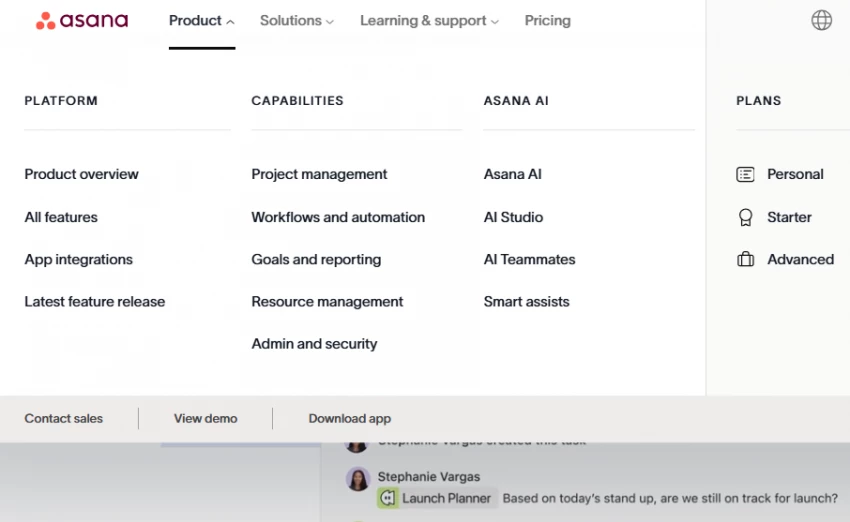
Asana is the strongest option for teams that like Trello’s accessibility but need clearer task relationships and project oversight.
It supports board-based work, but its underlying structure is more suitable for projects involving subtasks, dependencies, milestones, forms, timelines, portfolios, and goals. That makes it easier to understand how individual assignments contribute to a larger deliverable.
The practical difference appears when a deadline moves. In Trello, the team may need to inspect several cards and manually update connected dates. In a properly configured Asana project, dependencies and timeline views make the effect of the delay more visible.
Asana’s Personal plan can support small teams, while its Starter plan is currently listed at $10.99 per user per month when billed annually or $13.49 with monthly billing. The Starter tier includes features intended for growing teams, and the more expensive Advanced tier adds broader portfolio and goal-management capabilities.
Where Asana Feels Better Than Trello
Asana provides a clearer distinction between tasks, subtasks, milestones, projects, portfolios, and goals. This helps stop every piece of work from becoming another visually similar card.
Its list and timeline views are also more useful when managers need to scan dates, ownership, and task relationships rather than follow a card through a simple status pipeline.
Where It Can Become Frustrating
Asana asks teams to define their work more carefully. That is useful for accountability, but it can feel restrictive to people who prefer Trello’s open-ended boards.
It is also possible to create too many projects, custom fields, rules, and reporting layers. Asana scales better than Trello only when someone maintains a sensible structure.
Pricing: Free plan available, paid plans start at $13.49 per user per month
Ratings: Around 4.6 out of 5 on G2
Best suited for: Teams moving from simple boards to structured task management
Original verdict: Asana is not the most flexible Trello alternative, but it creates one of the clearest paths from informal task tracking to accountable project delivery.
ClickUp tries to place tasks, documents, dashboards, whiteboards, goals, chat, automation, time tracking, and AI functionality inside one platform.
That breadth makes it attractive to teams worried about changing tools again in another year. A company can begin with a simple board and gradually introduce custom fields, dashboards, workload views, forms, goals, and automation.
The advantage is consolidation. The danger is that the workspace can become more complicated than the work itself.
ClickUp’s current pricing page includes a Free Forever option and separately priced AI plans and credits. Because ClickUp frequently changes the way its core and AI products are packaged, buyers should check the live pricing calculator and confirm which features are included before making a decision.
Where ClickUp Feels Better Than Trello
ClickUp is better suited to teams that want several ways of viewing the same underlying tasks. A project manager may use a timeline, an employee may prefer a list, and an executive may only need a dashboard.
It can also reduce dependence on separate documentation and reporting tools. That advantage becomes meaningful when project updates, process notes, and tasks need to remain connected.
Where It Can Become Frustrating
ClickUp exposes many options early. New users may encounter spaces, folders, lists, statuses, views, custom fields, dashboards, Docs, automations, and AI features before the team has agreed on a basic workflow.
The most common ClickUp problem is therefore not missing functionality. It is excessive configuration.
ClickUp scales technically faster than most teams scale operationally. Without governance, its flexibility can turn into inconsistency.
Pricing: Free plan available, paid plans start at $10 per user per month
Ratings: Around 4.7 out of 5 on G2
Best suited for: Teams that want flexibility without switching tools later
Original verdict: ClickUp is the best Trello alternative for teams afraid of hitting another feature ceiling, but it is a poor choice for teams that do not want to manage their project-management system.
Monday.com is more than a colorful board system. It is designed to help organizations create connected workflows, dashboards, automations, and department-specific processes.
Its main advantage over Trello is not that its boards look more advanced. It is the ability to turn project data into broader operational visibility.
A client-services team, for example, could connect individual project boards to a dashboard showing deadlines, project health, owners, budgets, and delayed items. This is much closer to an operational control centre than a collection of Kanban boards.
Monday.com now describes itself as an AI work platform that brings people, workflows, and agents together. That positioning shows how far it has moved beyond simple task tracking.
Where Monday.com Feels Better Than Trello
It is particularly effective for repeatable processes involving lead intake, project delivery, approvals, content production, recruitment, and client onboarding.
Its dashboards make it easier to summarize data from multiple workflows. This matters when leaders need a portfolio-level answer rather than a card-level update.
Where It Can Become Frustrating
Monday.com boards can become wide and visually dense as teams add more columns. A heavily customized board may technically contain everything but still be difficult to scan.
The trade-off is complexity. Without proper structure, boards can become cluttered, and maintaining consistency requires effort.
Pricing: Starts at $12 per user per month
Ratings: Around 4.9 out of 5
Best suited for: Teams managing multiple workflows with different requirements
Original verdict: Monday.com is a better Trello replacement when management visibility matters more than personal task simplicity.
Wrike- (https://www.wrike.com/)
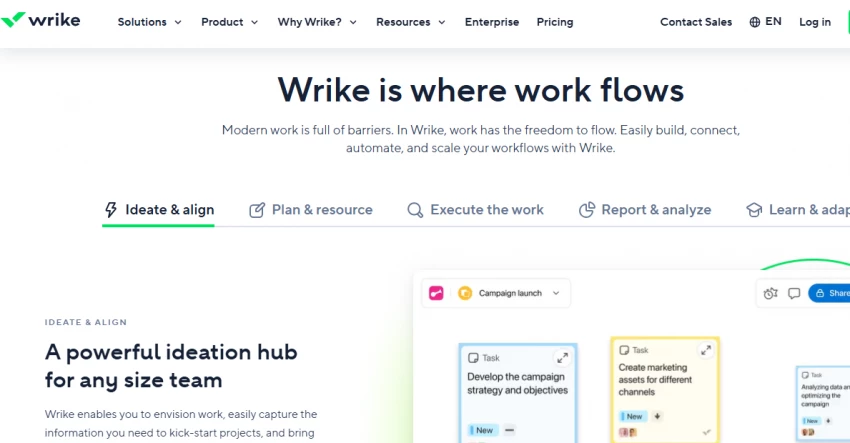
Wrike is designed for organizations that require more formal planning, reporting, proofing, approvals, permissions, resource management, and cross-functional coordination.
This makes it a stronger fit for structured marketing departments, professional-service firms, and enterprise teams than for a small group maintaining a simple editorial board.
The difference becomes clear in approval-heavy work. Trello can represent review stages using lists, labels, and comments, but Wrike treats approvals and reporting as more central parts of the system.
Where Wrike Feels Better Than Trello
Wrike is more appropriate when a project must pass through formal review stages and managers need reliable reporting across teams.
Its structure also makes it easier to separate casual collaboration from controlled workflows in which ownership, permissions, and status definitions matter.
Where It Can Become Frustrating
Wrike is not a natural replacement for teams that value Trello because it requires almost no training. It takes more time to configure, explain, and maintain.
A small company could end up paying for process control it does not need.
Pricing: Free plan available, paid plans start at $9.80 per user per month
Ratings: Around 4.3 out of 5
Best suited for: Teams that need detailed project control and reporting
Original verdict: Wrike is not “Trello with more features.” It is a move from lightweight boards into managed project operations.
For Automation and Advanced Workflows
Jira- (https://www.atlassian.com/software/jira)
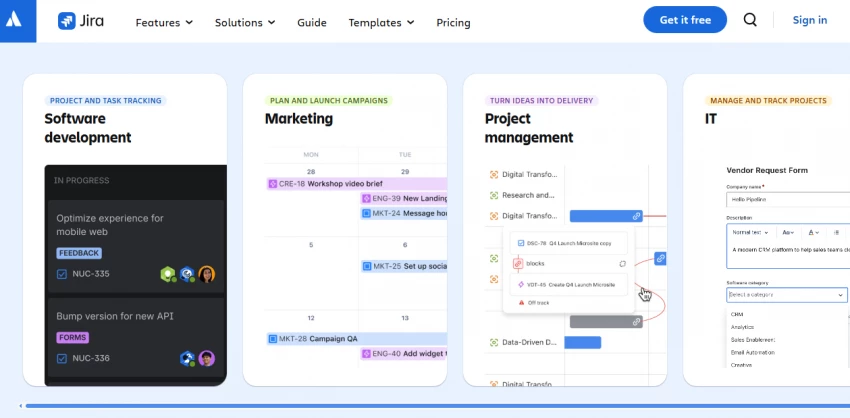
Jira is built around structured issue tracking and controlled workflows. It remains most closely associated with software development, although it can also support IT, operations, service delivery, and other process-heavy teams.
Its key advantage is the ability to define exactly how work moves from one state to another. Teams can establish issue types, required fields, permissions, approval stages, automation rules, dependencies, releases, and reporting structures.
Jira’s Free plan supports up to 10 users and includes 2 GB of storage. Its Standard and Premium plans add greater capacity, administration, support, automation, and cross-team planning features. Atlassian currently lists Standard at approximately $7.91 per user per month and Premium at approximately $14.54, although the final price can vary with user count and billing terms.
Where Jira Feels Better Than Trello
Jira is significantly better when the workflow itself must enforce consistency.
A software bug, for example, may need to pass through triage, development, code review, testing, and release. Trello can display those stages, but Jira can control and report on them more systematically.
Where It Can Become Frustrating
A straightforward marketing checklist can feel unnecessarily technical inside Jira. Configuration, terminology, permissions, and reporting require more expertise than Trello.
It becomes valuable when process discipline is essential, not merely desirable.
Pricing: Starts at $7.75 per user per month
Ratings: Around 4.3 out of 5
Best suited for: Teams managing complex, process-driven workflows
Original verdict: Jira should replace Trello only when breaking the workflow has a real operational cost.
For All-in-One Workspaces
Notion- (https://www.notion.com/)
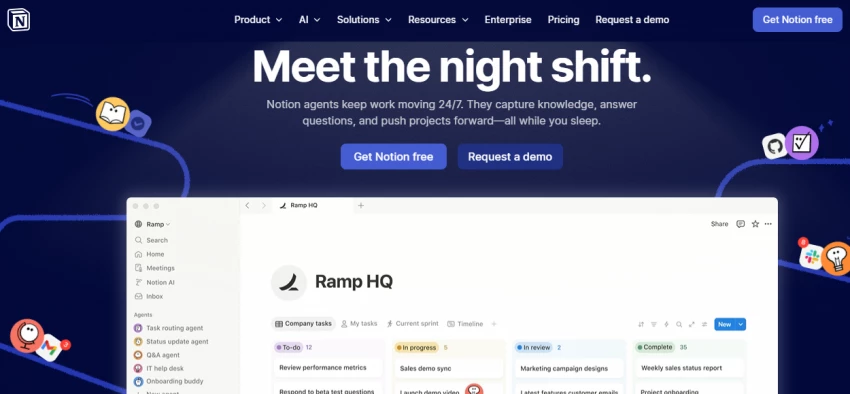
Notion combines documents, databases, internal wikis, meeting notes, project pages, and task tracking in one flexible workspace.
Its most compelling advantage over Trello is context.
A Trello card may link to a strategy document, customer notes, meeting summary, or process guide stored elsewhere. In Notion, the task system can live beside the knowledge required to complete the work.
This makes Notion useful for content teams, startups, research groups, and small businesses whose projects depend heavily on written information.
Where Notion Feels Better Than Trello
Notion makes it easier to create connected systems. A content database can relate articles to writers, campaigns, keywords, briefs, and publishing dates without maintaining separate tools for every data type.
It is also better for building internal documentation and lightweight knowledge bases.
Where It Can Become Frustrating
Notion offers building blocks rather than a strongly enforced project-management method. Two team members can create entirely different systems for the same type of work.
Dependencies, workload planning, advanced reporting, and resource management are not as naturally central as they are in dedicated project-management tools.
Notion gives teams more freedom than Trello, but freedom is not the same as operational control.
Pricing: Free plan available, paid plans start at $10 per user per month
Ratings: Around 4.7 out of 5
Best suited for: Teams that want flexibility and documentation alongside tasks
Original verdict: Notion is the better choice when missing context causes more problems than missing project controls.
Direct Comparison Insight
Tool
Workflow Type
Pricing (Starting)
Rating (Approx.)
Where It Improves on Trello
Where It Still Falls Short
Best For
Asana
Structured task management
$13.49/user/month
4.6/5
Adds task hierarchy, timelines, and dependencies for better project visibility
Can feel rigid and less flexible for non-structured workflows
Teams moving from simple boards to organized project tracking
ClickUp
Flexible all-in-one workspace
$10/user/month
4.6–4.7/5
Combines tasks, docs, and automation in one platform with strong customization
Interface can feel heavy and overwhelming with too many options
Teams that want scalability without switching tools later
Monday.com
Custom workflow management
$12/user/month
~4.9/5
Adds dashboards, automation, and multi-project visibility beyond Trello boards
Requires ongoing setup and can become cluttered over time
Teams managing multiple workflows or clients
Wrike
Structured, enterprise project management
$9.80/user/month
~4.3/5
Strong reporting, approvals, and cross-team visibility for complex projects
Setup and learning curve slow down adoption
Large teams needing control and reporting
Jira
Process-driven workflow management
$7.75/user/month
~4.3/5
Handles complex workflows, dependencies, and structured processes better than Trello
Too complex for simple task management and non-technical teams
Development teams and process-heavy workflows
Notion
Docs + task hybrid workspace
$10/user/month
~4.4–4.7/5
Combines documentation and task management in one system
Lacks strong task structure and can become disorganized
Teams needing knowledge + task management together
Common Mistakes People Make
Switching tools without fixing underlying workflow issues
Choosing complex tools before actually needing them
Ignoring team adoption and focusing only on features
Over-customizing tools instead of keeping workflows simple
Expecting one tool to solve every problem
The Best Alternative Depends on the Failure Point
Choose Asana when your team needs clearer ownership, dependencies, and timelines without adopting a highly technical system.
Choose ClickUp when you want a highly configurable platform that can replace several separate work tools, and you have someone capable of controlling its setup.
Choose Monday.com when multiple teams or clients need to be represented in dashboards and repeatable workflows.
Choose Wrike when approvals, reporting, permissions, and formal project control are central requirements.
Choose Jira when workflows must be enforced and the work involves development, IT, releases, incidents, or highly structured processes.
Choose Notion when project execution depends heavily on documentation, research, briefs, meeting notes, and shared knowledge.
Stay with Trello when the work is genuinely board-shaped, the team understands the current system, and the main problem can be fixed by simplifying boards rather than replacing the platform.
Final Recommendation
The right alternative depends on how your work is structured today and how it will evolve.
If your workflow is still simple, moving to Asana or ClickUp is enough. They add structure without slowing teams down. If your operations are growing and require coordination across teams, Monday.com or Wrike becomes a better fit.
If it depends on strict processes and automation, Jira is the logical step. If your team needs tasks, documentation, and collaboration in one place, Notion provides flexibility.
Trello should not be replaced just because it feels limited. It should be replaced when your workflow clearly demands more structure, automation, or coordination.