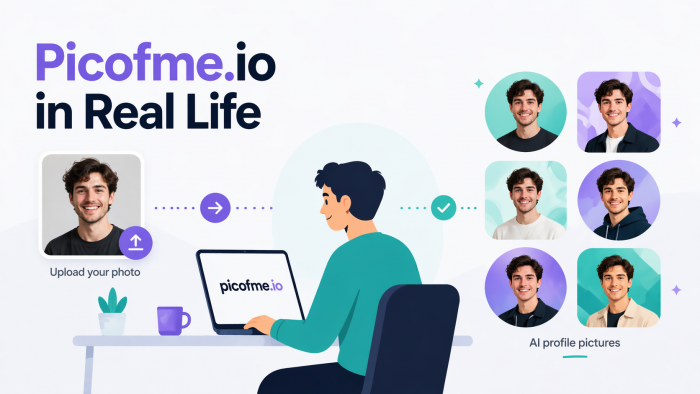
Most tools get reviewed for their feature lists. What you see in the sidebar, how many filters exist, whether there is a free tier. But the more interesting question is always a simpler one: who actually opens this thing and why? What does it solve for a real person on a Tuesday afternoon when they decide their profile photo has been embarrassing them for too long?
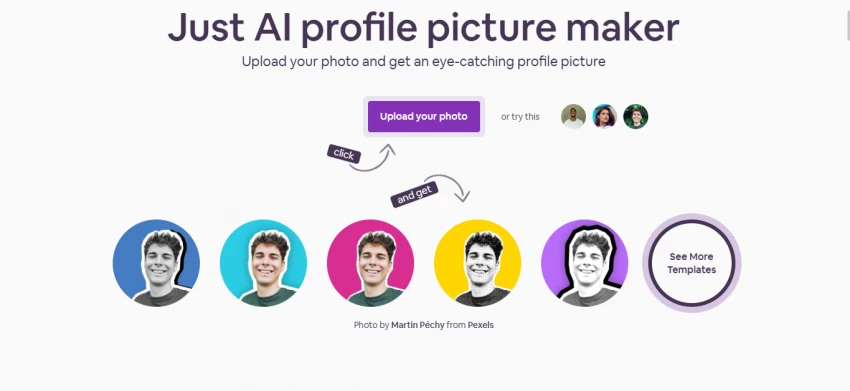
Picofme.io is a browser-based, completely free AI profile picture maker. You upload a photo, the AI strips the background, and within seconds you have over 40 styled versions of your image ready to browse. No account. No app download. No subscription. Just a clean result in a couple of minutes. That simplicity is precisely what makes it genuinely useful for a wide range of people in very different situations. This section walks through who those people actually are and what they are doing with it.
"It is the kind of tool that solves one problem really well, and the people who need that problem solved know it immediately when they find it."
This is probably the single biggest category of people using picofme.io, and it makes complete sense. If you have spent any time on Instagram, TikTok, Facebook, or X, you know that your profile photo is often the first thing anyone notices about you. It is tiny, it sits next to everything you post, and a blurry or badly lit photo immediately undermines otherwise good content.
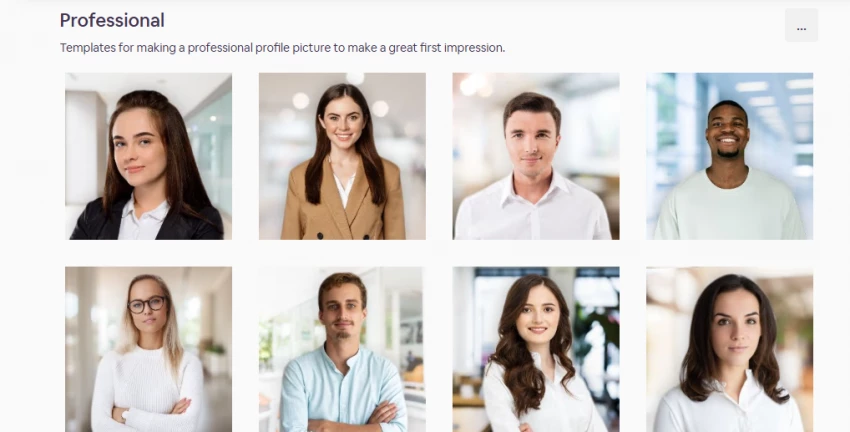
The reality for most social media users is that they do not have a professional photo. They have a decent enough shot from a family gathering, or a selfie from a holiday where the background is a busy street they do not want anyone to see. That is where picofme.io does its best work. The AI removes whatever is behind you, and suddenly you can place yourself in front of a clean gradient, a soft colour wash, or a sharp white background that makes you look intentional even if the original photo was completely unplanned.
An Instagram user trying to establish a cleaner, more cohesive aesthetic might upload five different photos and generate multiple style variants in fifteen minutes. They can match their profile picture background to their feed palette, test whether a warm amber gradient looks better than a cool blue tone, and download the winner without spending a single penny on a design app. For that person, picofme.io is more than enough. It handles the exact job they need done.
Practical example: A TikTok creator with 4,000 followers wants their profile to look more consistent with the pastel aesthetic of their content. They upload a well-lit selfie, select a soft pink gradient background, add a subtle circular outline, and have a new profile photo ready before the next video uploads. Total time: under three minutes.
Content creators and streamers think about their profile image differently from regular social media users. For them, it is not just a photo; it is part of a personal brand that needs to read consistently across YouTube, Twitch, Discord, Twitter, and wherever else they exist online. The photo needs to be distinctive, recognisable at small sizes, and ideally reflect the tone of their content without requiring a graphic designer every time they want to update it.
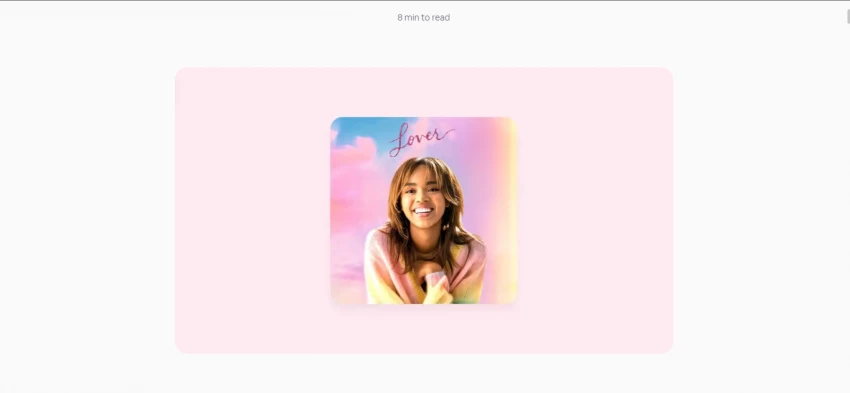
Picofme.io fits into this workflow in a specific and practical way. A streamer might take a strong photo of themselves in their setup lighting, the kind of shot that has good contrast and a clear face. They upload it, remove the background, and start experimenting. A bold outline in their brand colour. A dark background that echoes the mood of their gaming content. A neon-style border that signals energy and personality without looking like a template. The tool generates multiple variants quickly, which lets creators do something most design tools make tedious: visual A/B testing for their own profile photo.
Because picofme.io is browser-based and requires no login, it also suits the way creators actually work. They are not going to open Photoshop to test a new avatar idea at midnight. But they will open a browser tab, drop in a photo, and try four different styles before deciding which one to use for the next three months. The speed matters. The no-friction access matters.
“If your goal is a distinctive, on-brand 2D profile image with a custom colour scheme and a clean look, picofme.io gets you there faster than almost anything else at this price point, which is zero.”
There is a specific type of LinkedIn problem that picofme.io solves perfectly. The profile photo that was fine a couple of years ago but now feels stale, or the one where the person is cropped out of a group shot and the edge of someone else's shoulder is still visible, or the photo taken at a conference where the background is a distracting mess of banners and other people. None of these photos are terrible. They just do not communicate the level of professionalism the person actually has.
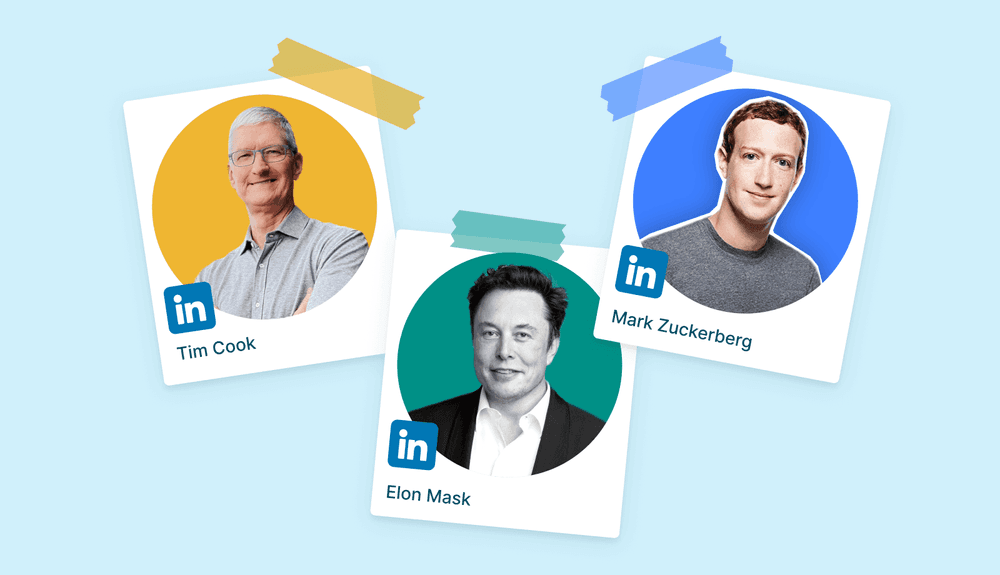
A job seeker or working professional who wants to fix that does not necessarily have the time or money to book a headshot session. They might have one decent photo on their phone taken in reasonable light. With picofme.io, they can take that photo, strip the chaotic background away, and replace it with a clean neutral grey or a soft gradient that reads as calm and professional. They can add a very subtle outline to make the image feel finished. The result still looks like them. It is still their actual face. It is just presented better.
This use case is genuinely one of the stronger arguments for the tool. A LinkedIn recruiter or hiring manager is going to look at dozens of profiles. A clean, well-framed profile photo does not guarantee a callback, but a bad one can absolutely create friction before a single line of the resume gets read. Picofme.io closes that gap without requiring any design skills or budget.
Practical example: A marketing manager returning to the job market after a career break has one good photo from a recent family event. The background is a garden party setup. She uploads it to picofme.io, removes the background, applies a soft slate-grey fill, and adds a thin white circular border. The result looks like a proper professional headshot. She updates her LinkedIn profile within the hour.
It is worth noting that for people in highly formal industries, like finance, law, or executive leadership, picofme.io is a solid stopgap but probably not the final word. If you are applying for a C-suite role or a senior position at a major firm, a proper photographer is still worth the investment. Picofme.io will improve your photo, but it cannot manufacture studio lighting or perfect composition from a phone snap. For most professionals, though, it is more than adequate, and the improvement it delivers is real and immediate.
Early-stage startups and small businesses have a recurring problem. The team is small, the budget is tight, and everyone has a different profile photo style across Slack, LinkedIn, the company website, and whatever tools the team uses daily. One person has a casual selfie, another has a formal black-and-white shot, another has nothing at all. It looks disorganised, and for a company trying to project credibility to potential clients or investors, that inconsistency matters.
Picofme.io offers a straightforward fix. If the whole team uploads photos and uses the same background colour, the same style of outline, and the same filter, the results are visually cohesive without anyone needing to hire a photographer or a brand designer. A founder can spend an afternoon collecting decent photos from their team members, run each one through picofme.io with the same settings, and end up with a matched set of professional-looking avatars for the company Notion page, the team section of the website, and everyone's Slack profiles.
It is not a replacement for a proper brand photography session when the company can afford one. But for a ten-person team that launched six months ago and needs to look credible on a landing page today, picofme.io bridges that gap in a genuinely practical way. The results are consistent, and consistency is most of what matters at that stage.
The gaming and Discord community has its own visual culture, and profile pictures are a big part of it. Avatars on Discord, Steam, and gaming forums tend to be bold, high-contrast, and personality-forward. A lot of gamers want something that stands out at the tiny sizes these platforms display avatars, and they want it to feel custom without spending money on an artist commission or hours in a design tool they do not know how to use.
Picofme.io works well here because its filters and outline options lean naturally toward the kind of aesthetic that gaming communities tend to favour. A photo with a strong outline in a vivid colour, a dark background, and a high-contrast filter can look genuinely striking at small sizes. Gamers often use their own face or a photo of something meaningful to them, and picofme.io lets them apply a styled layer on top of that to make it feel less like a plain photo and more like a designed avatar.
The no-login and instant-access model suits this audience particularly well. Gamers are comfortable with browser-based tools, and the idea of spending thirty seconds on a profile upgrade rather than fifteen minutes registering for yet another service fits how they want to spend their time.
Practical example: A competitive FPS player wants a new Discord avatar that reflects his handle's colour scheme, which is black and electric blue. He uploads a decent photo, removes the background, switches to a near-black background, adds a thick electric-blue circular outline, applies a high-contrast filter, and downloads the result. It looks exactly like the kind of avatar his server would expect from someone who takes their setup seriously.
One of the more underrated uses of picofme.io is the profile frame. During major sporting events, elections, cultural moments, or cause-driven campaigns, you will always see a wave of people adding a frame or overlay to their profile picture to signal support. A country's flag colours around a profile photo before a World Cup match. A charity campaign ribbon. A film or game release frame. An event badge for a conference or a festival.
Picofme.io's border, outline, and overlay tools make this kind of thing fast and personal. Rather than using a generic web-based filter someone else designed, a user can create something that actually fits their specific photo, with the right colours and proportions. A football fan wants their photo circled in their national team's colours the morning of a big match. A conference organiser wants every speaker to have the same event frame on their LinkedIn for the week of the event. A fan of a film franchise wants something that nods to the aesthetic of the series without looking like a lazy screenshot.
These are not complex design needs, but they are real ones. The fact that picofme.io handles them in a couple of minutes, with no registration barrier, means it actually gets used. The tools that require you to sign up and go through an onboarding flow before you can add a coloured border to a photo lose most of that audience before they get started.
It is only fair to be direct about this. Picofme.io is a focused tool, and that focus means there are real scenarios where it is not going to be what someone needs. If you are looking for a 3D avatar, something animated, or a fully rendered digital character, picofme.io cannot help you. It works in two dimensions with real photos, and that boundary is firm. Tools like Ready Player Me or AI avatar generators that build from scratch are the right option in that case.
Similarly, if you need to manage a full brand kit, apply consistent logo placements, produce assets at multiple sizes and formats simultaneously, or integrate profile picture creation into a broader design workflow, picofme.io is going to feel limiting. It is a single-task browser tool, not a design platform. Canva, Figma, or a dedicated brand asset tool will serve those needs better, even though they require more time investment and often a subscription.
And if your photo itself is fundamentally poor because the lighting is bad, the framing is off, or the image is blurry and low-resolution, a background removal tool is only going to strip away the environment. It cannot fix the underlying photo. For anyone who needs a genuinely high-quality headshot, a session with a photographer or an AI headshot generator that synthesises a new image from multiple inputs will produce a better result. Picofme.io enhances and styles a photo; it does not reconstruct one.
The honest version is this: picofme.io is the right tool for somewhere between a lot of people and most people who are looking for a better profile photo. It is not the right tool for everyone. Knowing which category you fall into takes about ninety seconds of thinking about what you actually need.
There is a tendency in the software industry to measure tools by how much they can do. More features, more options, more integrations. Picofme.io deliberately goes the other direction. It does one thing very well and keeps everything else out of the way. No onboarding. No tutorials required. No settings to configure before you can begin. You land on the page, upload a photo, and the tool gets to work immediately.
For most people who need a better profile picture, that is the right trade-off. They are not looking for a design education. They are looking for a result. Picofme.io delivers that result in a time frame that respects how busy people actually are, at a price point that removes every financial excuse for not updating a profile photo that has been on a to-do list for months.
The people who use it and love it are not using it because it is the most powerful tool available. They are using it because it is the most useful tool for their specific situation. That is a distinction worth making. Power and usefulness are not the same thing, and for the job of turning a normal photo into a clean, visually attractive, platform-ready profile picture, picofme.io is one of the most useful options on the market.
"Useful at the right moment is worth more than powerful at the wrong price. Picofme.io nails the former every single time."
If your profile photo is holding you back, costing you a first impression, or just quietly embarrassing you every time someone checks your page, picofme.io is worth three minutes of your time. The free part is nice. The no-login part is nicer. But the best part is that it actually works.
Share your thoughts about this article.
Be the first to post a comment!
Meta’s artificial intelligence business may be accelerating, but the company is...
Suraj Malik5 months ago

QUICK ANSWER - Why AI Chatbots Break After 10 MessagesMost AI chatbots brea...
Suraj Malik5 months ago
Abhyas AI vs. Gauth AI: which is better?Abhyas AI is better for Indian students...
Suraj Malik5 months ago
Civitai vs. Midjourney: which is better?Midjourney is better for beginners and f...
Suraj Malik5 months ago
If you have spent even an hour searching for an online study tool in 2026, you h...
Suraj Malik5 months ago
Cohere’s decision to merge with Germany-based Aleph Alpha is not just another AI...
Suraj Malik5 months ago