Cutout.Pro is useful when you want one place for quick AI photo and video edits. It offers background removal, image restoration, object removal, video background removal, and visual content tools in a browser-based workflow. Its own site positions it as an all-in-one AI photo and video editing platform, and its video tool is designed to remove backgrounds without a green screen from formats like MP4, MOV, WebM, and GIF.
But after comparing its use cases, I would not say Cutout.Pro is always the best choice. It depends on the job. If I only need a clean PNG cutout, Remove.bg may feel simpler. If I am preparing product photos for an online store, Photoroom feels more focused. If the final output is a social media post, Canva makes more sense. If the edit needs real manual control, Photoshop is still stronger.
This guide compares the best Cutout.Pro alternatives by actual use case, not random popularity.
Cutout.Pro is useful for quick edits, but it may not be enough when you need more control, better product-photo styling, or a complete design/video workflow. That is where Cutout.Pro alternatives become helpful.
| Tool | Best For | Better Than Cutout.Pro For | Main Weak Point |
| Remove.bg | Simple background removal | Fast one-click cutouts | Limited editing features |
| Photoroom | Product photos | E-commerce-ready visuals | Best tools may need paid plan |
| Canva Pro | Social designs | Templates, layouts, brand assets | Not a dedicated cutout tool |
| Adobe Photoshop | Professional editing | Manual control and edge refinement | Learning curve |
| Pixelcut | Mobile creators and sellers | Quick product/social edits | Less advanced than Photoshop |
| Fotor | Casual AI photo editing | Easy enhancement and cleanup | Output quality can vary |
| Kapwing | Video editing | Full creator video workflow | Not mainly image-focused |
| Adobe Express | Free quick background removal | Simple design + cutout workflow | Less advanced than Photoshop |
| Slazzer | Bulk background removal | Simple automated cutouts | Narrower toolset |
| Picsart | Creative social edits | Filters, design, casual editing | Less professional control |
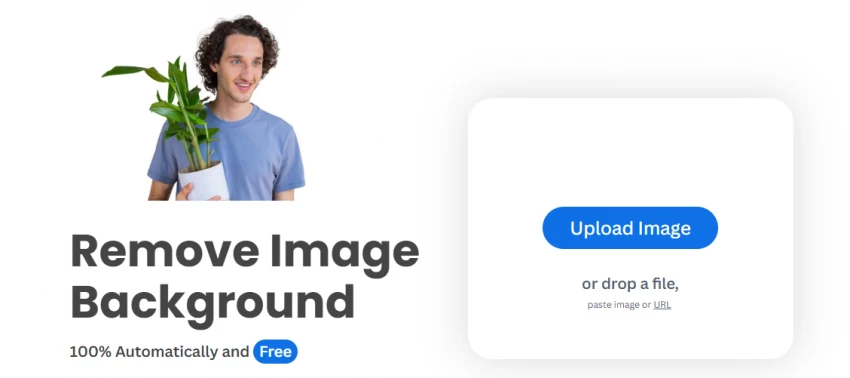
Remove.bg is one of the closest Cutout.Pro alternatives if your main task is background removal. It is focused, fast, and does not feel crowded with extra tools. Its pricing page shows both pay-as-you-go and subscription-style options, so it is also suitable for people who need repeat background removal rather than occasional testing.
Where it feels better than Cutout.Pro is simplicity. Upload an image, remove the background, download the result. That is the whole workflow.
Where Cutout.Pro may still win is tool variety. Cutout.Pro includes more AI photo/video tools, while Remove.bg is mainly useful when background removal is the core job.
| Area | Rating | Notes |
| Ease of use | 9/10 | Very simple workflow |
| Background removal | 9/10 | Strong for clear subjects |
| Product cutouts | 8/10 | Useful for basic product images |
| Extra editing tools | 5/10 | Limited compared with Cutout.Pro |
| Best fit | — | People who only need cutouts |
Verdict: Choose Remove.bg when you only need background removal and do not want a full AI editing dashboard.

Photoroom is a stronger Cutout.Pro alternative for e-commerce, marketplace images, reseller photos, and product creatives. Its official site describes it as an AI product image generator, background remover, and visual editor built for e-commerce workflows. It also includes tools such as AI product staging and product photo enhancement.
This is the tool I would test first if the goal is to create cleaner product images for Amazon-style listings, Instagram shops, clothing resale, small catalogs, or ads.
Cutout.Pro can remove product backgrounds, but Photoroom feels more focused on the product-photo journey: background, layout, styling, and seller-ready presentation.
| Product Photo Need | Photoroom Fit | Reason |
| White background images | Strong | Good for marketplace-style photos |
| Product lifestyle scenes | Strong | AI background tools help |
| Social product creatives | Strong | Better visual presentation workflow |
| Batch product cleanup | Good | Useful for sellers |
| Video background removal | Average | Not the main reason to choose it |
Verdict: Choose Photoroom if your main goal is product-photo editing, not just background removal.
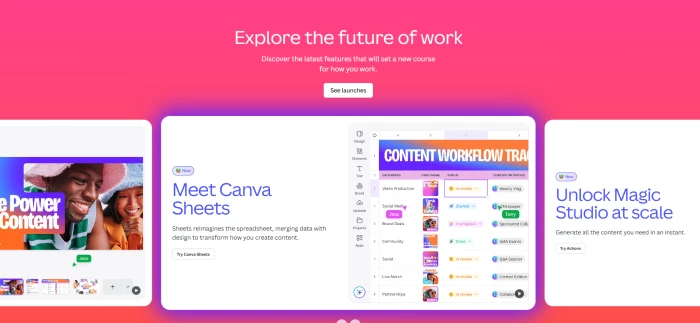
Canva is not only a background remover. It is better when you want to remove a background and then build something around it: a thumbnail, banner, Instagram post, ad creative, presentation, poster, or carousel.
Canva’s background remover is positioned as a one-click feature that helps remove the subject background and place the image into designs. Canva’s pricing page also lists photo and video background remover features, including background removal at scale in paid plans.
This makes Canva a better choice when the final output is a designed asset, not just a transparent PNG.
| Use Case | Canva Fit | Reason |
| Instagram posts | Excellent | Templates and layouts |
| YouTube thumbnails | Excellent | Text, graphics, effects |
| Brand creatives | Strong | Brand kit and assets |
| Transparent PNG cutouts | Good | Background remover included |
| Bulk/API cutouts | Weak | Not its main use case |
Verdict: Choose Canva Pro when background removal is only one step inside a larger design workflow.

Photoshop is not the fastest Cutout.Pro alternative, but it is the most serious one for detailed editing. Adobe’s own Photoshop guide shows that users can remove backgrounds through Quick Actions and then refine the remaining areas with tools like the Brush tool.
This matters when AI cutouts are not clean enough. Hair, glass, jewelry, shadows, transparent objects, and complex product edges usually need more control than a one-click tool can offer.
Cutout.Pro is faster. Photoshop is more precise.
| Editing Need | Photoshop Advantage |
| Hair edges | Better manual refinement |
| Glass or transparent objects | More control |
| Product retouching | Professional tools |
| Shadows | Layer-based correction |
| Commercial visuals | More reliable final editing |
| Composite images | Advanced masking and blending |
Verdict: Choose Photoshop when quality matters more than speed.
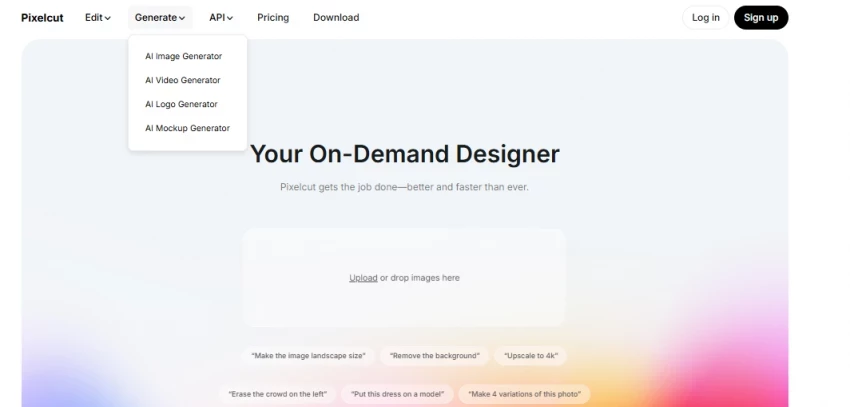
Pixelcut is a good alternative if you mostly edit from your phone and need fast product photos, social visuals, or creator-style edits. Its official background remover page mentions product photos and video clips, while its app listing describes tools such as background remover, magic eraser, upscaling, and AI photo/video editing.
It is not as deep as Photoshop and not as broad as a full editing suite, but it is practical for people who want quick results without a desktop workflow.
| Area | Pixelcut Fit |
| Mobile editing | Strong |
| Product photos | Good |
| Social visuals | Good |
| Object cleanup | Good |
| Advanced manual editing | Limited |
| Professional retouching | Limited |
Verdict: Choose Pixelcut if you create product or social visuals mostly from mobile.
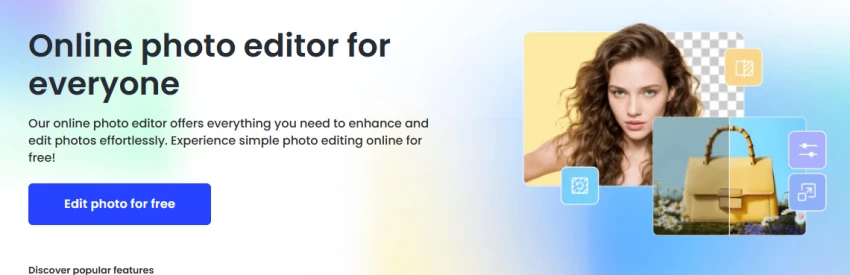
Fotor is a simple Cutout.Pro alternative for people who want quick AI photo editing, background removal, object removal, enhancement, and light design features. Its background remover page claims one-click background removal with transparent backgrounds, free HD download, no watermark, and no sign-up, while its main editor also highlights AI object removal.
Fotor is not the tool I would pick for complex product catalogs or serious commercial retouching, but it works well for casual users who want quick edits without a heavy learning curve.
| Use Case | Fotor Fit |
| Quick background removal | Good |
| Casual photo cleanup | Good |
| Object removal | Good |
| AI enhancement | Good |
| Product catalog workflow | Average |
| Professional editing | Limited |
Verdict: Choose Fotor if you need an easy all-round AI photo editor for casual or semi-professional visuals.
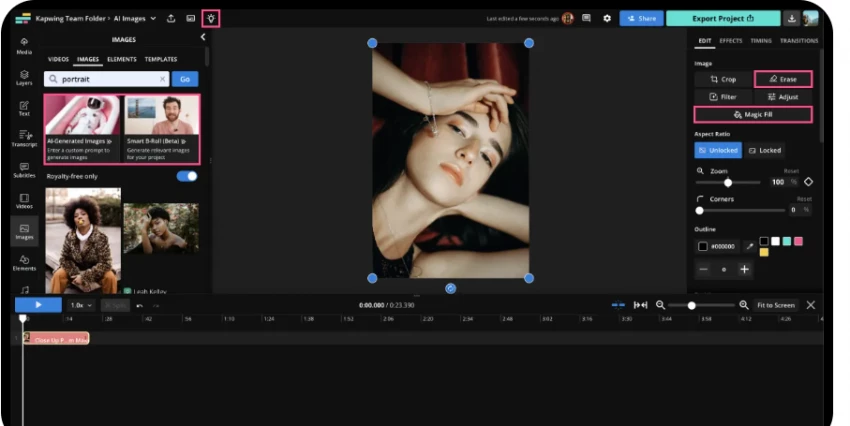
Kapwing is a better Cutout.Pro alternative when the main project is video. Its video background remover supports removing backgrounds and replacing them with a solid color, image, or another video. It also supports formats like MP4, MOV, and WebM.
The advantage is that Kapwing is not just about removing a video background. It also fits creator workflows like trimming, resizing, captions, social edits, audio cleanup, and full video production. Its site highlights AI video editing, clip generation, translation, subtitles, and background noise removal.
Cutout.Pro is useful for video cutouts, but Kapwing makes more sense when the whole video needs editing.
| Video Need | Kapwing Fit |
| Background removal | Strong |
| Captions/subtitles | Strong |
| Social video resizing | Strong |
| Reels/Shorts/TikTok workflow | Strong |
| Image background removal | Good |
| Product photo editing | Average |
Verdict: Choose Kapwing when video editing matters more than image cutouts.
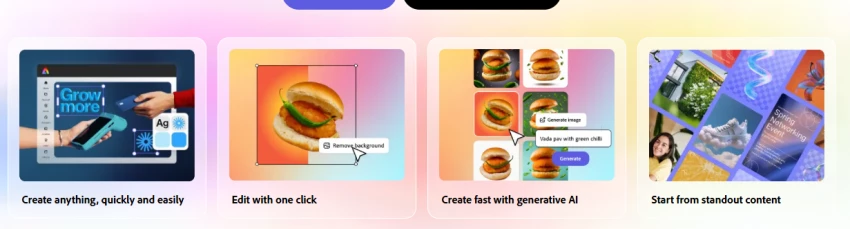
Adobe Express is useful if you want a quick background remover with lightweight design tools. Adobe describes its Express background remover as a tool that removes image backgrounds in seconds and is free to use on desktop and mobile.
It is not as advanced as Photoshop, and it is not as product-focused as Photoroom, but it is a good middle option for simple graphics, social posts, profile images, and casual content.
| Use Case | Adobe Express Fit |
| Quick cutouts | Good |
| Simple social graphics | Good |
| Beginner editing | Good |
| Advanced masking | Limited |
| Product catalog workflow | Average |
Verdict: Choose Adobe Express if you want a simple background remover with easy design options.
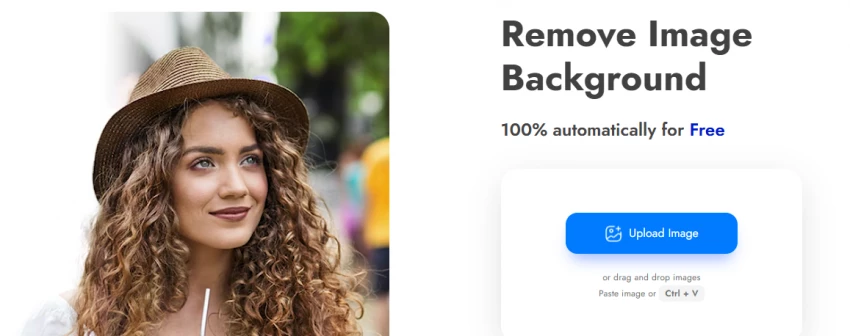
Slazzer is another background-focused Cutout.Pro alternative. Its site positions it as an automatic online background remover that detects the subject and gives a smooth cutout.
It is useful if you want something simple and cutout-focused, especially when you are comparing multiple background removers for edge quality. However, it does not replace Cutout.Pro’s broader set of AI image and video tools.
| Area | Slazzer Fit |
| Automatic cutouts | Good |
| Product backgrounds | Good |
| Simple workflow | Strong |
| Video editing | Weak |
| Creative design tools | Limited |
Verdict: Choose Slazzer if you need another direct background remover to compare against Remove.bg and Cutout.Pro.
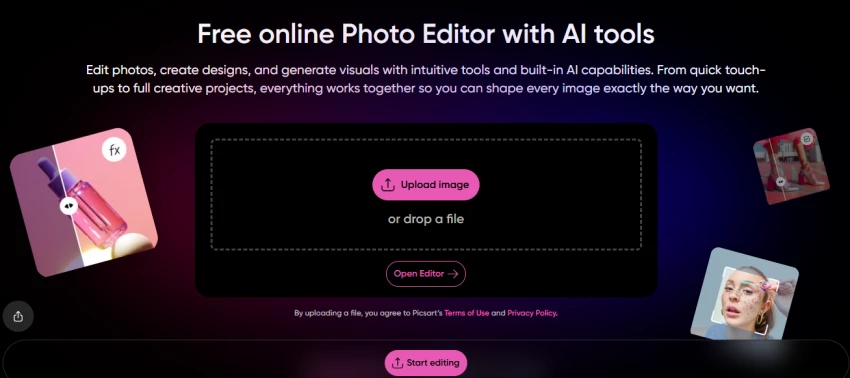
Picsart is better for creative edits, social visuals, filters, stickers, overlays, and casual design work. Its background remover page says it removes image backgrounds with AI and notes that more than 700 million backgrounds have been removed through the tool.
This is not the best option for professional masking or serious product-photo workflows, but it is useful when the goal is a more playful or social-media-friendly visual.
| Use Case | Picsart Fit |
| Creative edits | Strong |
| Social content | Strong |
| Background removal | Good |
| Product photos | Average |
| Professional retouching | Limited |
Verdict: Choose Picsart when you want creative edits, not just clean cutouts.
| If You Need | Choose This Tool | Why |
| Fast background removal only | Remove.bg | Simple and focused |
| Product photos for selling online | Photoroom | Built around e-commerce visuals |
| Social media designs | Canva Pro | Templates + background remover |
| Professional manual editing | Photoshop | Best control |
| Mobile product edits | Pixelcut | Fast phone-first workflow |
| Casual AI photo editing | Fotor | Easy all-round editor |
| Full video editing | Kapwing | Better creator video workflow |
| Simple free design cutouts | Adobe Express | Easy and beginner-friendly |
| Another automated cutout tool | Slazzer | Focused background remover |
| Creative social edits | Picsart | More playful design features |
| Mixed image/video/API work | Cutout.Pro | Broader AI editing toolkit |
Cutout.Pro is not a bad tool. It still makes sense when you want several AI editing features in one place. Its background remover page highlights use cases like product images, photography workflow, social media content, and even real estate marketing. Its video background remover is also useful if you want to remove a video background without a green screen.
Cutout.Pro is still worth considering if you need:
But if your need is very specific, one of the alternatives above may give a cleaner workflow.
The best Cutout.Pro alternative depends on the editing job.
Cutout.Pro still makes sense if you want one platform for image cutouts, video background removal, enhancement, object removal, and API workflows. But do not choose it just because it has many tools. Choose the tool that gives the cleanest result for your actual images.
Share your thoughts about this article.
Be the first to post a comment!

The same tool can be a 4.7 on one site and a 3.9 on another. Here is what is rea...
Nitin1 month ago

Here is the number worth pinning above your budget: in Gartner Digital Markets r...
Deepak Mehra1 month ago

What Artlist AI is in 2026Artlist began as a royalty-free music library. By 2026...
Deepak Mehra2 months ago

Most AI tool failures do not announce themselves. There is no crash, no angry em...
Nitin2 months ago

The best AI image generator in 2026 is Nano Banana 2 for speed, FLUX.2 for photo...
Parveen Verma2 months ago

“Useful” is a slippery word for a coding assistant. A tool can be brilliant at o...
Sakshi Dhingra2 months ago