
I didn’t start using AIEASE because I was hunting for a “powerful AI editor.”
I used it because I needed fast edits, repeatedly, and I didn’t want to open heavy software every time I needed to clean an image, resize something, or prep visuals for content.
Over time, I ended up testing almost every feature AIEASE offers, not once, but across different images, use cases, and workloads. Some things impressed me. Some things felt limited. A few things worked only in very specific conditions.
This is not a feature list. This is what using AIEASE day after day actually feels like.
The first thing I noticed was how quickly I could start. No installation. No setup. Just upload and go.
That said, the interface throws a lot at you:
It’s all there at once. At first, it feels a bit crowded. After a few sessions, though, the layout starts to make sense — everything is built around templates, not tools in the traditional sense.
This immediately sets expectations:
AIEASE is not asking you to “edit.”
It’s asking you to choose outcomes.
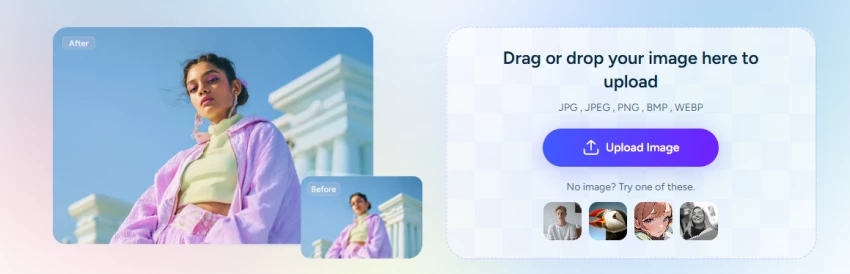
I tested the image enhancer and upscaler on:
What worked:
Where it fell short:
For social media and casual use, it’s fine.
For print or detail-sensitive work, I wouldn’t rely on it alone.
My take:
Good for speed. Not for precision restoration.
The retouching tools do exactly what they promise — but always in the same way.
Skin smoothing, blemish removal, and wrinkle reduction:
This is great if you want:
It’s not great if you want:
I found myself liking the results at first glance, then noticing they all started to look… similar.
My take:
Efficient, but a little too standardized.
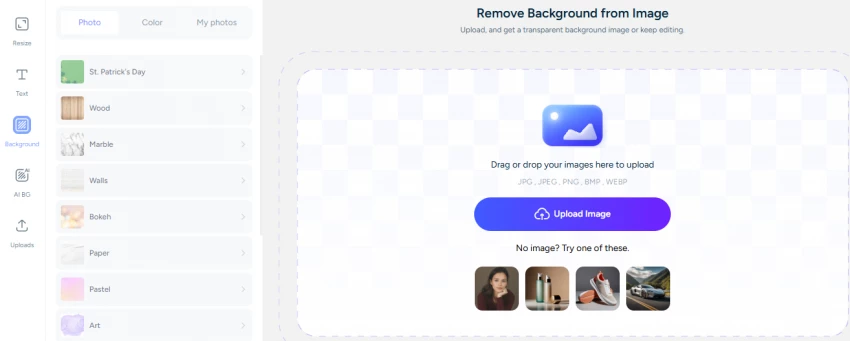
This is where AIEASE genuinely saved me time.
On simple backgrounds:
The background remover worked very well.
Problems showed up when:
Watermark and object removal worked best when the surrounding area was predictable. It struggled with textured or patterned fills.
Still, for 80% of common use cases, it did the job faster than manual editing.
My take:
Practical and dependable — with realistic limits.
I tested the AI headshot generator with multiple photos and styles.
Results:
But:
It’s fine for LinkedIn-style images or placeholder visuals.
I wouldn’t use it for anything that needs strong personality.
My take:
Convenient, not character-driven.

The image extender impressed me initially. At a glance, the generated areas blended well.
When I zoomed in:
Recoloring worked better for:
It struggled with:
My take:
Good for layout fixes, not detailed design work.
The video tools felt more like effects than editing.
I tried:
They’re fast, and they look fine for:
But:
This is not video editing — it’s animation presets.
My take:
Entertaining, limited, clearly not professional video tooling.
This is where AIEASE consistently delivered.
Simple tasks:
Batch processing (paid):
My take:
Speed is the platform’s biggest strength.

I tested both.
Free:
Paid:
Important point:
The AI doesn’t suddenly become smarter when you pay.
You just get more room to use it.
My take:
Paying makes it usable at scale, not magically better.
One thing I noticed after heavy use:
AIEASE outputs are very consistent.
That’s good for:
It’s limiting for:
You’re trading control for predictability — knowingly or not.
Like most browser-based tools:
I didn’t see red flags, but I also wouldn’t upload:
My take:
Normal cloud-tool caution applies.
Speed: 4.5 / 5
Ease of use: 4.5 / 5
Output quality: 3.8 / 5
Creative control: 2.5 / 5
Value (for automation): 4 / 5
AIEASE didn’t replace my editing tools.
It replaced my patience for repetitive tasks.
When I needed speed, consistency, and “good enough” results, it earned its place.
When I needed precision or creative freedom, I went elsewhere.
If you treat AIEASE as a time-saving assistant, it works exactly as expected.
If you expect it to be a creative studio, you’ll hit its limits fast.
That balance defines the tool, and using it with that mindset makes all the difference.
Share your thoughts about this article.
Be the first to post a comment!

AutoDraft AI looks appealing on the surface. It promises consistent cartoon char...
Muskan Kansay3 months ago
Are you tired of spending hours creating invoices for your clients? I was,...
Sakshi Dhingra4 months ago
How I approached this review: I researched Wegic AI through its public site, pri...
Sakshi Dhingra4 months ago
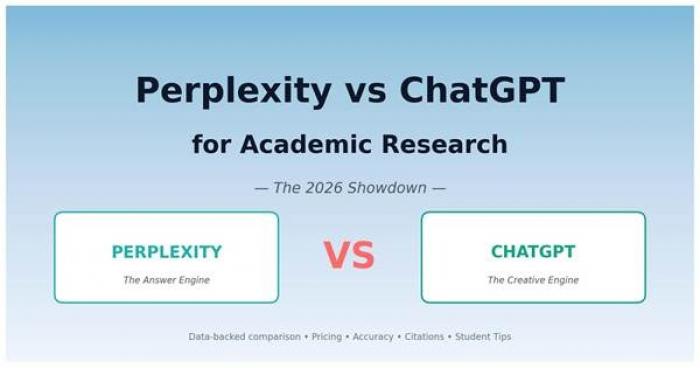
A 56% Wake-Up Call for Every StudentTL;DR — Perplexity wins for fact-finding, ci...
Sakshi Dhingra5 months ago
There's a moment every editor knows. You're three hours into a 78,000-word manus...
Sakshi Dhingra5 months ago
This Didn’t Feel Like a Tool. It Felt Like a System Trying to Build for Me.Most...
Sakshi Dhingra5 months ago