
AI image tools have become part of everyday creative work. Bloggers use them for featured images, marketers use them for campaign ideas, designers use them for moodboards, and creators use them for social media visuals.
But the best AI image generator is not always the one that creates the most beautiful picture. A good tool should also be easy to control, clear about pricing, safe enough for general use, and reliable when you need images for public or commercial work.
That is why this guide focuses on AI image tools that balance quality with responsible use. I compared tools like Midjourney, Leonardo AI, Stable Diffusion, Adobe Firefly, Ideogram, Fotor, and NightCafe based on image quality, prompt control, editing features, pricing, safety rules, commercial usability, and beginner-friendliness.
If I had to keep this simple, Midjourney is the strongest choice for pure image quality. Leonardo AI is the most balanced option for everyday creators. Adobe Firefly is the safest pick for commercial and client work. Ideogram is best when you need readable text inside images. Stable Diffusion is best for advanced users who want deep control. Fotor is the easiest for beginners, while NightCafe is good for casual style experiments.
| Tool | Best For | Rating |
| Midjourney | Best overall image quality | 4.7/5 |
| Leonardo AI | Best all-round AI image tool | 4.6/5 |
| Adobe Firefly | Best for commercial-safe visuals | 4.5/5 |
| Stable Diffusion | Best for advanced control | 4.4/5 |
| Ideogram | Best for text inside images | 4.3/5 |
| Fotor | Best for beginners | 4.1/5 |
| NightCafe | Best for experimenting with styles | 4.0/5 |
The ratings are based on practical use, not just hype. I looked at how well each tool follows prompts, how polished the images look, how much control it gives the user, how easy it is to use, whether the pricing is clear, and whether the platform feels suitable for safe general use.
| Rating Factor | What I Checked |
| Image quality | Detail, lighting, realism, style, and overall polish |
| Prompt accuracy | Whether the tool followed the actual prompt |
| Ease of use | How simple it feels for a beginner |
| Editing control | Whether users can fix or refine outputs |
| Style range | Realistic, anime, fantasy, editorial, product, and social visuals |
| Pricing clarity | Whether plans, credits, and limits are easy to understand |
| Safety and licensing | Whether the tool has clear rules and commercial-use guidance |
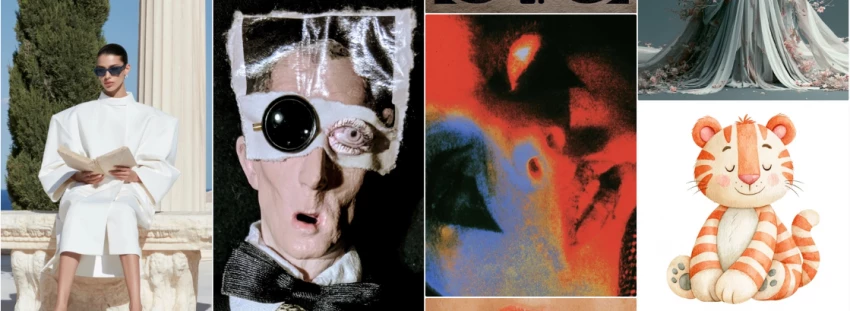
Midjourney is the tool I would choose when the final image needs to look premium. Its biggest strength is visual quality. The images often feel cinematic, detailed, and polished without needing too much technical setup.
It works especially well for editorial images, fantasy concepts, character portraits, moodboards, and creative campaigns. The downside is that it is not always the easiest tool when you need exact control over tiny details. It may create a beautiful image, but not always the exact layout you imagined.
| Category | Details |
| Best for | Premium creative images, editorial visuals, concept art |
| Rating | 4.7/5 |
| Image quality | Excellent |
| Ease of use | Moderate |
| Prompt control | Good, but not perfect |
| Best strength | Beautiful results with strong lighting and atmosphere |
| Main weakness | Less precise control than advanced tools |
| Best user | Creators who care most about image quality |
Midjourney is not the most flexible tool, but it is one of the most impressive. If your priority is a beautiful image for a blog, thumbnail, campaign idea, or creative visual, this is one of the first tools I would test.
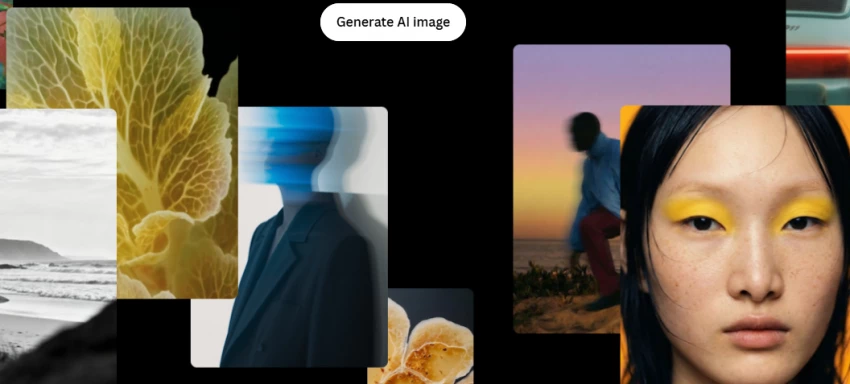
Leonardo AI feels like one of the most practical choices for regular creators. It offers strong image quality, useful models, character-focused features, and a more flexible workflow than many beginner tools.
It is especially useful for people creating character art, game-style visuals, concept images, social media graphics, and repeatable styles. It also feels more approachable than Stable Diffusion, while still giving more control than basic generators.
| Category | Details |
| Best for | Character art, game assets, concept visuals, everyday image creation |
| Rating | 4.6/5 |
| Image quality | Very good |
| Ease of use | Good |
| Prompt control | Strong |
| Best strength | Versatility and useful creative controls |
| Main weakness | Credits can run out quickly |
| Best user | Creators who want quality plus flexibility |
Leonardo AI is probably the safest recommendation for most users because it balances quality, usability, and control. It may not always beat Midjourney in pure beauty, but it is more practical for everyday use.
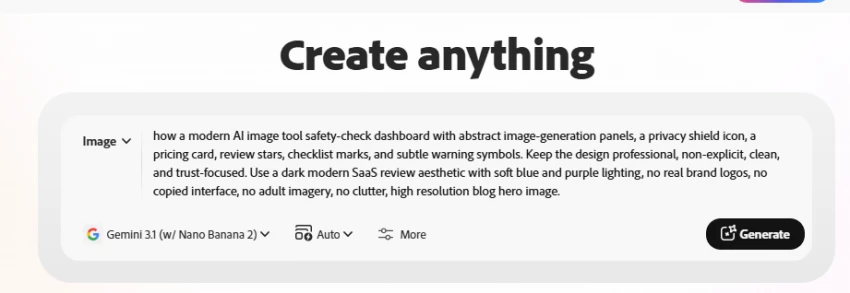
Adobe Firefly is the tool I would trust most for commercial-style work. Its biggest advantage is not only image generation but also its position inside the Adobe ecosystem. If you already use Photoshop or Adobe tools, Firefly feels like a natural extension.
The results can be clean and useful, especially for edits, generative fill, marketing concepts, and brand-safe visuals. It may not always create the most artistic images compared with Midjourney, but it has a strong advantage when licensing and commercial safety matter.
| Category | Details |
| Best for | Commercial visuals, client work, Photoshop editing |
| Rating | 4.5/5 |
| Image quality | Good to very good |
| Ease of use | Good |
| Prompt control | Moderate |
| Best strength | Commercial-friendly positioning and Adobe integration |
| Main weakness | Output quality can vary |
| Best user | Marketers, designers, agencies, and brand teams |
Adobe Firefly is not always the flashiest AI image generator, but it is one of the most sensible choices for professional work. When licensing and safer usage matter, it deserves a top spot.

Stable Diffusion is the best option for people who want serious control. It can be used through hosted platforms or installed locally, and advanced users can customize models, prompts, styles, inpainting, structure, and workflows.
The trade-off is that it takes more effort. Beginners may find it confusing at first, especially if they choose the local setup route. But once you understand it, Stable Diffusion gives you more control than most closed AI image tools.
| Category | Details |
| Best for | Advanced image control and custom workflows |
| Rating | 4.4/5 |
| Image quality | Very good, depending on model |
| Ease of use | Moderate to difficult |
| Prompt control | Excellent |
| Best strength | Deep customization and control |
| Main weakness | Learning curve |
| Best user | Advanced creators, designers, and technical users |
Stable Diffusion is powerful, but it is not the easiest recommendation for beginners. I would suggest it to users who want control more than convenience.
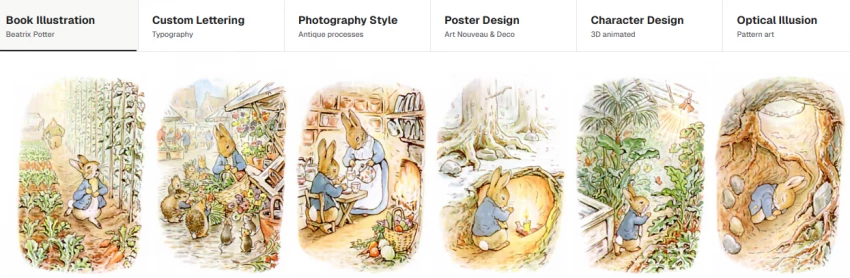
Ideogram stands out because it handles text inside images better than many other AI image tools. This makes it useful for posters, quote graphics, logos, thumbnails, social media designs, and blog visuals where readable text matters.
It is also good at following prompts. The image style may not always feel as premium or cinematic as Midjourney, but for text-based creative work, it has a clear advantage.
| Category | Details |
| Best for | Text inside images, posters, thumbnails, social graphics |
| Rating | 4.3/5 |
| Image quality | Good |
| Ease of use | Good |
| Prompt control | Very good |
| Best strength | Better text rendering |
| Main weakness | Less artistic depth than Midjourney |
| Best user | Social media creators, bloggers, and marketers |
Ideogram is a smart tool to keep in your workflow. I would not use it for every image, but whenever text accuracy matters, it becomes one of the best choices.
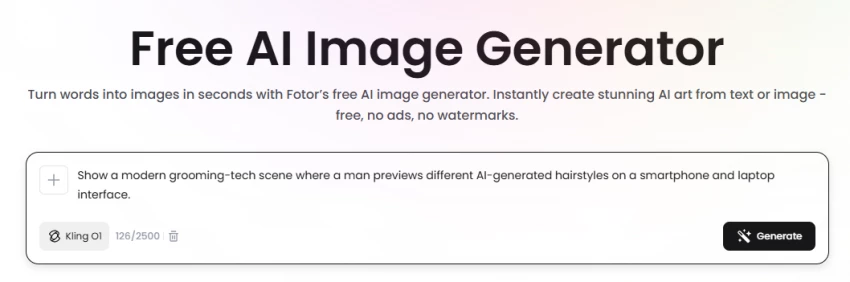
Fotor is a good starting point for beginners. It combines image generation with simple editing tools, so users do not need to learn a complex workflow before creating something useful.
It is best for quick social media visuals, simple blog images, light edits, and casual creative testing. It does not offer the same depth as Leonardo AI, Midjourney, or Stable Diffusion, but it is easy to understand.
| Category | Details |
| Best for | Beginners and quick image creation |
| Rating | 4.1/5 |
| Image quality | Good for basic use |
| Ease of use | Very good |
| Prompt control | Moderate |
| Best strength | Simple all-in-one workflow |
| Main weakness | Limited advanced control |
| Best user | Beginners, bloggers, and casual creators |
Fotor is not the most powerful tool on this list, but it is one of the easiest. For someone who wants quick results without learning a complicated system, it makes sense.
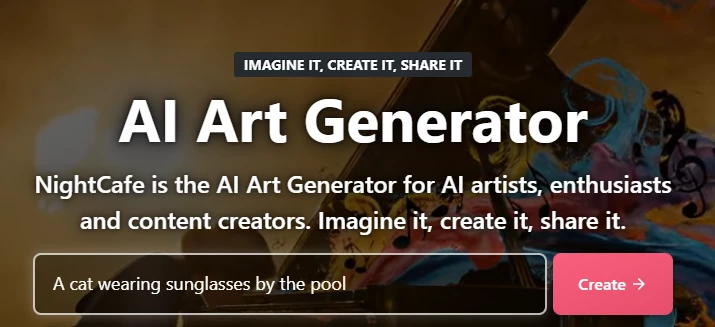
NightCafe is best for experimentation. It gives users access to different models and styles, and the community aspect makes it more fun for casual creators.
The quality depends heavily on the model and settings you choose. It is not the strongest tool for professional commercial work, but it is useful for hobby projects, style testing, and creative exploration.
| Category | Details |
| Best for | Style experiments and casual AI art |
| Rating | 4.0/5 |
| Image quality | Good, but variable |
| Ease of use | Good |
| Prompt control | Moderate |
| Best strength | Style variety and community |
| Main weakness | Credit limits and inconsistent quality |
| Best user | Hobby creators and beginners testing styles |
NightCafe is enjoyable for experimenting, but I would not make it my main tool for professional work. It is better as a creative playground.
| Tool | Best Use Case | Image Quality | Ease of Use | Prompt Control | Overall Rating |
| Midjourney | Premium visuals and concept art | Excellent | Moderate | Good | 4.7/5 |
| Leonardo AI | Everyday creative image generation | Very good | Good | Strong | 4.6/5 |
| Adobe Firefly | Commercial and client work | Good | Good | Moderate | 4.5/5 |
| Stable Diffusion | Advanced control | Very good | Difficult | Excellent | 4.4/5 |
| Ideogram | Text-based images | Good | Good | Very good | 4.3/5 |
| Fotor | Beginner-friendly creation | Good | Very good | Moderate | 4.1/5 |
| NightCafe | Style experiments | Good | Good | Moderate | 4.0/5 |
| Tool | Free Plan | Starting Paid Price | Pricing Model | Best Value For |
|---|---|---|---|---|
| Midjourney | No regular free plan | $10/month | Subscription with GPU time | Premium image quality |
| Leonardo AI | Yes | $12/month | Free daily tokens plus paid monthly tokens | Everyday creators and character work |
| Adobe Firefly | Limited free access | ₹797.68/month in India | Monthly plan with generative credits | Commercial and client-safe visuals |
| Stable Diffusion / Stability AI | 25 free API credits | $1 per 100 credits | Pay-as-you-go credits; local setup also possible | Advanced users and developers |
| Ideogram | Yes | $20/month | Free plan plus paid priority credits | Text inside images and prompt accuracy |
| Fotor | Yes | Verify before publishing | Freemium editing and AI features | Beginners and quick edits |
| NightCafe | Yes, credit-based | Verify before publishing | Free daily credits plus Pro plans or credit packs | Casual experiments and style testing |
Pricing note:
The pricing information above should be checked from official pricing pages on the date of review. AI tool prices, free limits, credits, discounts, and commercial-use terms can change, so readers should verify the latest details before paying.
AI image tools should be used carefully, especially when real people, personal photos, client work, or commercial publishing are involved. A tool may create impressive visuals, but users still need to check its privacy policy, content rules, and licensing terms.
For blog images, marketing graphics, social posts, and client work, mainstream tools with clear rules are usually the better choice. Avoid uploading private or sensitive photos unless you understand how the platform handles them. Also avoid creating images that imitate real people without permission or anything non-consensual, harmful, or illegal.
The safest workflow is simple: use a trusted tool, keep prompts clean, avoid sensitive personal images, check commercial rights, and edit the final image before publishing.
| User Type | Best Tool | Reason |
| Beginner | Fotor | Easiest to start with |
| Blogger | Midjourney or Ideogram | Strong featured image potential |
| Social media creator | Leonardo AI or Fotor | Flexible and quick |
| Designer | Adobe Firefly or Stable Diffusion | Better editing and control |
| Commercial user | Adobe Firefly | Safer for professional workflows |
| Anime creator | Leonardo AI or NightCafe | Strong style variety |
| Advanced user | Stable Diffusion | Maximum control |
| Text-based graphic creator | Ideogram | Better text rendering |
| Budget user | Leonardo AI or Ideogram | Good starting options |
For most users, Leonardo AI is the best balanced AI image tool because it offers good quality, useful controls, and a practical workflow. Midjourney is the best choice when image beauty and polish matter most. Adobe Firefly is the strongest option for commercial and client-focused use. Stable Diffusion is best for advanced users who want deep control. Ideogram is the best choice for text inside images, while Fotor and NightCafe are better for beginners and casual experiments.
If you are creating blog images, social visuals, product concepts, or marketing graphics, you do not need the most complicated tool. You need the tool that gives you usable results safely and consistently. For that reason, my practical recommendation would be Leonardo AI for everyday use, Midjourney for premium visuals, and Adobe Firefly for commercial work.
Share your thoughts about this article.
Be the first to post a comment!

The same tool can be a 4.7 on one site and a 3.9 on another. Here is what is rea...
Nitin1 month ago

Here is the number worth pinning above your budget: in Gartner Digital Markets r...
Deepak Mehra1 month ago

What Artlist AI is in 2026Artlist began as a royalty-free music library. By 2026...
Deepak Mehra1 month ago

Most AI tool failures do not announce themselves. There is no crash, no angry em...
Nitin1 month ago

The best AI image generator in 2026 is Nano Banana 2 for speed, FLUX.2 for photo...
Parveen Verma1 month ago

“Useful” is a slippery word for a coding assistant. A tool can be brilliant at o...
Sakshi Dhingra1 month ago