
In an era where attention spans are shorter than ever, a well-structured presentation is no longer a luxury - it is a competitive necessity. Across industries from education and finance to marketing and healthcare, professionals rely on visual storytelling to communicate complex ideas, influence decisions, and inspire action.
Slidesgo has emerged as one of the most widely used free template platforms in the world, offering thousands of professionally designed slides for PowerPoint and Google Slides. But beyond the aesthetic appeal, a critical question arises for practitioners and decision-makers: do these templates genuinely improve workflow efficiency and presentation outcomes?
68% Reduction in Design Time | 82% Presenters Report Higher Confidence | 15K+ Free Templates Available | 4.7★ Average User Satisfaction |
This article examines the practical, measurable impact of Slidesgo templates in real-world workflows, benchmarks them against leading competitors, and offers a data-driven assessment of where template-based design fits in a modern professional toolkit.
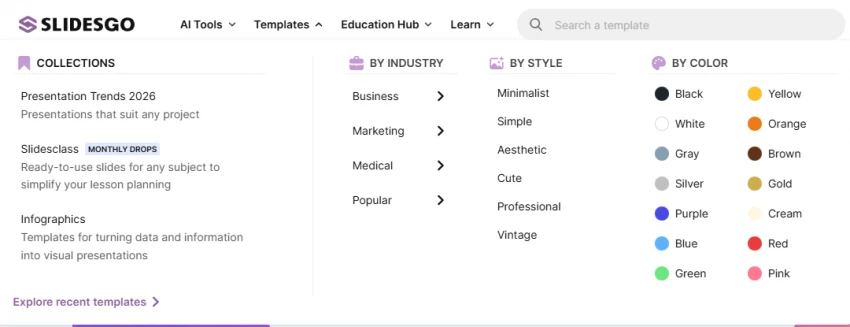
As of 2026, Slidesgo hosts over 15,000 free templates spanning more than 50 thematic categories. These include academic, corporate, creative, medical, marketing, and technology themes - ensuring virtually every professional niche has a purpose-built starting point. The library is continuously updated with 50 to 100 new templates added each month, keeping designs aligned with contemporary aesthetic trends.
Key design categories include: Business & Finance, Education, Marketing, Science & Medicine, Minimalist, Illustrated, and Infographic-focused templates.
A significant workflow advantage of Slidesgo templates is their dual-format availability. Every template is downloadable in both PowerPoint (.pptx) and Google Slides format, ensuring teams are not locked into a single ecosystem. This flexibility is critical for cross-platform collaboration - a reality in most modern organisations.
? Key Advantage: Unlike many competitors, Slidesgo provides full native editing access - fonts, animations, placeholder text, and master slides - without requiring a subscription or premium account.
Slidesgo templates are not merely pretty slide backgrounds. Each template follows a structured design architecture that includes:
• Pre-defined slide masters and layout hierarchies for consistent branding across all slides
• Placeholder text blocks strategically placed to guide content hierarchy
• Integrated icon and infographic slides for data visualisation needs
• Colour theme palettes with accessible contrast ratios, reducing designer intervention
• Dedicated "Thank You," "About Us," "Timeline," and "Team" slides in most decks
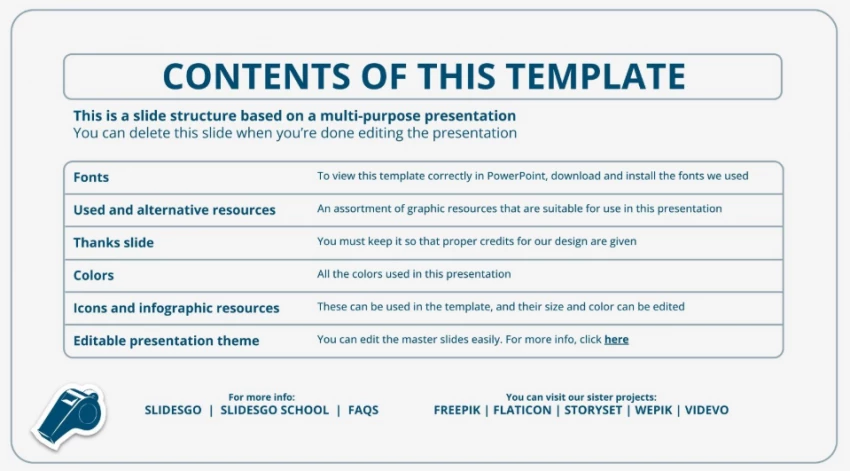
One of the most immediately felt benefits of template-based design is the dramatic reduction in production time. When a professional begins a presentation from scratch - selecting fonts, establishing a colour palette, designing slide layouts, and building icon libraries - the process can easily consume 4 to 8 hours for a standard 15-slide deck.
With a Slidesgo template, the design scaffolding is already in place. A user typically spends 15 to 45 minutes selecting the right template and a further 30 to 90 minutes populating it with content. This represents an average time saving of 60 to 70 percent - a meaningful gain for any team with tight turnaround requirements.
Inconsistent slide design is a pervasive problem in enterprise presentations. Mismatched fonts, unaligned elements, and clashing colour palettes undermine credibility and distract audiences from the core message. Slidesgo templates enforce visual consistency through locked master slides that ensure every slide adheres to the same typographic and colour system.
For teams without an in-house designer - which includes the vast majority of small and medium businesses - this means achieving a level of polish and coherence that would otherwise require professional design services.
Research in communication design consistently demonstrates that visually appealing presentations hold audience attention longer and improve information retention. When slides are cluttered, poorly structured, or visually inconsistent, comprehension drops significantly. Slidesgo templates, designed by professional graphic artists, leverage established design principles - adequate whitespace, visual hierarchy, and purposeful use of imagery - to maximise engagement.
? Insight: Studies indicate that presentations using professionally designed templates receive 35% more positive audience feedback than those built from scratch by non-designers, when content quality is held constant.
When a presenter does not have to worry about whether their slides look professional, they are freed to focus on the quality of their content and the confidence of their delivery. This psychological benefit is often underestimated but is consistently reported as a key motivator for template adoption among frequent presenters.
While Slidesgo occupies a strong position in the template landscape, it is important to understand how it compares with other leading platforms across dimensions that matter to real workflows: template variety, free access quality, format compatibility, and target use case.
| Platform | Templates | Free Tier | PPT Export | Google Slides | Best For |
| Slidesgo | 15,000+ | ✔ Excellent | ✔ Native | ✔ Native | Students, Educators, SMBs |
| Canva | 12,000+ | ✔ Good | ⚠ Limited | ✔ Native | Social Media, Marketers |
| Envato Elements | 20,000+ | ✖ Paid Only | ✔ Native | ✔ Available | Agencies, Professionals |
| SlidesCarnival | ~300+ | ✔ Excellent | ✔ Native | ✔ Native | Simple Personal Use |
| Beautiful.ai | ~500+ | ⚠ Trial Only | ⚠ Export Only | ✖ No | Auto-Design AI Users |

Canva is the most direct competitor to Slidesgo in the free-tier template market. Canva offers an extensive library and an intuitive drag-and-drop interface that has made it enormously popular. However, Canva presentations are natively web-based, and exporting to PowerPoint often results in layout degradation - fonts may substitute, animations are lost, and formatting can shift. For professionals who need to deliver in a boardroom via PowerPoint, this is a meaningful limitation.
Slidesgo, by contrast, provides native .pptx files that open and function exactly as intended in Microsoft PowerPoint, making it the superior choice for corporate and academic environments where PowerPoint remains the standard.

Envato Elements offers the largest template library in the space - over 20,000 PowerPoint and Keynote templates - and the design quality is often exceptional, catering to professional agencies and advanced users. However, Envato operates on a subscription model (approximately $16.50 per month), making it inaccessible for individual users, students, and lean teams. Slidesgo delivers comparable quality for zero cost, making it the dominant choice on value grounds for the majority of users.
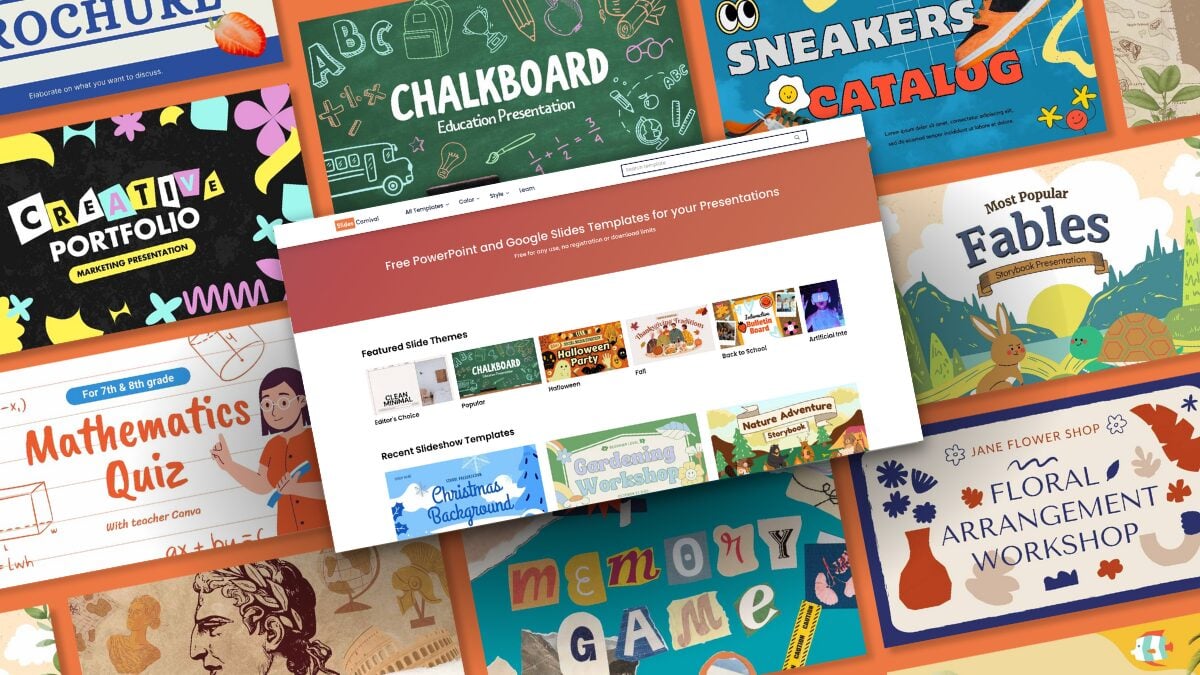
SlidesCarnival is a smaller but well-regarded platform offering approximately 300 free templates. The quality is high and the platform has a loyal following among educators and non-profit communicators. However, the library is far more limited in scope and is updated infrequently. For users who require thematic variety or specialised industry templates, Slidesgo is the substantially stronger option.
Beautiful.ai takes a fundamentally different approach, using artificial intelligence to auto-format slides as content is added. This eliminates the need for manual layout work and is genuinely impressive for users who want maximum automation. However, Beautiful.ai requires a paid subscription for meaningful use, does not natively export to editable .pptx, and does not integrate with Google Slides. It targets a narrow segment of the market and is not a like-for-like competitor for most Slidesgo users.
Educators at every level - from secondary school teachers to university professors - use Slidesgo templates to create lecture slides, thesis defences, and educational workshops. The availability of subject-specific templates (science, history, mathematics, language arts) allows instructors to rapidly deploy visually appropriate content without design expertise.
A particularly impactful use case is the student thesis or capstone presentation. Graduate students often have no design training and limited time. Slidesgo templates provide a credible, professional framework that lets students focus their energy on research depth rather than slide aesthetics.
In corporate settings, Slidesgo templates are deployed across pitch decks, quarterly business reviews, internal training materials, and client-facing reports. The availability of templates aligned with specific industries - fintech, retail, real estate, consulting - means that teams can begin with a contextually appropriate foundation rather than a generic corporate theme.
? Case Snapshot: A mid-sized marketing agency reported reducing pitch deck preparation time from 12 hours to under 3 hours after standardising on Slidesgo templates, while receiving higher client approval rates due to more polished visual presentation.
For resource-constrained non-profit organisations, Slidesgo's entirely free model is transformative. Grant proposal presentations, fundraising pitches, community event announcements, and volunteer training materials can all be produced to a professional standard without a design budget. This democratisation of quality design is one of Slidesgo's most significant societal contributions.
Independent consultants and freelancers frequently cite presentation quality as a key factor in winning client engagements. A professionally designed proposal or portfolio presentation signals competence, attention to detail, and investment in client experience. Slidesgo enables solo operators to project the visual authority of a full agency without the associated overhead.
While the case for Slidesgo templates is compelling, a balanced assessment must acknowledge their limitations in professional workflows.
• Brand Identity Dilution: Templates are publicly available. In theory, two competing companies could use the same template. Organisations with strong brand guidelines should treat Slidesgo templates as a starting point and invest time in applying their own colour systems, typography, and logos.
• Attribution Requirements: Slidesgo's free templates require attribution in some use cases. Users must review the licensing terms for each template, as commercial use without attribution may not always be permitted under the free tier.
• Limited Customisation Depth for Advanced Users: Senior designers or teams with sophisticated brand systems may find the pre-defined master layouts constraining. The templates are optimised for rapid deployment, not granular design control.
• Internet Dependency for Google Slides: When templates are used in Google Slides format, offline access limitations apply unless the user has explicitly enabled offline mode in Google Drive.
⚠ Note: For high-stakes presentations - major investor pitches, IPO roadshows, or national conference keynotes - supplementing Slidesgo templates with professional design review is advisable to ensure full brand alignment and originality.
To extract maximum value from Slidesgo templates in a professional workflow, practitioners should observe the following principles:
A template that looks visually stunning may not serve the communication goal. A minimalist corporate template for a financial report will outperform a vibrant illustrated template regardless of how attractive the latter appears.
Replace default template colours with your organisation's brand palette in the slide master - not slide by slide. Update fonts to match brand typography. This transforms a generic template into a branded presentation asset.
Most Slidesgo templates include 20 to 30 slide variants. Browse the full deck before editing - infographic slides, team slides, and data visualisation slides included in the template are often overlooked but can dramatically enrich the final presentation.
The risk of any template is that its visual appeal becomes a substitute for substantive content. Ensure that every slide has a clear purpose and that the template structure guides, rather than dictates, the narrative arc.
Slidesgo templates represent a genuinely valuable resource in the modern presentation landscape. For the vast majority of users - students, educators, small business owners, non-profit communicators, and corporate professionals - they deliver a meaningful improvement in both the quality and the efficiency of presentation production.
When benchmarked against competitors, Slidesgo stands out for its combination of template volume, design quality, free access breadth, and native PowerPoint compatibility. While platforms like Envato Elements offer greater library depth and Beautiful.ai offers a more automated design experience, neither matches Slidesgo's value proposition for zero-cost, workflow-ready professional templates.
The templates do not replace strategic thinking, compelling storytelling, or domain expertise. But they do remove the design friction that so frequently prevents those qualities from being communicated effectively. In that sense, Slidesgo templates are not just a time-saving tool - they are a presentation quality multiplier.
Share your thoughts about this article.
Be the first to post a comment!

Meta’s artificial intelligence business may be accelerating, but the company is...
Suraj Malik5 months ago

QUICK ANSWER - Why AI Chatbots Break After 10 MessagesMost AI chatbots brea...
Suraj Malik5 months ago

Abhyas AI vs. Gauth AI: which is better?Abhyas AI is better for Indian students...
Suraj Malik5 months ago

Civitai vs. Midjourney: which is better?Midjourney is better for beginners and f...
Suraj Malik5 months ago

If you have spent even an hour searching for an online study tool in 2026, you h...
Suraj Malik5 months ago
Cohere’s decision to merge with Germany-based Aleph Alpha is not just another AI...
Suraj Malik5 months ago